Virtual try-on, from a phone photo.
Upload the product as it is — on a hanger or laid flat on a bed or a sofa. Herofab dresses a studio model in it and is briefed to keep the fabric, the buttons and the print.
- 1
Upload the product
The front is required. Add the back if it carries a print, and a close-up for small details.
- 2
Choose the model and the frame
Pick a ready-made model, one you created, or a model photo you have permission to use. Set the size, the pose and the background.
- 3
Receive the image
Delivered in 2K, or 4K for one extra credit — sized for your marketplace if you choose one.
From the source photo to the result.
Made with this tool from the photo beside it.
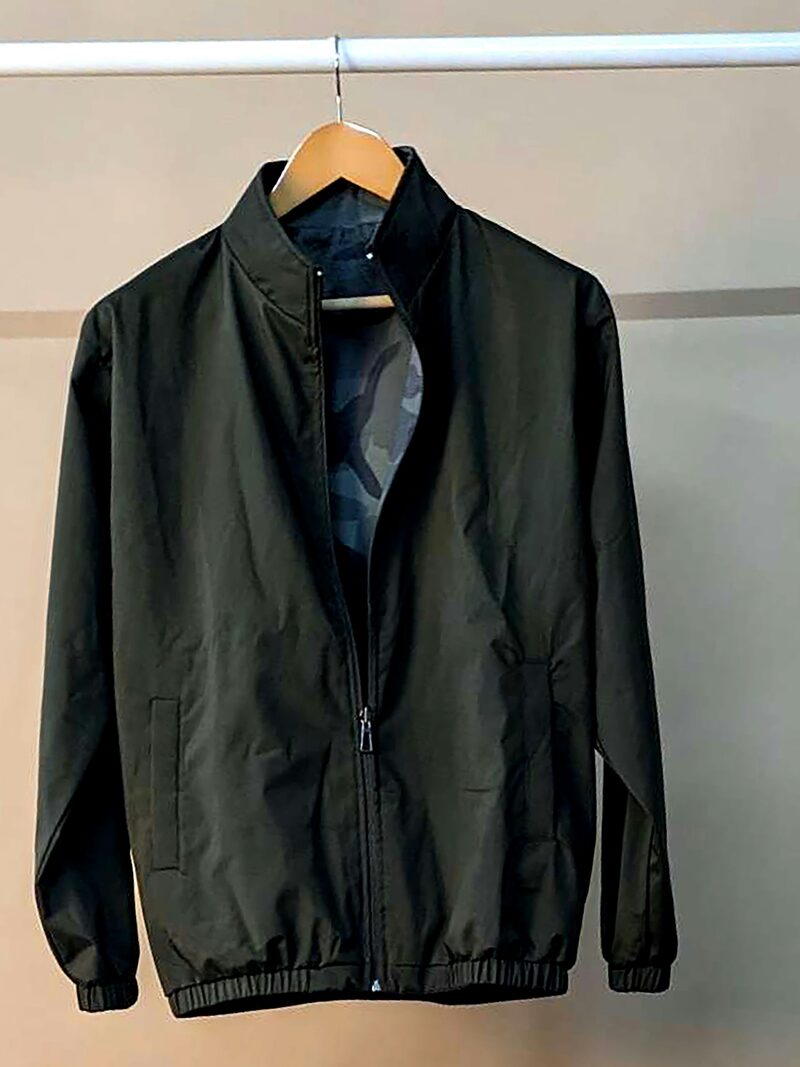
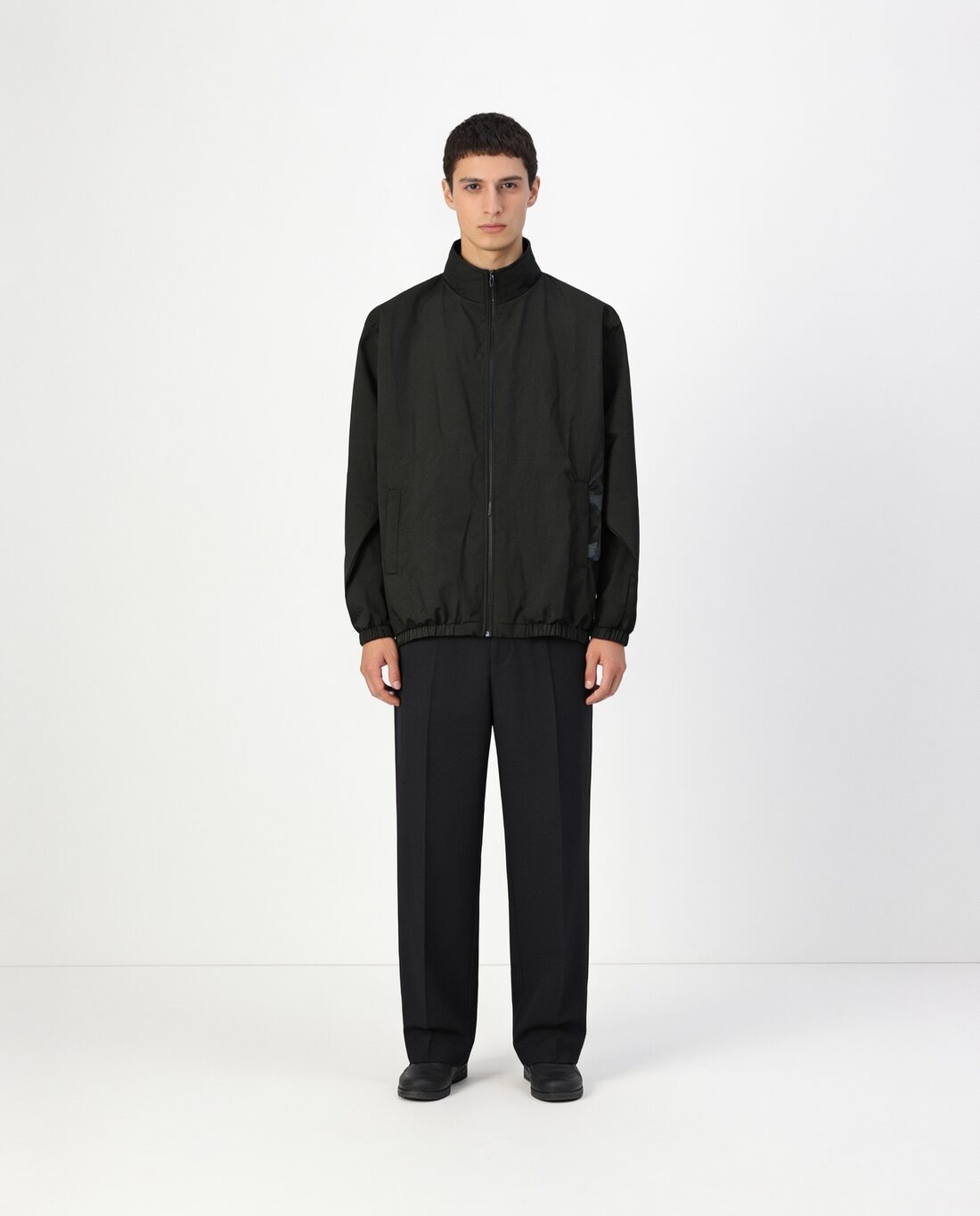
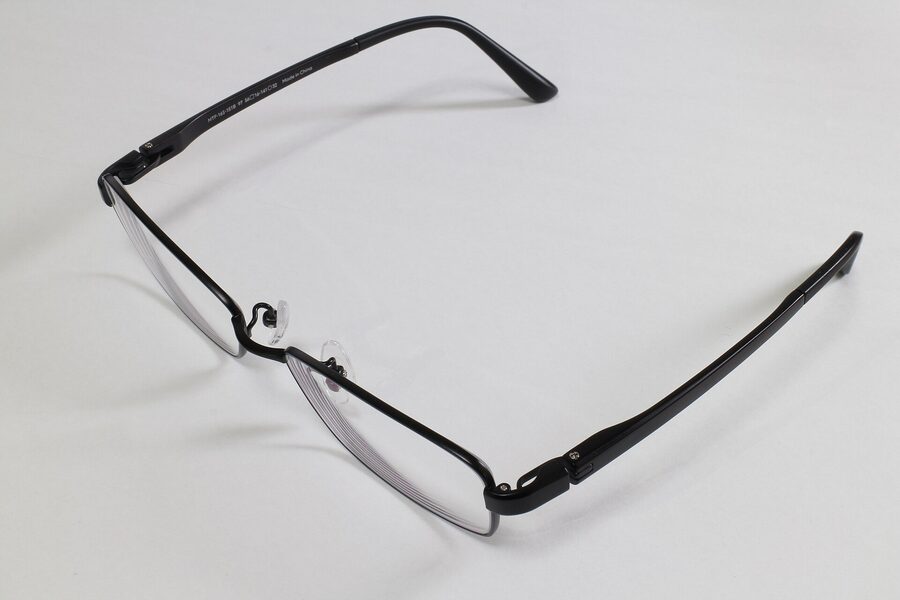
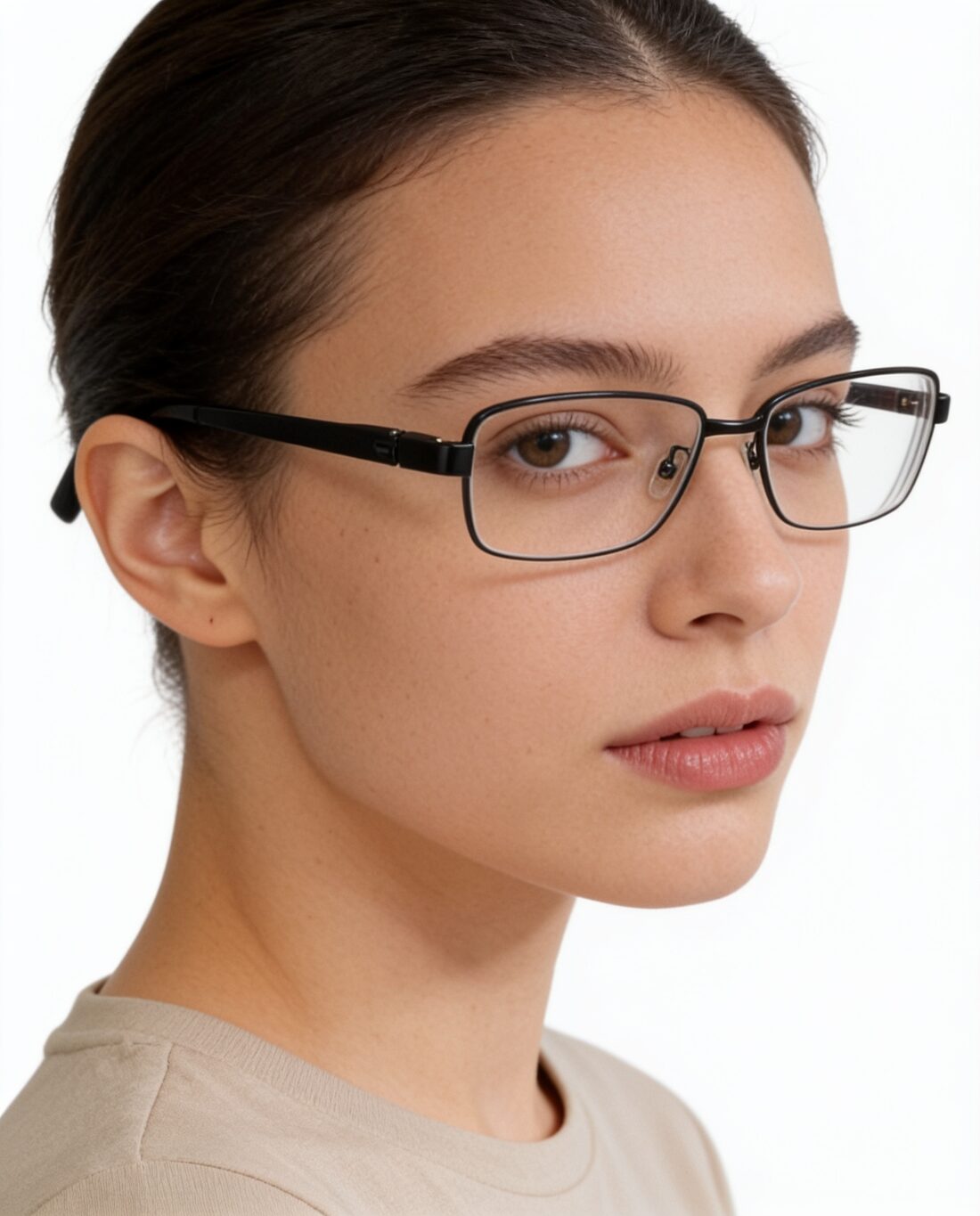
Source photos: Unsplash and Wikimedia Commons (CC0 and public domain). Results as delivered by Herofab, resized for the web.
What you can set.
Every option below is part of the Herofab studio.
- Products
- Tops, bottoms, one-piece, bags, headwear, jewelry, footwear and eyewear
- Views
- Front, or front and back as one set
- Sizes
- XS to XXL
- Poses
- Standing, three-quarter, walking, hands on hips, hands in pockets, arms crossed, leaning, sitting, looking away, close-up
- Backgrounds
- Studio white, studio grey, outdoor, lifestyle, the model photo's own, or your own image
- Formats
- 1:1, 4:5, 3:4, 9:16 or 16:9 · 2K or 4K
- Marketplace sizing
- 6 built-in marketplace sizes, without cropping
Virtual try-on, answered.
What kind of photo do I need?
A clear photo of the front of the product. A hanger, a bed or a sofa is enough; no mannequin or studio is needed. A photo that shows only the back, or a product still in its packaging, is flagged before a credit is spent.
Can I use my own model?
Yes. Upload a photo of the model and confirm that you have their permission. You can also save any generated model to your library and use it across a whole collection.
Does the print stay the same?
Every image is briefed to keep the product unchanged. Where a print can be matched, the real print is carried over from your photo; back prints stay on the back and inside labels stay inside.
How much does it cost?
5 credits per image, plus one credit for 4K. The cost is shown before you generate, and if a job fails the credits are returned. The 20 free credits at sign-up cover 4 images with this tool.
Your next collection, shot this week.
20 free credits when early access opens. No card required.