Product ads, with type set cleanly.
Upload a product photo and choose a format and a style. The image is composed without text, and Herofab then sets your headline, supporting line and button text on it as real type — the letters are never drawn by the AI.

How it works
- 1
Upload the product
One clear product photo.
- 2
Choose the format and the style
Square 1:1, portrait 4:5, story 9:16 or banner 16:9; minimal, bold, lifestyle or seasonal.
- 3
Add your text
A headline of up to 40 characters, a supporting line of up to 80 and a button text of up to 24 — each optional. Herofab sets them on the image.
Real results, by product type.
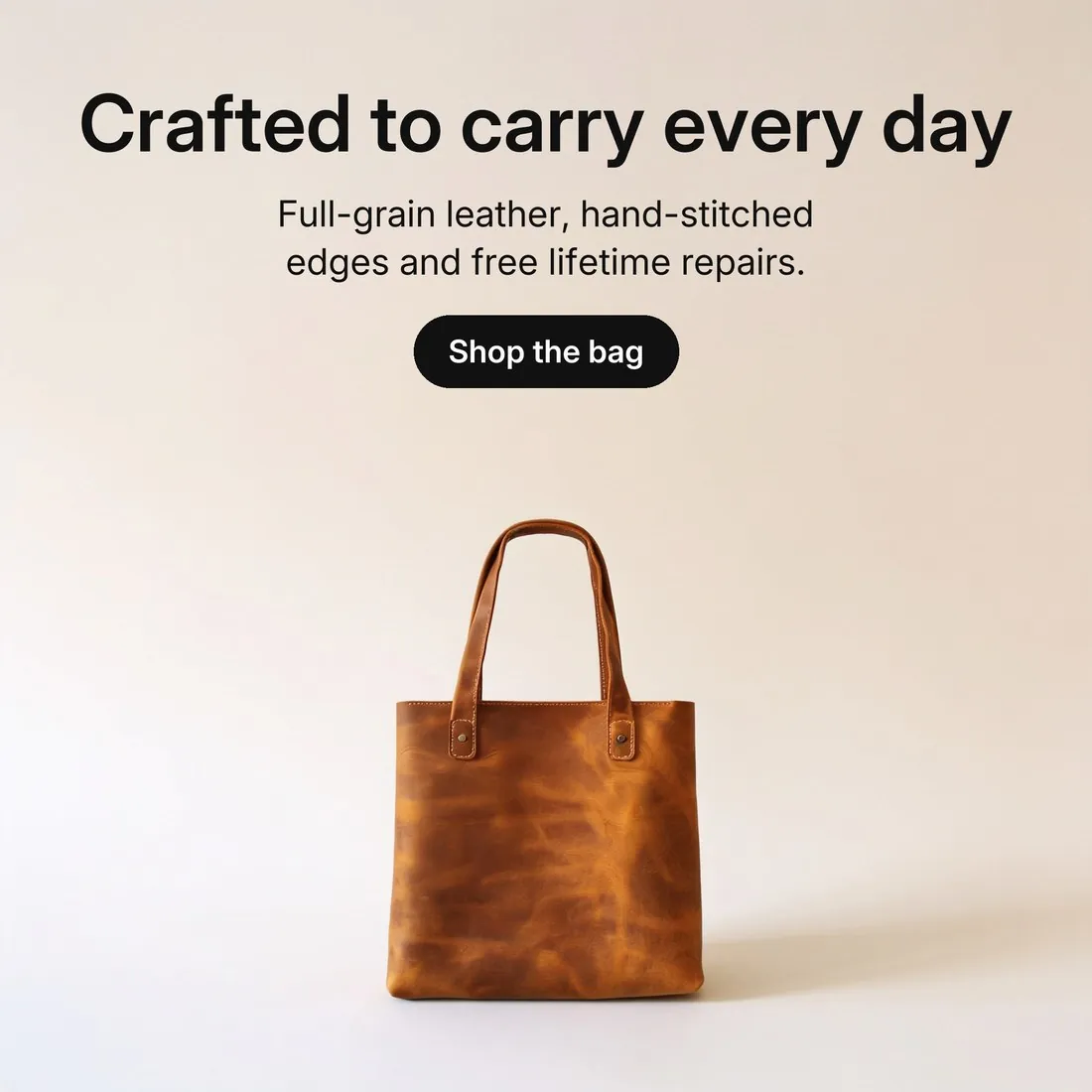
Made with this tool from the photo beside it.
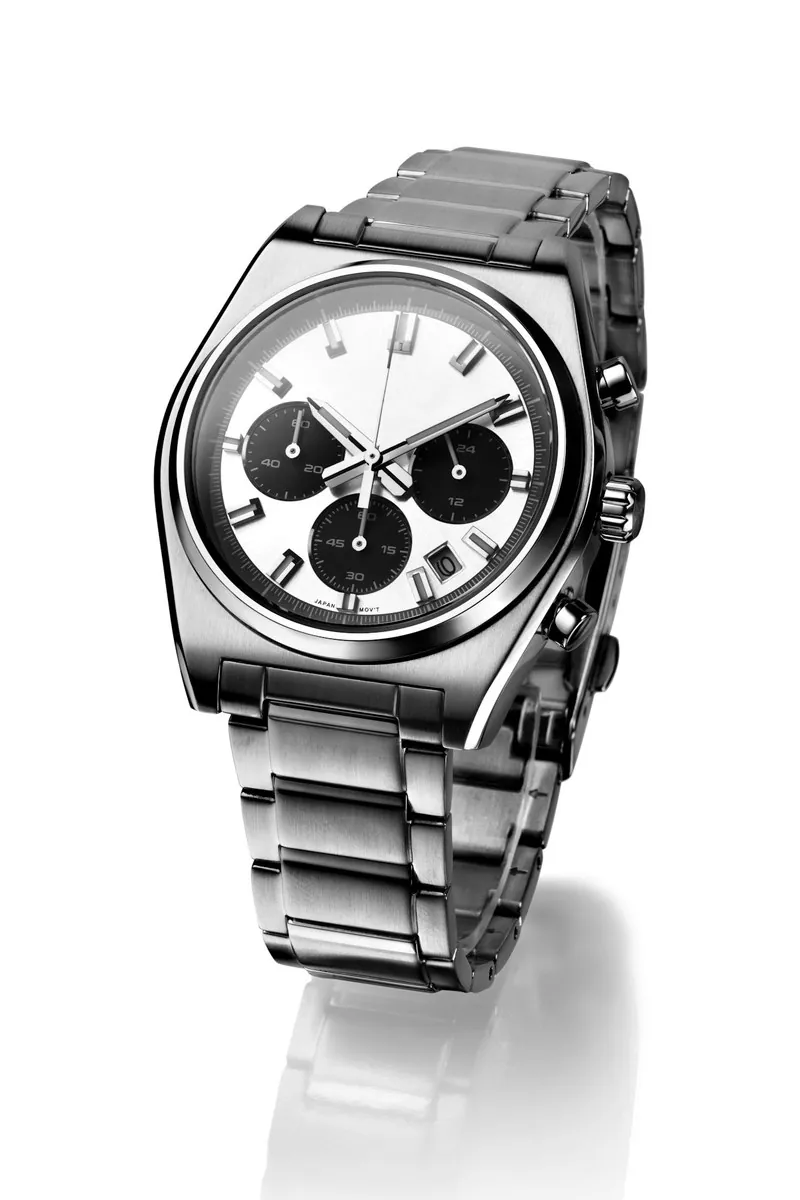
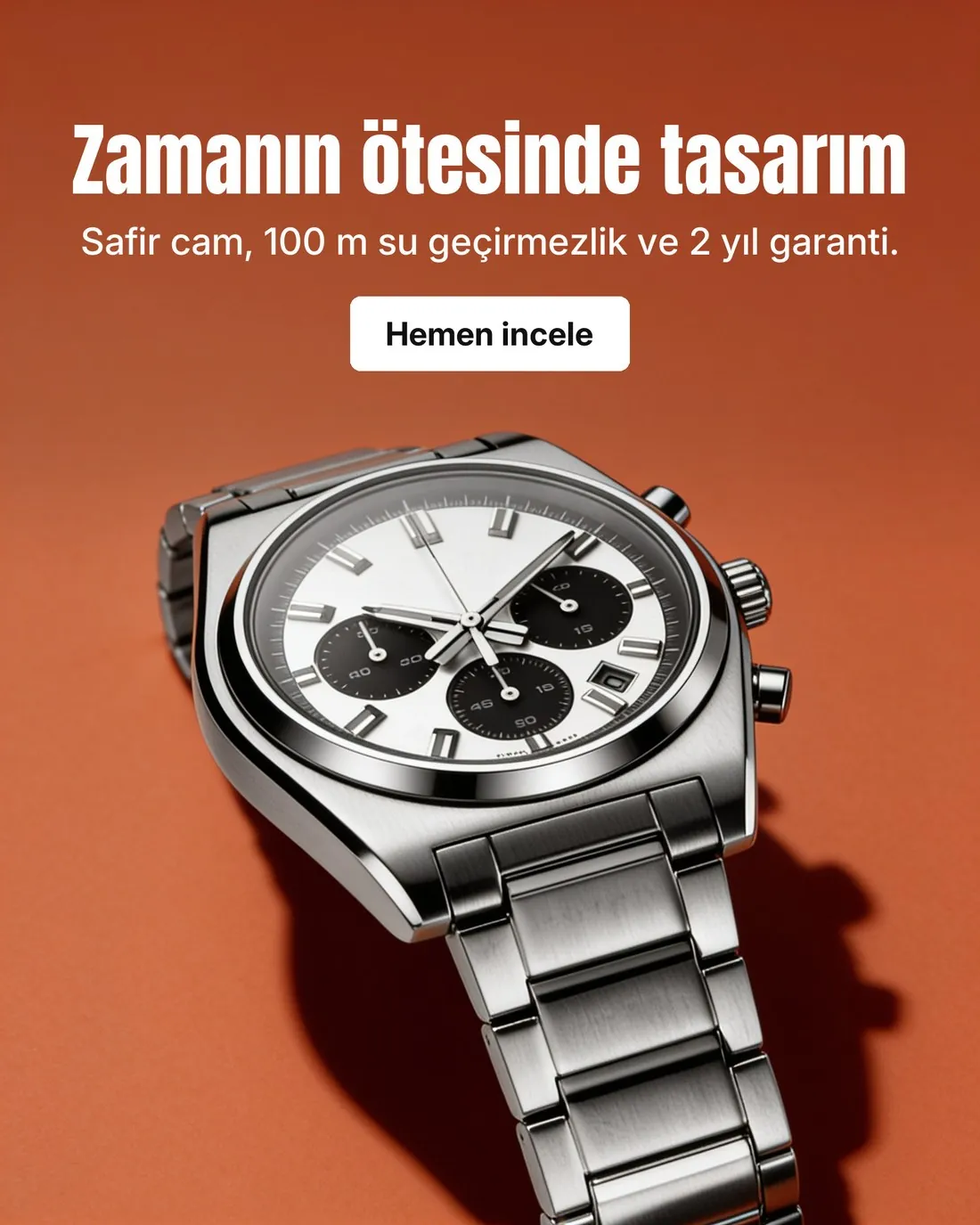
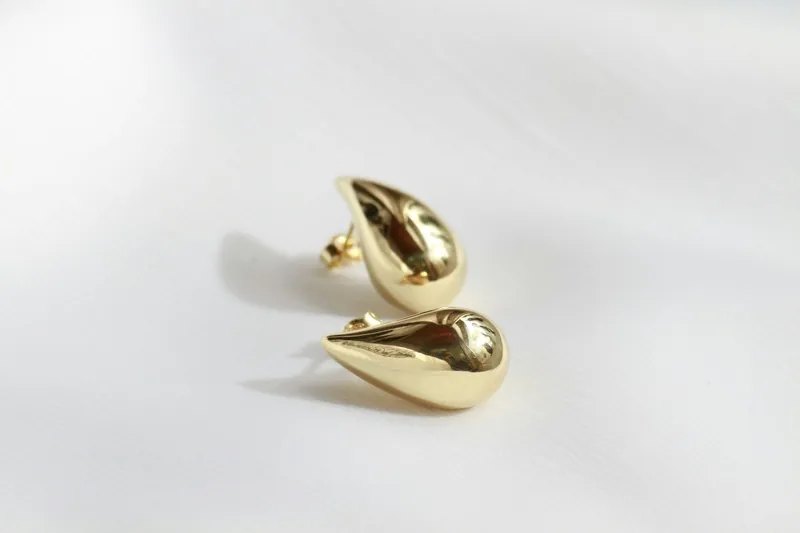
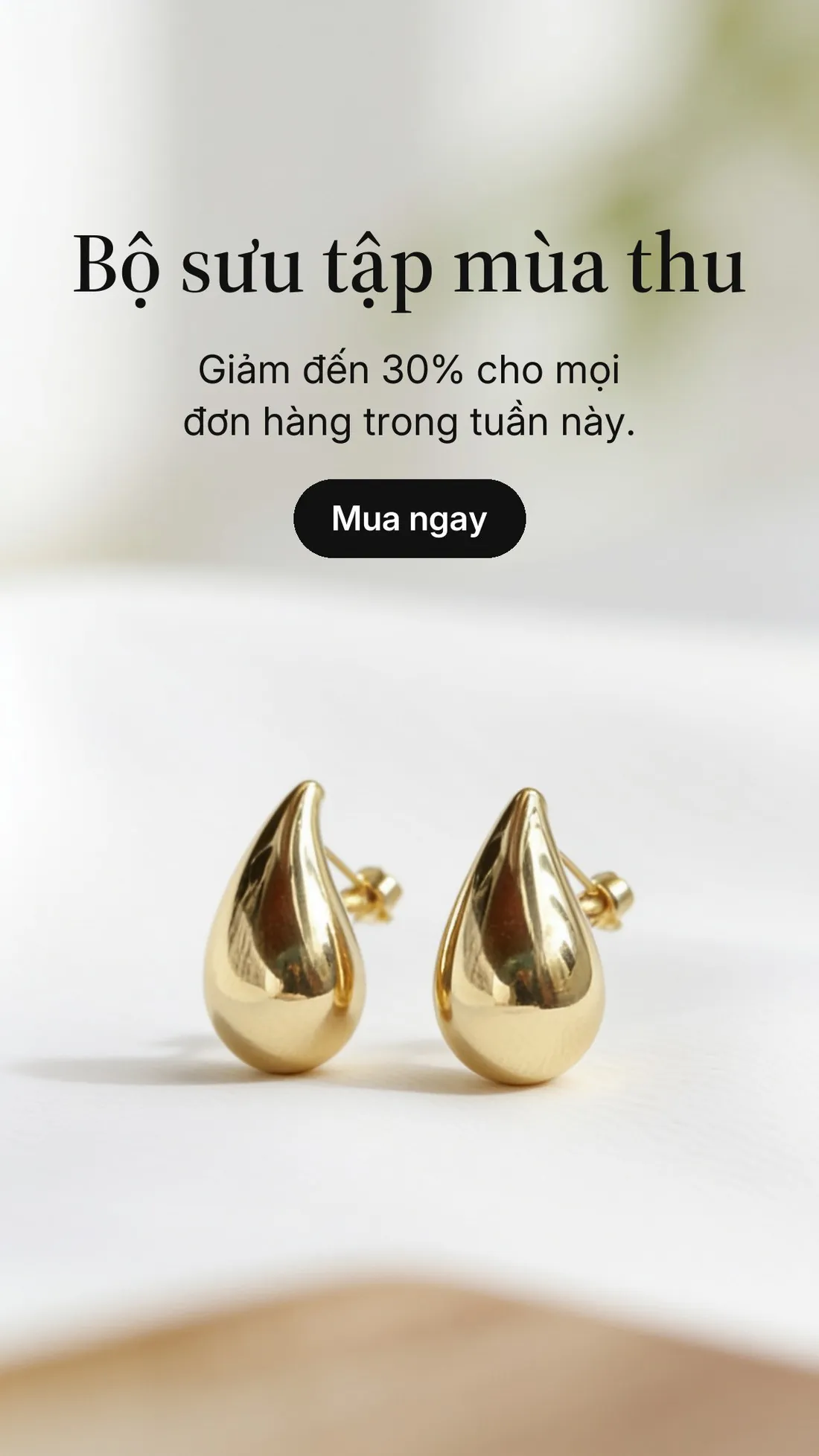
Source photos: Ugluk Potroshitel (Unsplash License) · Andrey Ilkevich (Unsplash License) · Diego Castañeda (Unsplash License)
What you can set.
Every option below is part of the Herofab studio.
- Formats
- Square 1:1, portrait 4:5, story 9:16 or banner 16:9
- Styles
- Minimal, bold, lifestyle or seasonal
- Text
- Headline up to 40 characters, supporting line up to 80, button text up to 24 — all optional
- Lettering
- Set by Herofab as type after the image is made; the image itself is generated without text
Ad creative, answered.
Why is the text not generated by the AI?
Image models misspell and distort letters. The image is generated without text, and Herofab then sets your words as real type, so they read exactly as you wrote them.
Can I leave the text out?
Yes. Every text field is optional; a field left empty is not set on the image.
What if a text does not fit?
Each text is measured when the job is created, before anything is generated: a text that does not fit its space, or uses characters the typefaces cannot set, is refused with the reason shown.
Can an ad be used as a marketplace main image?
No. Marketplaces do not allow added text on the main image. Ad creatives are made for social media, banners and campaigns.
How much does it cost?
5 credits per image. The cost is shown before you generate, and if a job fails the credits are returned. The 20 free credits at sign-up cover 4 images with this tool.
Your next collection, shot this week.
20 free credits when early access opens. No card required.