Detail shots, from the photo you have.
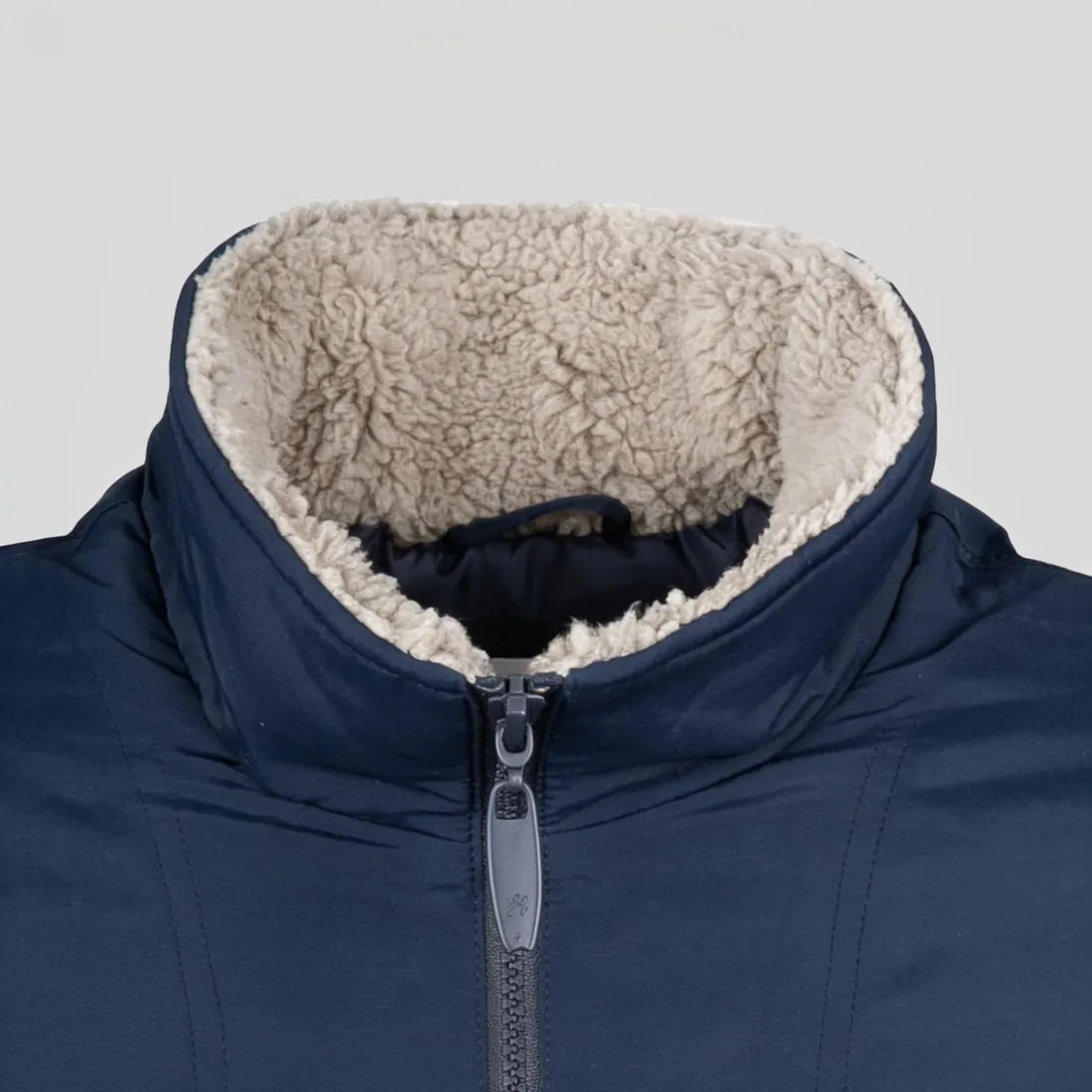
Start from a product photo or an image Herofab delivered. Herofab frames a close-up of the part buyers zoom into — the collar, the fabric, a print, the hardware or the stitching — and is briefed to keep it as it is in the source.
How it works
- 1
Upload the image
A product photo, or any image Herofab delivered — including one on a model.
- 2
Choose the detail
Leave the choice to Herofab, or pick the collar, the fabric, a print or logo, a cuff, the hem, a closure, the stitching, the sole, a stone setting or a clasp.
- 3
Receive the close-up
Delivered in 2K, or 4K for one extra credit — then download it in any of 20 marketplace sizes at no extra credit.
Real results, by product type.
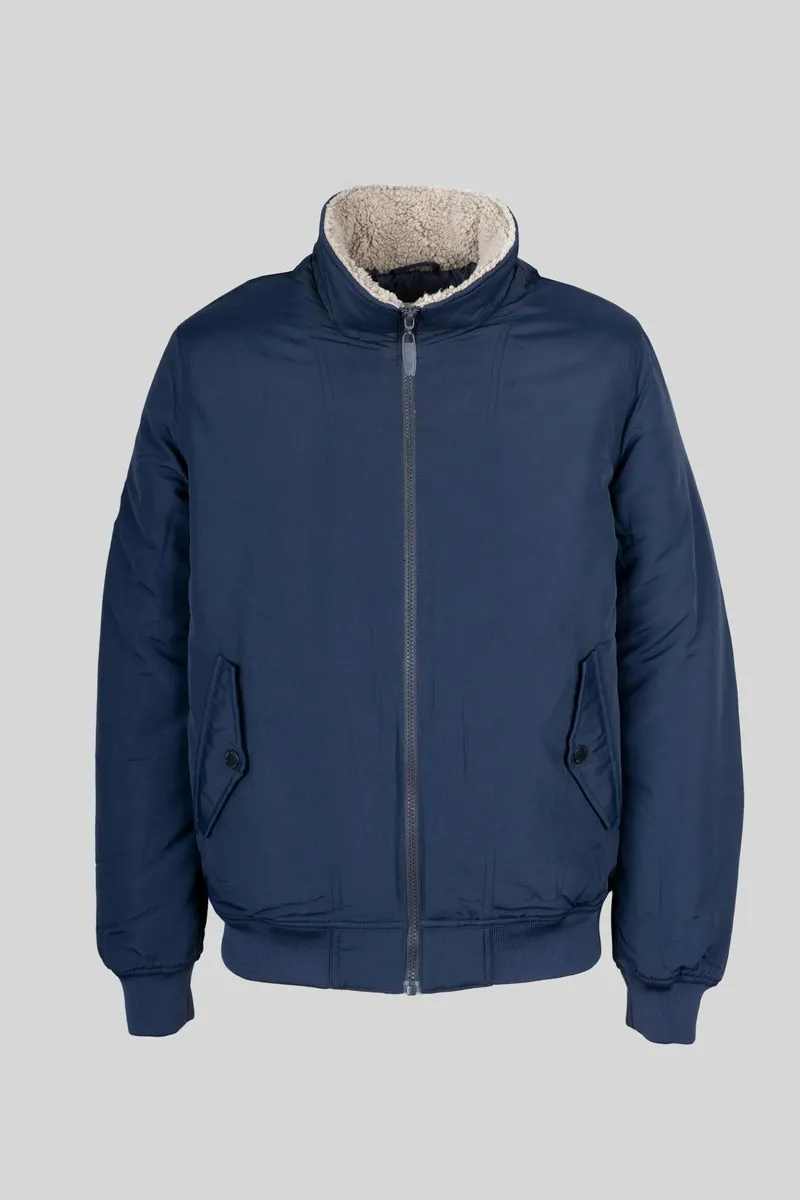
Made with this tool from the photo beside it.
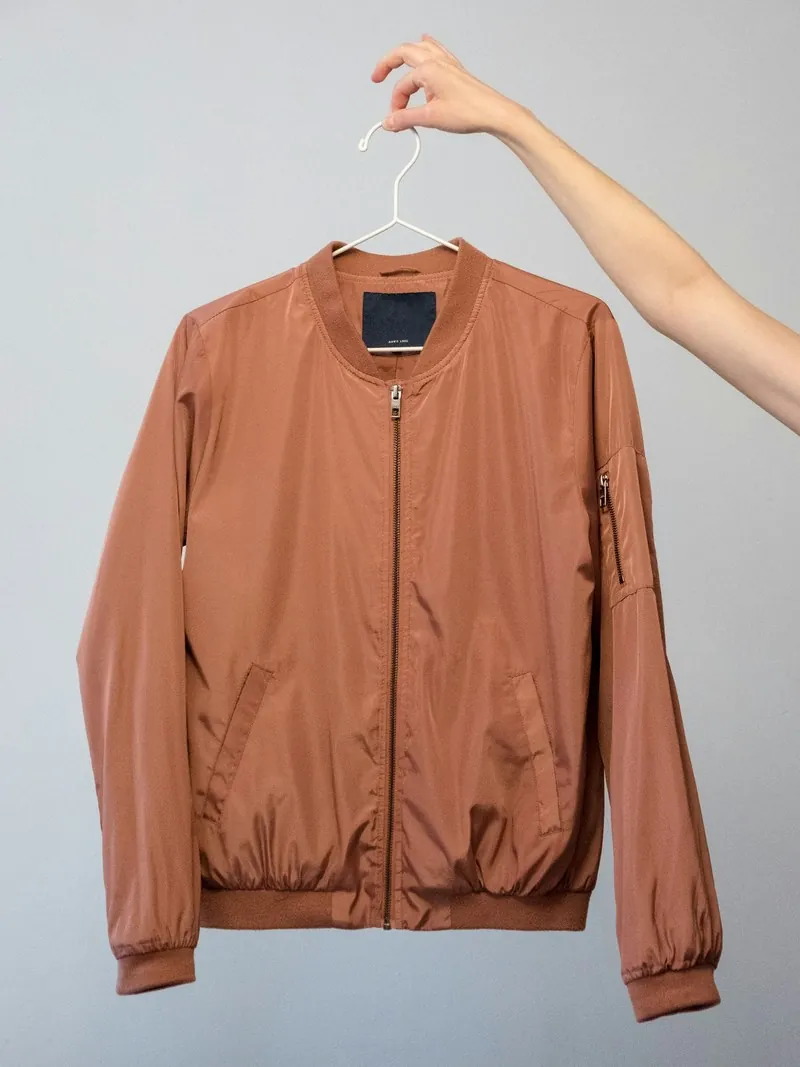
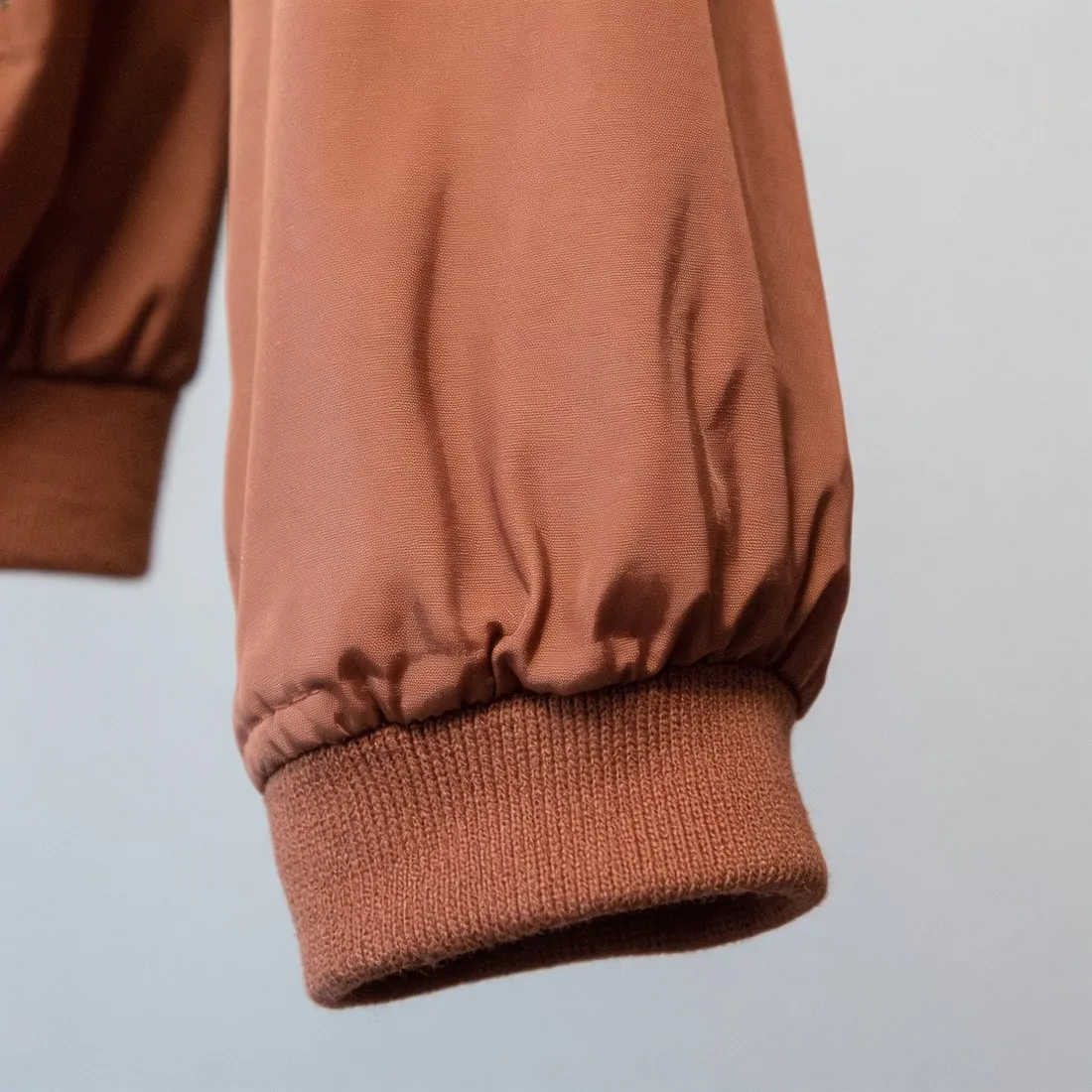
Source photos: Bulbul Ahmed (Unsplash License) · Tobias Tullius (Unsplash License)
What you can set.
Every option below is part of the Herofab studio.
- Source
- A product photo, or an image delivered by Herofab
- Details
- Automatic, collar or neckline, fabric texture, print or logo, cuff or sleeve, hem, closure or hardware, stitching, sole or heel, stone setting, clasp
- Formats
- 1:1, 4:5 or 3:4 · 2K or 4K
- Marketplace sizing
- 20 marketplace sizes at download, without cropping or extra credits
Detail shot, answered.
What does “automatic” choose?
The most distinctive detail of the product in the image. Choose the detail yourself when one part matters most, such as a logo or a clasp.
Can it show a detail that is not in my photo?
No. The close-up is made from what the source shows. A part that is hidden, folded away or too small to make out cannot be reproduced faithfully — use a sharp photo in which the detail is visible.
Can I start from an image made with another tool?
Yes. The source can be your own product photo or an image Herofab delivered, such as a try-on, a ghost mannequin or a product studio image.
How much does it cost?
3 credits per image, plus one credit for 4K. The cost is shown before you generate, and if a job fails the credits are returned. The 20 free credits at sign-up cover 6 images with this tool.
Your next collection, shot this week.
20 free credits when early access opens. No card required.