One photo, a seamless tile.
Drop a photo of a fabric, a print or a surface. The tool joins each edge to the opposite one, so the image repeats without a visible line, shows it tiled and saves it as a PNG. It runs in your browser; nothing is uploaded.
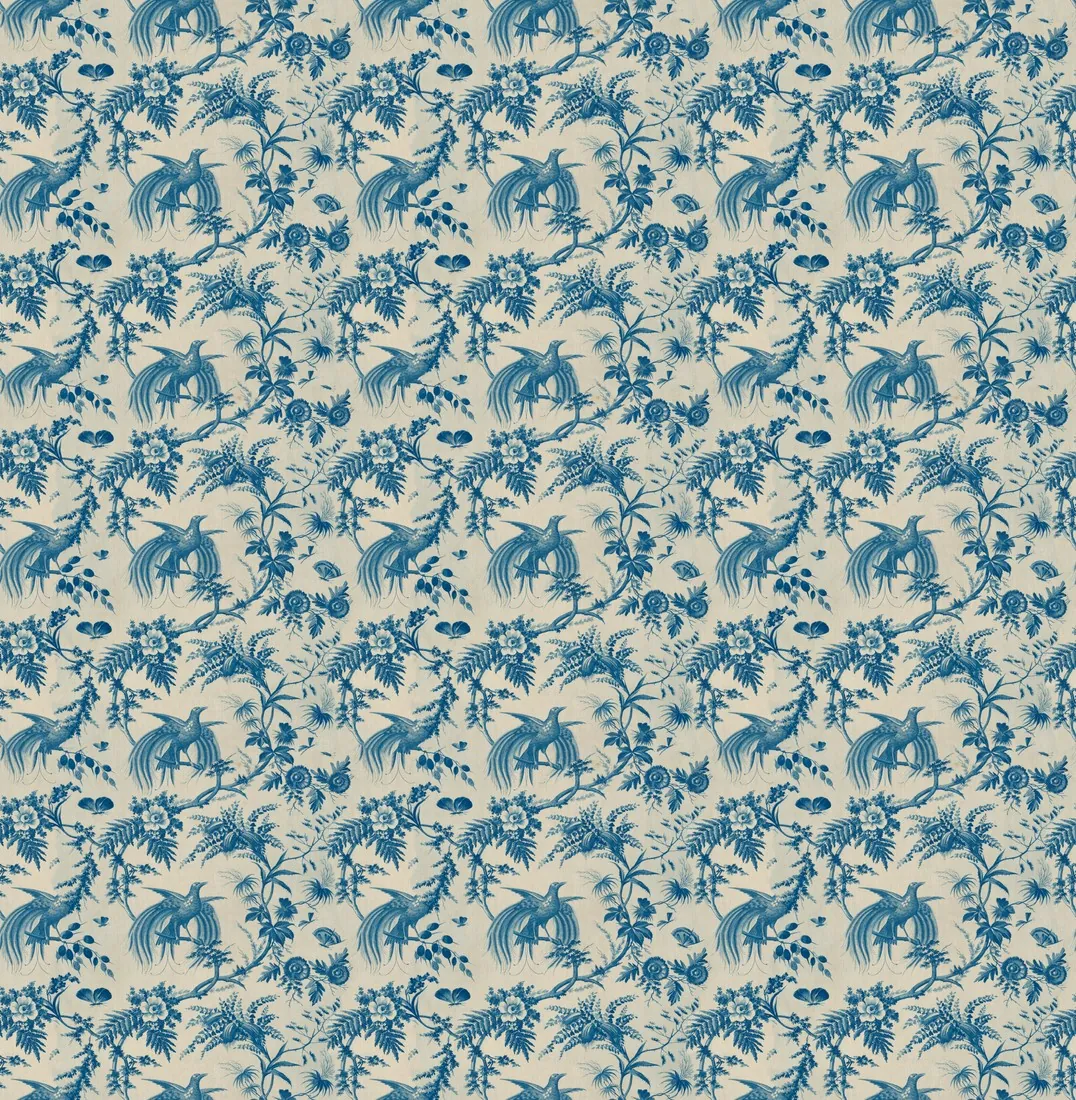
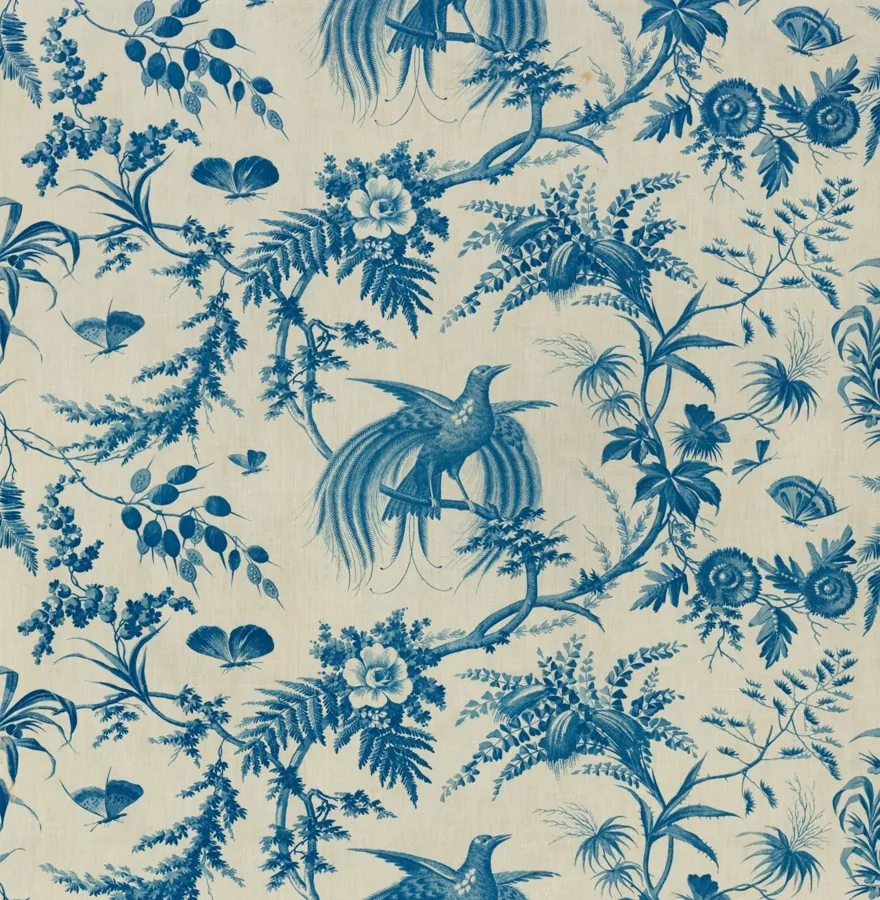
Choose a texture.
Works best on a flat, evenly lit surface photographed straight on: fabric, paper, leather, wood, stone. A single product or a scene does not become a pattern.
Source photos: The Cleveland Museum of Art (CC0)
Joined edges, nothing generated.
- Method
- Each edge is replaced by the part of the image that lies about half a tile away, at the offset where the pattern lines up, joined along the line where the two match best; the middle keeps the original pixels
- Join area
- 5% to 40% of the side, set before or after choosing the image
- Preview
- The tile repeated 2 × 2 or 3 × 3
- Light
- Gradual changes of light across the photo are evened out; can be switched off
- Regular stripe or check
- The tile is cropped by less than one repeat, so the pattern repeats a whole number of times
- File
- PNG, lossless, at the image's pixel size; up to 4,096 pixels on the longer side
- Upload
- None: the image is read and saved in your browser
Show the fabric on a garment.
The fabric studio takes a garment photo and a fabric photo and shows the same garment in that fabric or print. It runs in the Herofab app and uses credits.
About this tool.
Does this free tool need an account?
The first successful use of each free tool is available without an account. If prompted to continue using it, create a free Herofab account. Files are processed in your browser and are not uploaded.
Is my image uploaded?
No. The file is read and processed inside your browser; nothing is sent to a server.
How does the tool make an image seamless?
Near each edge, the image is joined to the part of itself that lies about half a tile away, at the offset where the pattern lines up. Within the join area the tool finds the line along which the two match best and joins the pattern there, a few pixels wide; differences in light and tone are evened out across the whole area. At the edge only the far part shows, so the left edge continues into the right and the top into the bottom; the middle of the image stays as it was.
Which join area should I choose?
A wider area gives the tool more room to find a line where the two parts match, which suits prints with large motifs; a narrower area keeps more of the photo untouched. If a join is still visible in the preview, choose a wider area.
What does "Shift by half" do?
It moves the former edges to the middle of the tile, where the joins are easiest to judge. The repeat is the same either way; only the point where the tile starts changes.
What does "Even out light" do?
It removes gradual changes of light across the photo, such as a darker corner or light falling off to one side, so the repeat does not show light and dark bands. Switch it off for a fabric whose colour changes on purpose, such as an ombré.
What size is the PNG?
The pixel size of your image, up to 4,096 pixels on the longer side; a larger image is reduced to that size first. For a regular stripe or check the tile is cropped by less than one repeat, so the pattern repeats a whole number of times. Both sides need at least 64 pixels.
Does the tool use AI?
No. The tile is made only from the pixels of your image; nothing is generated or added. A perspective that narrows to one side or a large single motif stays in the tile and shows in the repeat. A soft-edged motif on a transparent background can leave a thin edge along the join, visible on a dark background. When a regular pattern looks photographed at an angle, the tool says so.
Product photo checker
Background, framing, cut-off edges and shadows, measured from the photo against each marketplace's main-image rules.
Free · in your browser→Image size checker
Size, file size, format and aspect ratio, checked against each marketplace's published rules.
Free · in your browser→Marketplace image resizer
Fit a photo to your marketplace's dimensions — padded, never cropped.
Free · in your browser→Image compressor
Bring a product photo under a platform's file-size limit, without cropping it.
Free · in your browser→Image to 4K converter
Resize an image to 4K, 3,840 or 4,096 pixels on the longer side, and save it as JPG or PNG.
Free · in your browser→HEIC to JPG converter
Turn iPhone HEIC photos into JPGs that every marketplace accepts.
Free · in your browser→White background checker
Measure whether the edges of a packshot are pure white #FFFFFF.
Free · in your browser→AI image label checker
See whether a product image still carries its AI marker: IPTC source type, the keyword for AI-generated people and C2PA credentials.
Free · in your browser→Your next collection, shot this week.
20 credits at sign-up, no card required. Images made with free credits carry a watermark.