On-model product photos from one phone photo.
Herofab is an AI product photography studio for online sellers and brands: it turns phone photos into on-model, ghost-mannequin and studio-scene product images, with tools for colour changes, background removal and reframing; it also offers nine free browser tools for checking, resizing, compressing, converting images, upscaling to 4K and making seamless textures. It costs up to 90% less than a photo shoot.
20 credits at sign-up, no card required. Images made with free credits carry a watermark.
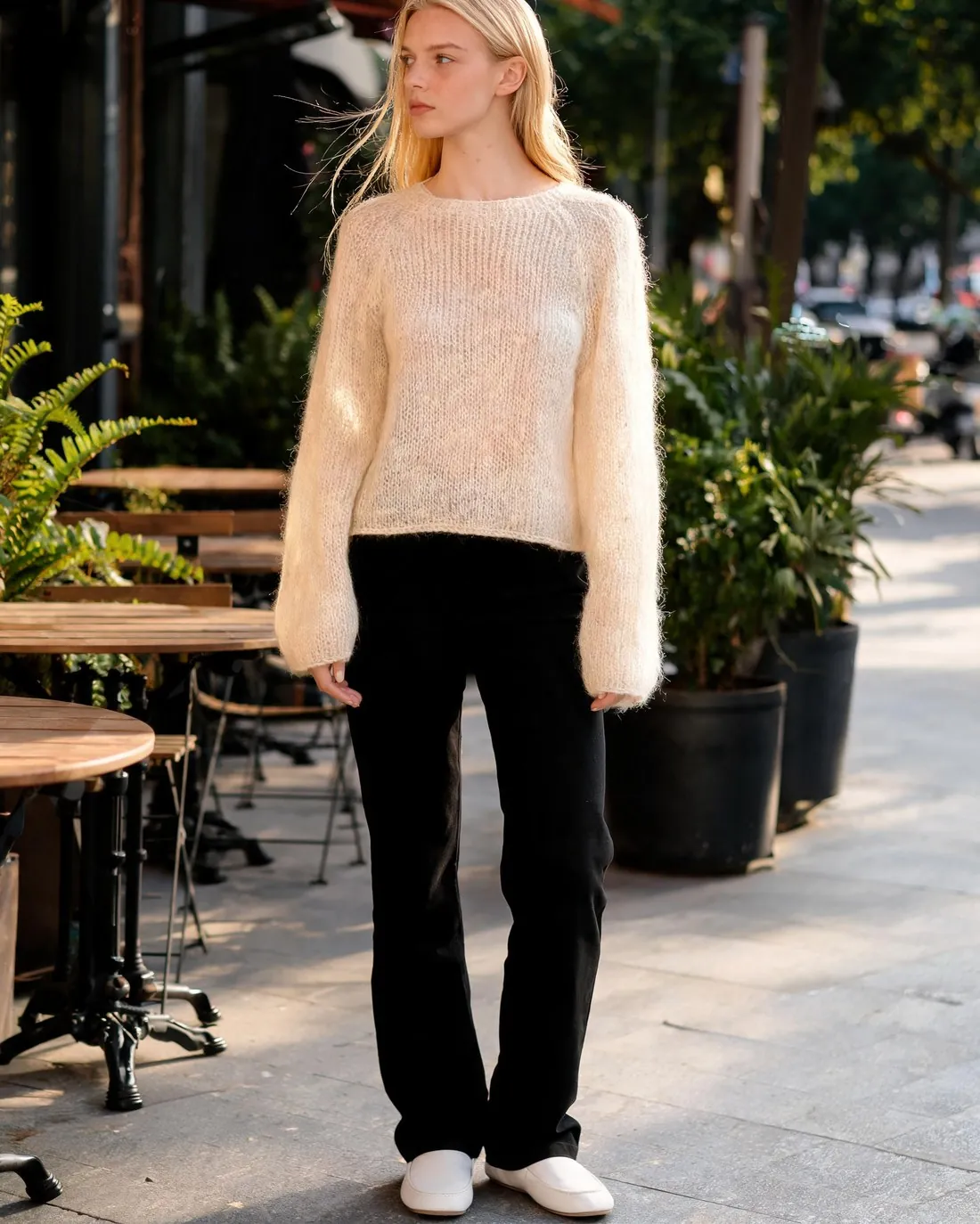 Result
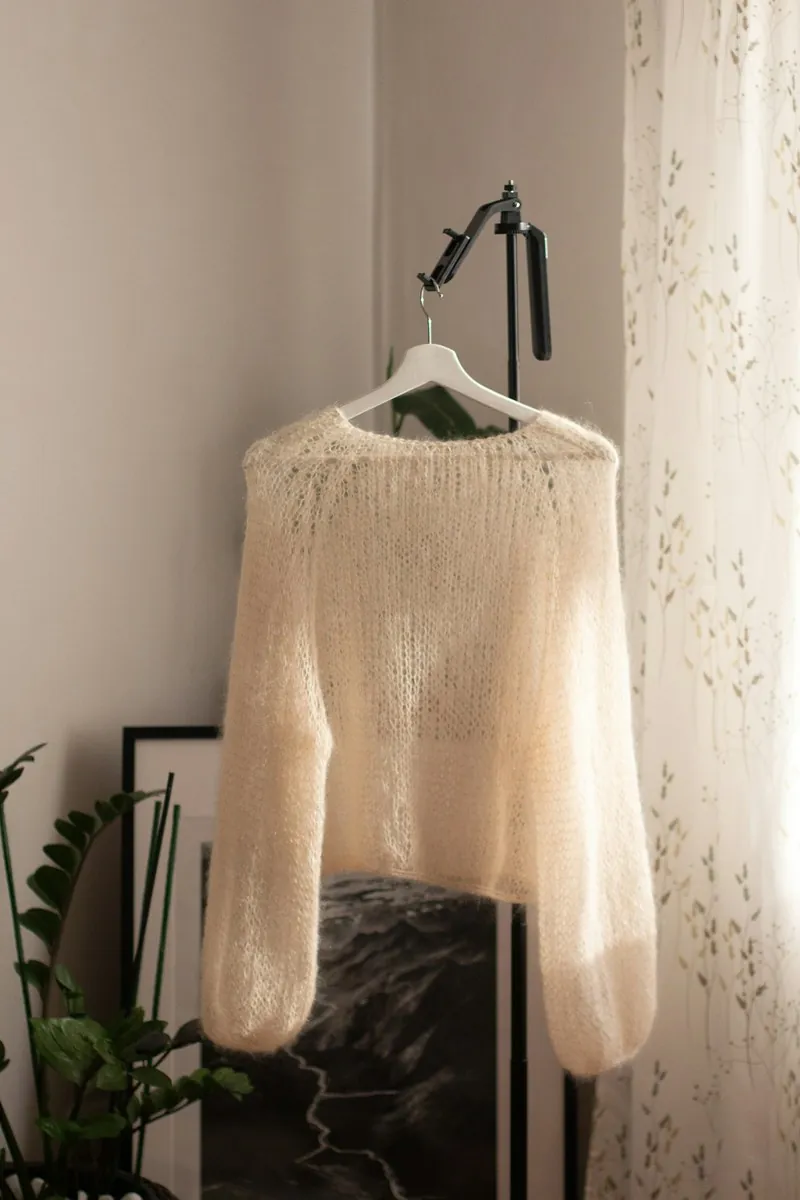 By a window
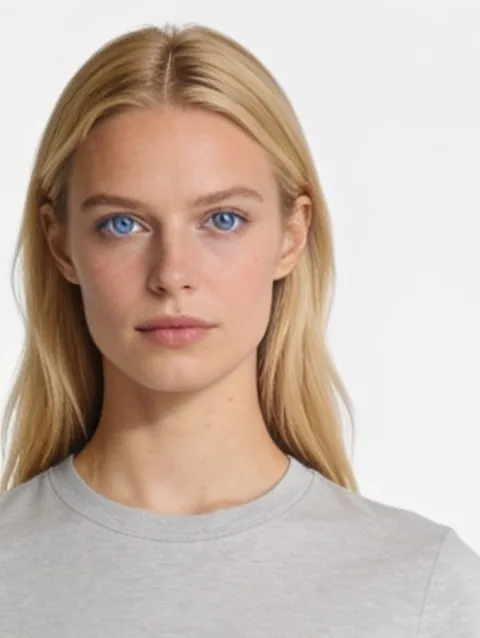 Pick a model
 Café terrace
Choose a product and a job, see the result.
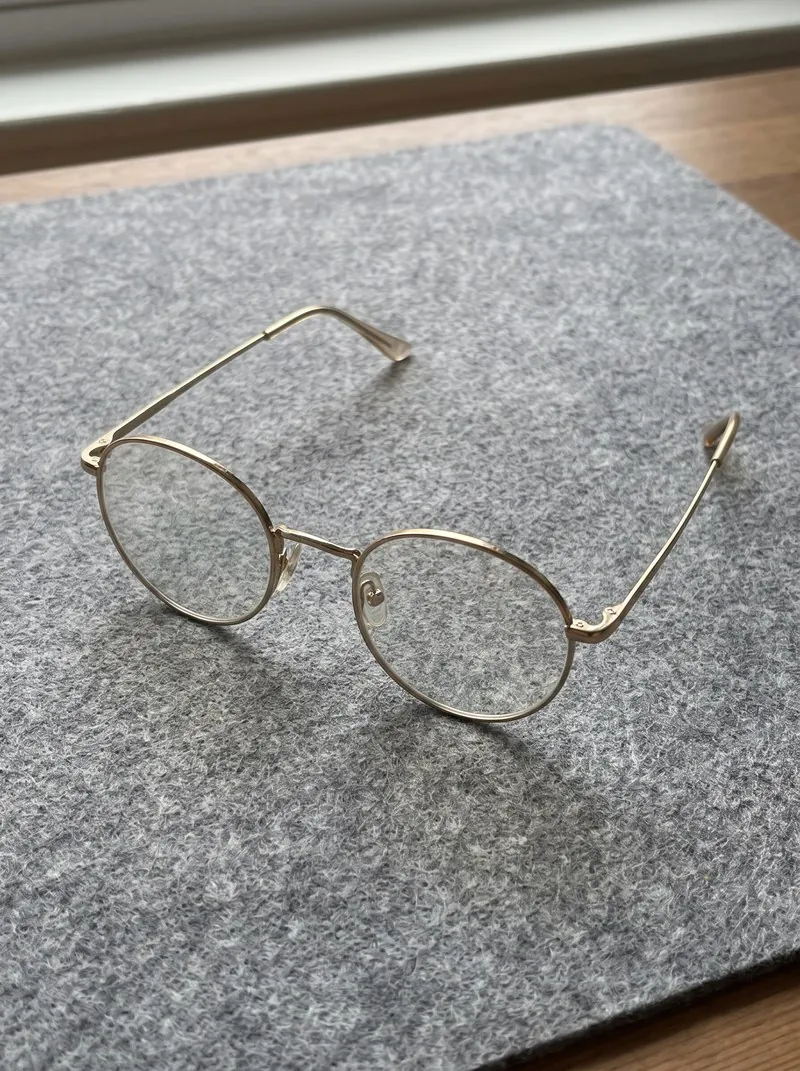
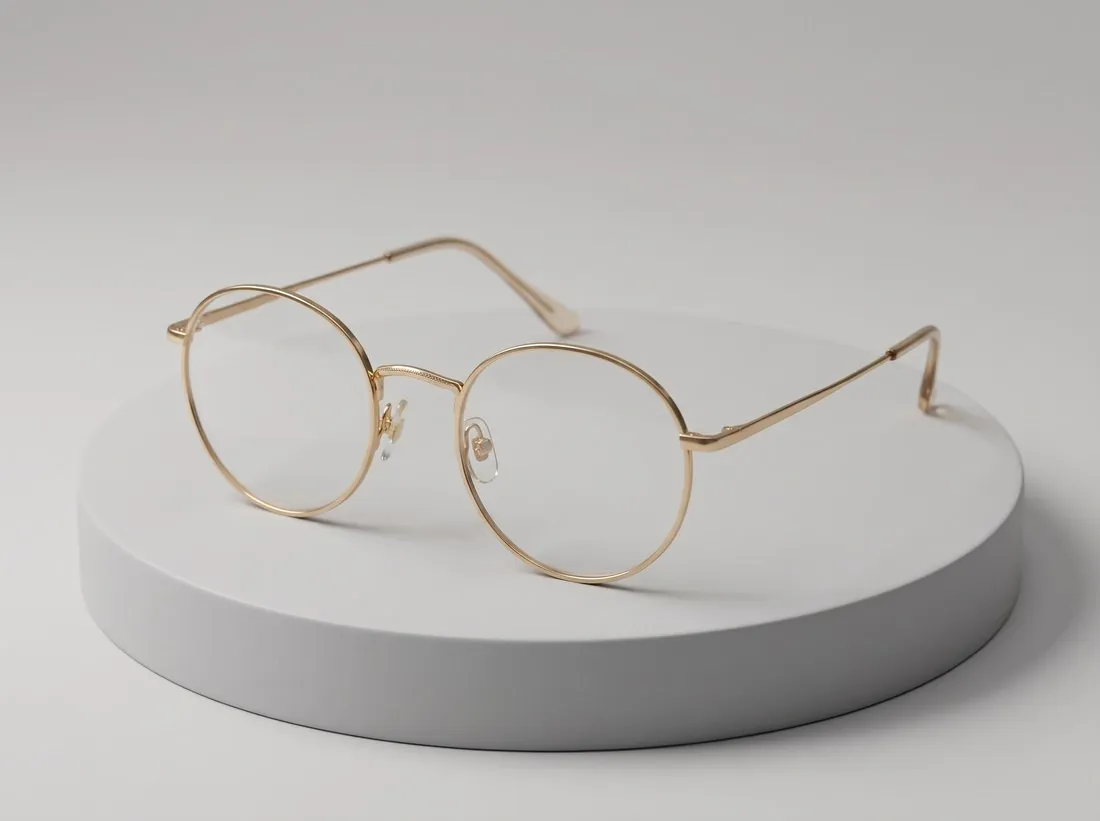
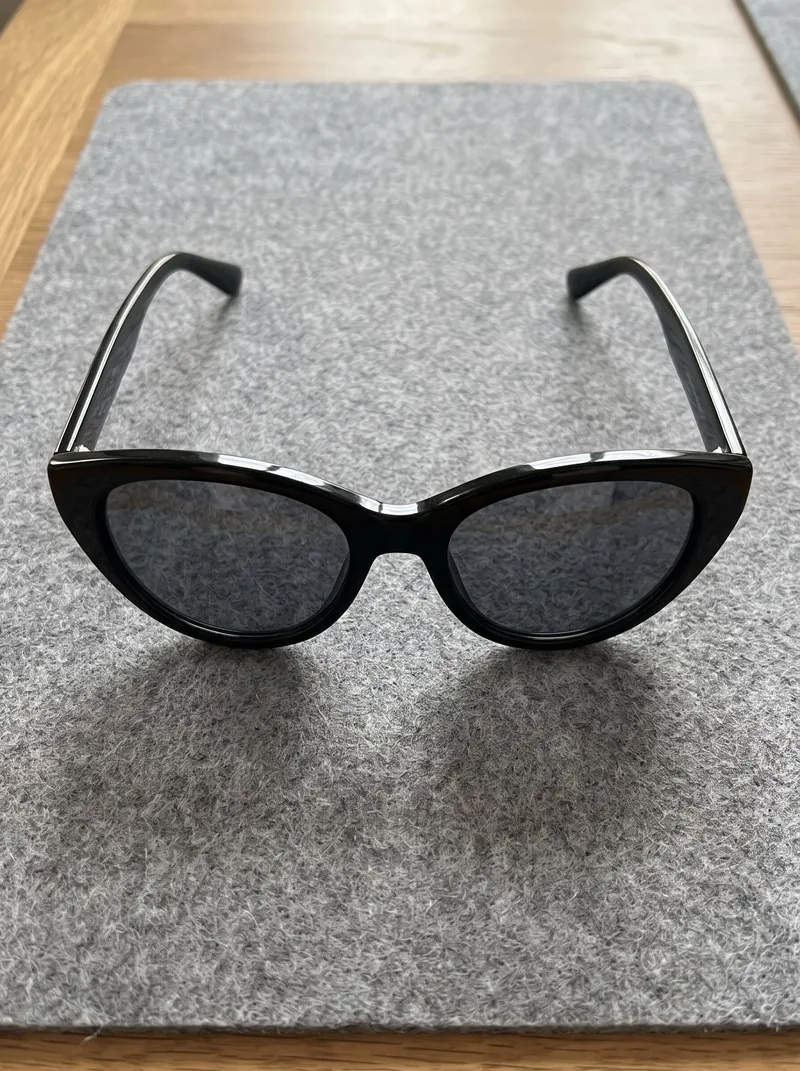
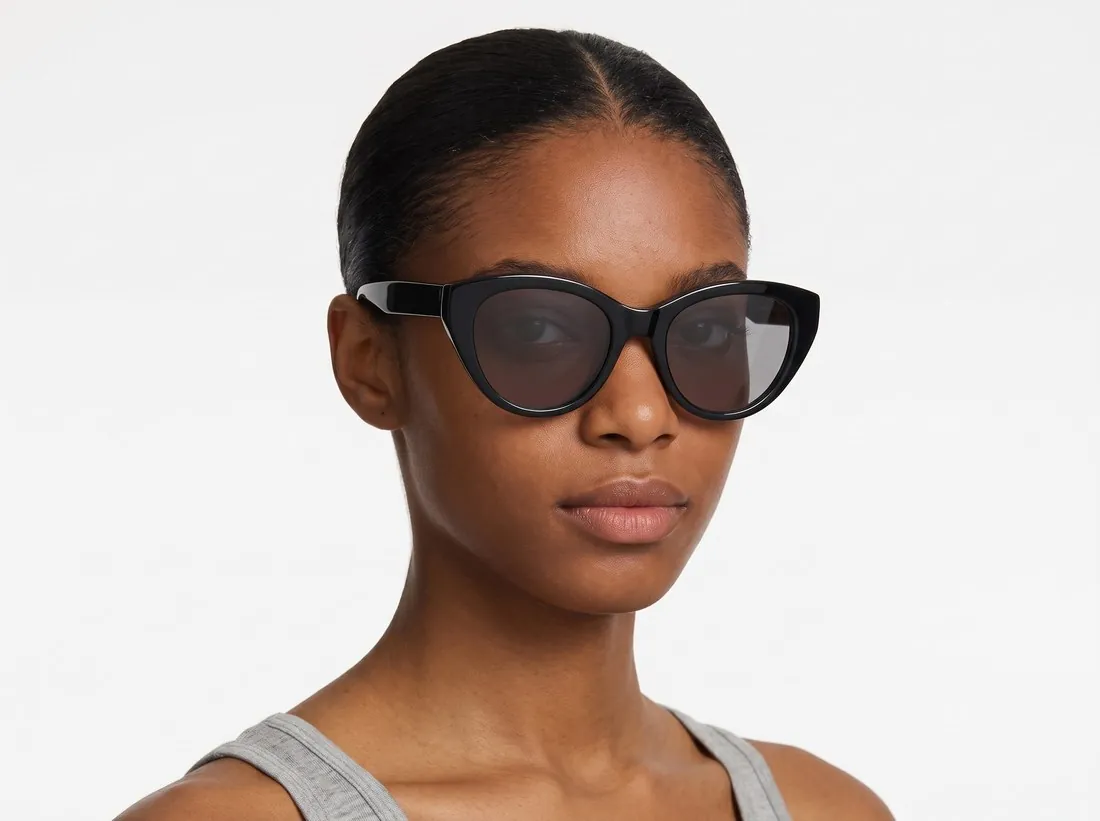
Each pair is a real Herofab result next to the product photo it was made from, prepared in advance: nothing is generated while you choose, and no account is needed.
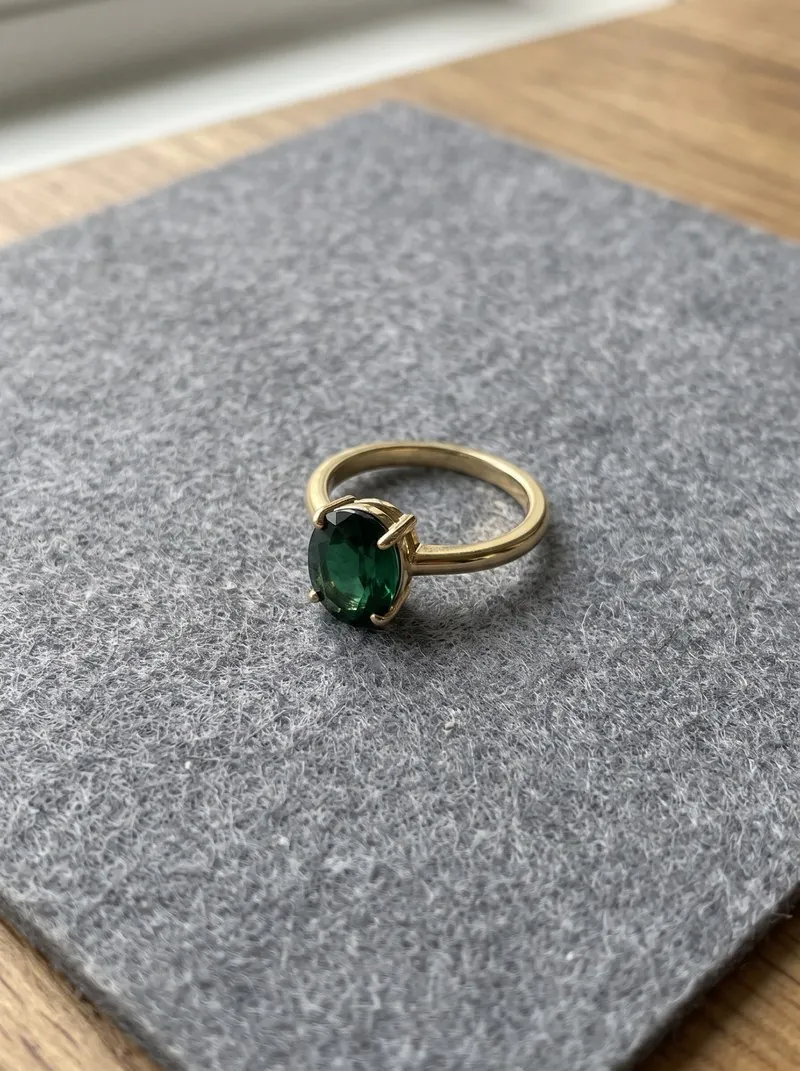 Product photo
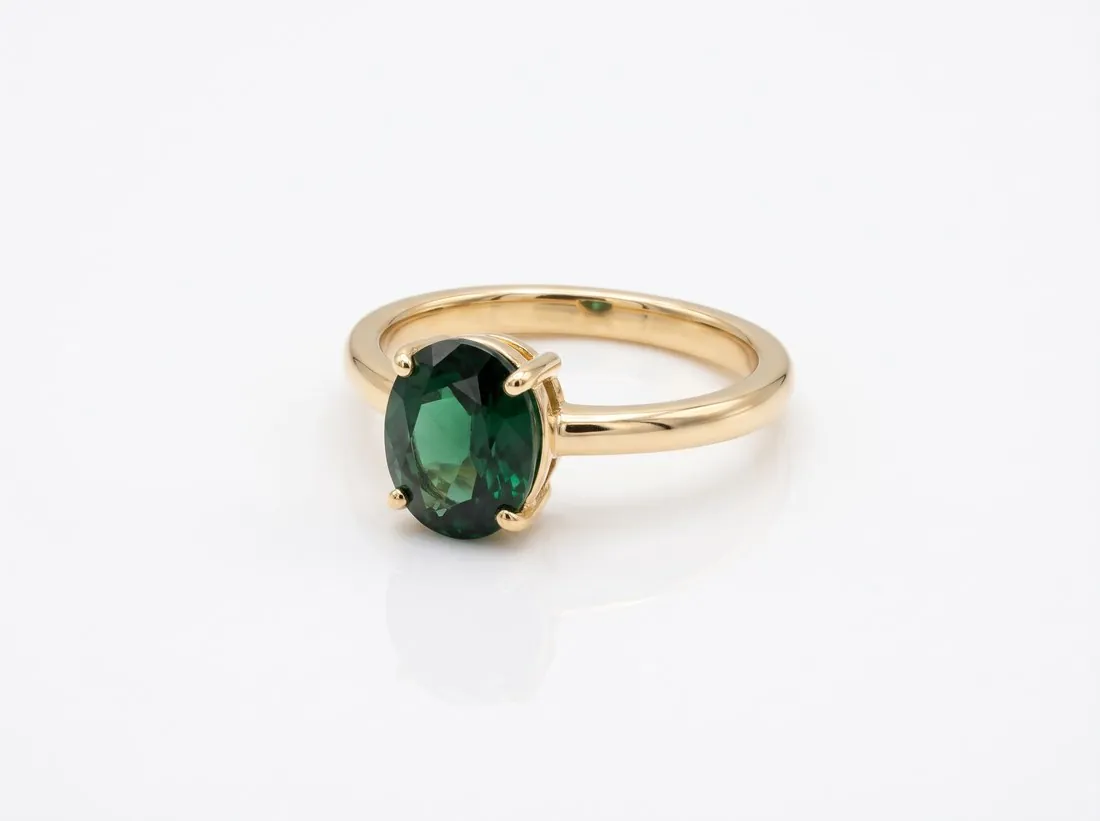 ResultProduct photo
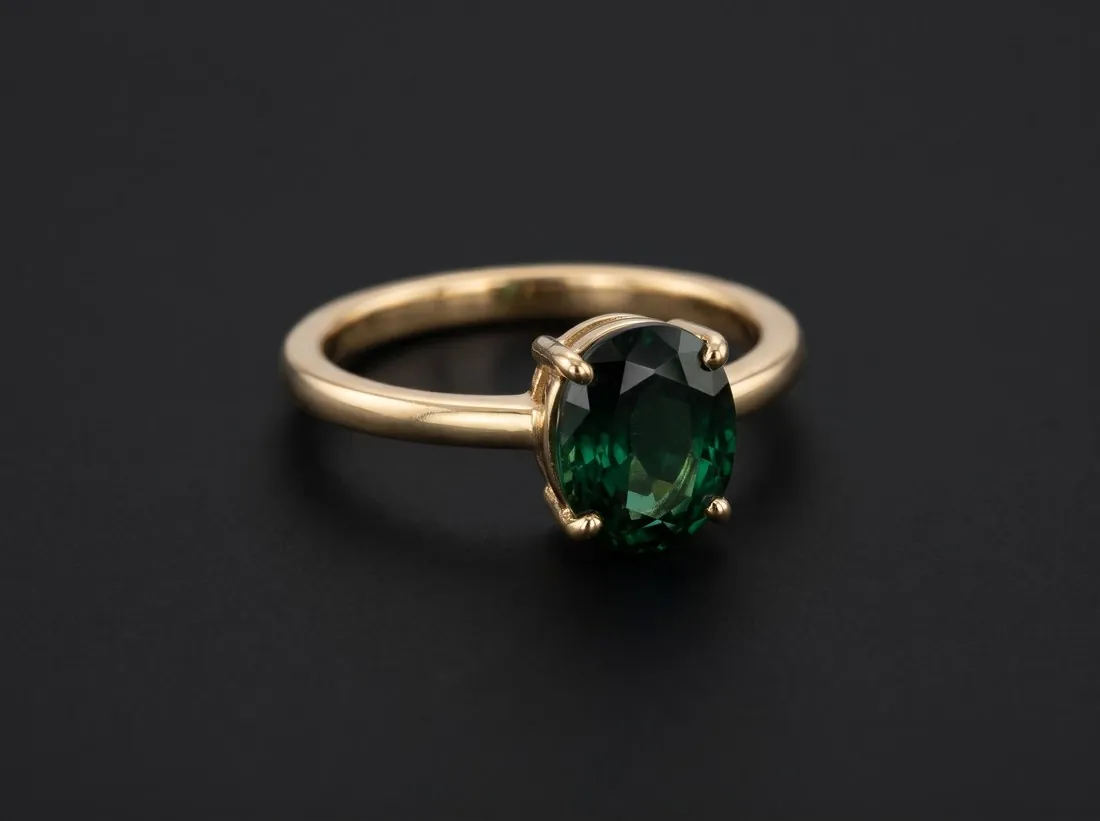 Result
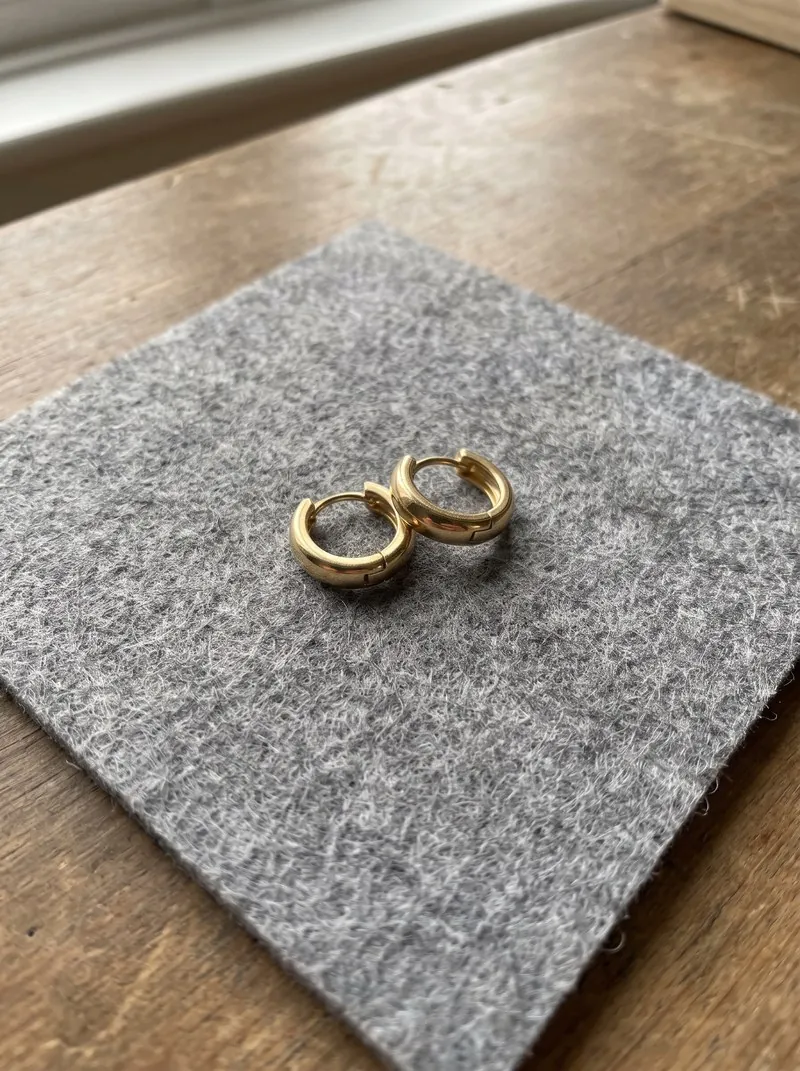 Product photo
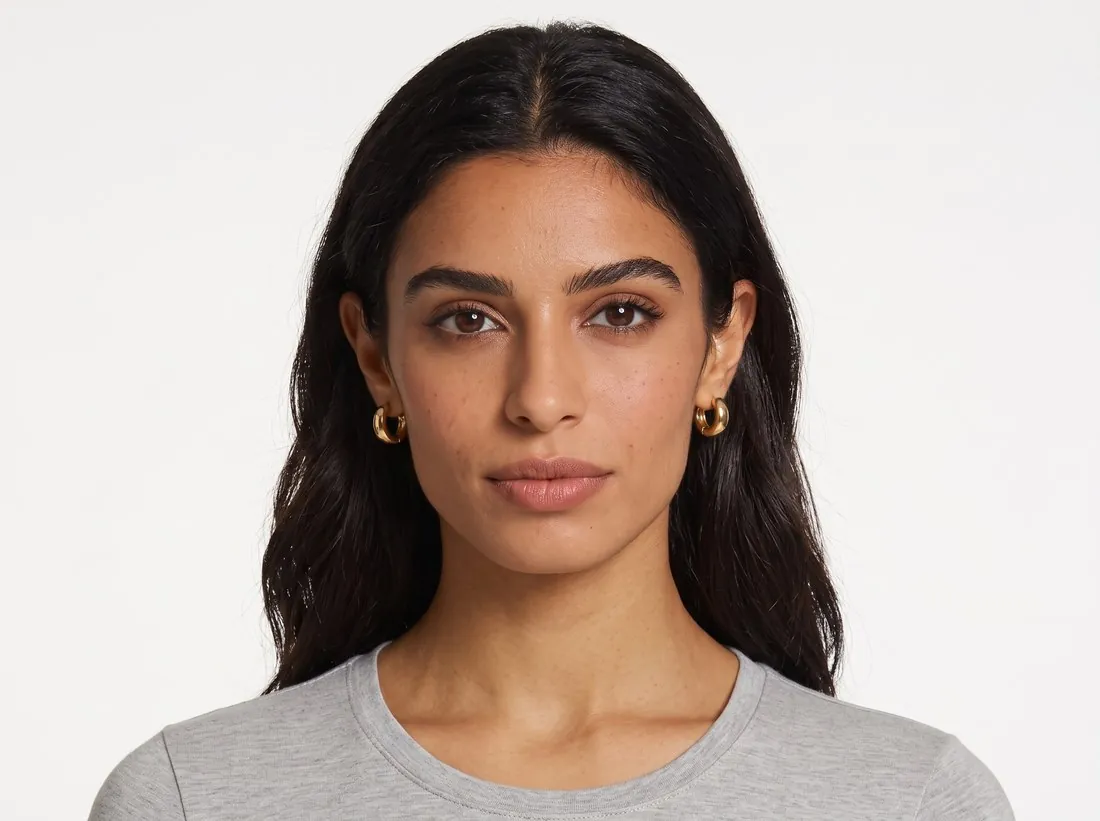 ResultProduct photo
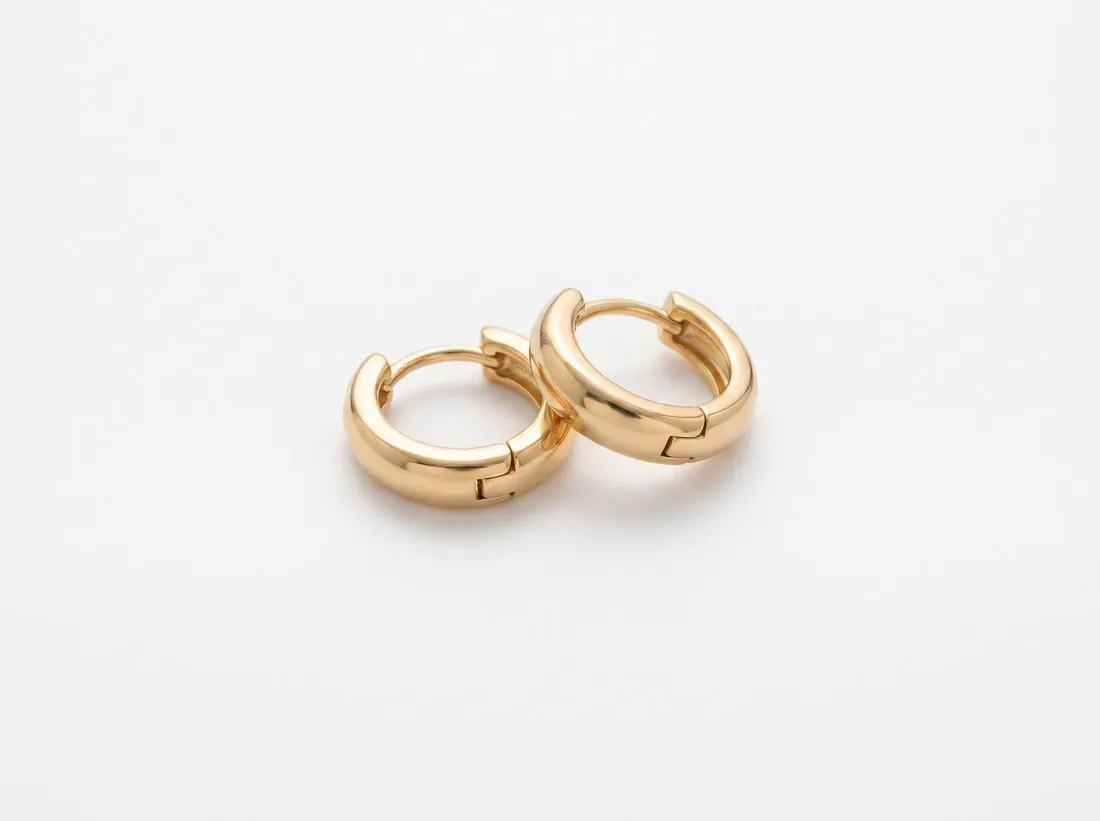 Result
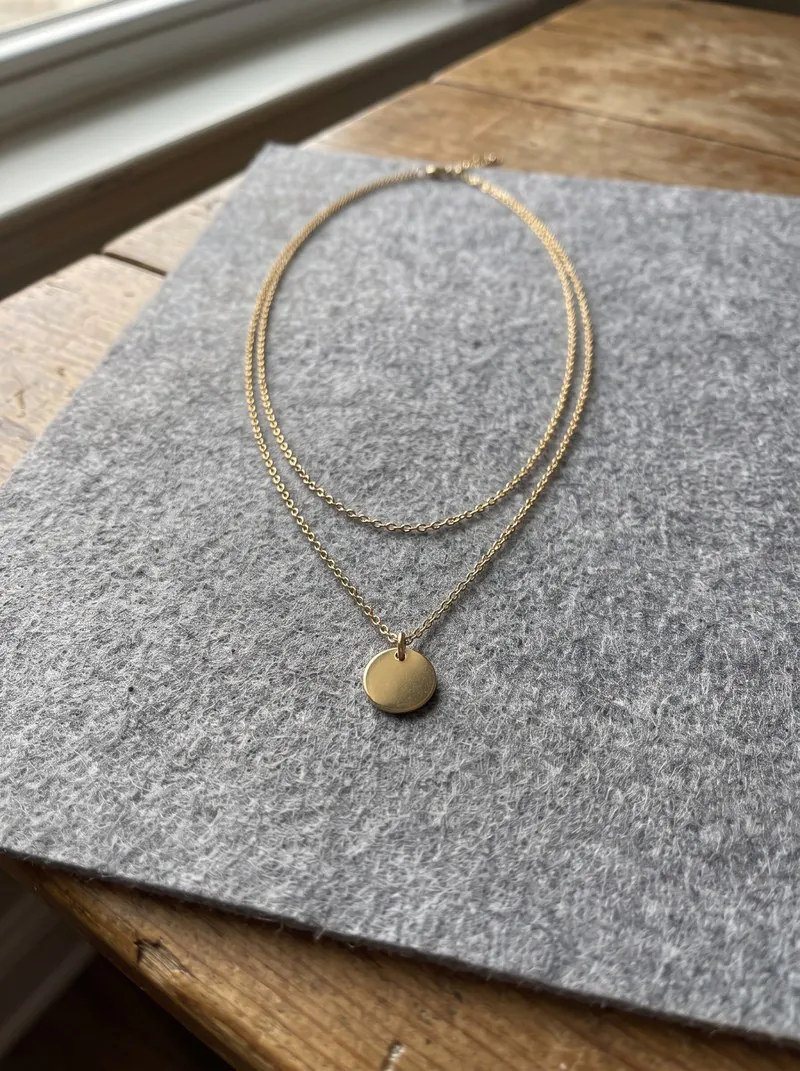 Product photo
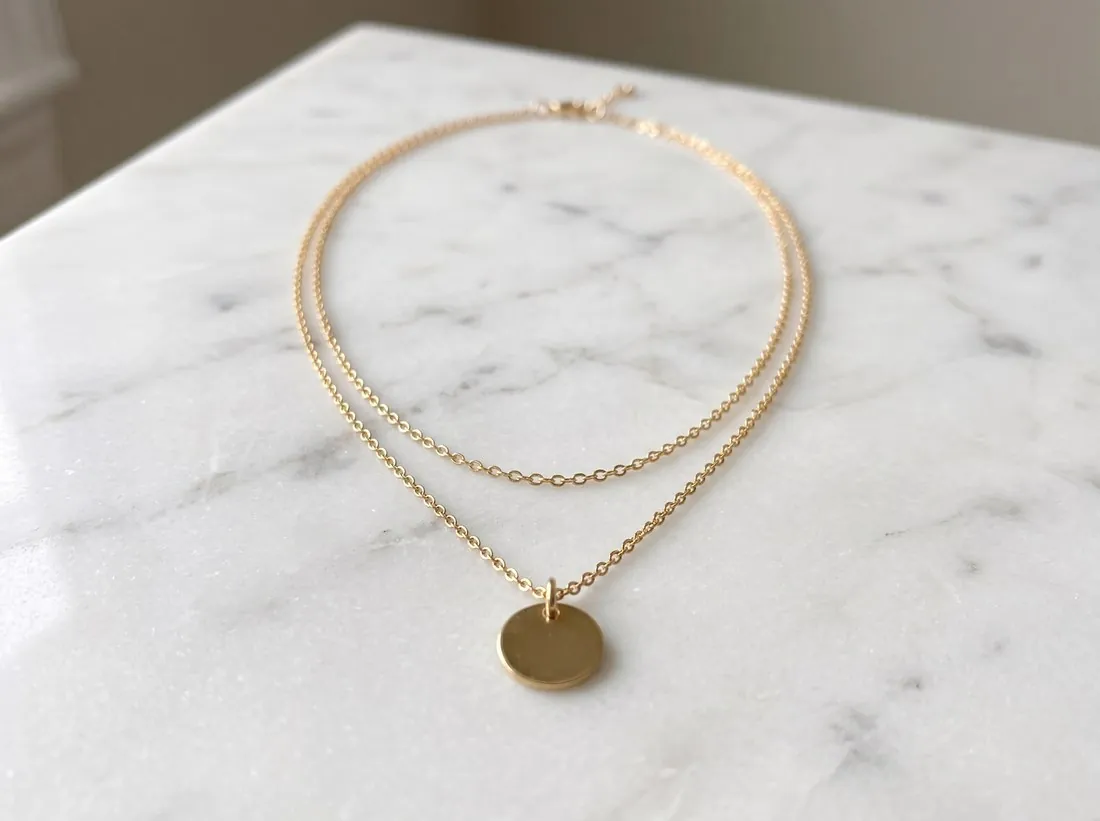 ResultProduct photo
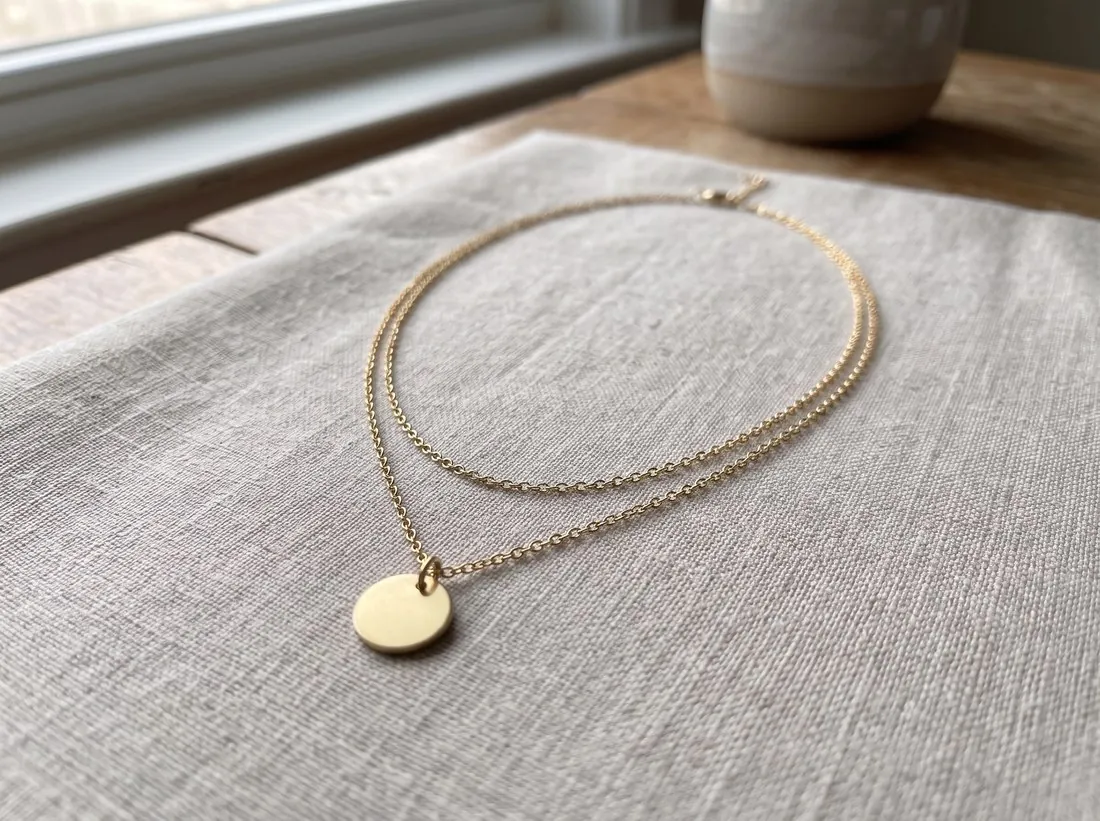 Result
 Product photo
 Result
 Product photo
 Result
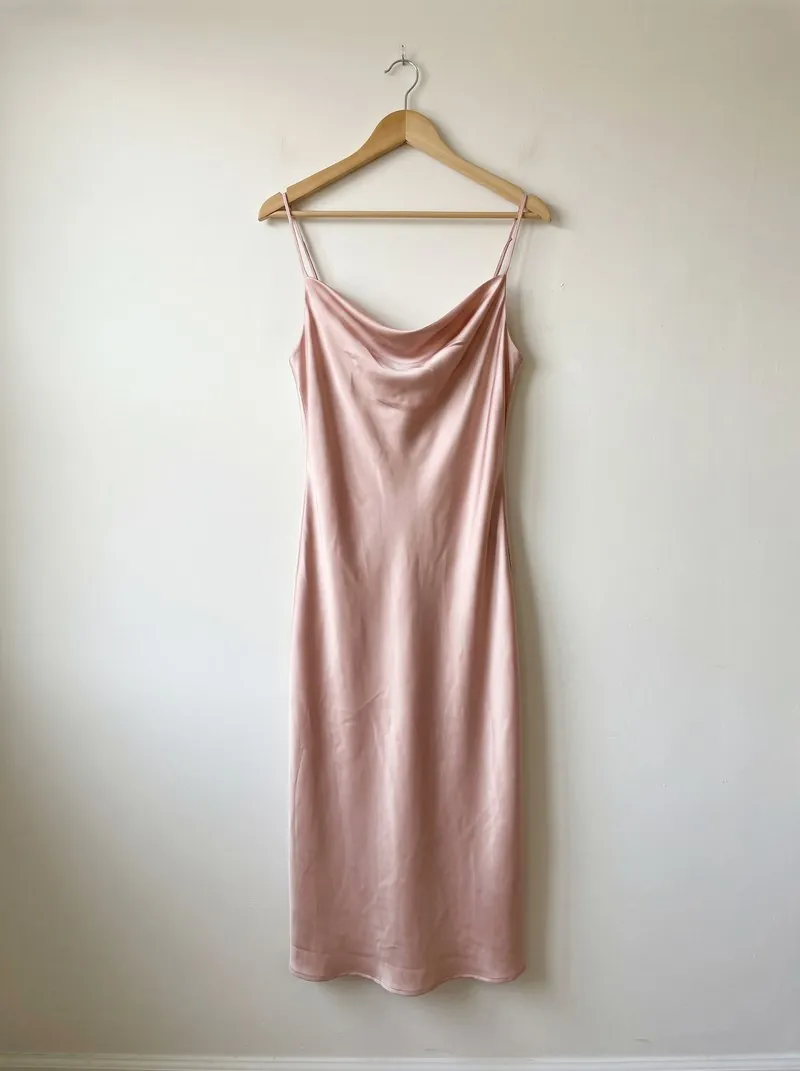 Product photo
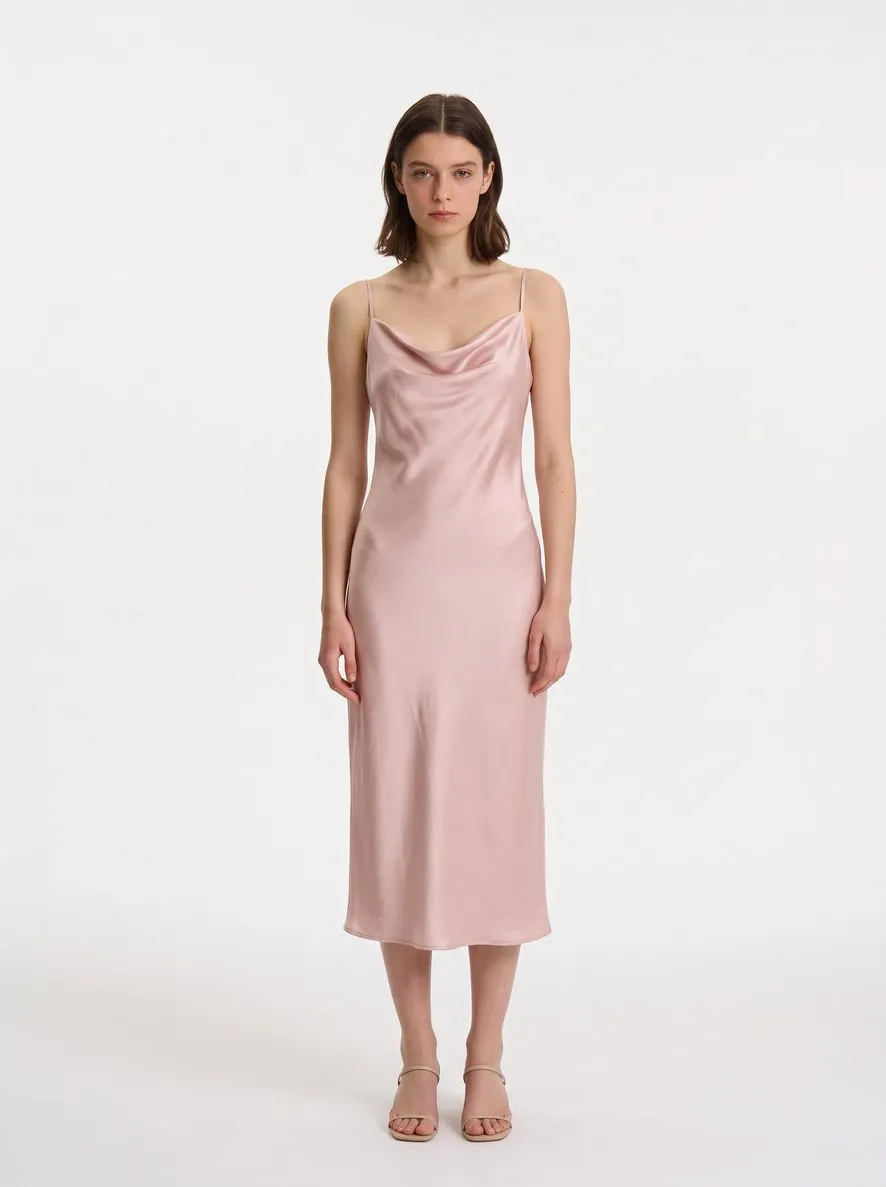 ResultProduct photo
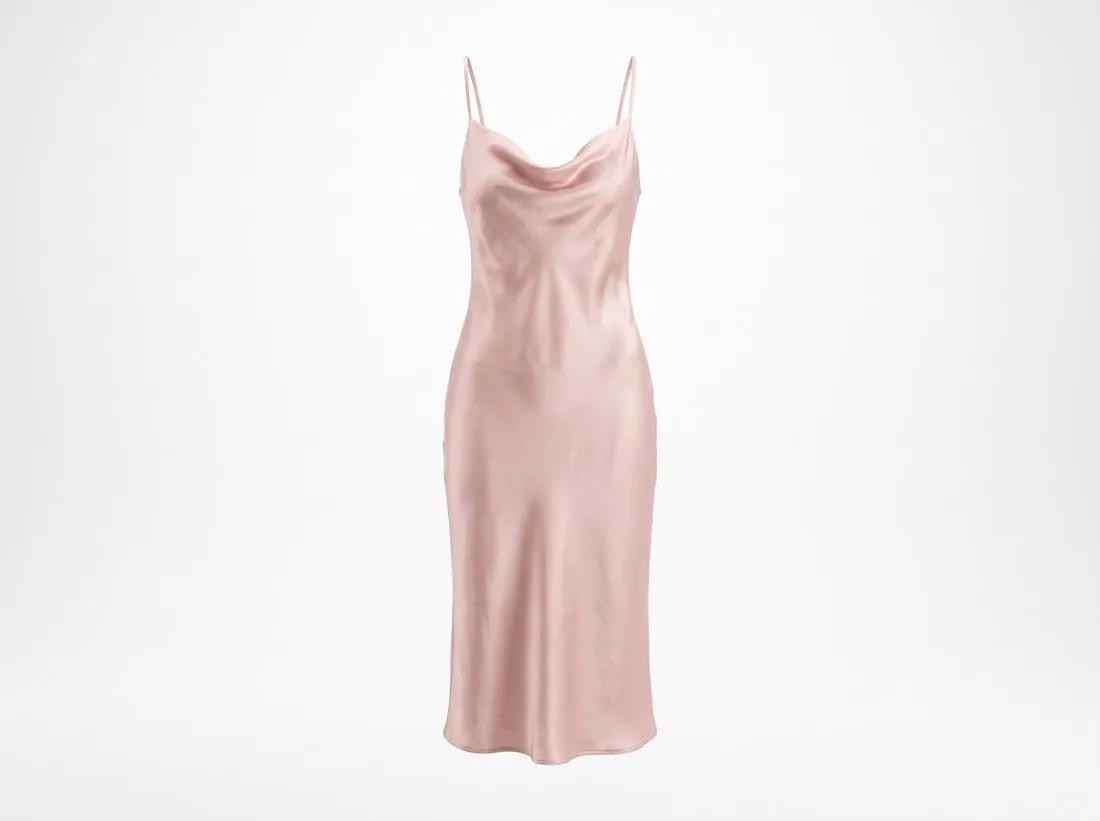 Result
The sample products are unbranded test designs photographed like a phone snapshot. Results are shown without retouching, resized for the web.
20 credits at sign-up, no card required. Images made with free credits carry a watermark.
Made for what you sell.
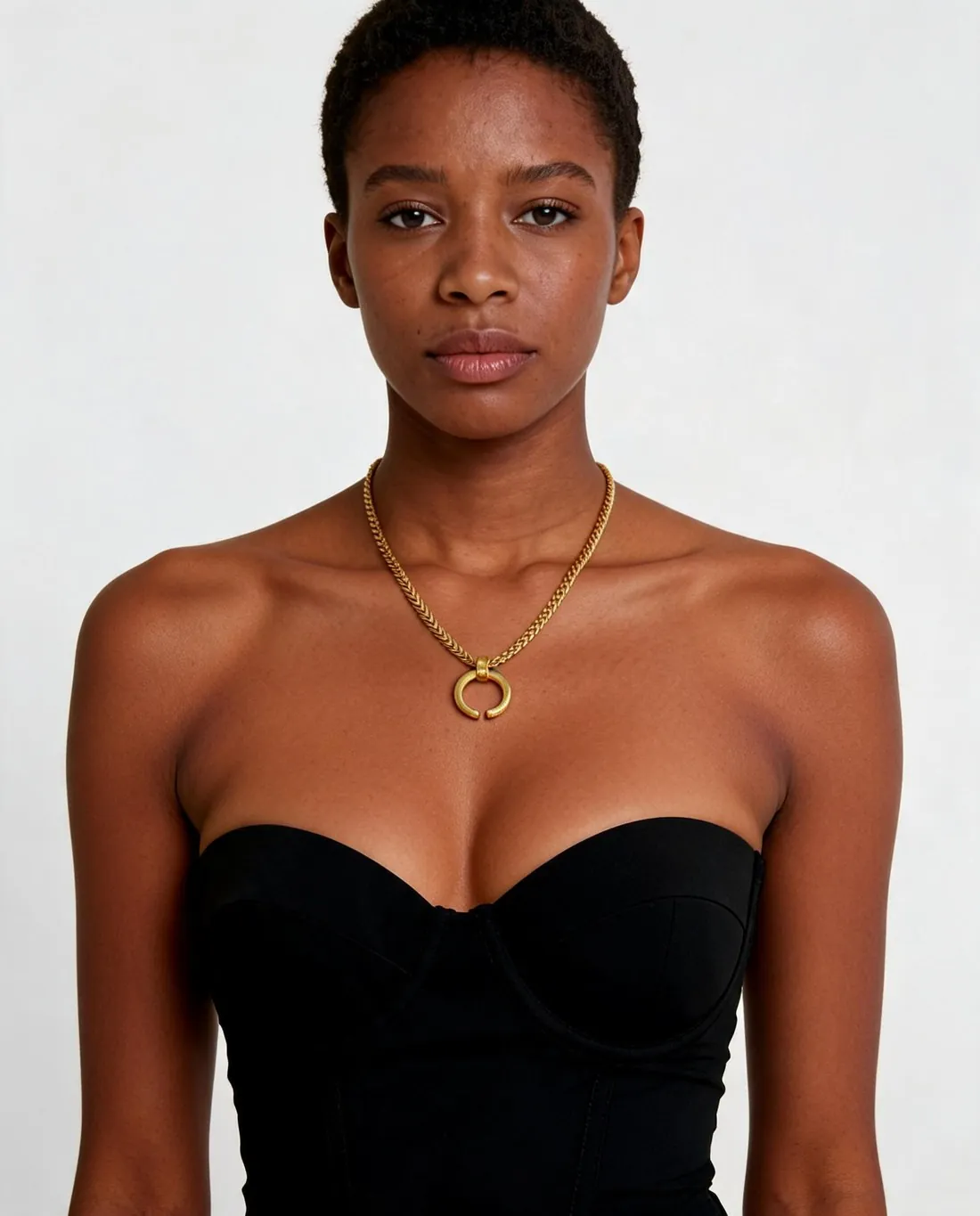
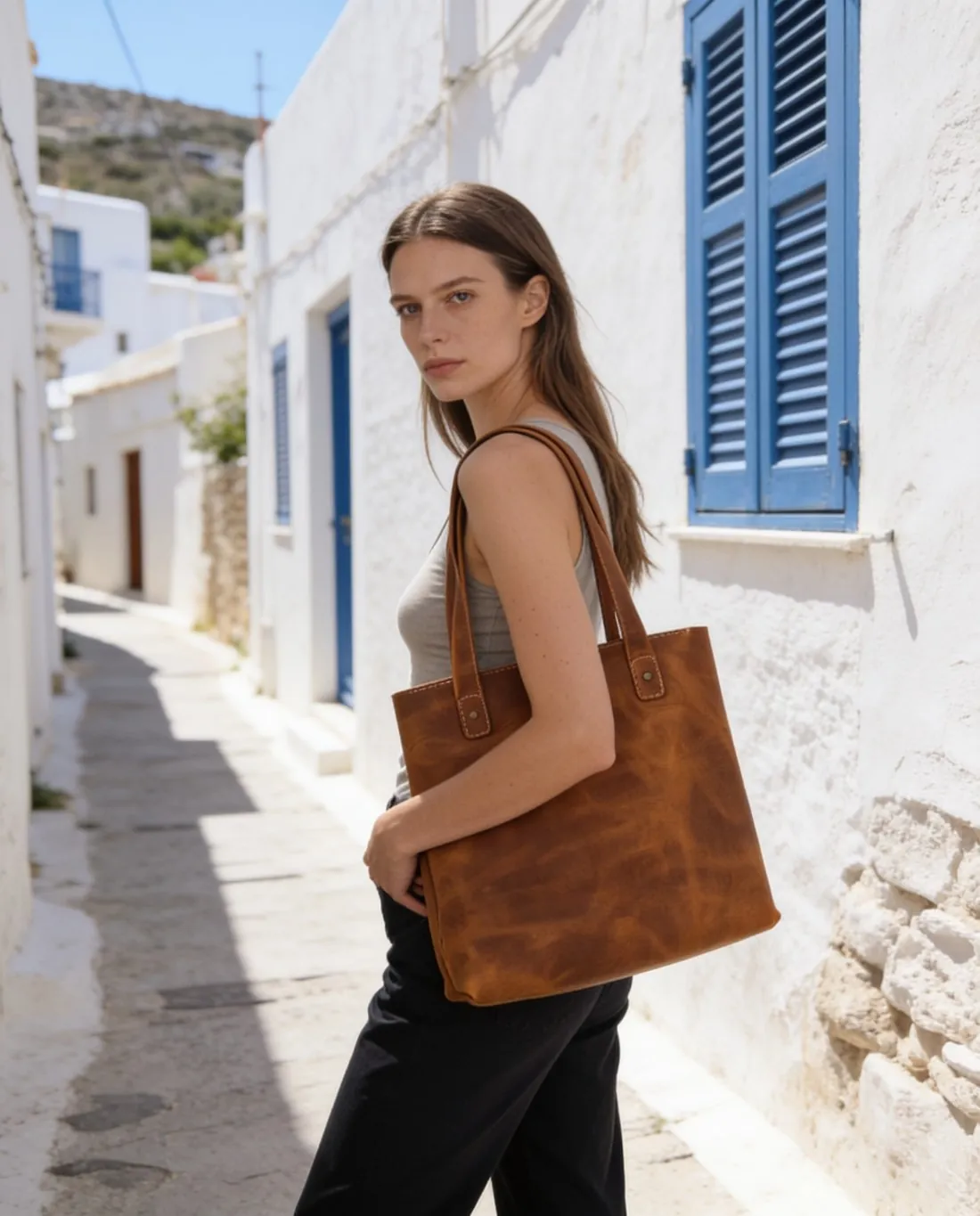
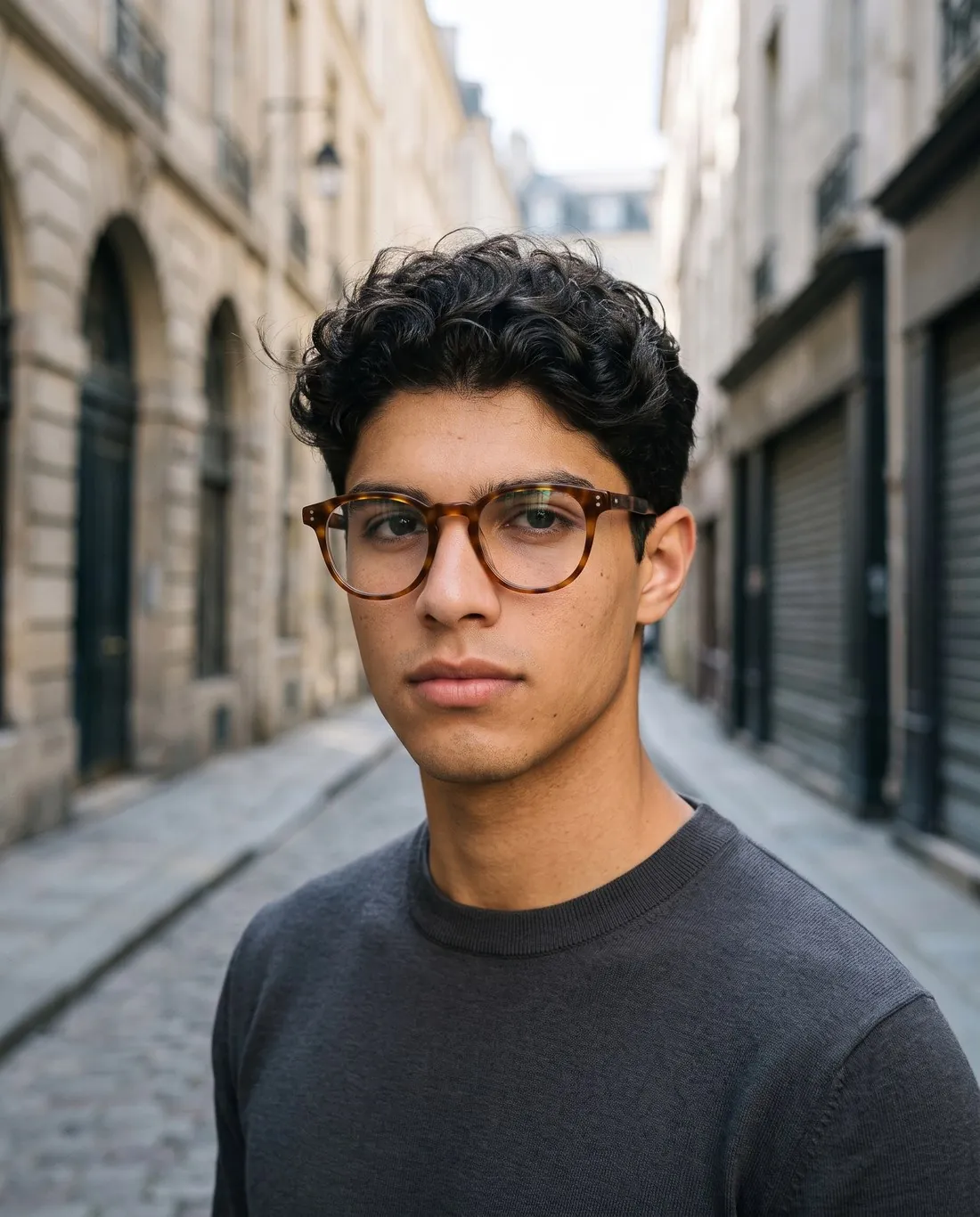
From a phone photo to a product page.
Details
Choose a studio to see the exact inputs behind a real result — nothing retouched by hand.
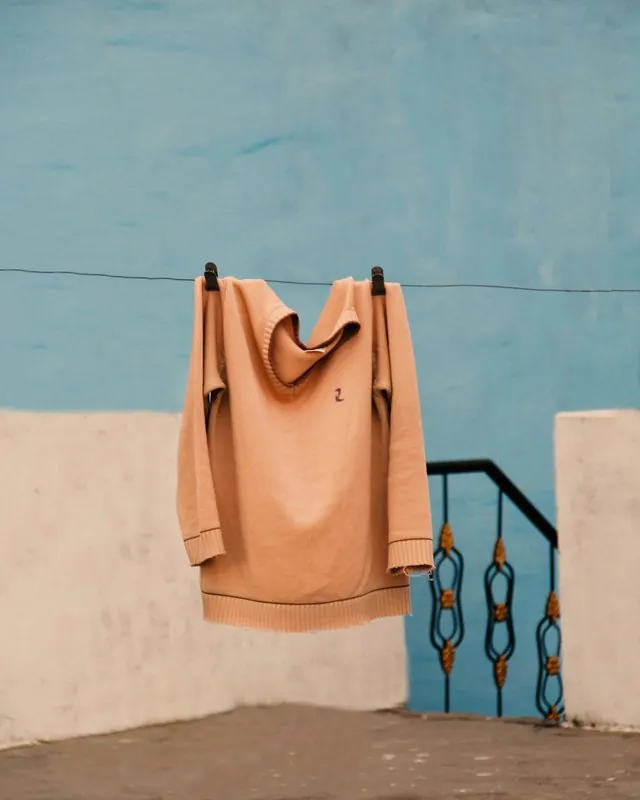
- Upload a photoOn a clothes line
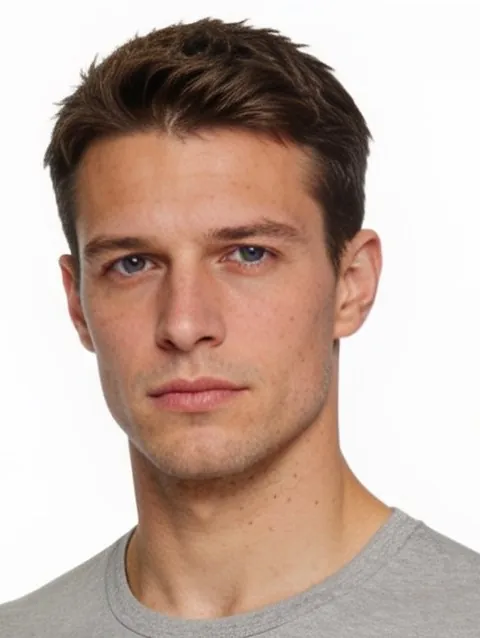
- Pick a modelModel
- Pick a poseStanding
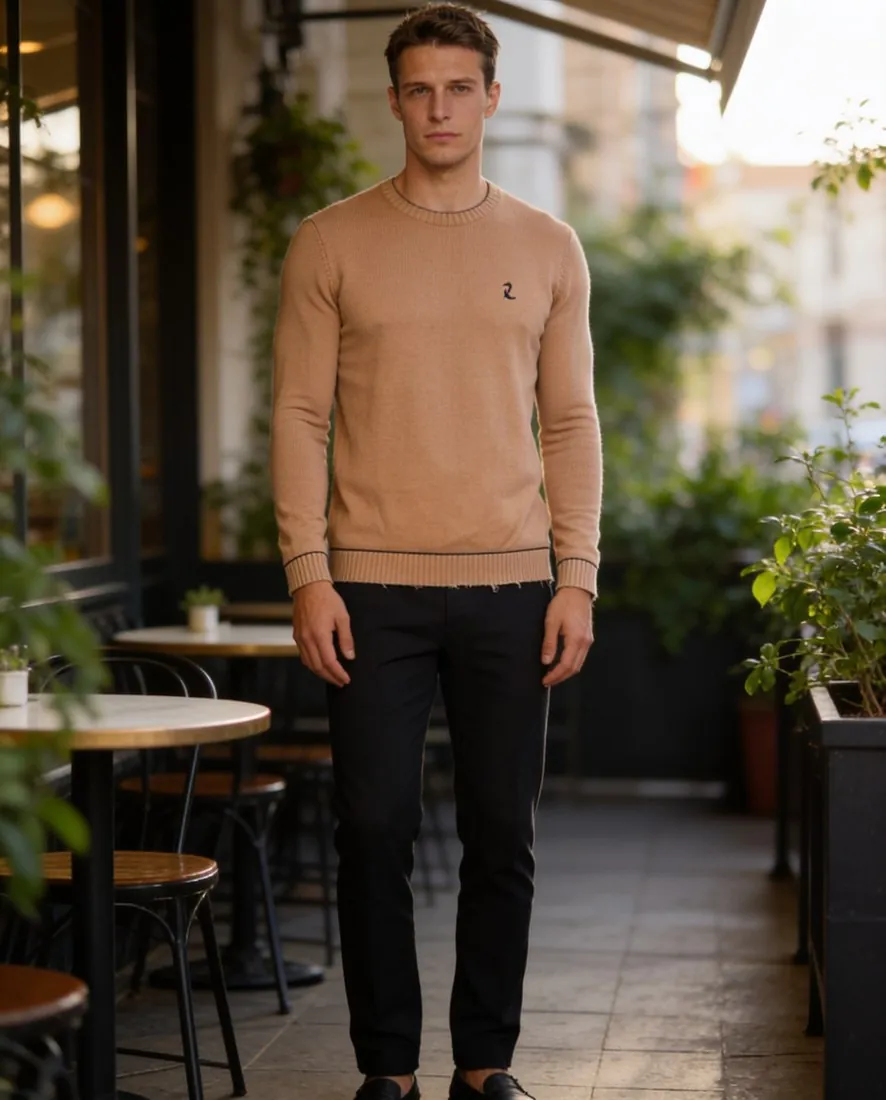 1 of 10
- Pick a backgroundCafé terrace1 of 10
- Result5 credits per image · 4K +1Herofab
Details
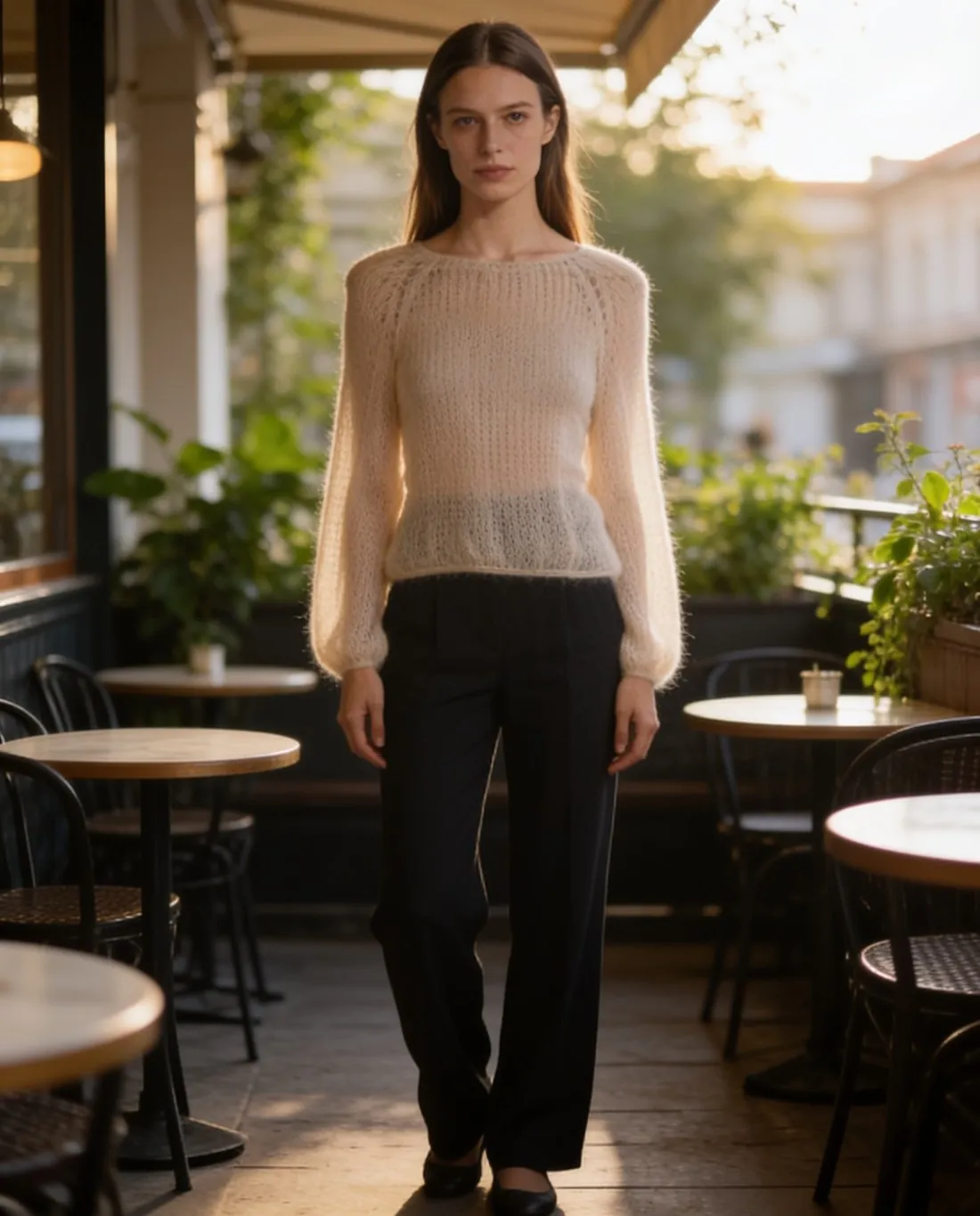
Upload the garment on a hanger or laid flat, then pick one of 10 poses and one of 10 backgrounds — or upload your own. The model wears your garment with its cut, fabric and print kept.
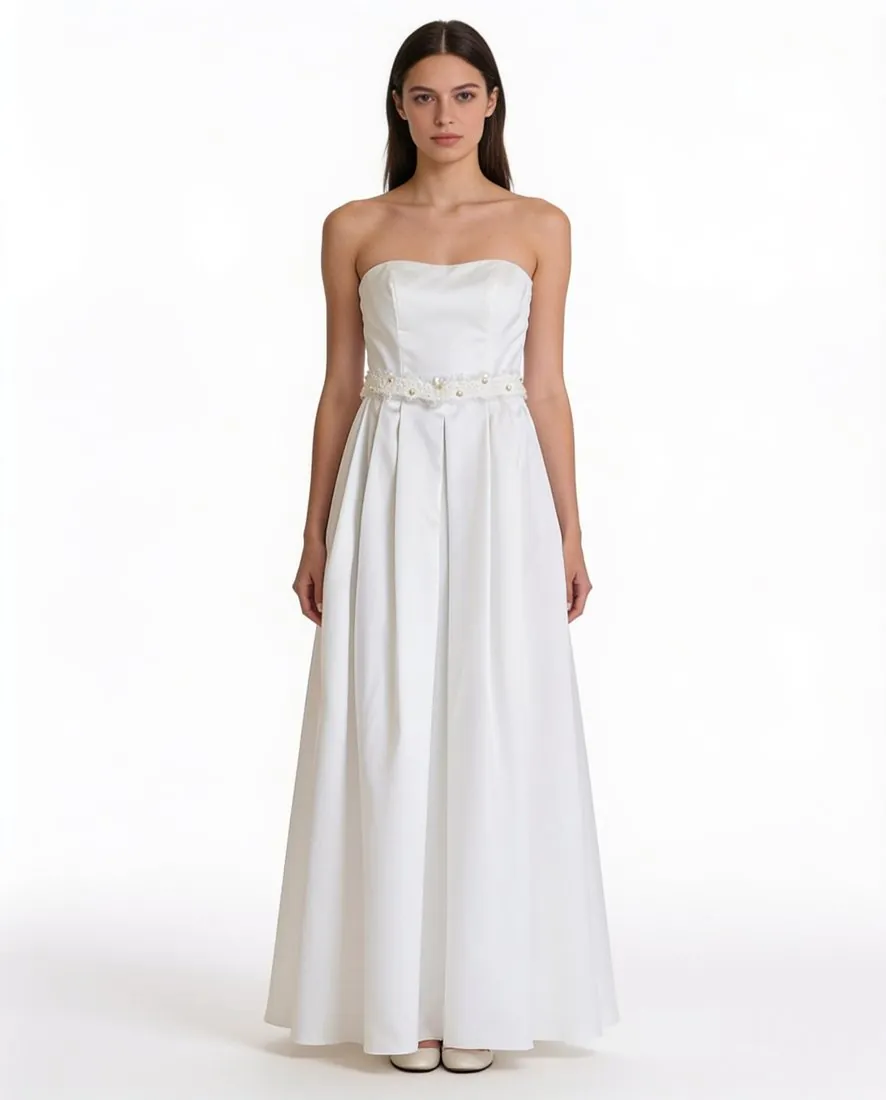
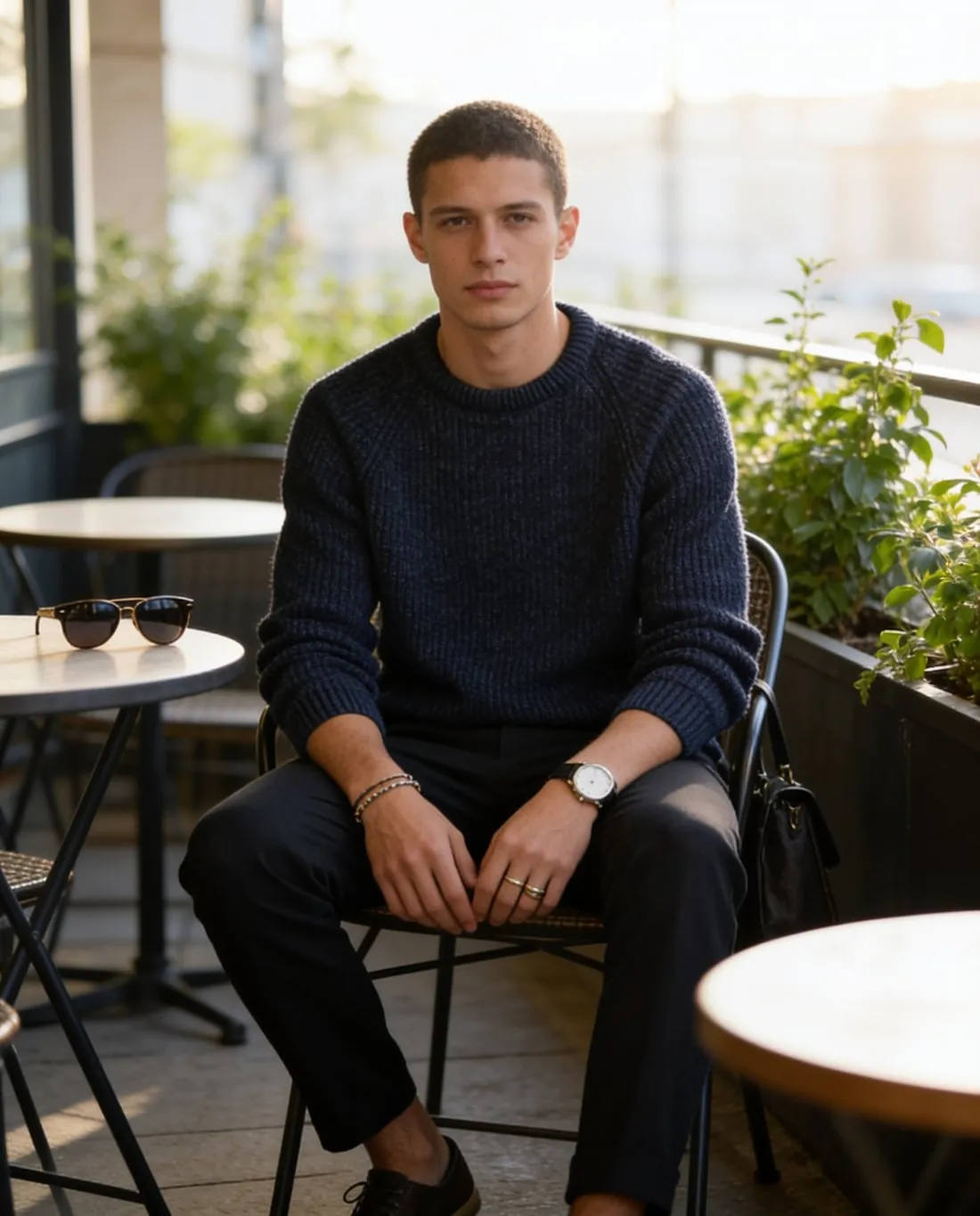
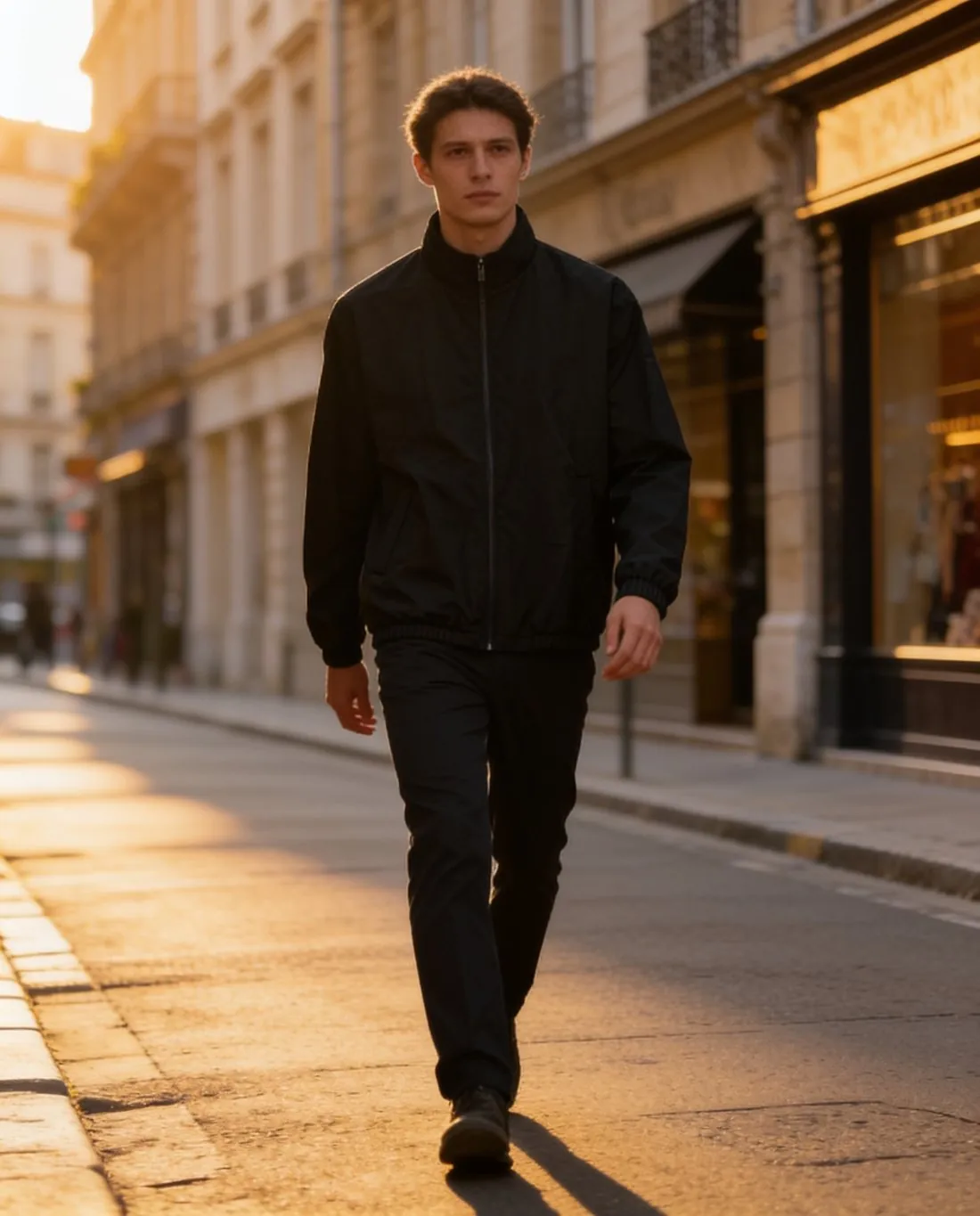
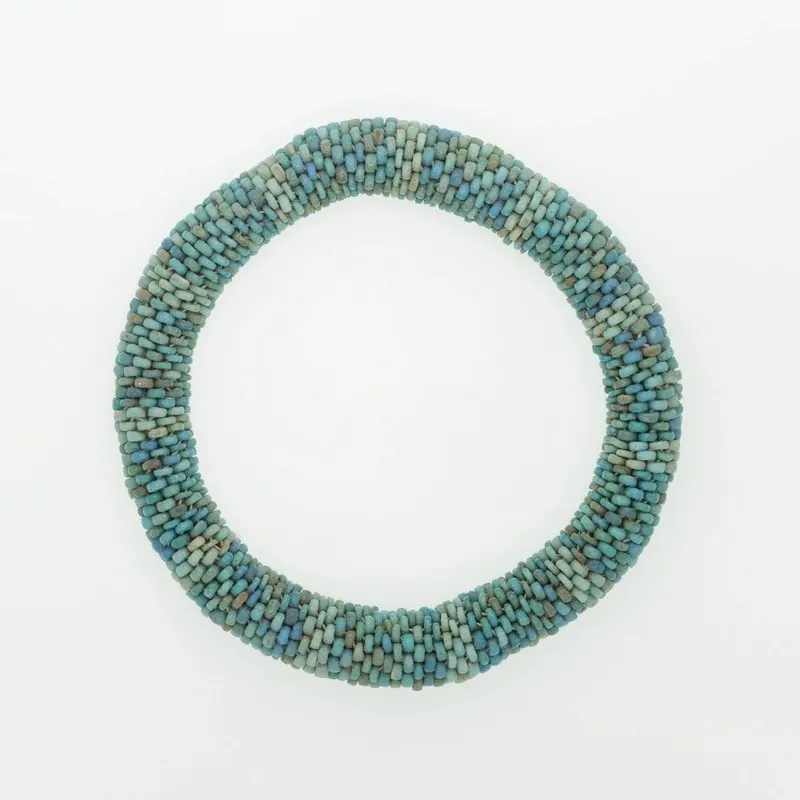
- Upload a photoProduct photo
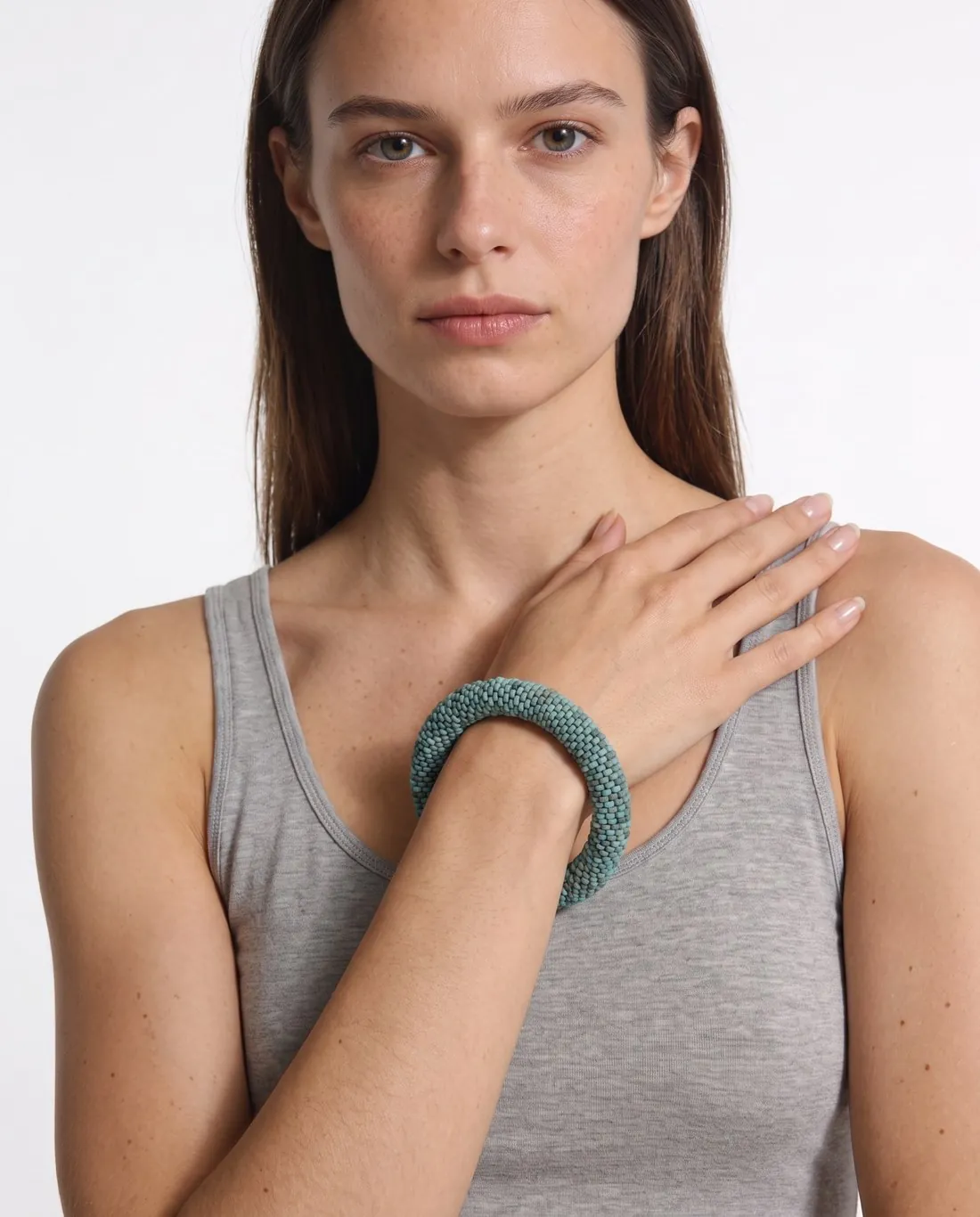
- Result5 credits per image · 4K +1
 Herofab
Details
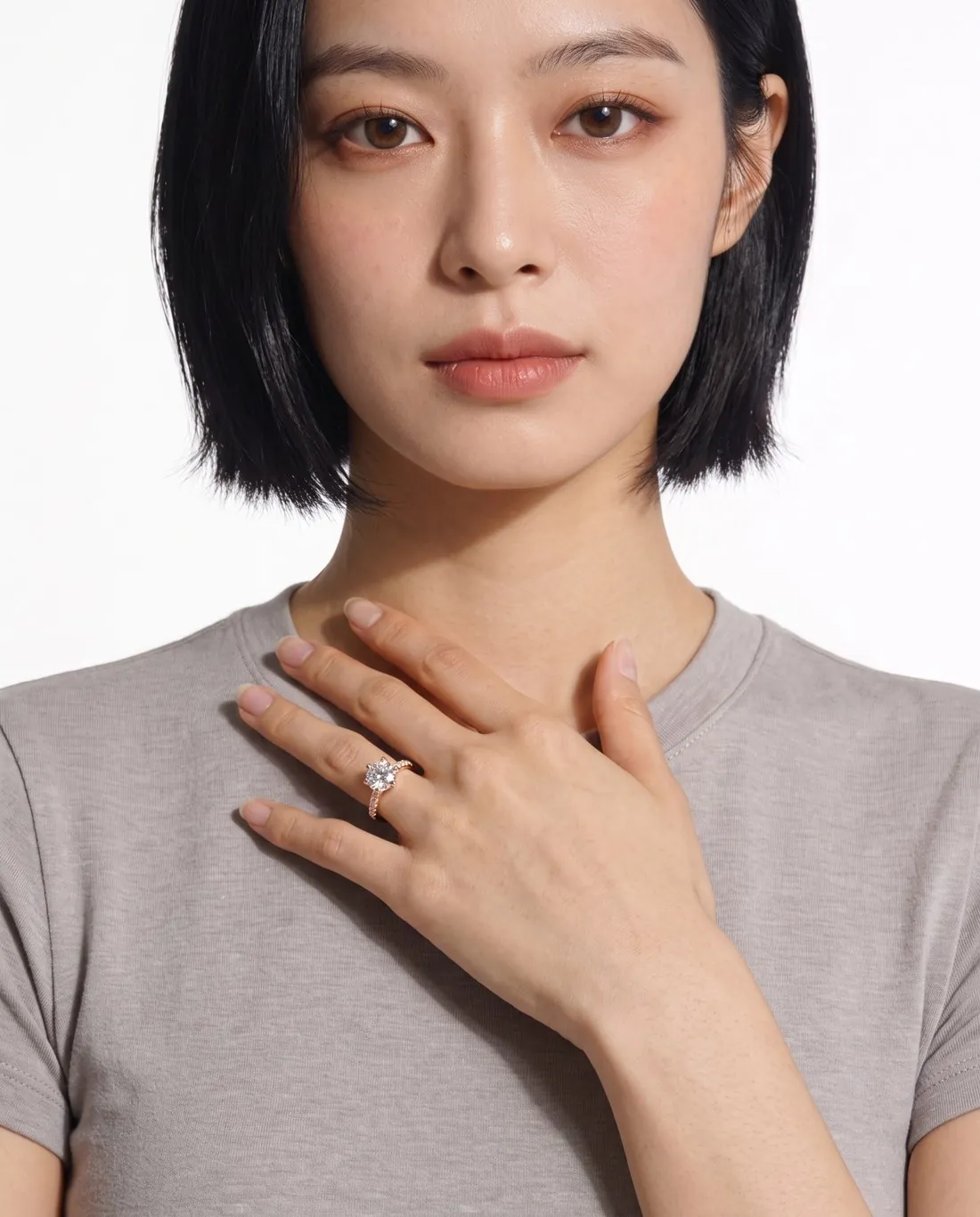
Upload earrings, a necklace, a ring or a bracelet as a plain product photo. A model wears the piece in a close frame, with its stones, metal colour and shape kept.
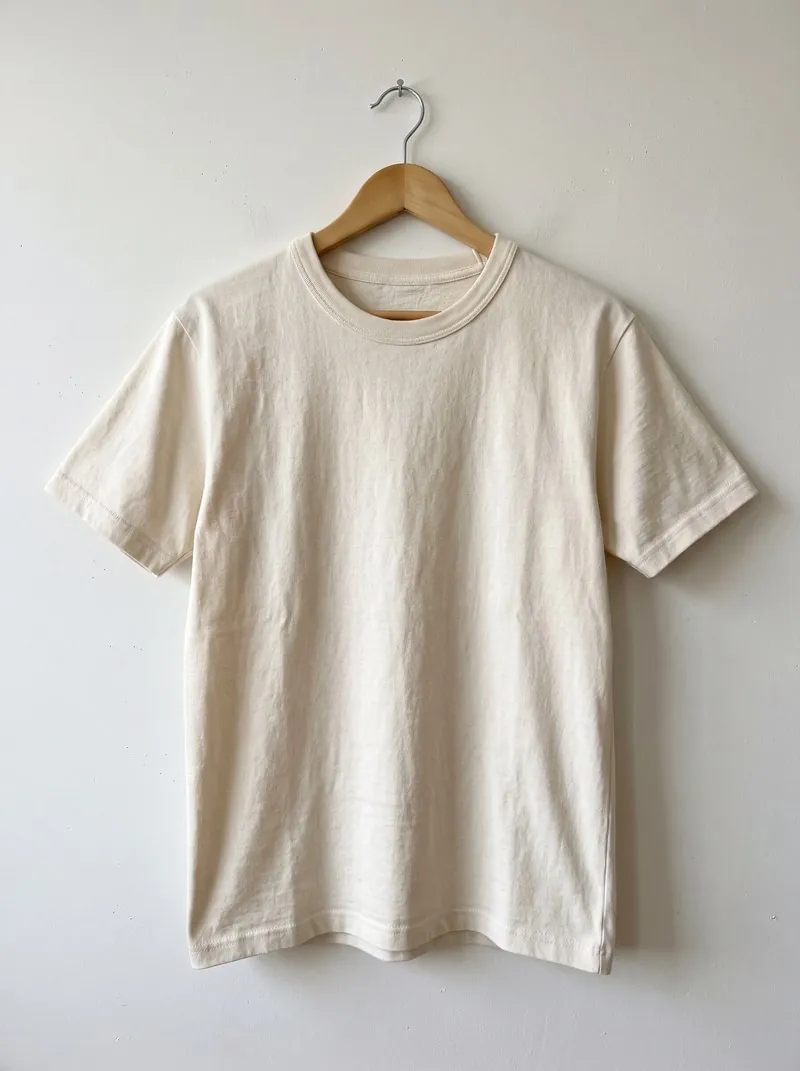
- Upload a photoOn a hanger
- Result4 credits per image · 4K +1
 Herofab
Details
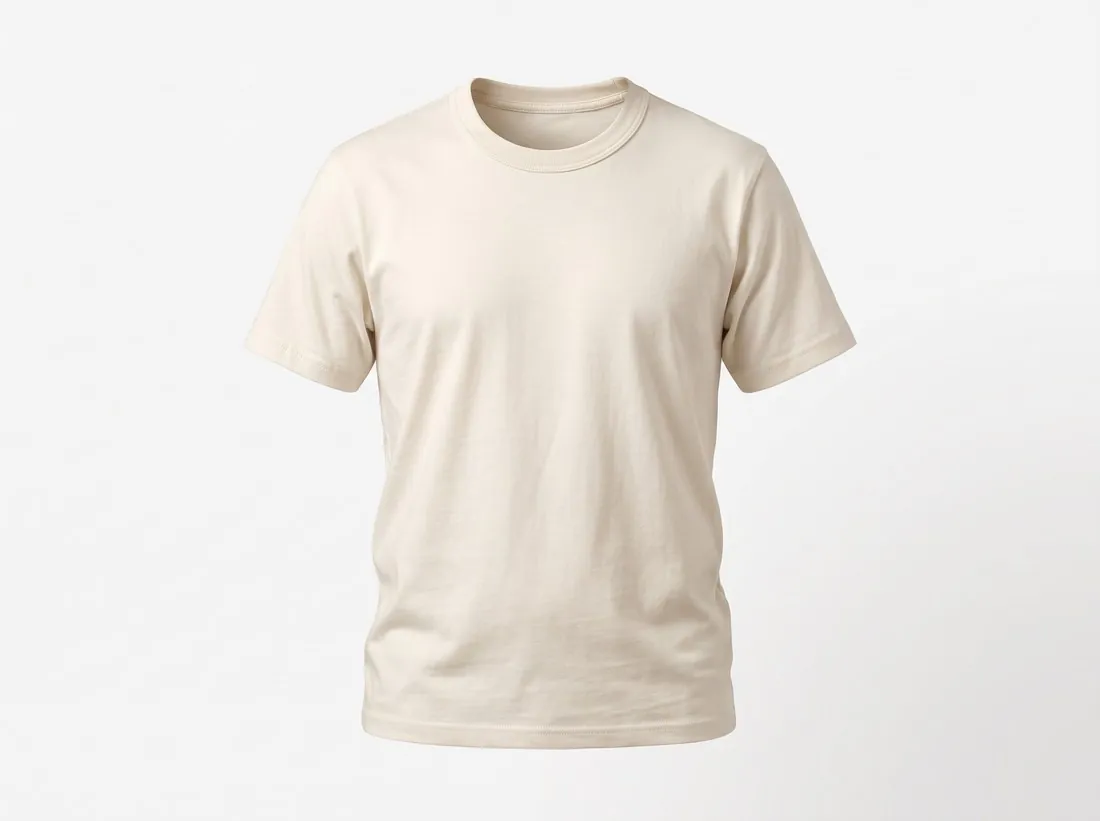
Upload the garment as it is — on a hanger or on a bed. It is delivered as a 3D ghost mannequin on pure white, the standard marketplace look.
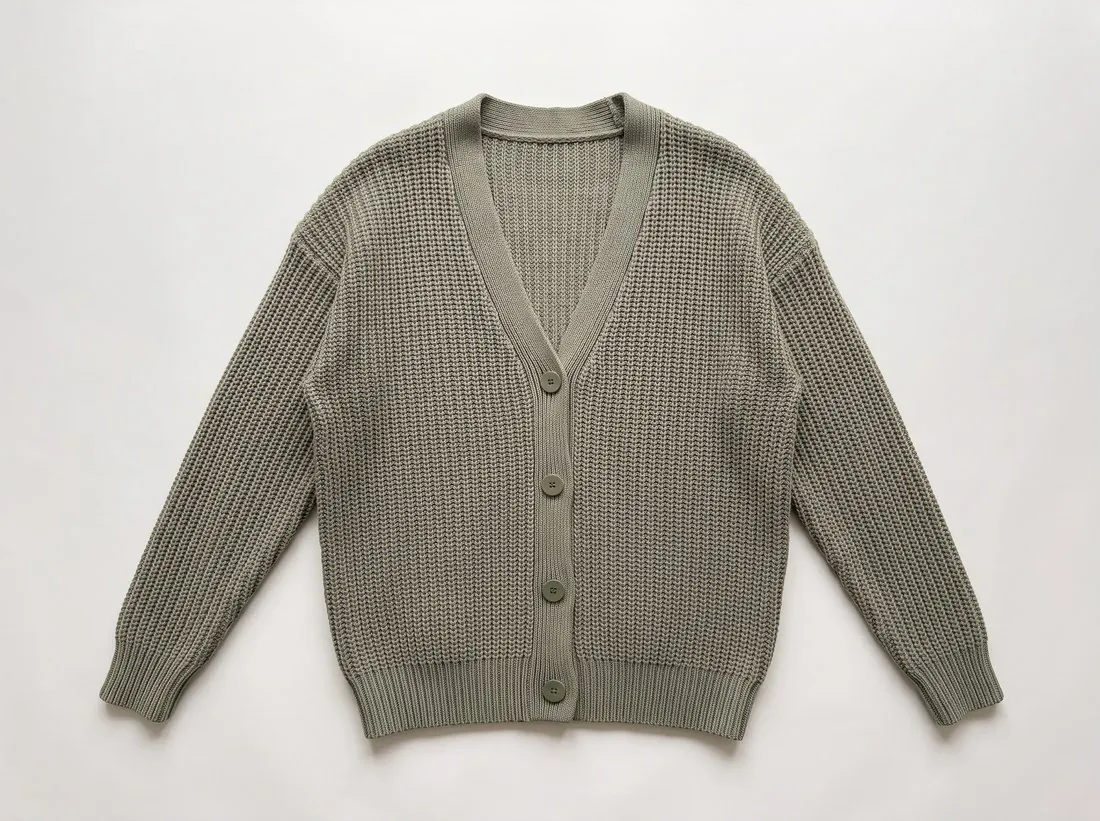
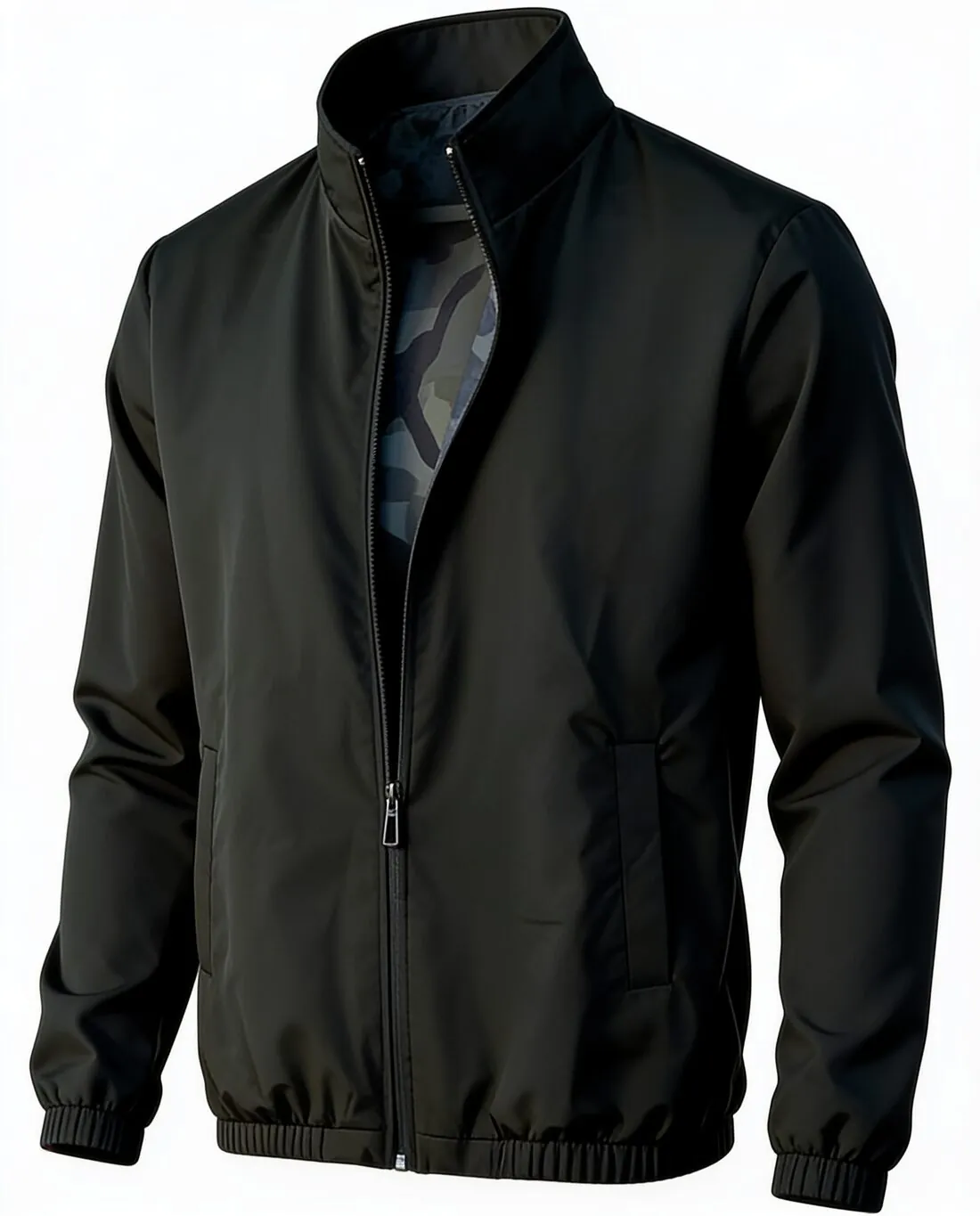
- Upload a photoProduct photo
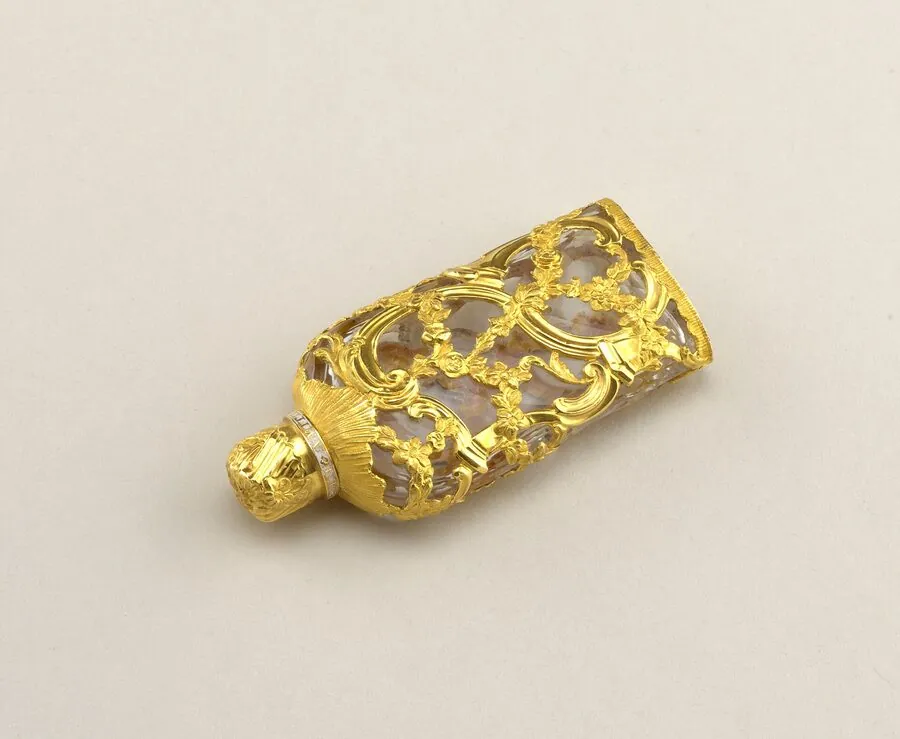
- Marble1 of 9Pick a sceneMarble
- Result4 credits per image · 4K +1
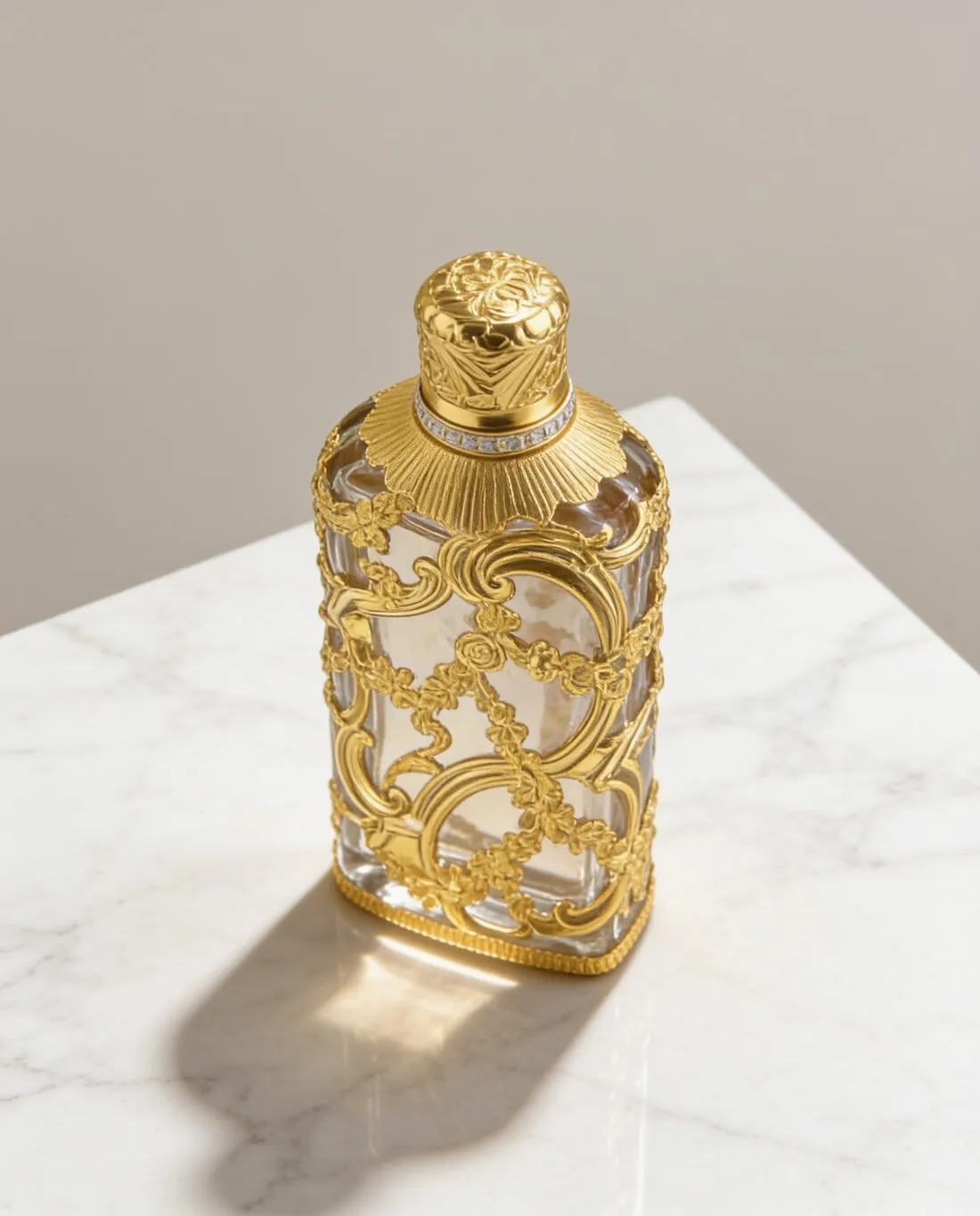 Herofab
Details
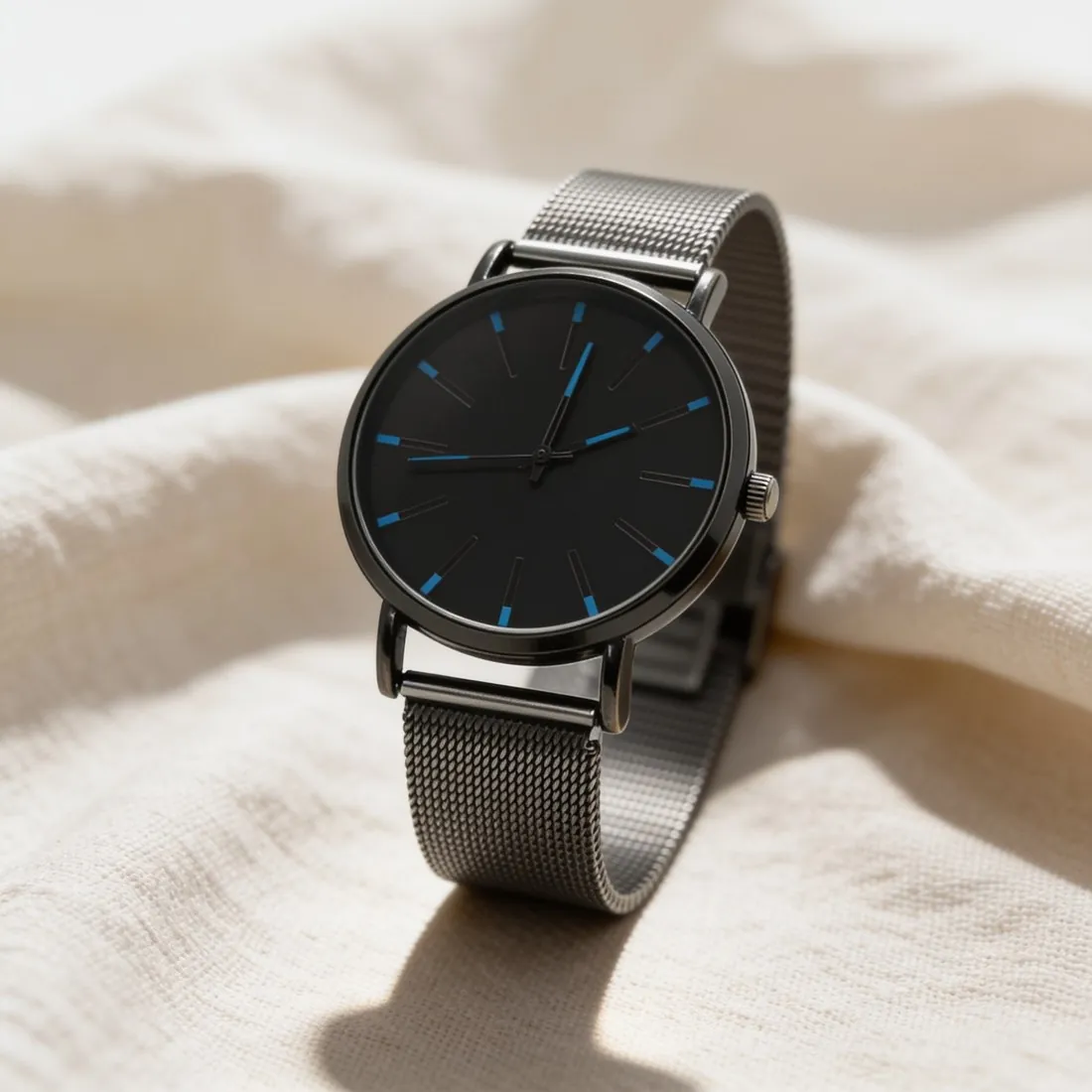
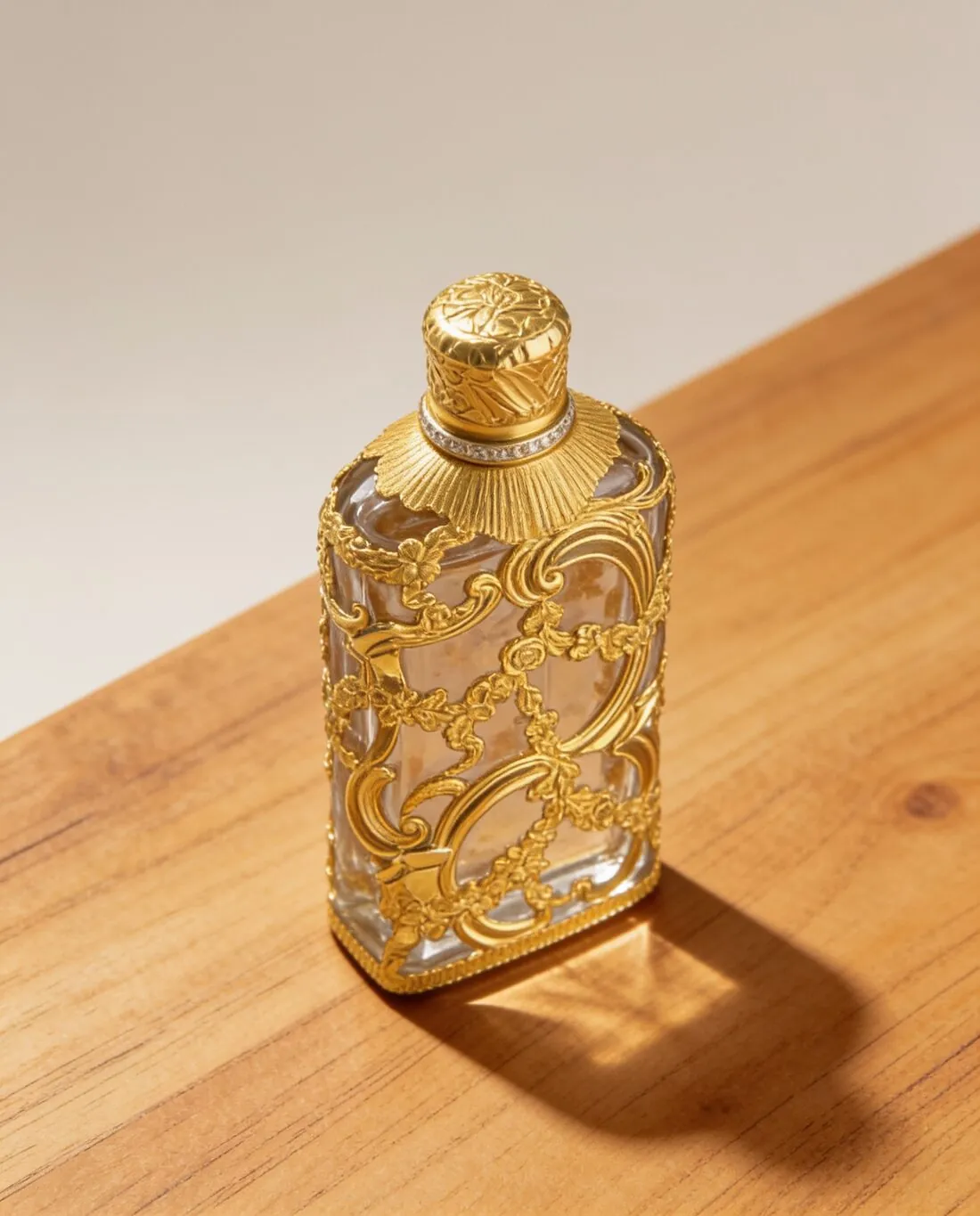
Any product, no model: pick one of 9 scenes such as marble, wood, linen or a podium, or upload your own background.
Every accessory, worn.
Details
Necklaces, bracelets, shoes and glasses — each one uploaded as a plain product photo and worn by a model.
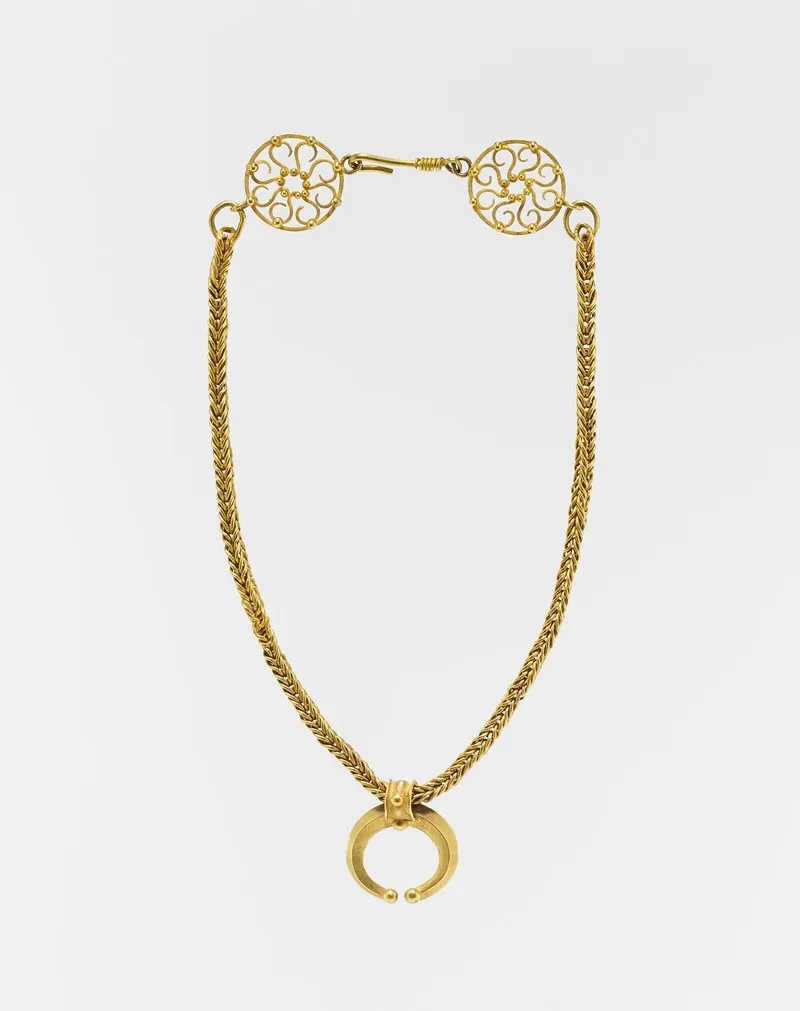
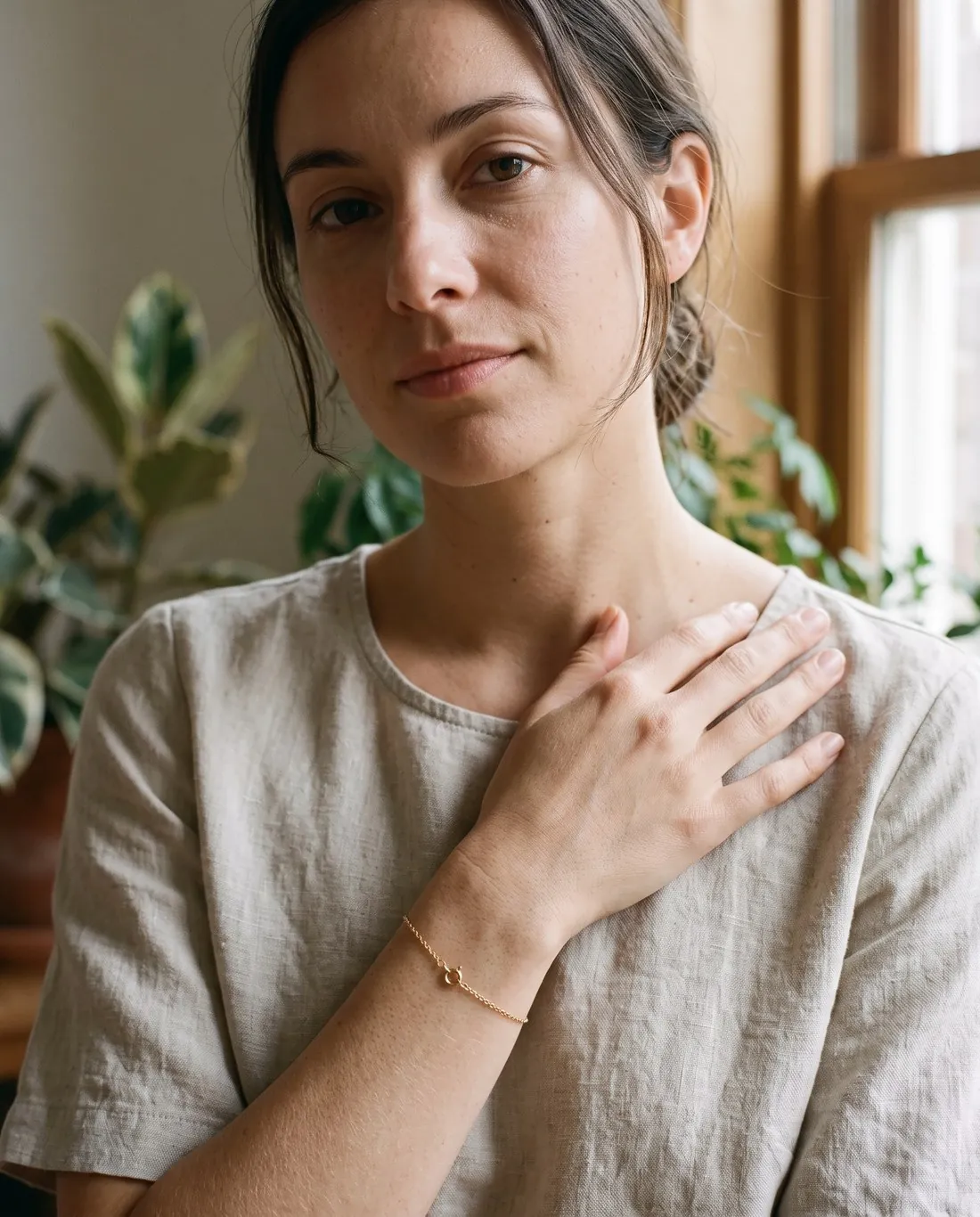
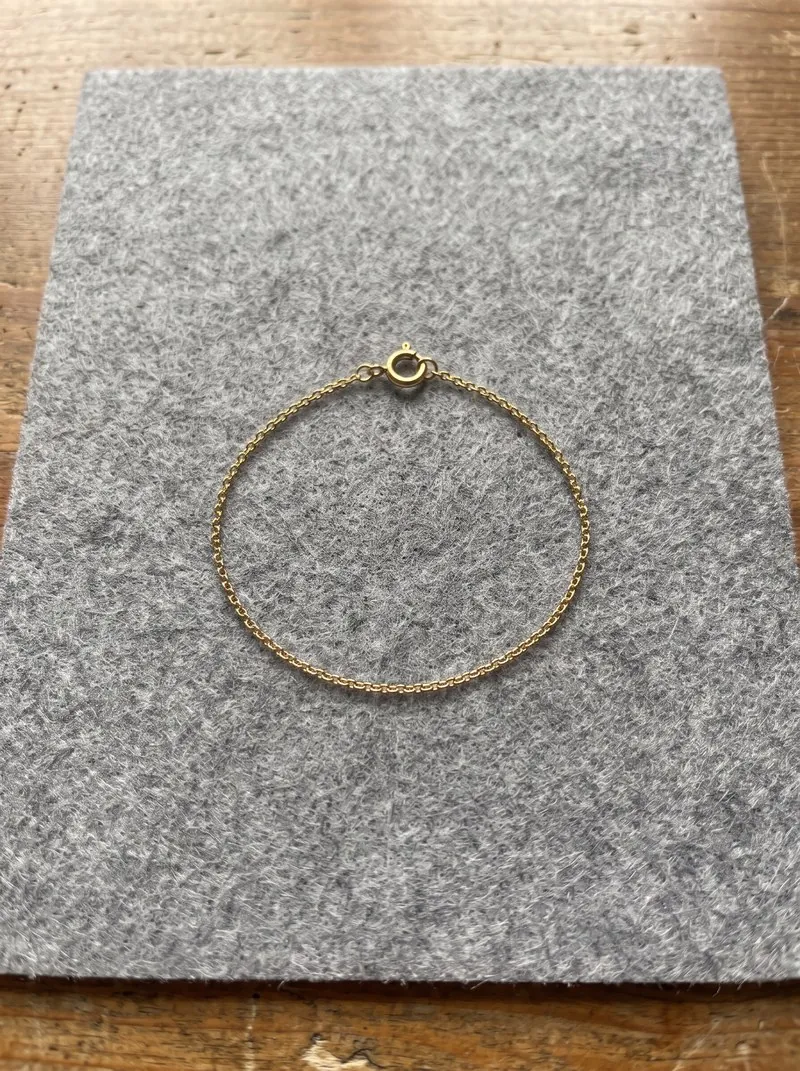
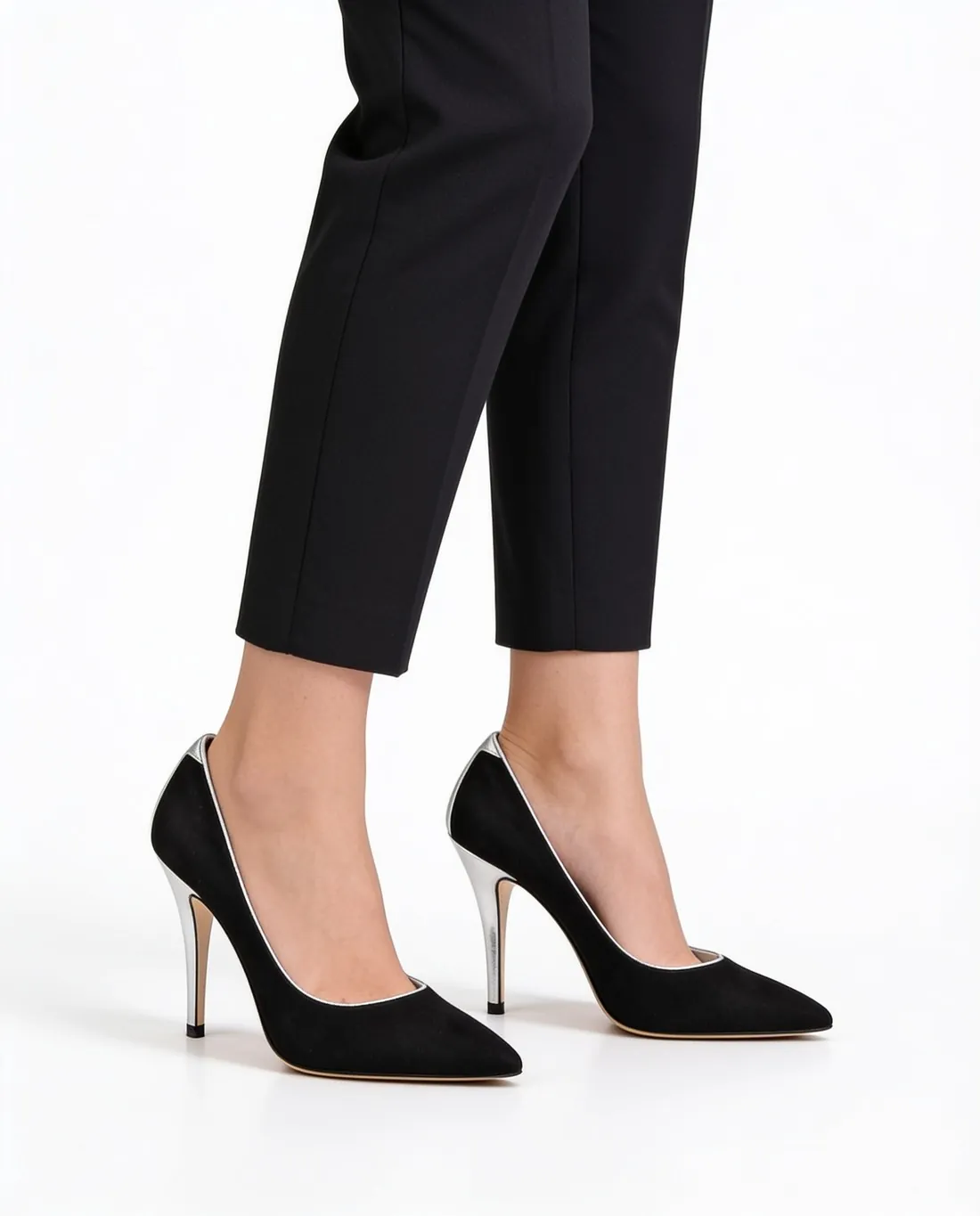
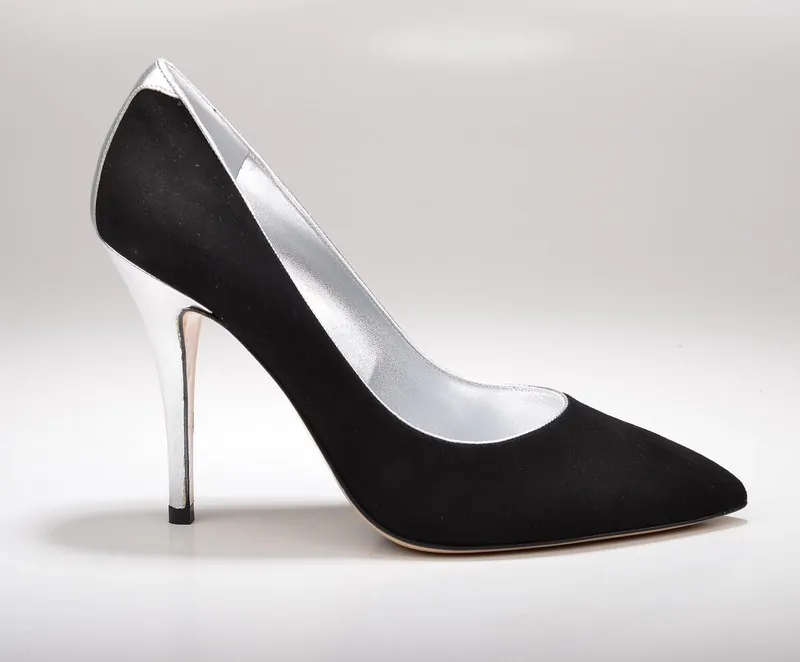
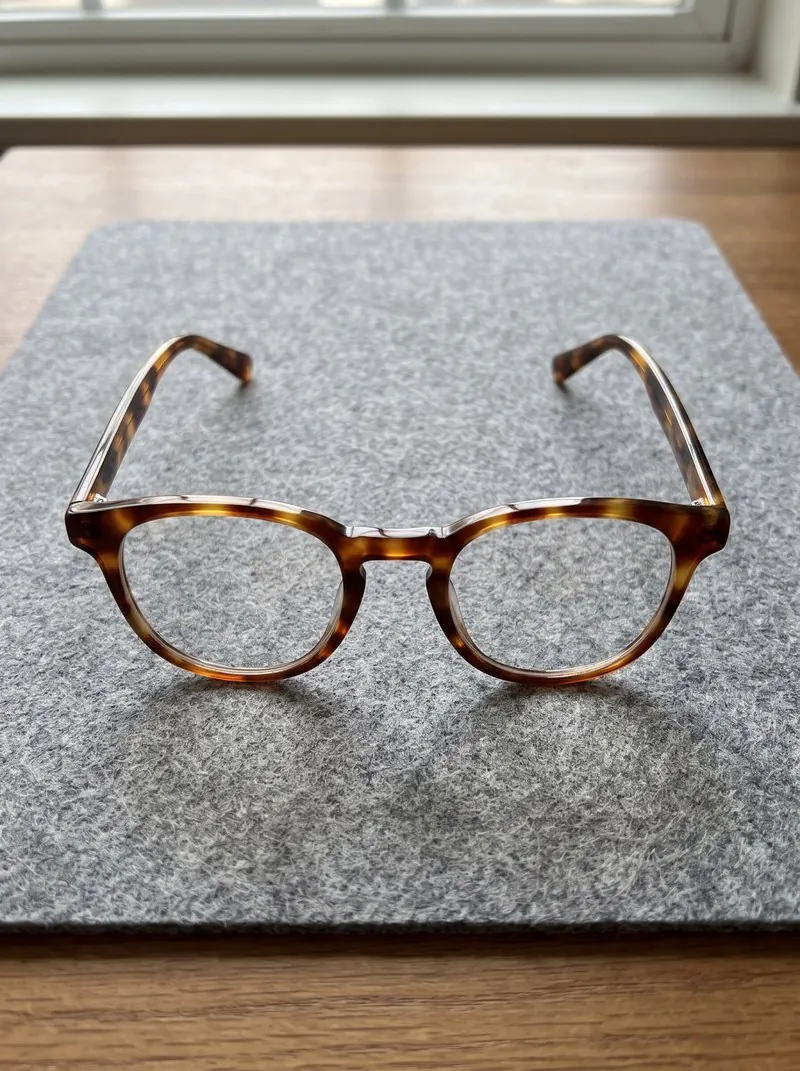
Source photos: Unsplash, Wikimedia Commons (CC0, public domain, CC BY 2.0 — SPERA.de Designerschuhe); the bracelet is our own design.
Send any result to the next tool.
Details
A new pose, another colour, a white background or a wider frame — each made from a delivered image, the product unchanged.
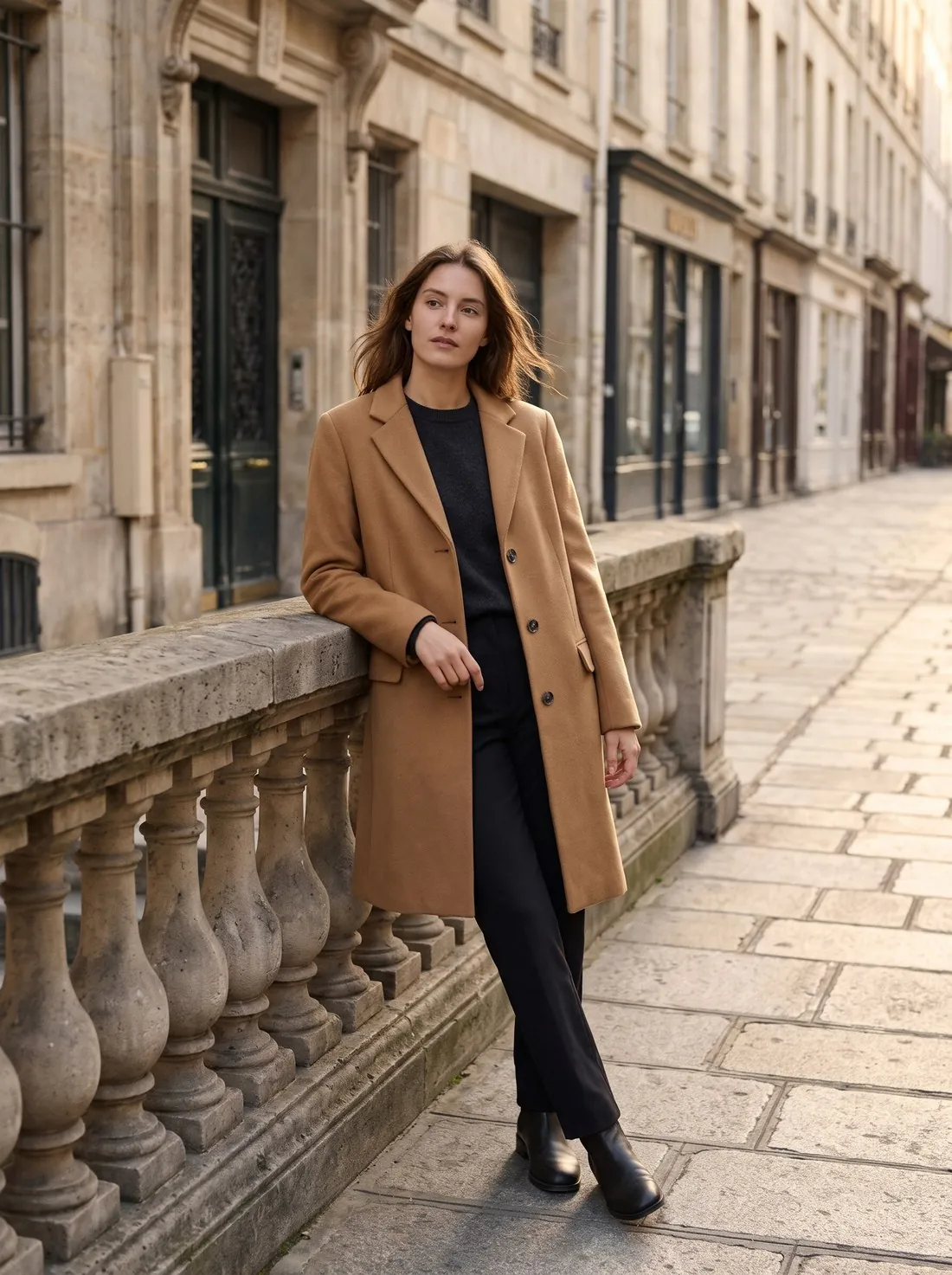
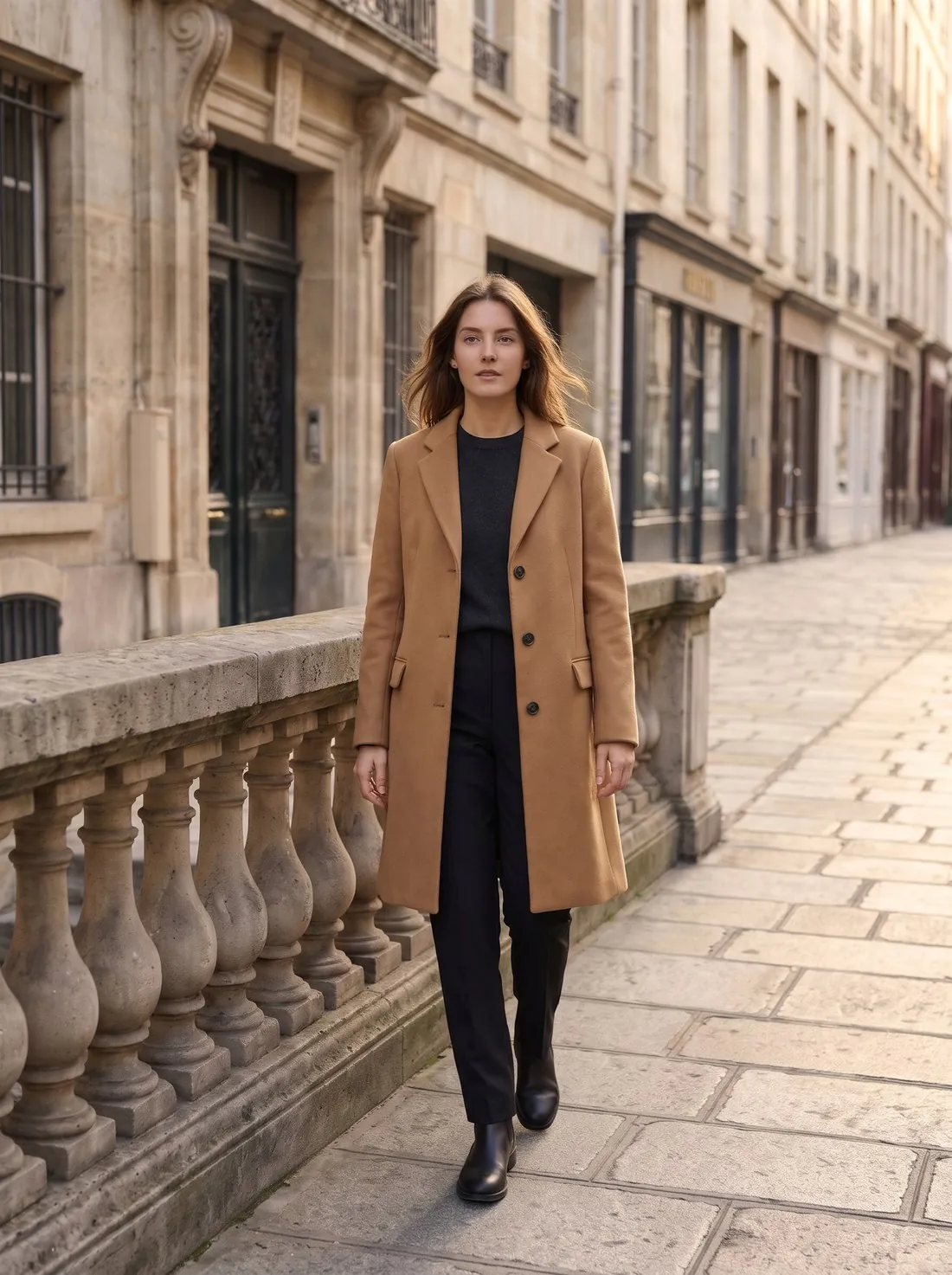
Colour variants
The same image, with the product in another colour.
4 credits per image · 4K +1Open the tool →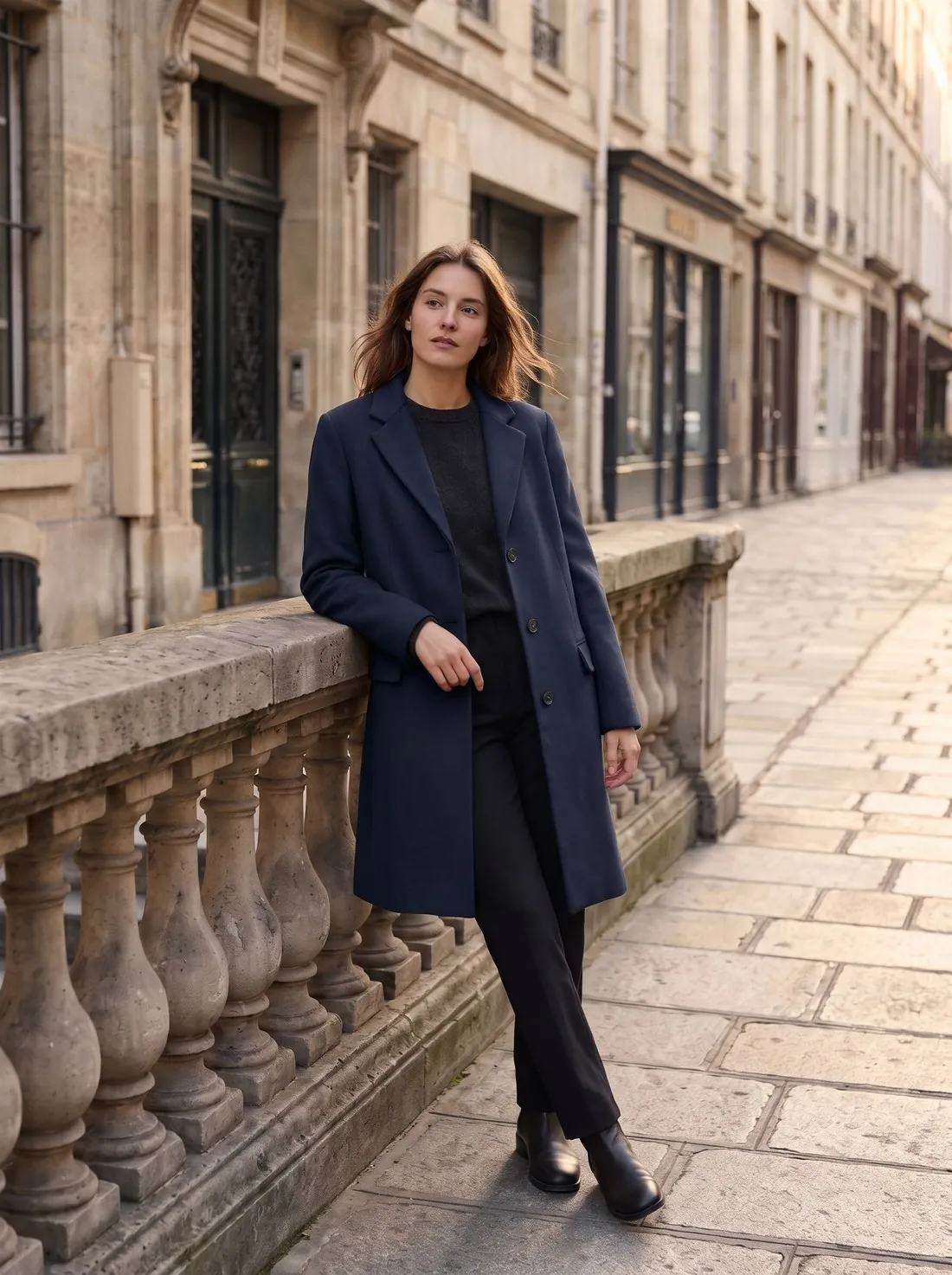
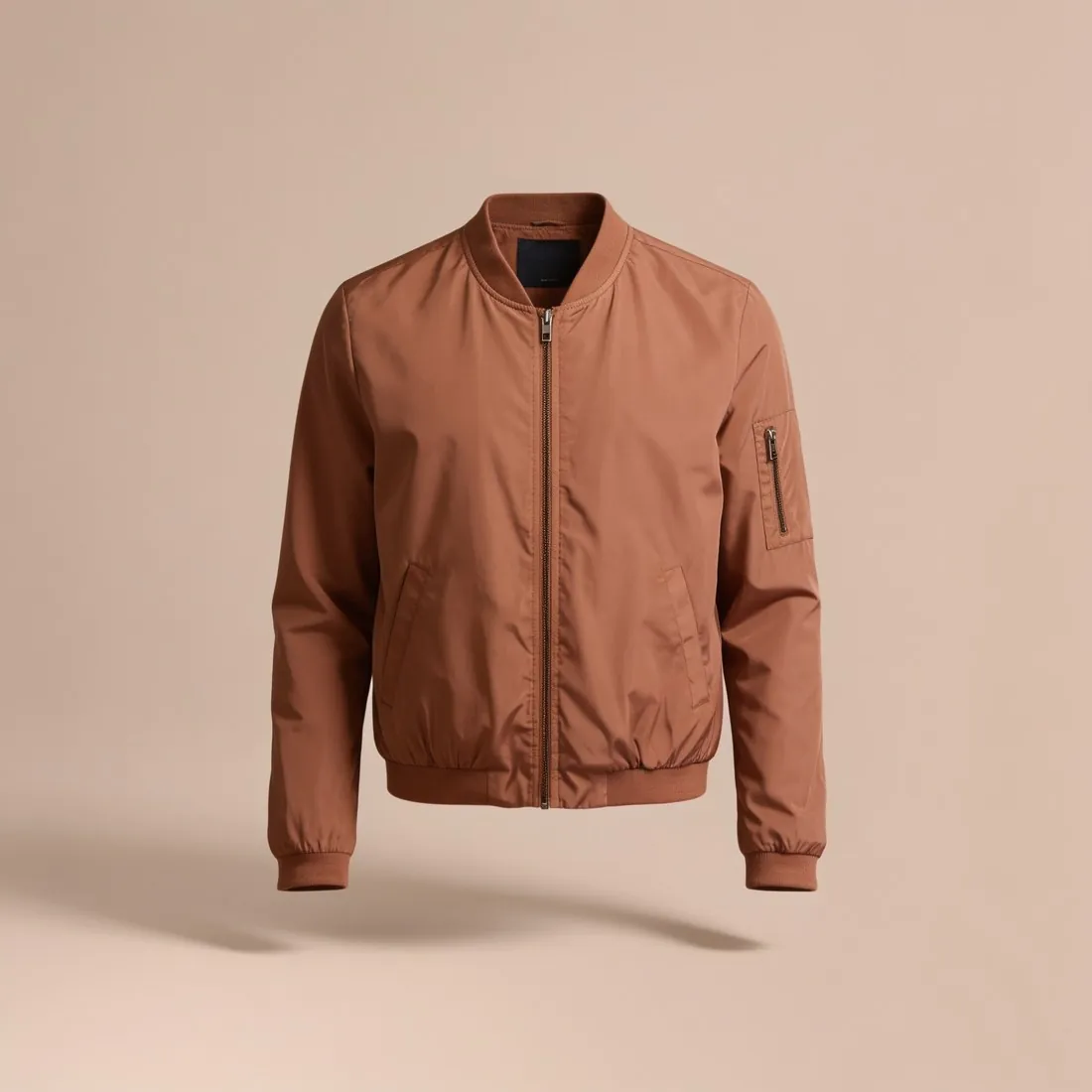
Remove background
Transparent, white or grey — sized for your marketplace.
2 credits per imageOpen the tool →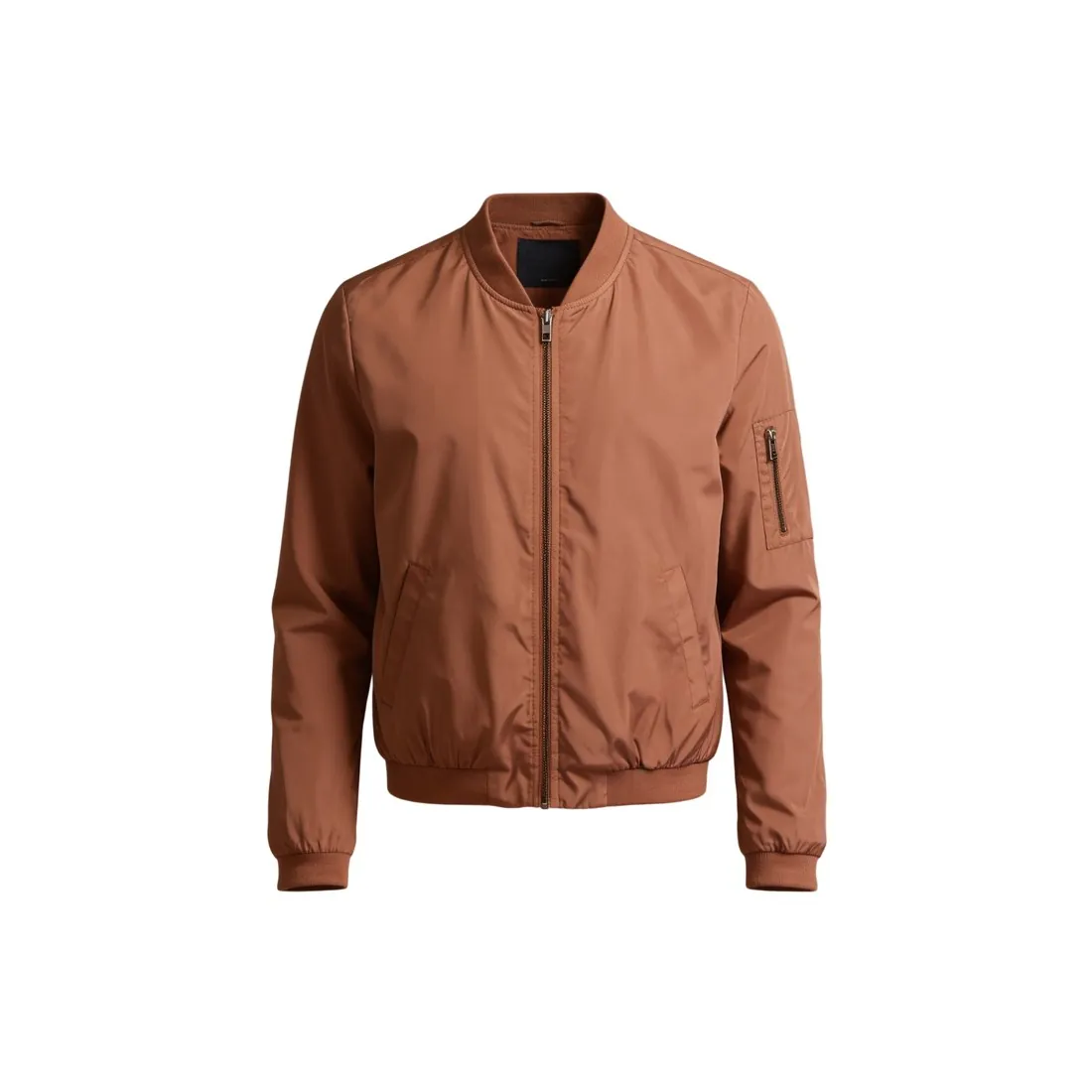
Extend frame
A new aspect ratio without cropping — the scene is extended, the product untouched.
4 credits per image · 4K +1Open the tool →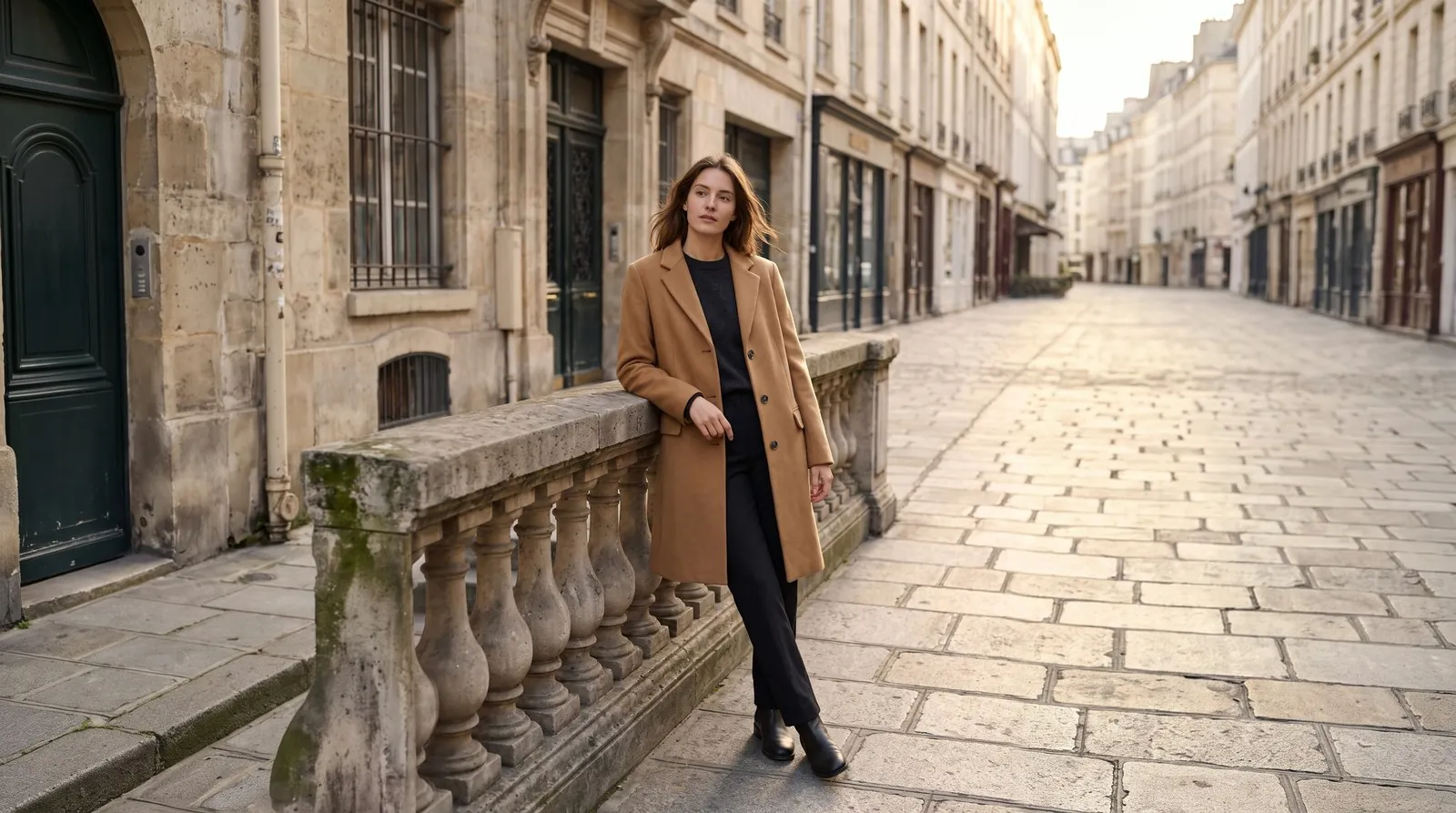
Scenes, ads and close-ups, without a shoot.
Details
Describe a scene, set an ad with your own headline, zoom into a detail or put the product alone on white — each starts from the product photo you already have.
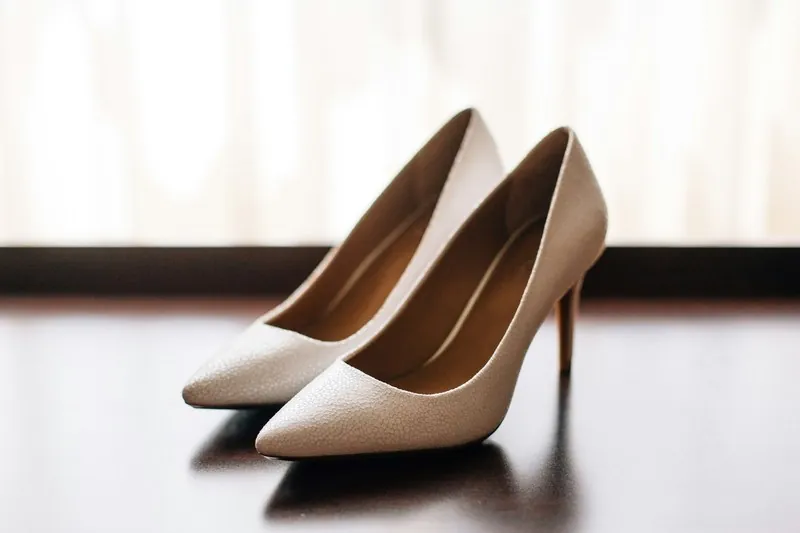
Canvas
A new image from your brief, built around your product photo.
5 credits per image · 4K +1Open the tool →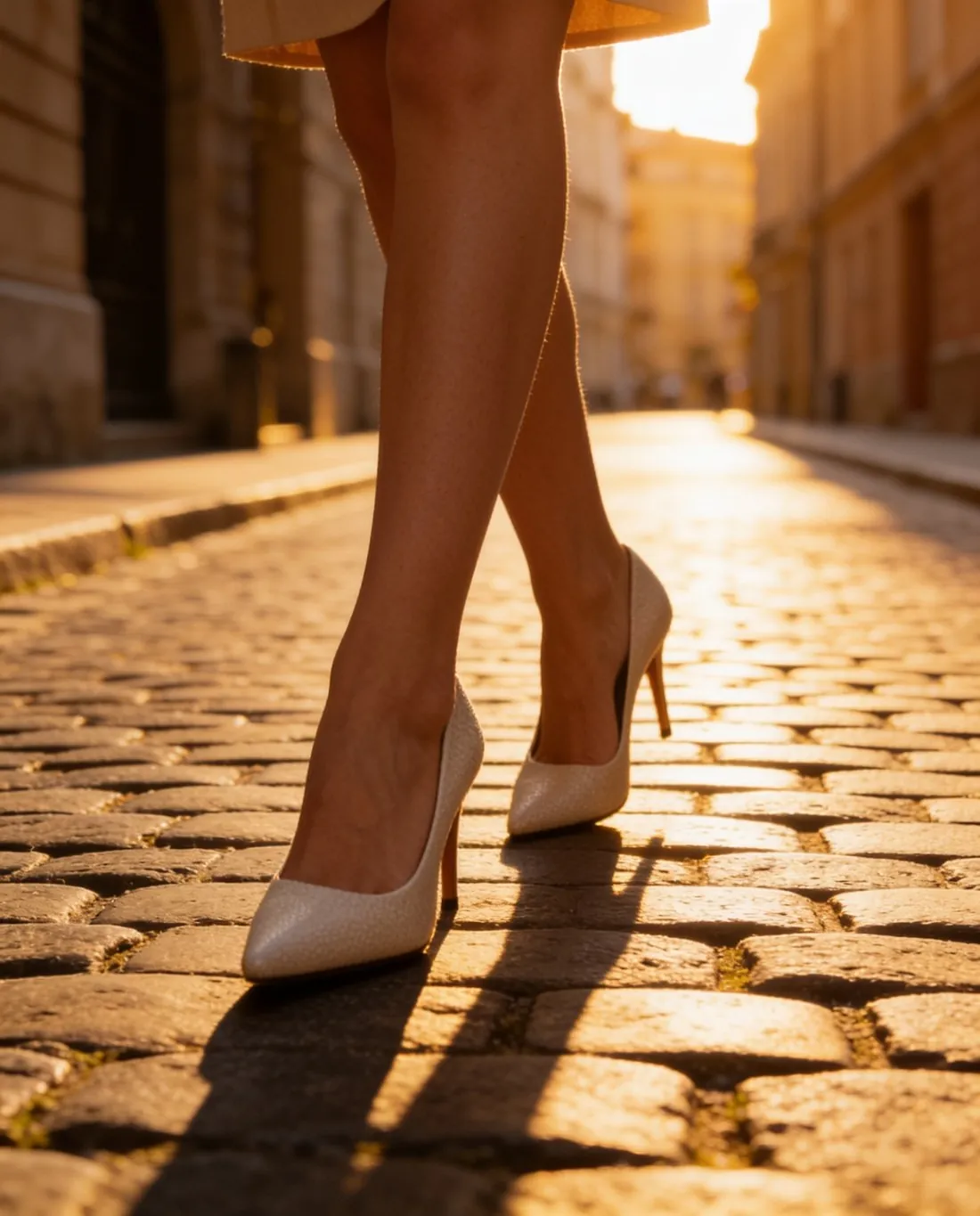
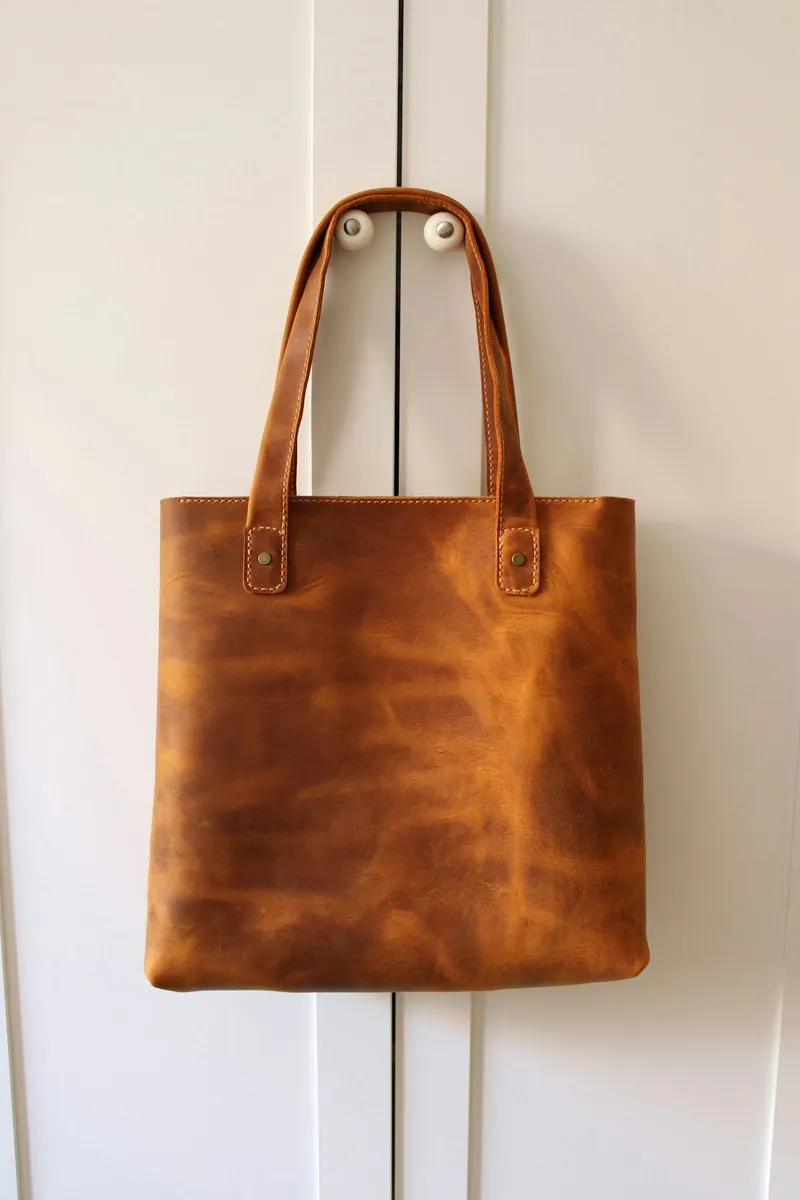
Ad creative
A square, portrait, story or banner ad, with your text set as real type.
5 credits per imageOpen the tool →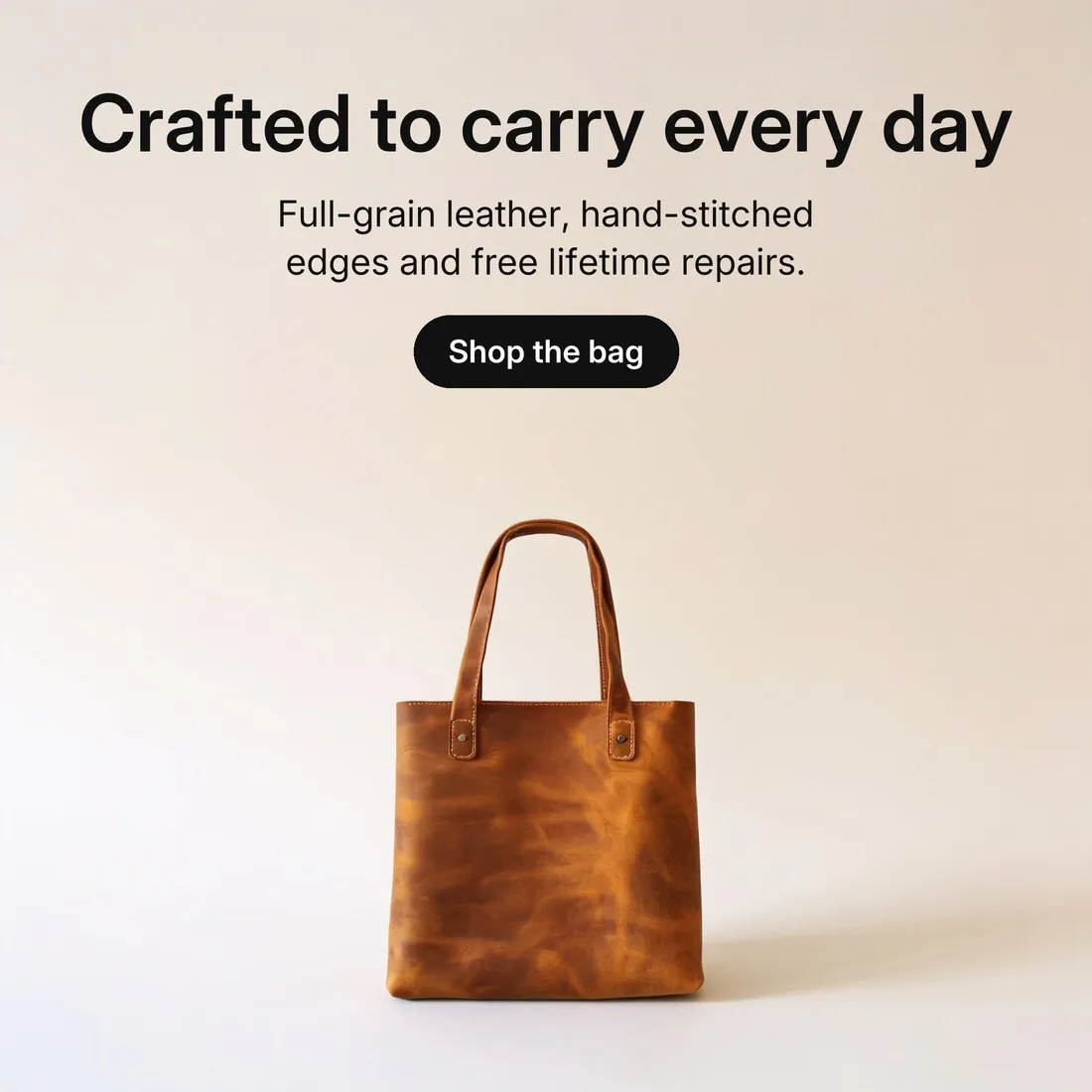
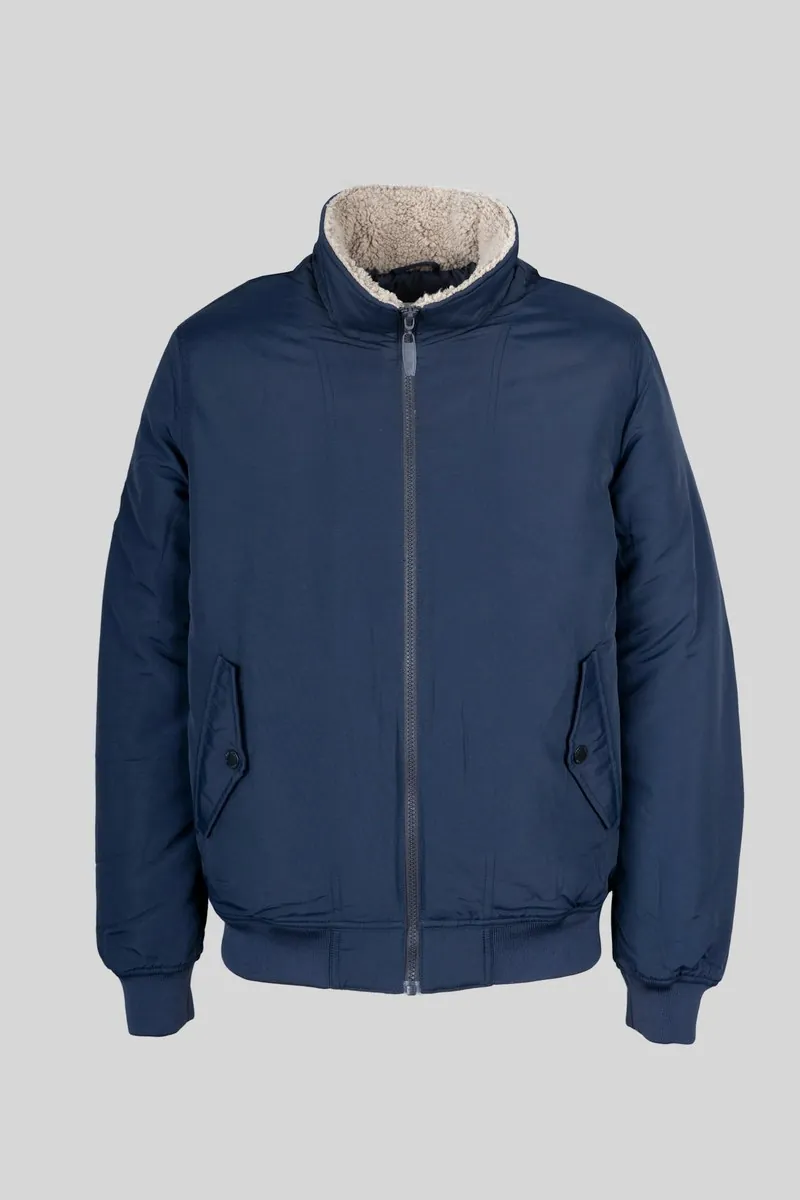
Detail shot
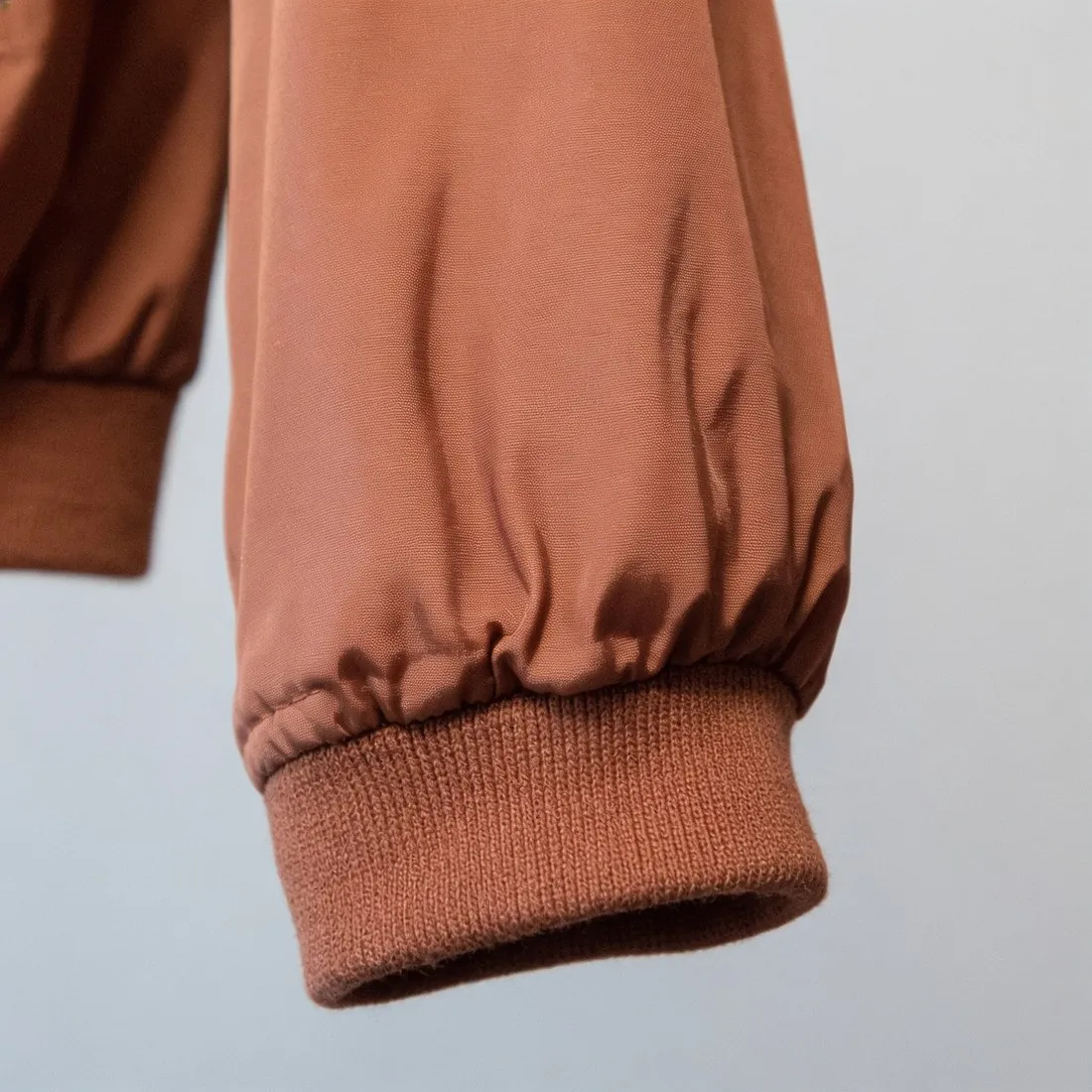
A close-up of one detail — collar, fabric, print, hardware or stitching.
4 credits per image · 4K +1Open the tool →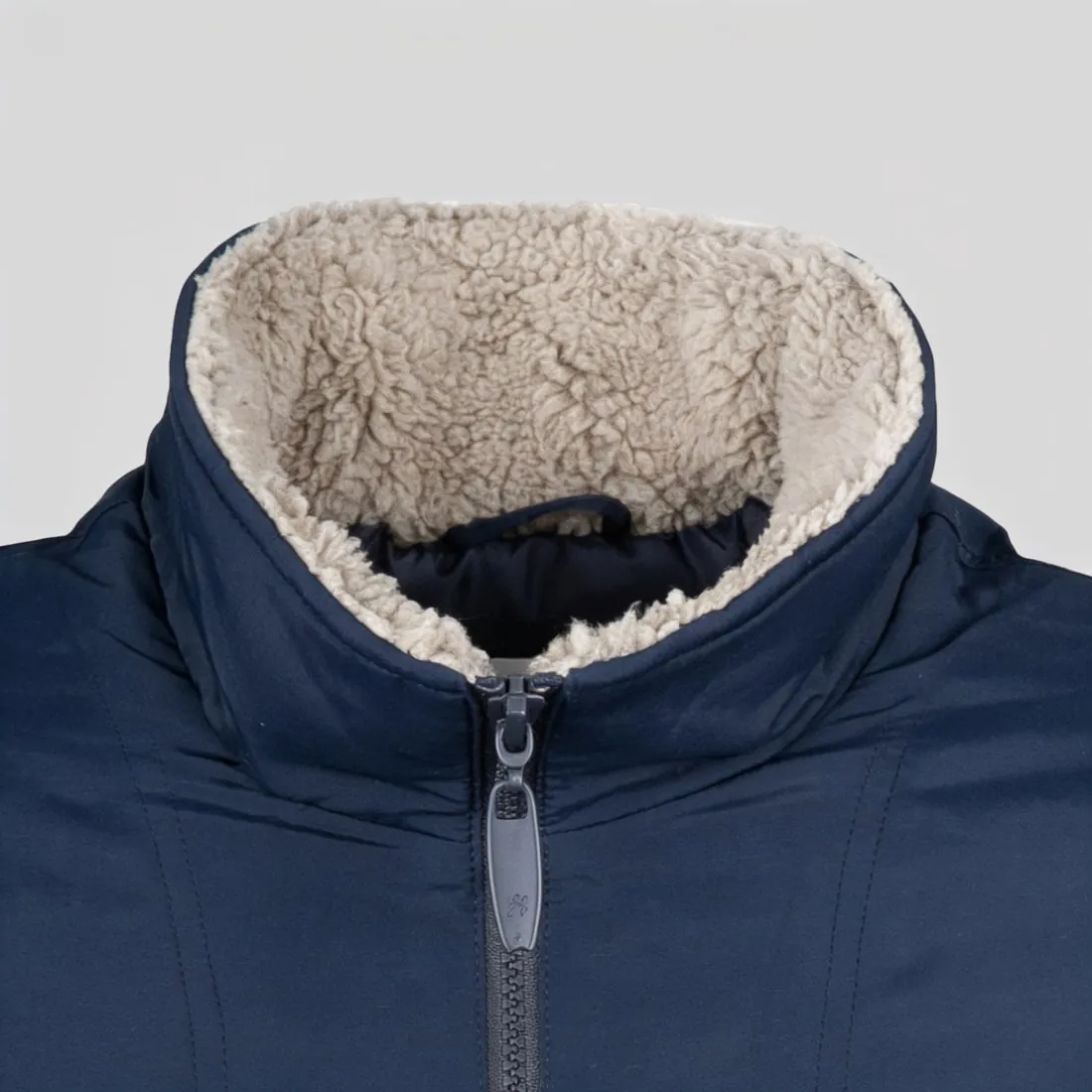
Packshot studio
The product alone on white, evenly lit — the packshot marketplaces ask for.
4 credits per image · 4K +1Open the tool →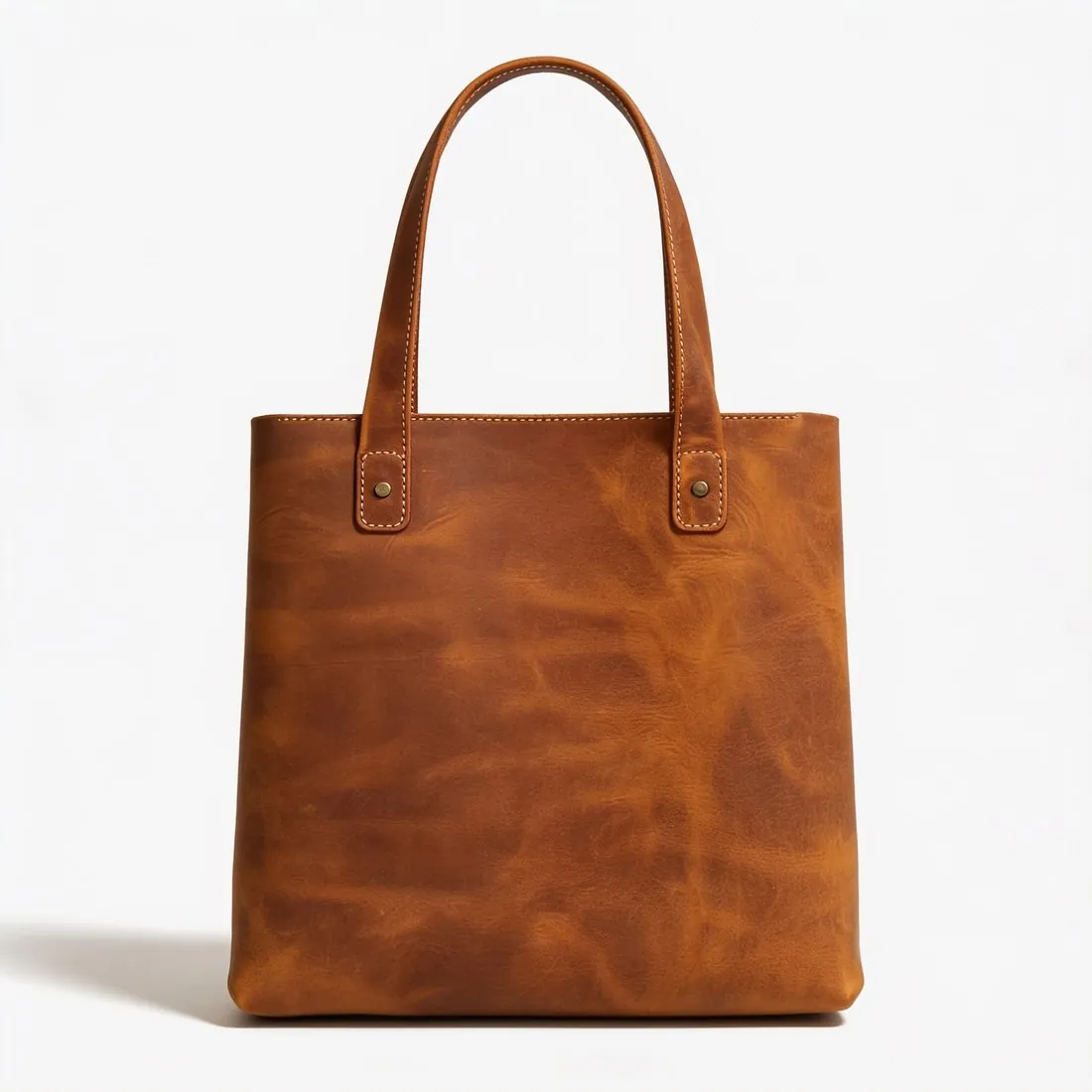
The details are the product.
Details
A ribbed cuff, the open loops of a mohair knit, a stone in its setting. Buyers zoom before they buy, so frames are delivered up to 4K — and where your print can be matched, the real one is carried over from your photo.
What every frame is held to
- SourceA photo of the back, or of a packaged item, is flagged before a credit is spent
- PrintWhere a print can be matched, the real one is carried over from your photo
- PlacementBack prints stay on the back; inside labels stay inside
- JewelryJewelry keeps its stone count, metal colour and shape
Herofab at a glance
- What it is
- AI photography for fashion sellers
- Products
- Tops, bottoms, one-piece, bags, headwear, jewelry, footwear and eyewear
- Formats
- 1:1, 3:4, 4:5, 2:3, 9:16 or 16:9 · 2K or 4K
- What can I do for free?
- 20 credits at sign-up, no card required. Images made with free credits carry a watermark.
- Pricing
- See pricing →
Details
Herofab turns a phone photo of a garment, a pair of shoes or a piece of jewelry into an on-model image, a scene image or a white-background image, without a studio, model booking or photographer, at up to 90% less than a photo shoot.
Every image a product page needs.
Details
Every tool starts from the same upload. Each has a fixed credit cost, shown before you generate — and any result can be sent straight to the next tool.
Virtual try-on5 credits Ghost mannequin4 credits Create model4 credits Change pose4 credits Product studio4 credits Colour variants4 credits 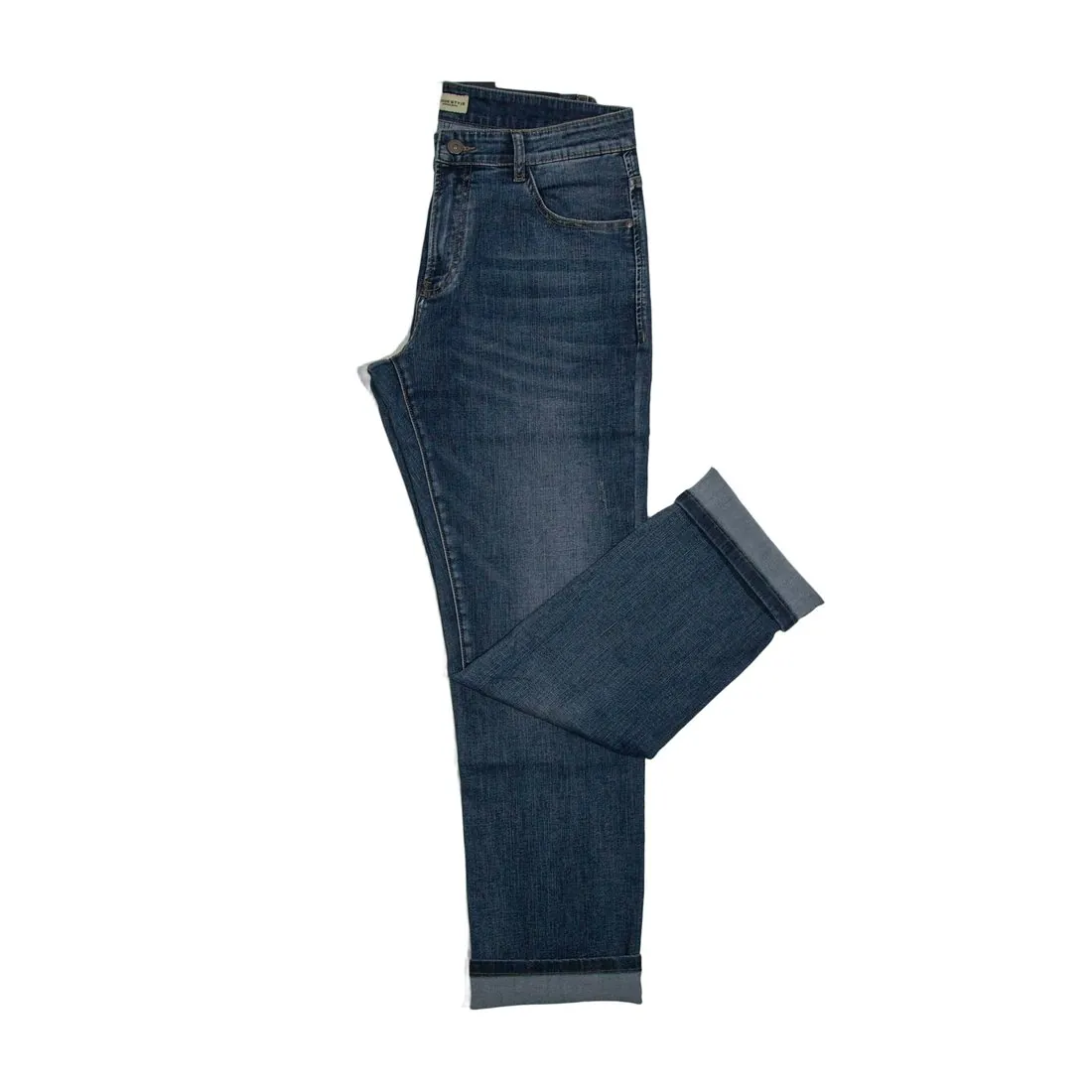 Remove background2 credits Upscale2 credits Extend frame4 credits Detail shot4 credits
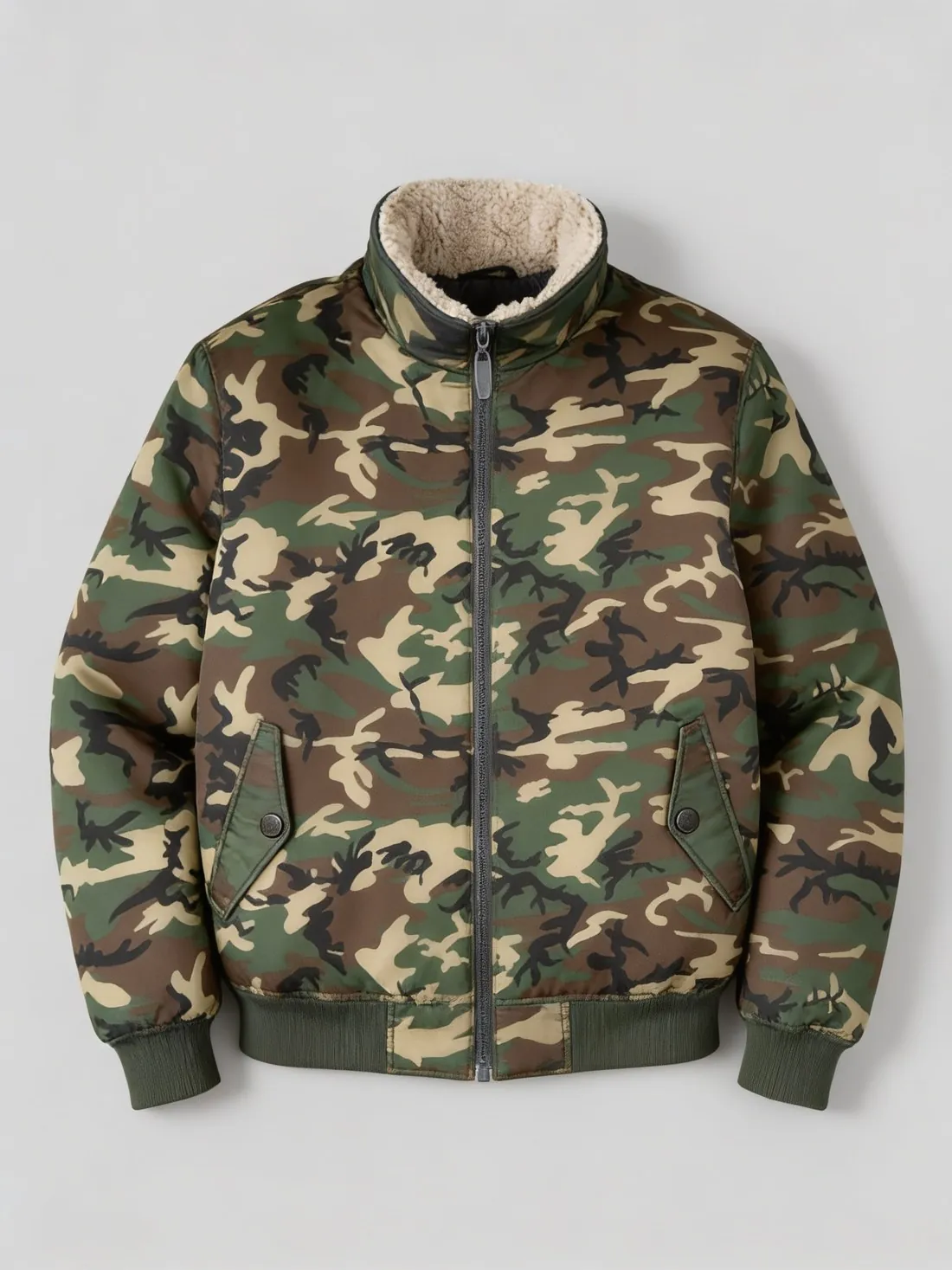 Fabric studio5 credits
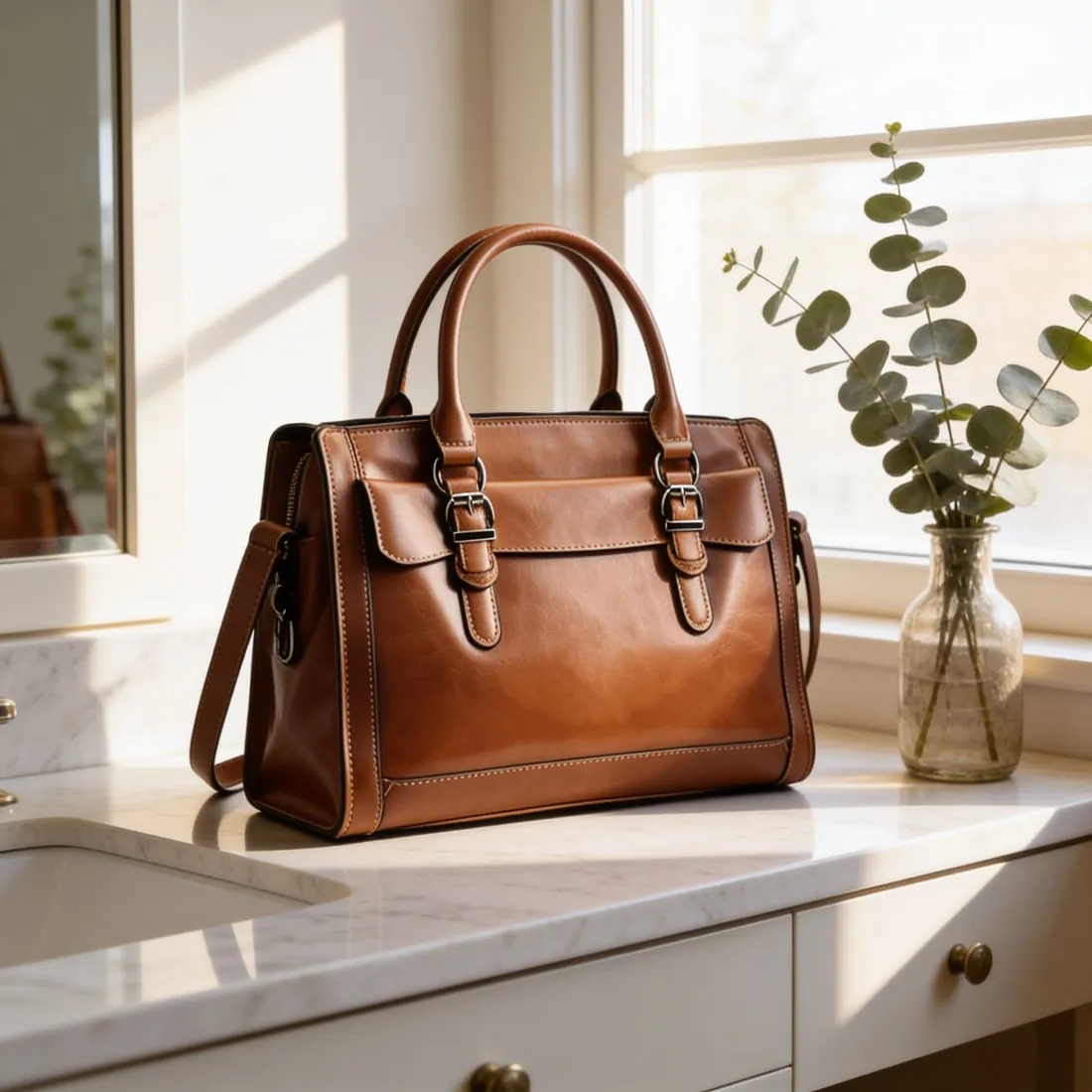 Canvas5 credits Ad creative5 credits
Free tools
Free · first use without sign-up
Asked before signing up.
What is Herofab?
An online studio that turns a phone photo of your product into images for your product pages: on a model, as a ghost mannequin, in a studio scene, in another colour or in another format.
What photo do I need?
A clear photo of the front of the product — on a hanger or laid flat on a bed or a sofa, fully visible. Add the back if it carries a print. A photo that shows only the back, or a product still in its packaging, is flagged before a credit is spent.
Which products can I use?
Garments, bags, hats, shoes, glasses and jewelry on a model; any product, including watches, cosmetics and homeware, in a studio or styled scene without a model.
How much does an AI product photo cost?
A virtual try-on is 5 credits, a ghost mannequin 4 and a background removal 2; 4K adds one credit to a try-on or a ghost mannequin. In US dollars a virtual try-on is $0.20 to $0.60 per image before tax, from the largest plan to the smallest credit pack. The cost is shown before you generate, and if a job fails the credits are returned.
What can I do for free?
Every new account receives 20 credits, once per person, with no card required. Images made with free credits carry a visible watermark; after a plan or a credit pack is purchased, new images are delivered without it.
Are the images marked as AI-generated?
Yes. Every delivered image carries the IPTC digital source type for AI-generated media inside the file, as the EU AI Act requires; images that show a person generated by Herofab also carry the contains-synthetic-performer keyword required for AI-generated people. The pixels are not changed.
What happens to my photos?
Uploads are used to produce your images. Any upload or image can be deleted at any time, and a copy or the deletion of all account data can be requested from the account page.
Your next collection, shot this week.
20 credits at sign-up, no card required. Images made with free credits carry a watermark.