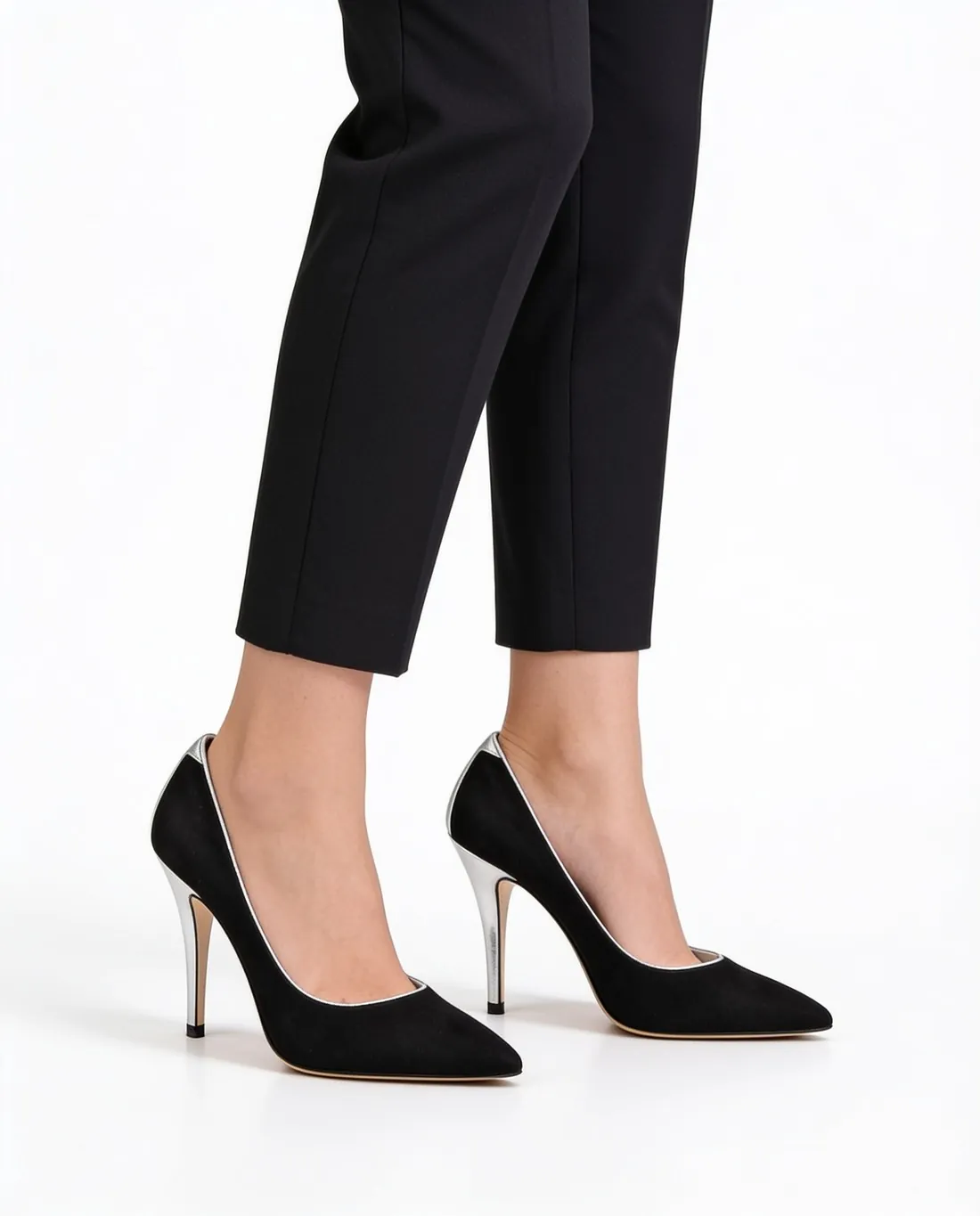
Shoes on a model's feet, framed from the knee down.
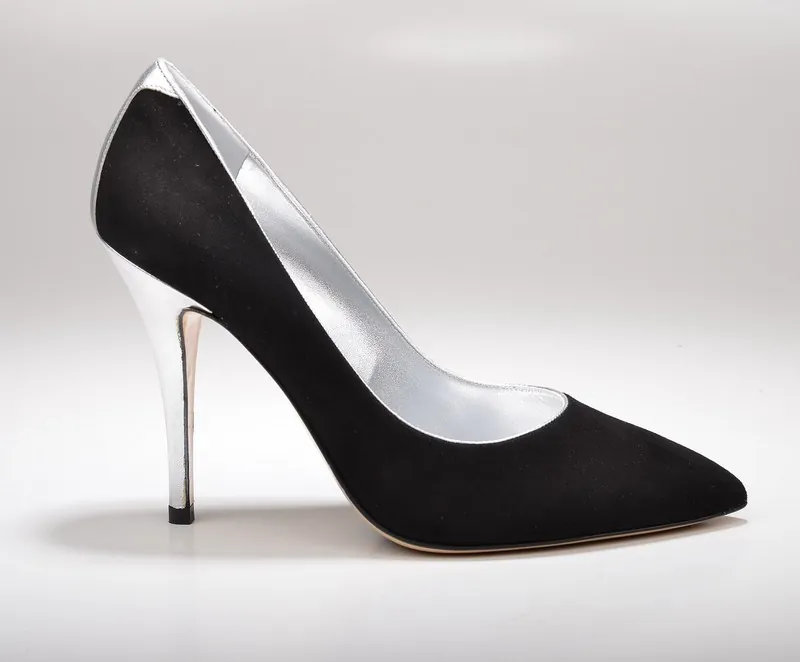
Footwear disappears in a full-length photo, so Herofab frames shoes from the knee down, with the pair large in the image. Loafers, flats, sandals and lace-ups all start from one photo of the shoes on a plain surface.
What a worn-shoe image must get right.
- 1
A left and a right shoe
Shoes are sold in pairs and the two halves mirror each other. Check that the image shows one left and one right, that buckles and side seams sit on the outer side of each foot, and that both shoes match in colour.
- 2
Toe shape and upper
Round, almond, square or open: the toe is what buyers recognise first. Herofab is briefed to keep the shape, the colour and the material of the upper, so compare the vamp, the stitching and any perforation with the shoe in hand.
- 3
Straps, openings and bare skin
Sandals and slingbacks show the foot between the straps, and a loafer shows the ankle above its topline. Count the straps in the result, see that each one runs where it does on the product, and look at the edge where the shoe meets the skin.
Photographing a pair of shoes for try-on.
- Place both shoes side by side on a plain floor or table, standing on their soles, toes pointing the same way, neither one overlapping the other.
- Shoot from the outer side at a low angle so the profile, the toe and the sole edge are all visible; a view from straight above hides the shape of the shoe.
- Take the shoes out of the box and remove tissue and price stickers; a product still in its packaging is flagged before a credit is spent.
Virtual try-on for shoes, answered.
Are shoes shown on a full-length model?
No. Shoes are framed from the knee down, because on a full-length figure the pair would occupy a small corner of the image. The background and the aspect ratio remain the seller's choice.
Does one kind of photo cover sandals, loafers and flats?
Each product needs its own photo, but the kind of photo is the same: the pair on a plain surface, whole and sharp. The seller picks the footwear category from the list in the app, and the result is compared with the real shoe for straps, toe shape and colour.
Can the heel tab or the back of the shoe be included?
A back photo and a detail close-up can be added to the required main photo. A heel tab, a rear seam or a pattern that appears in no photo cannot be copied faithfully, so photograph it when buyers of that shoe care about it.
How much does it cost?
5 credits per image, plus one credit for 4K. The cost is shown before you generate, and if a job fails the credits are returned. The 20 free credits at sign-up cover 4 images with this tool.
Your next collection, shot this week.
20 credits at sign-up, no card required. Images made with free credits carry a watermark.