Sneakers on foot, without a street shoot.
A sneaker is built from many parts: a sole unit, overlays, eyelets, a tongue label and a logo on the side. Herofab shows the pair worn, framed below the knee, and is briefed to keep each of those parts in its place and colour.
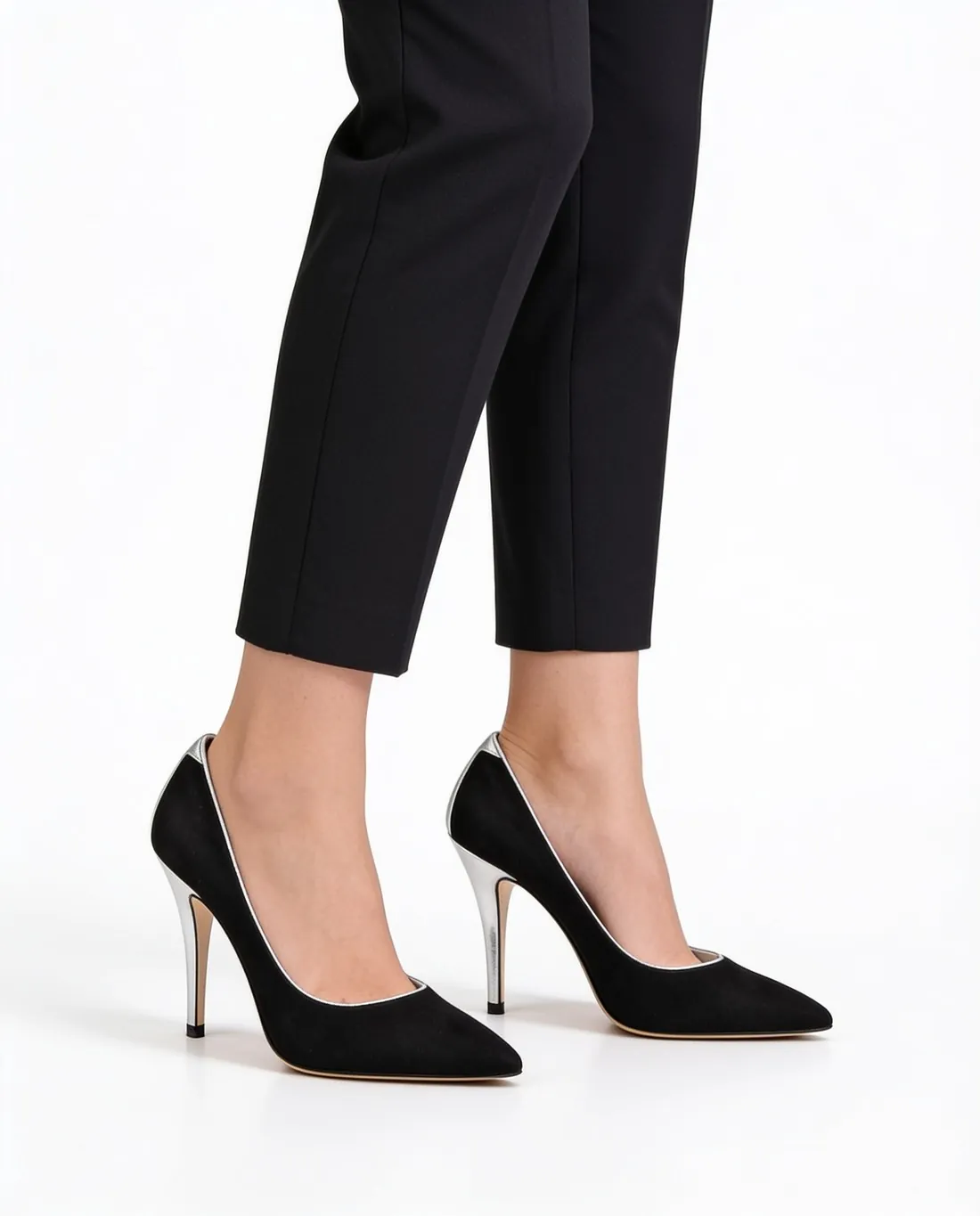
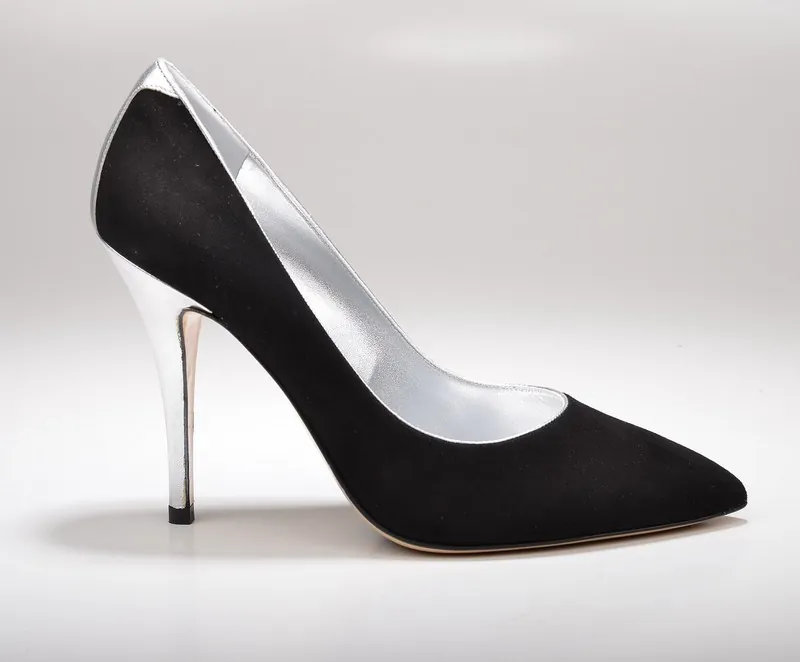
What to check on a sneaker image.
- 1
Sole unit and midsole lines
The midsole carries the character of a sneaker: its thickness, its sculpted lines, an air window or a colour block at the heel. Compare the profile of the sole with the real pair, and see that the outsole colour did not bleed into the midsole.
- 2
Panels and colourways
Overlays in suede, mesh and leather meet along stitched edges, often in three or four colours. Herofab is briefed to keep the colours as photographed. Go panel by panel, toe box to heel counter, and confirm each one kept its own colour and material.
- 3
Laces, tongue and side logo
Lacing is a repeating pattern, and repeating patterns are worth counting: eyelets, lace crossings, any lace lock. A side logo is briefed to stay as it is; small text on the tongue label or the heel tab is the first thing to read at full size.
Photographing sneakers as a source photo.
- Lace both sneakers the way they should appear in the listing, tuck the lace ends in, and set the pair on a plain floor with the logo side toward the camera.
- Wipe the midsole and the toe cap first: dust and scuffs on a white sole are part of the photo and can come through in the result.
- Add a close-up of the tongue label or the heel tab when the branding is small, and a back photo if the heel carries a print.
Virtual try-on for sneakers, answered.
Is the side logo on a sneaker kept as it is?
Herofab is briefed to keep logos as they appear in the photo. Thin outlines and small lettering are the hardest parts of any mark, so open the delivered file at full size and compare the logo with the one on the shoe before it goes live.
Can one model wear a whole sneaker release?
Yes. A ready-made model, or one the seller created and saved to the library, can be used for every pair in a release. Each colourway is its own product photo and its own image, so the set stays comparable from pair to pair.
Do worn or creased sneakers make a usable source?
The result follows the photo, creases and marks included. For a listing of new stock, photograph an unworn pair; for second-hand pairs, wear on the upload is part of the product, and the image should be checked so that it neither hides that wear nor adds to it.
How much does it cost?
5 credits per image, plus one credit for 4K. The cost is shown before you generate, and if a job fails the credits are returned. The 20 free credits at sign-up cover 4 images with this tool.
Your next collection, shot this week.
20 credits at sign-up, no card required. Images made with free credits carry a watermark.