The scene you describe, with your product in it.
Canvas starts from your product photo and a written brief. Herofab builds the scene you describe around the product — guided, if you like, by a reference for the setting or the style — and is briefed to keep the product as photographed.
How it works
- 1
Upload the product
A clear product photo is required: Canvas builds images around a product, not from text alone.
- 2
Write the brief
Describe the scene, the light and the mood. Add up to two reference images for the setting or the style.
- 3
Receive the images
Choose one to four variants; each is charged as one image. Delivered in 2K, or 4K for one extra credit.
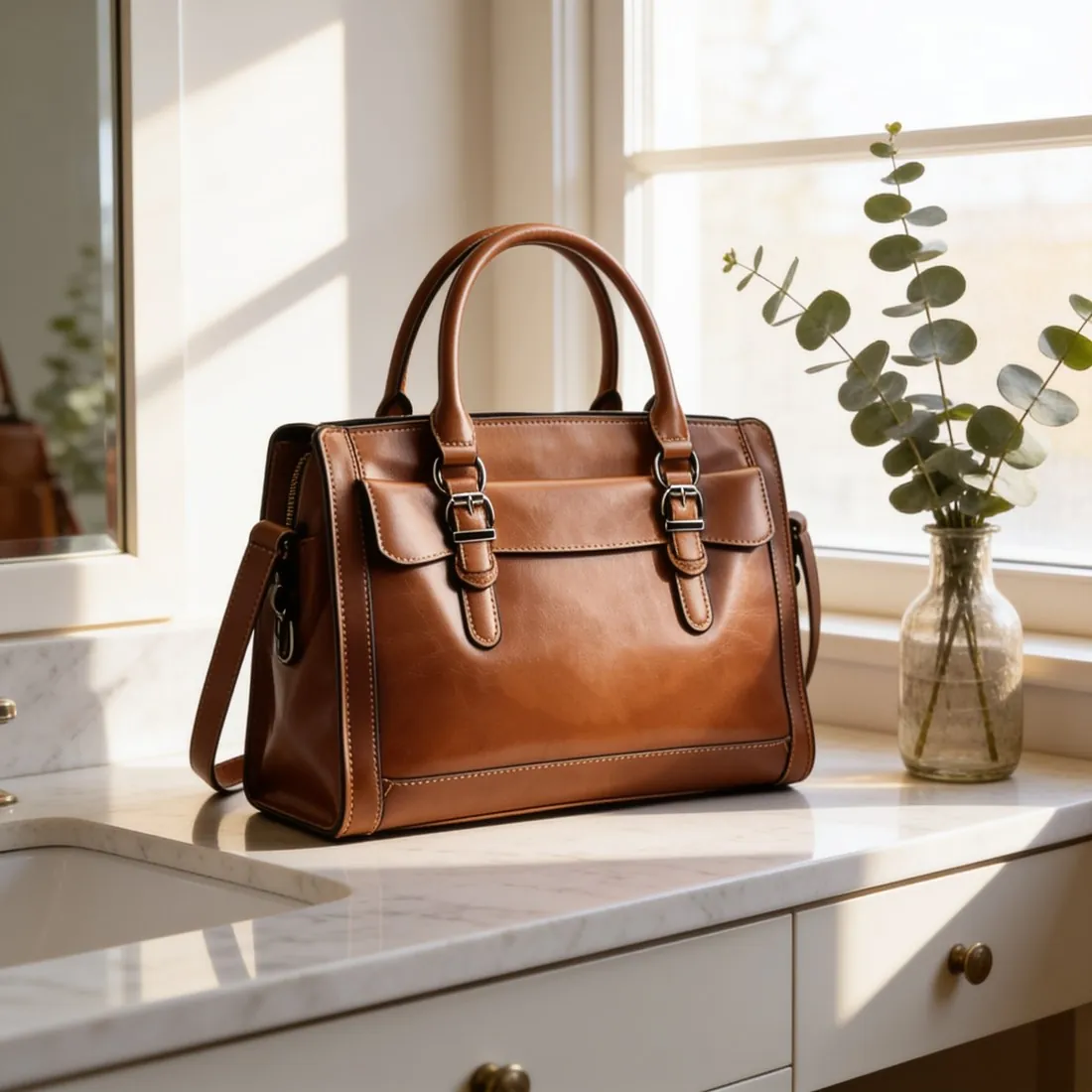
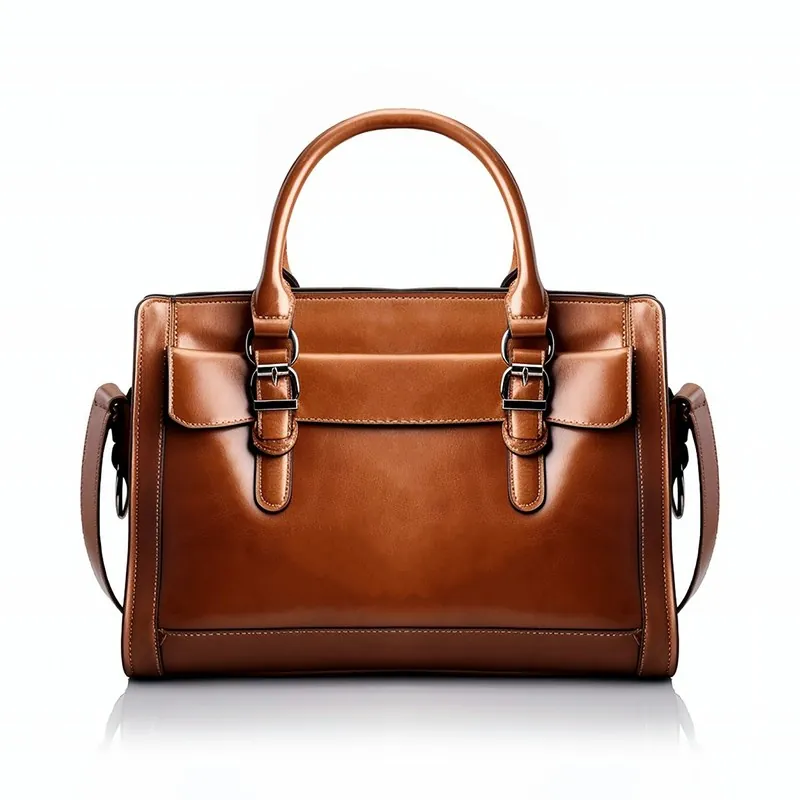
Real results, by product type.
Made with this tool from the photo beside it.
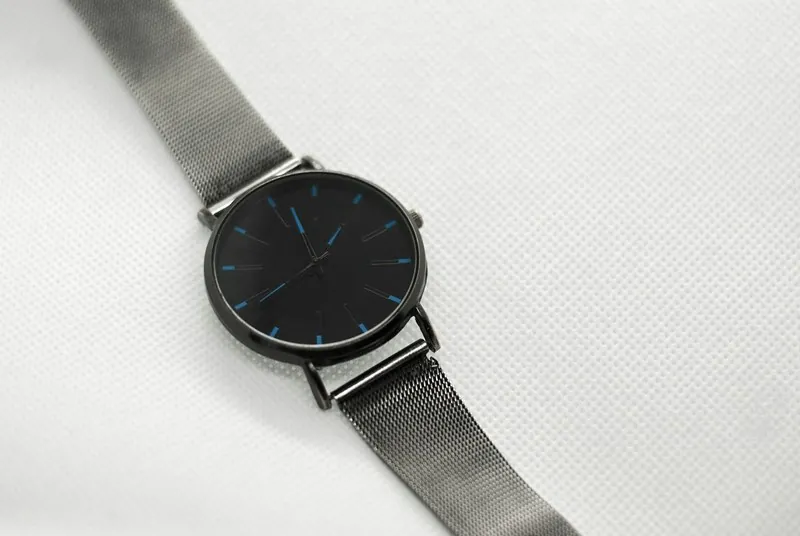
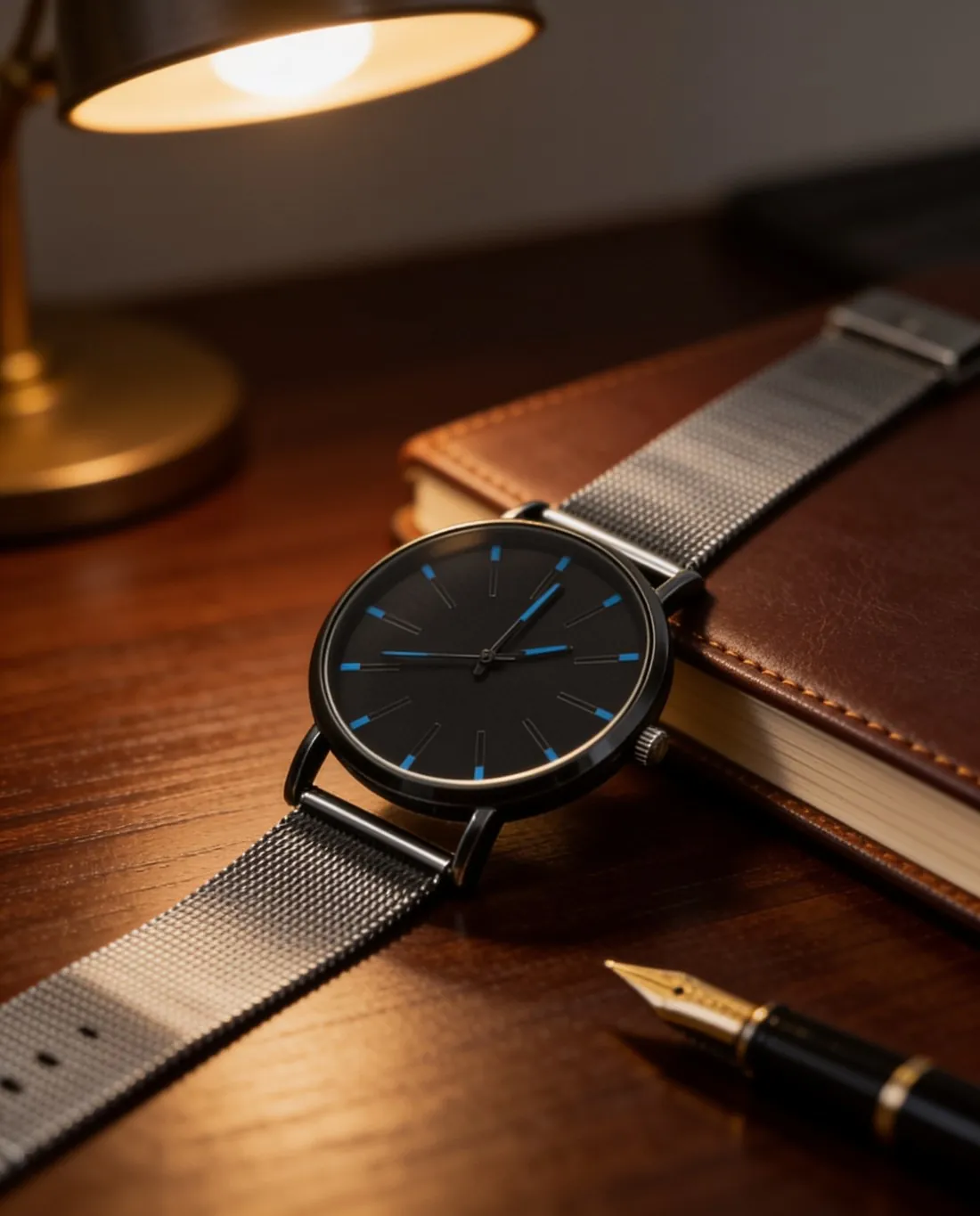
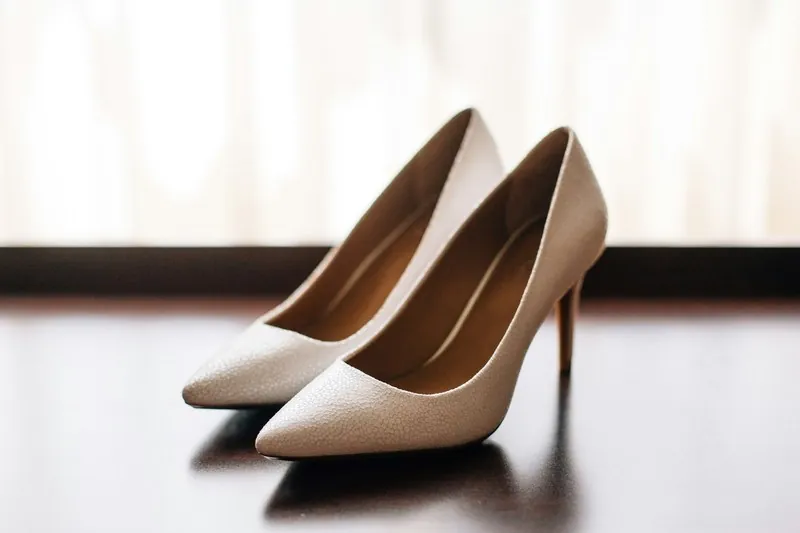
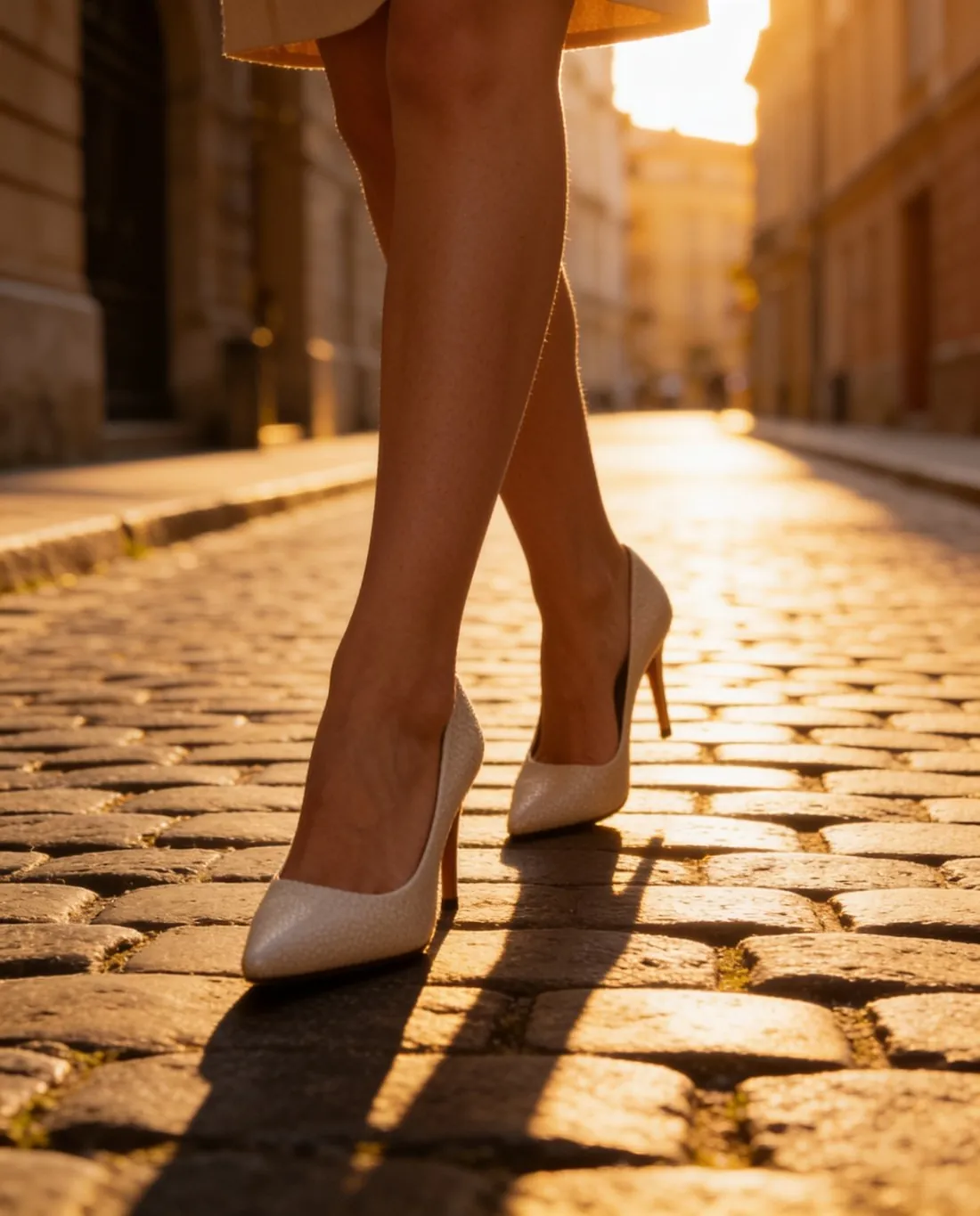
Source photos: personalgraphic.com (Unsplash License) · Olga Kovalski (Unsplash License) · Emily Pottiger (Unsplash License)
What you can set.
Every option below is part of the Herofab studio.
- Inputs
- A product photo (required) and up to two reference images for the setting or the style (optional)
- Brief
- Required, 10 to 500 characters
- People
- Product only, or with people — always fictional adults, labelled as AI-generated people in the file
- Variants
- One to four per request, each charged as one image
- Formats
- 1:1, 4:5, 3:4, 9:16 or 16:9 · 2K or 4K
- Marketplace sizing
- 20 marketplace sizes at download, without cropping or extra credits
Canvas, answered.
Can Canvas make an image without a product photo?
No. Canvas is made for product images: a product photo is required, and the brief describes what surrounds the product.
What can a brief not ask for?
Briefs that ask for nudity, minors, violence or hate, for a celebrity or another real person by name, or for an imitation of a brand's logo are refused with the reason shown, and no credits are charged.
How are the reference images used?
A reference shows the setting or the style to follow — a place, a palette, a kind of light. The product is briefed to come from your product photo only, not from the references.
How much does it cost?
5 credits per image, plus one credit for 4K. The cost is shown before you generate, and if a job fails the credits are returned. The 20 free credits at sign-up cover 4 images with this tool.
Your next collection, shot this week.
20 free credits when early access opens. No card required.