Packshots on white, from a phone photo.
A packshot is the product alone on a plain background — the main image on most marketplaces. Upload the product as you photographed it, on a table, on a door or in its box; Herofab delivers it on a white studio background, evenly lit, and is briefed to keep the shape, the colour, the material and every logo, label and stitch.
The inputs behind a real result.
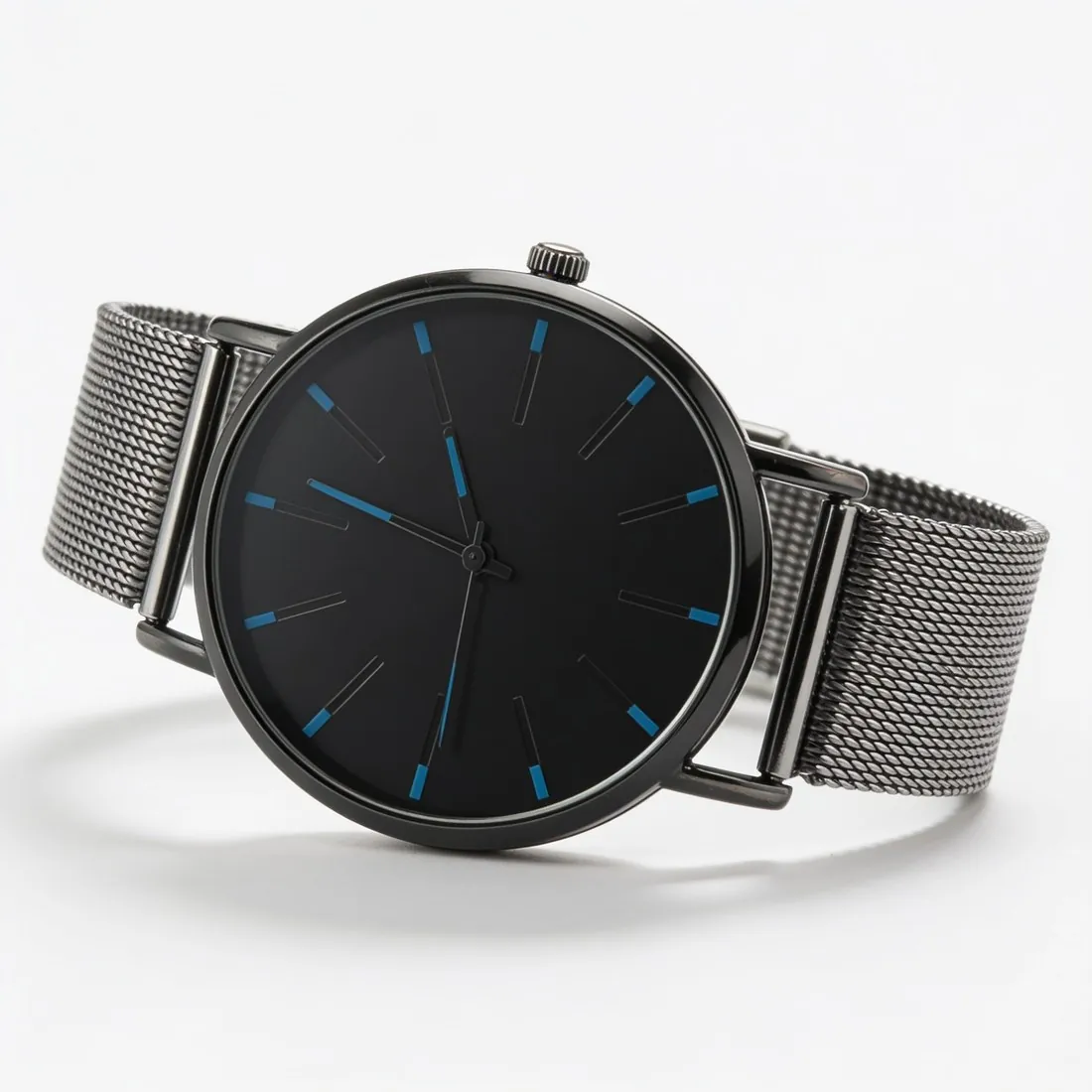
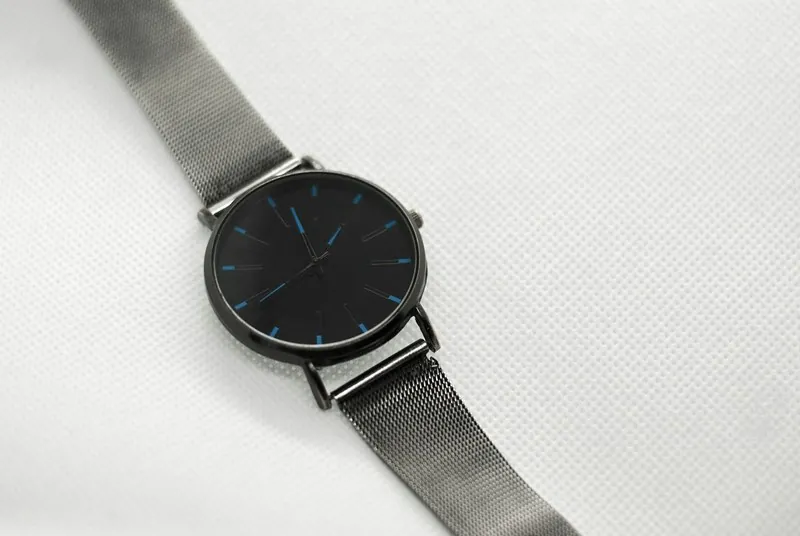
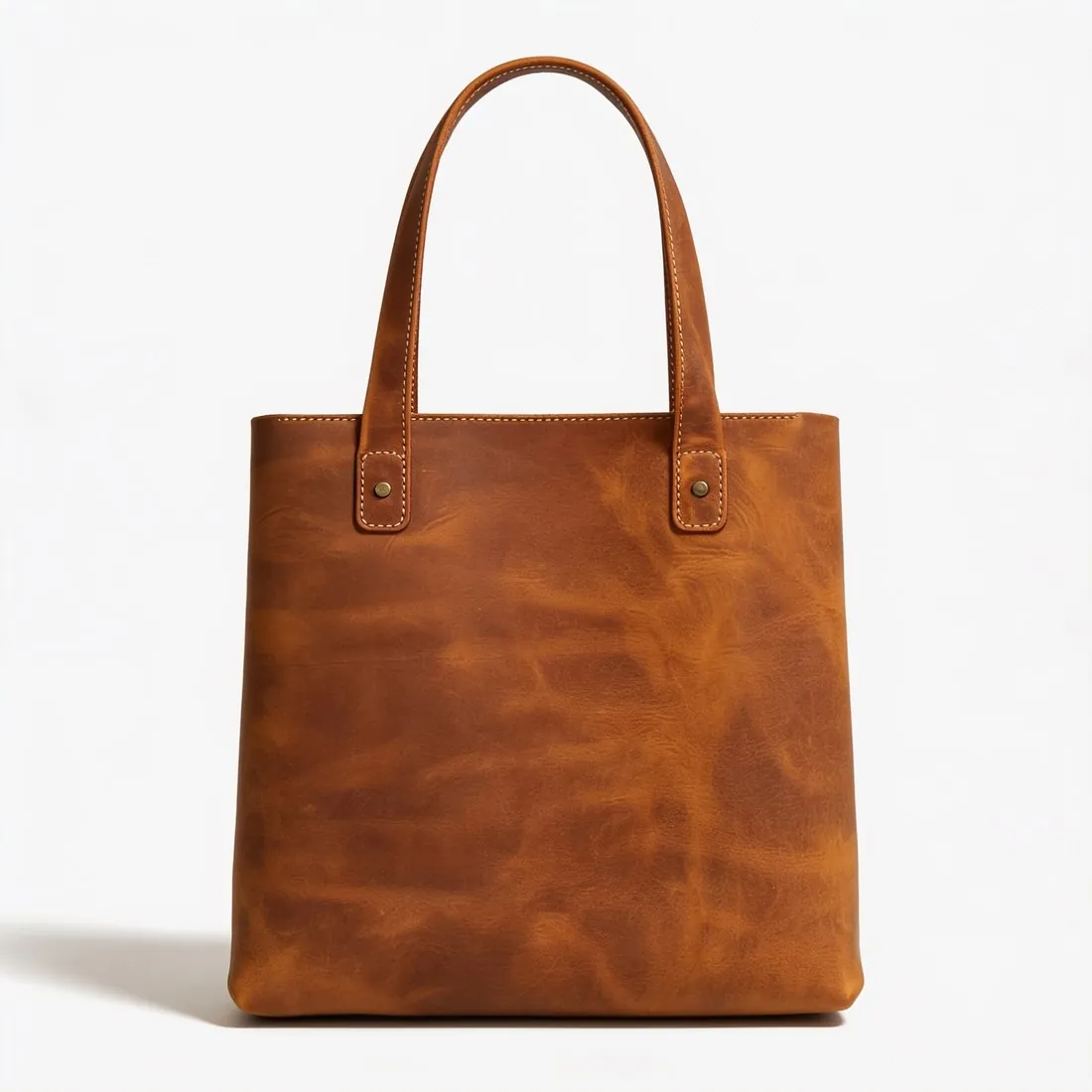
One photo of a leather tote hanging on a door and the white studio preset: the two inputs behind this packshot, nothing retouched by hand.
- Upload a photoOn a door

- Studio white1 of 9Pick a sceneStudio white
- Result4 credits per image · 4K +1
 Herofab
Made with Product studio — choose the product type, and the frame follows it.
Open the tool →Real results, by product type.
Made with this tool from the photo beside it.
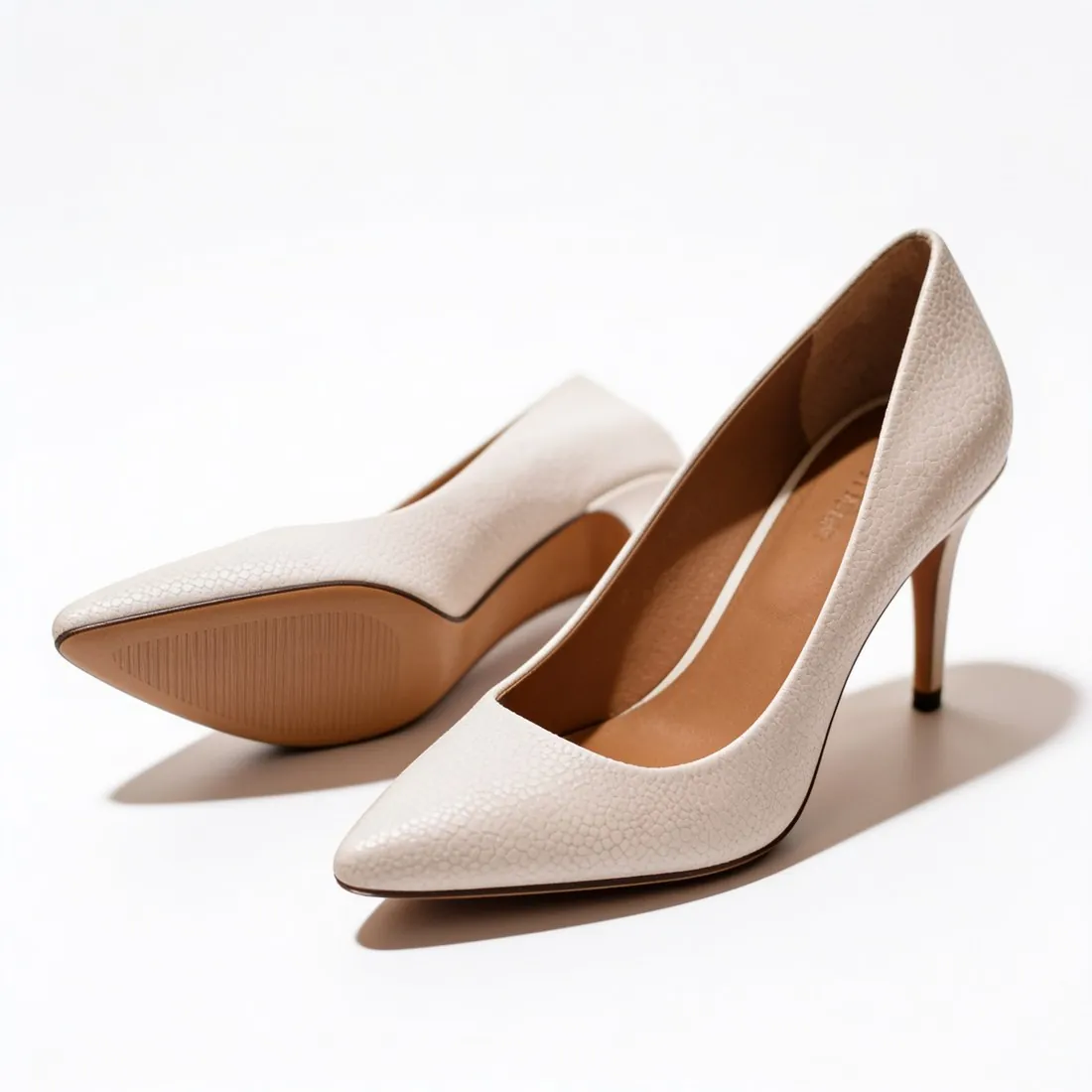
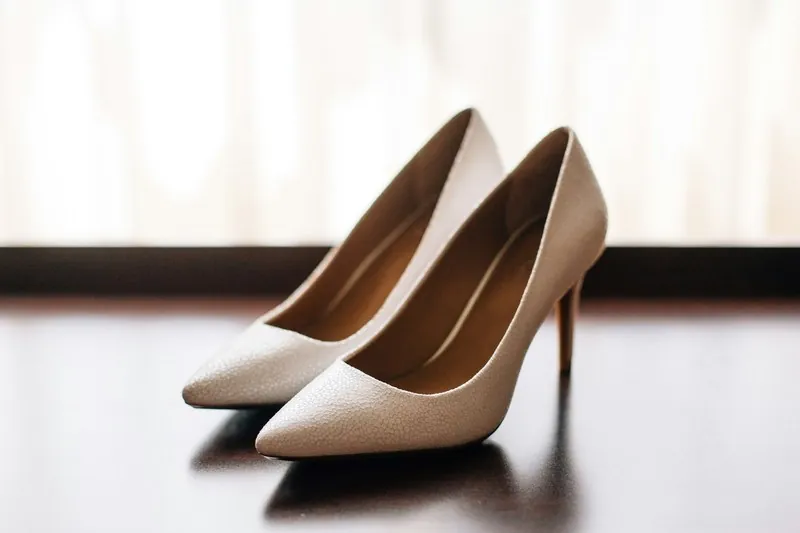
Heels 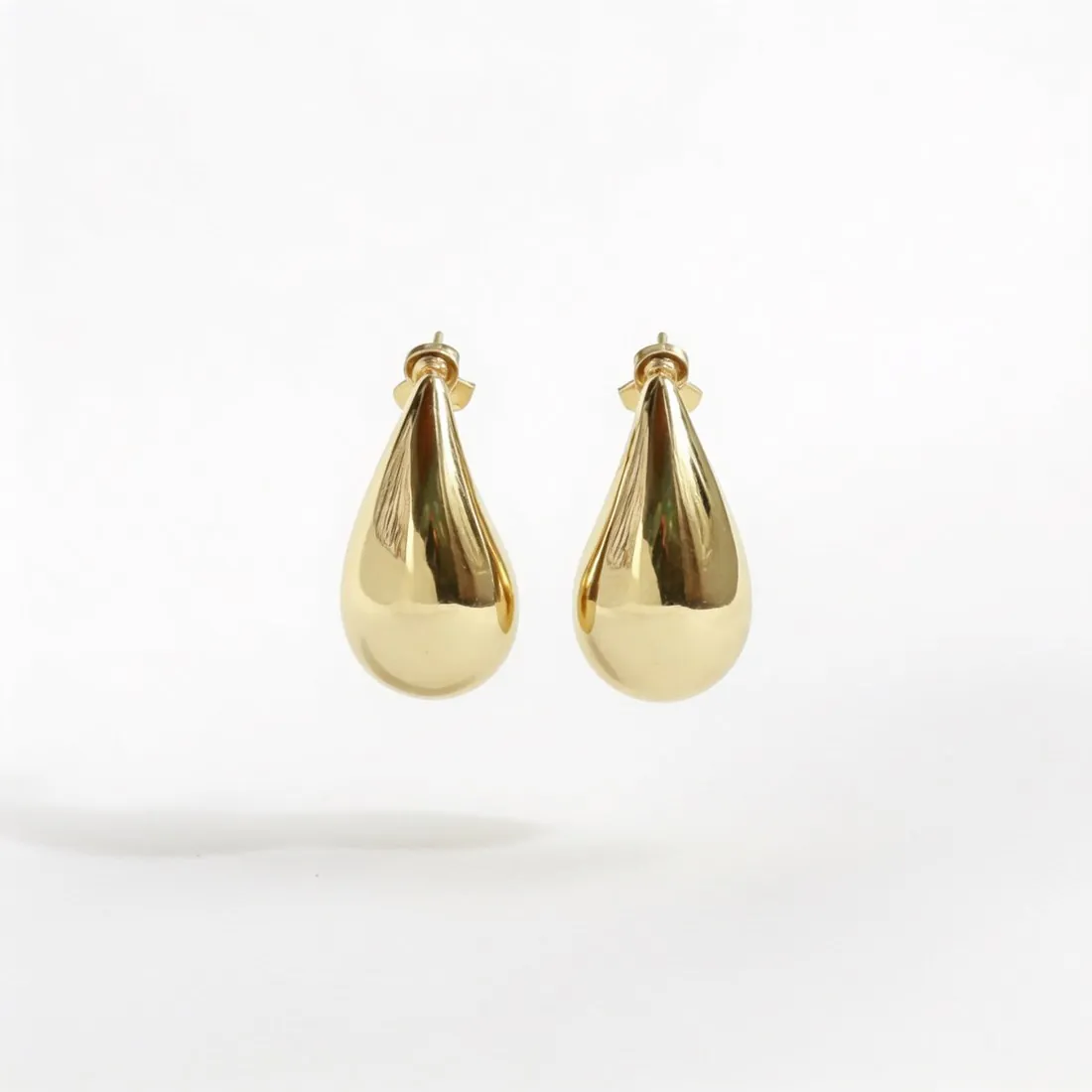
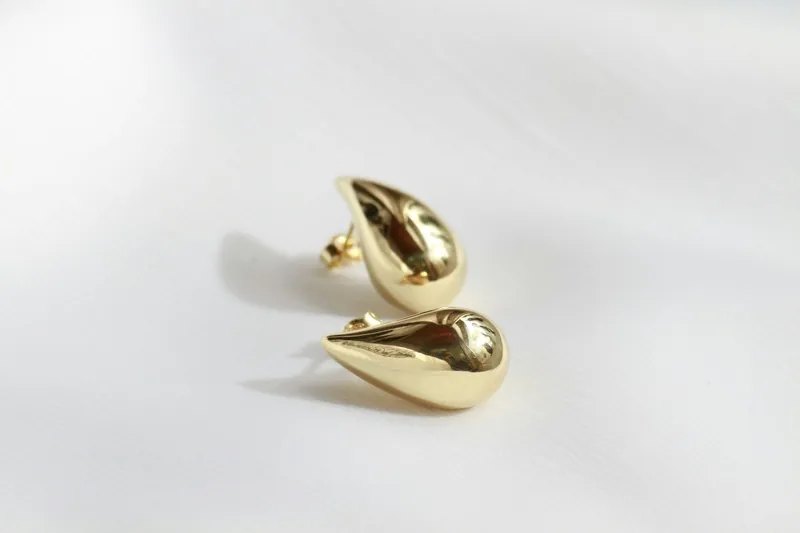
Earrings
A frame for each piece.
Every packshot shows the product once, centred and filling most of the frame, with no people, hands or mannequins. Choose the view:
- Front
- Straight on, the way a main image usually shows a bag, a box or a bottle.
- Three-quarter
- Turned slightly and seen from a little above, so shape and depth read at a glance.
- Side
- In profile — the usual view for shoes.
- Top-down
- Laid flat and seen from directly above, for caps, wallets and small accessories.
What you can set.
Every option below is part of the Herofab studio.
- Products
- Bags, shoes, watches, jewelry, eyewear, headwear, cosmetics, home goods and more
- Backgrounds
- Studio white, grey or beige — or marble, wood, linen, a podium, outdoors, a home setting or your own image
- Shadow
- A soft contact shadow, no shadow, or a reflection
- Kept
- Briefed to keep the shape, proportions, colours, materials and every logo, label and hardware detail
- Pure white
- Sized for Amazon, the background is brought to pure white (RGB 255, 255, 255)
- Formats
- 1:1, 4:5, 3:4, 9:16 or 16:9 · 2K or 4K
- Marketplace sizing
- 20 marketplace sizes at download, without cropping or extra credits
Packshot studio, answered.
What is a packshot?
A photo of the product alone on a plain background, usually white, with no model and no props. Zalando requires packshots on white #FFFFFF, and most marketplaces use one as the main image.
What photo of the product do I need?
A sharp photo in which the whole product is visible. A table, a hand, a box or a price tag in the photo is not a problem: the tool is briefed to use only the product itself.
Can I make packshots of clothing?
Yes — with Ghost mannequin, which shows a garment on white without a model, the packshot format for clothing.
Is the background pure white?
The white studio background is a clean, evenly lit white. When you size the image for Amazon, the background is brought to pure white, RGB 255, 255, 255.
How much does it cost?
4 credits per image, plus one credit for 4K. The cost is shown before you generate, and if a job fails the credits are returned. The 20 free credits at sign-up cover 5 images with this tool.
Source photos: Ugluk Potroshitel (Unsplash License) · Olga Kovalski (Unsplash License) · Emily Pottiger (Unsplash License) · Diego Castañeda (Unsplash License)
Your next collection, shot this week.
20 free credits when early access opens. No card required.