Feed images that carry the product and nothing added.
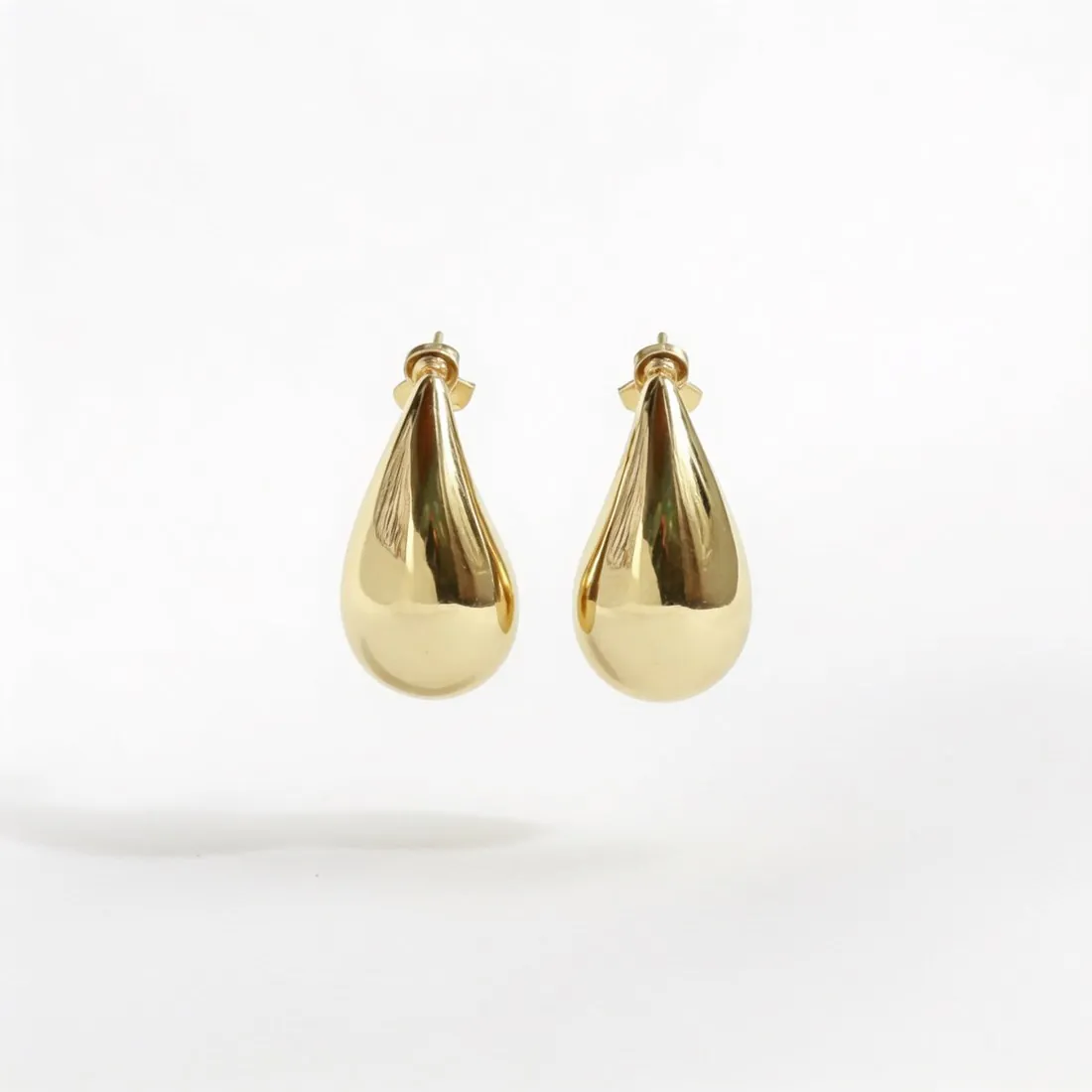
Google Shopping wants the product to take up most of the image while leaving a margin, and it does not allow watermarks, promotional text, calls to action, borders or price information on it. Herofab's packshot studio delivers the product alone, centred and evenly lit, from one phone photo, with an AI marker in the file.
What Merchant Center expects of an image.
- 1
Most of the frame, not all of it
Google sets a lower and an upper limit on the share of the image the product occupies: it should dominate the picture and still leave a margin. A packshot shows the product once, centred and filling most of the frame. Check two things in the delivered image: the product is not small in an empty field, and no edge meets the border.
- 2
No overlay of any kind
Watermarks, promotional text, calls to action, borders and price information are all excluded. A sale badge or a decorative frame made for a shop's own site has to come off before the file enters the feed. Herofab adds no text or watermark to images made on a plan or with a credit pack, whereas free-credit images do carry a watermark.
- 3
The AI tag stays in the file
Google asks sellers not to remove the IPTC tag that identifies an image as AI-generated, and Herofab writes a machine-readable AI marker into every image. Editing or export steps that strip metadata would remove it, so the file submitted to the feed should be the downloaded one or a copy saved with its metadata intact.
What Google Shopping asks for.
Source: Google Merchant Center Help — Image link [image_link]. Checked 24 September 2026.
- Minimum
- At least 500 × 500 pixels
- Recommended
- 1,500 × 1,500 pixels or above
- Maximum
- No file larger than 16 MB, no image larger than 64 megapixels
- Formats
- JPEG, WebP, PNG, GIF, BMP and TIFF
- Framing
- The product takes up no less than 75% and no more than 90% of the image
- Not allowed
- Watermarks, promotional text, calls to action, borders, price information
The photograph behind a feed image.
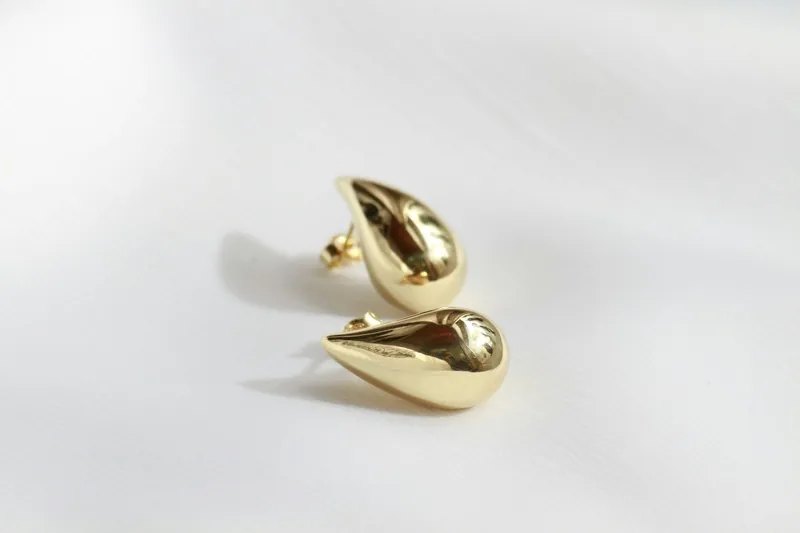
- Photograph a single product per frame, complete and straight on; an image meant to show one product with a margin around it starts from a photo that holds all of it.
- A price tag in the photo is not carried over, since the tool is briefed to use only the product, but look over the delivered image for any trace of it: Google excludes price information.
- Use even daylight without flash so the recorded colour matches the product, then compare the colour of the delivered image with the product in daylight.
Product photos for Google Shopping, answered.
Is the delivered image large enough for Google Shopping?
Herofab delivers in 2K, or 4K as an option, and 4K output clears the size Google recommends. The Google Shopping download produces the recommended size from the delivered image, without cropping the product. Google also sets a minimum size and upper limits on file weight and total pixel count, all listed in the table on this page.
Does the packshot leave the margin Google asks for?
The packshot studio frames the product centred and filling most of the image, which is the kind of framing Google describes, and the seller confirms the share for each image. Herofab's free Google Shopping checker reads the file in the browser, without uploading it, and tests it against the published rules; Google decides what its feed accepts.
Can one source photo supply more than one feed image?
Yes. The same photo can be turned into a front, three-quarter, side or top-down packshot, and each delivered image can be sent on to another tool or downloaded in a marketplace size. For a garment, Ghost mannequin gives the equivalent view on white without a model. Every one of these images carries the AI marker in its file.
How much does it cost?
4 credits per image, plus one credit for 4K. The cost is shown before you generate, and if a job fails the credits are returned. The 20 free credits at sign-up cover 5 images with this tool.
Your next collection, shot this week.
20 credits at sign-up, no card required. Images made with free credits carry a watermark.