Google Shopping product image requirements
At least 500 × 500 pixels, 1,500 × 1,500 or above recommended, up to 16 MB and 64 megapixels; the product fills 75–90% of the image.
At a glance
- Minimum
- At least 500 × 500 pixels
- Recommended
- 1,500 × 1,500 pixels or above
- Maximum
- No file larger than 16 MB, no image larger than 64 megapixels
- Formats
- JPEG, WebP, PNG, GIF, BMP and TIFF
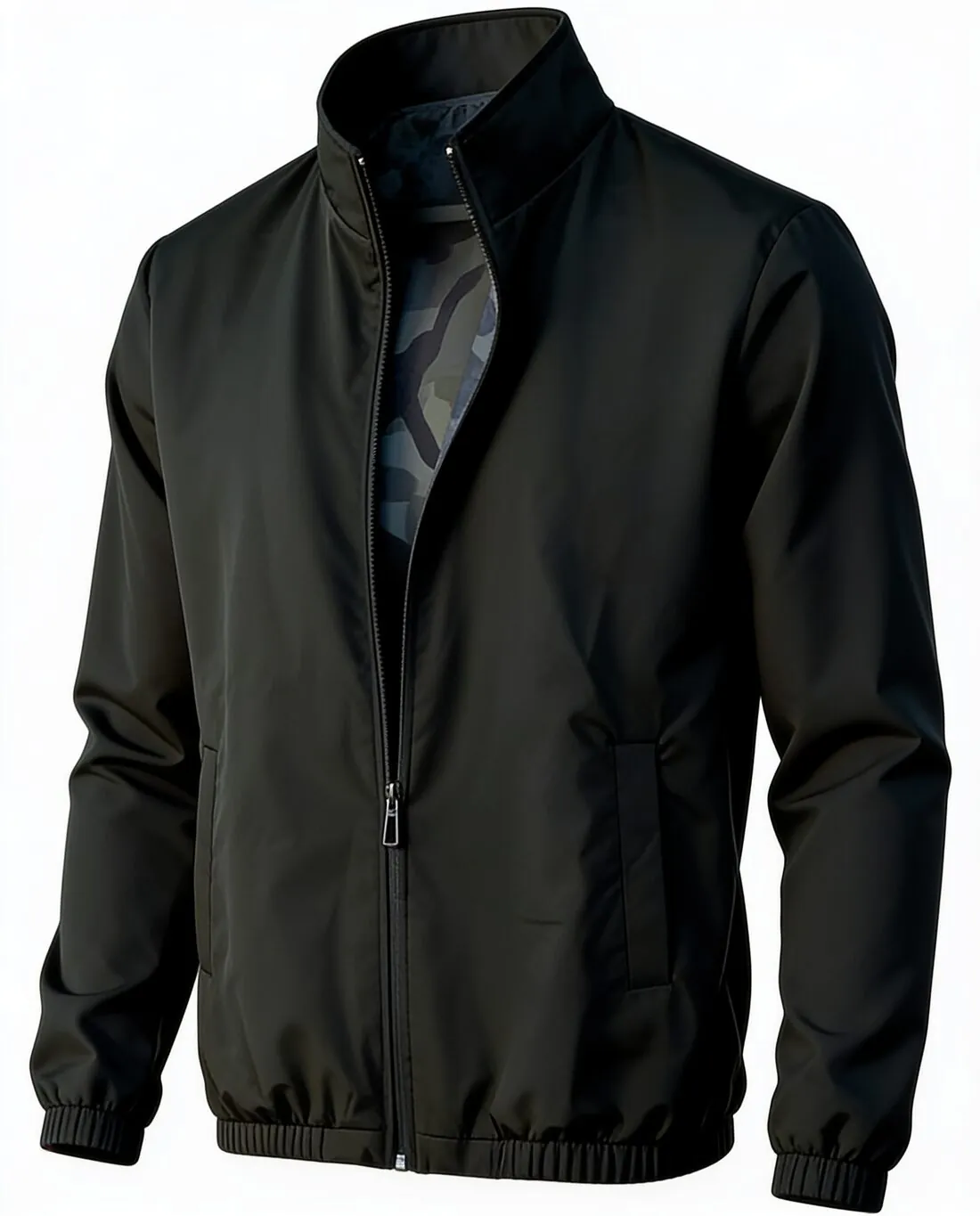
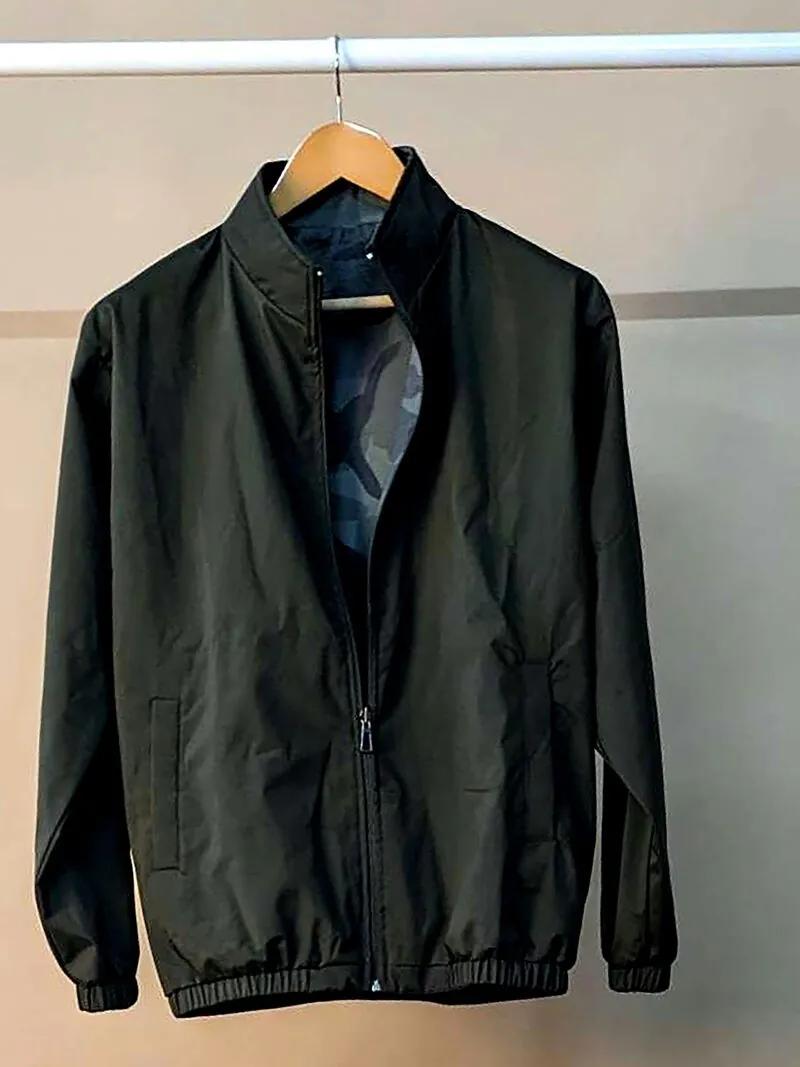
All Google Shopping image requirements
Source: Google Merchant Center Help — Image link [image_link]. Checked 10 October 2026. Read again · 13 October 2026
- Minimum
- At least 500 × 500 pixels
- Recommended
- 1,500 × 1,500 pixels or above
- Maximum
- No file larger than 16 MB, no image larger than 64 megapixels
- Formats
- JPEG, WebP, PNG, GIF, BMP and TIFF
- Framing
- The product takes up no less than 75% and no more than 90% of the image
- Not allowed
- Watermarks, promotional text, calls to action, borders, price information
- AI images
- Images created with generative AI must carry metadata that marks them as AI-generated, such as the IPTC DigitalSourceType tag; the tag must not be removed
- Variations
- A separate image for each variant, showing only that variant in its exact colour, pattern, finish and material
- Placeholders
- Placeholders, logos, generic graphics and single-colour squares are not accepted in place of a product photo, outside a few exempt categories
- Effective date
- Google has announced the 500 × 500-pixel minimum for all products beginning 31 January 2027
- Image URL
- Must start with http:// or https://, contain ASCII characters only and be RFC 3986 compliant, 1 to 2,000 characters; it must point directly to a valid image file, with symbols and spaces replaced by URL-encoded entities
- File names
- The file extension must match the actual format; a .jpg extension on a PNG file leads to an "Unsupported image type" error
- Crawling
- The robots.txt file must allow both Googlebot and Googlebot-image to fetch the images
- Also not allowed
- Added brand, manufacturer or retailer names and logos, unless they are a physical part of the product itself; barcodes, QR codes or serial tags; added labels describing condition or compatibility, such as "New"; service or warranty claims
- Other products
- No product that is not sold together with the main product
- Packaging
- An image of a product in its original packaging must clearly show the multidimensional packaging, not just its front
Main image
- Product fill
- The product fills 75–90% of the image
Source: Google Merchant Center Help — Image link [image_link] · checked 10 October 2026
What Google Shopping asks for, covered.
Herofab images are delivered at 2K or 4K resolution, and images made on a plan or with a credit pack carry no watermark or added text.
Clean for Merchant Center
No watermarks, promotional text or borders on images made on a plan or with a credit pack.
AI marker kept in the file
Google asks sellers not to remove the IPTC AI tag; Herofab writes it into every image.
Above the recommended size
4K output clears Google's 1,500 × 1,500 recommendation.
Google Shopping, answered.
What size should Google Shopping product images be?
At least 500 × 500 pixels, 1,500 × 1,500 or above recommended, up to 16 MB and 64 megapixels; the product fills 75–90% of the image.
Which file formats does Google Shopping accept for product images?
JPEG, WebP, PNG, GIF, BMP and TIFF. Source: Google Merchant Center Help — Image link [image_link], checked 10 October 2026.
What is not allowed in product images on Google Shopping?
Watermarks, promotional text, calls to action, borders, price information. Source: Google Merchant Center Help — Image link [image_link], checked 10 October 2026.
What does Google Shopping say about AI-generated product images?
Images created with generative AI must carry metadata that marks them as AI-generated, such as the IPTC DigitalSourceType tag; the tag must not be removed. Source: Google Merchant Center Help — Image link [image_link], checked 10 October 2026.
How much of the image should the product fill on Google Shopping?
The product takes up no less than 75% and no more than 90% of the image. Source: Google Merchant Center Help — Image link [image_link], checked 10 October 2026.
When does the 500 × 500-pixel minimum apply to all products on Google Shopping?
Google has announced the 500 × 500-pixel minimum for all products beginning 31 January 2027. Source: Google Merchant Center Help — Image link [image_link], checked 10 October 2026.
Does each variant need its own image on Google Shopping?
A separate image for each variant, showing only that variant in its exact colour, pattern, finish and material. Source: Google Merchant Center Help — Image link [image_link], checked 10 October 2026.
What size does Herofab download for Google Shopping?
1,500 × 1,500 px, the size Google Shopping recommends. After delivery, choose Google Shopping under “For a marketplace”: the file is made from your delivered image, without cropping and at no extra credit.
Can I check my images before uploading?
Yes. The free image size checker reads each file in your browser and tests it against these rules; the image is not uploaded.
Where do these figures come from?
From Google Merchant Center Help — Image link [image_link], read on 10 October 2026. Marketplaces update their rules; the official page is the final reference.
Your next collection, shot this week.
20 credits at sign-up, no card required. Images made with free credits carry a watermark. Herofab also removes the watermark from those images once credits are purchased.