Language: EN
Start free

iPhone photos, ready to upload.

iPhones save photos as HEIC, a format many marketplaces and editors do not accept. Drop HEIC files here and download JPGs. The conversion runs in your browser; nothing is uploaded.

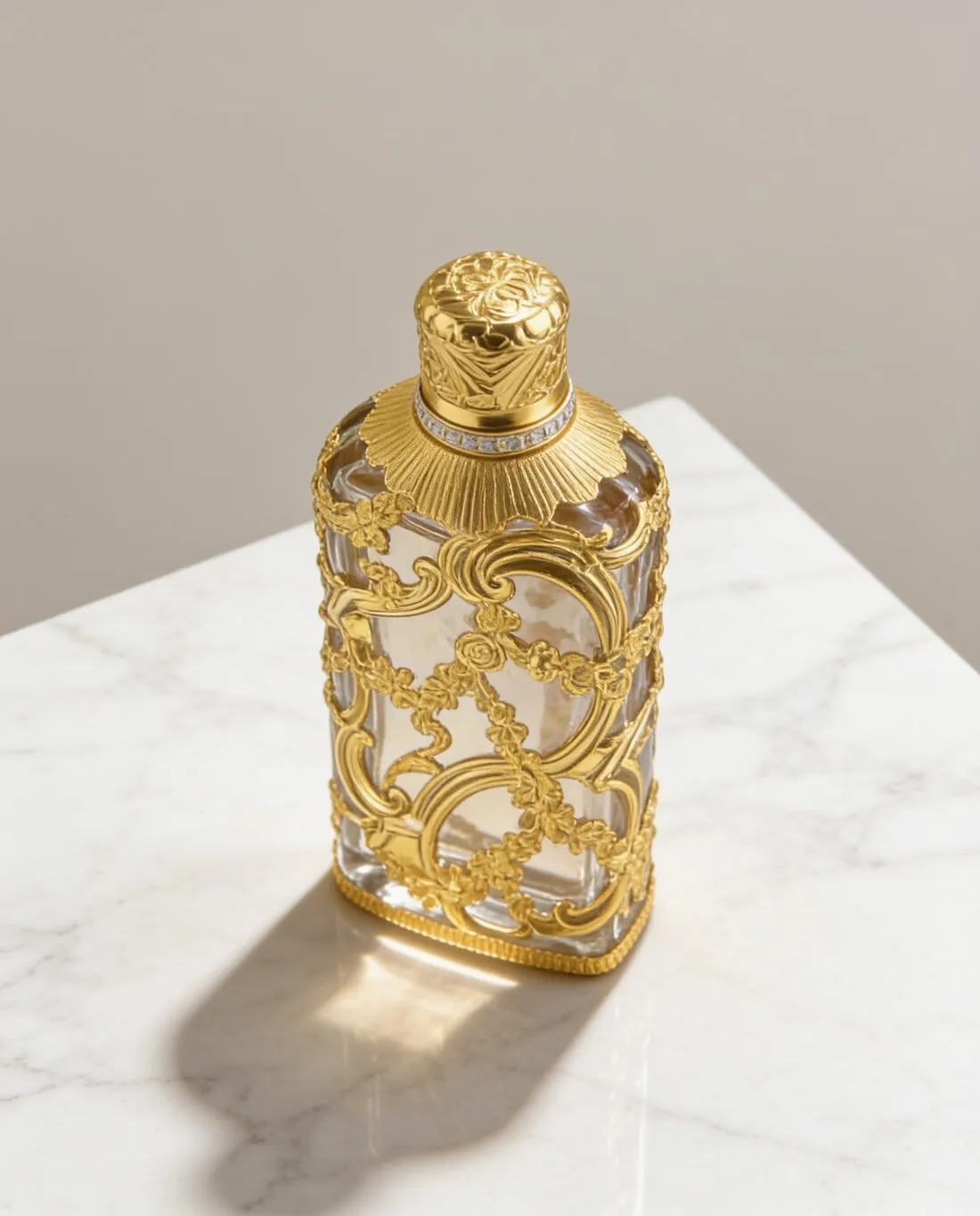
A gold filigree scent bottle on a marble block · HEIC to JPG converter
Source photo: Product photo. Made with Herofab · Product studio
Free tool · first use without sign-up

Choose HEIC photos.

JPG is accepted by Amazon, eBay, Shopify, Google Shopping and Zalando — see the guides.

Free tool · first use without sign-up

Herofab free tools continue with a free account

The first use of each tool runs without sign-up. From the second use, the tools run with a free Herofab account; files are still processed in the browser and are not uploaded. This way, every free tool remains available with no usage limit.

What the converter does to a HEIC file

HEIC to JPG converter reads a HEIC or HEIF file and writes a JPG from it. The tool has no settings: the quality is fixed at a high value, the pixel dimensions stay those of the original, and nothing is scaled, padded or cropped. The decoding is done by an open-source library that is served from this site and loaded when the first file is dropped, so the photo is converted on the device and is not sent to a server.

Several files can be dropped together. They are converted one after another, and each gets a card with a status line, the weight of the new JPG, a preview and a download link. The JPG keeps the name of the original with the new extension. A file that cannot be read as HEIC gets a message in its card, and the run continues with the next file.

When conversion is the step, and when it is not

Conversion is the step when a phone saved the photo as HEIC and the place it has to go does not take that format. Not every sales channel refuses HEIC, so the format list on its rule page is worth a look first. The other free tools work on a file only when the browser can open it; where the resizer or the compressor reports that it cannot open a photo, its message points to this converter.

The converter changes the file format and leaves the framing and the pixel size as they were. A JPG that has to meet a pixel size goes to the Marketplace image resizer, and one over a file-size limit goes to the Image compressor. Herofab's tools work on the image itself: Remove background puts the product on a transparent, white or light grey ground, Upscale raises the resolution, and Extend frame gives an image a new shape without cropping.

Checking the JPG before it is uploaded

The status line gives the weight of the JPG. It is often heavier than the HEIC it came from, because HEIC stores a photo in a smaller file at similar quality. The preview shows the converted picture: compare its orientation and its colours with the original, above all for a product whose exact shade matters.

The JPG is a new file, and the camera details or the location stored in the HEIC may not be carried over into it, so the original is the copy to keep where that information matters. The tool measures nothing: size and format rules are compared by the Image size checker, background and framing by the Product photo checker, and the sales channel's rule page is the last word.

Questions

About this tool.

Does this free tool need an account?

The first successful use of each free tool is available without an account. If prompted to continue using it, create a free Herofab account. Files are processed in your browser and are not uploaded.

Is my image uploaded?

No. The file is read and processed inside your browser; nothing is sent to a server.

Is the quality reduced?

The photo is saved as a high-quality JPG (quality 92). Pixel dimensions stay the same.

Which files can I convert, and which library does the conversion?

The file picker accepts .heic and .heif files. The conversion uses heic2any with libheif, served from this site; licences are listed at /vendor/heic2any.LICENSE.txt.

Can the converter save PNG or a lighter JPG?

No. The output is a JPG at one fixed high quality and at the pixel size of the original; the tool has no format, quality or size setting. A JPG that has to be lighter goes through the Image compressor afterwards, and one that has to reach a set pixel size goes through the Marketplace image resizer, which can also save PNG.

Does converting a whole batch of photos need an account?

The first successful run of the converter works without sign-up, and files dropped together are converted in that one run. From the second run the tool asks for a free Herofab account. The conversion itself stays the same: one JPG per file, each with its own download link.

Does the converted JPG keep the camera details and the location?

Not necessarily. The JPG is a new file written from the decoded picture, and the camera details or the location stored in the HEIC may not be carried over into it. Where that information matters, keep the original HEIC next to the JPG: the JPG carries the picture for the listing, and the original keeps the record.

Why is the converted JPG larger than the HEIC file?

HEIC stores a photo in a smaller file at similar quality, so the JPG written from it is often heavier, even though its pixel size stays that of the original. The status line in each card gives the weight of the new JPG. Where a channel sets a file-size limit, the Image compressor makes the JPG lighter afterwards.

Related
More free tools
Get started

Your next collection, shot this week.

20 credits at sign-up, no card required. Images made with free credits carry a watermark. Herofab also removes the watermark from those images once credits are purchased.