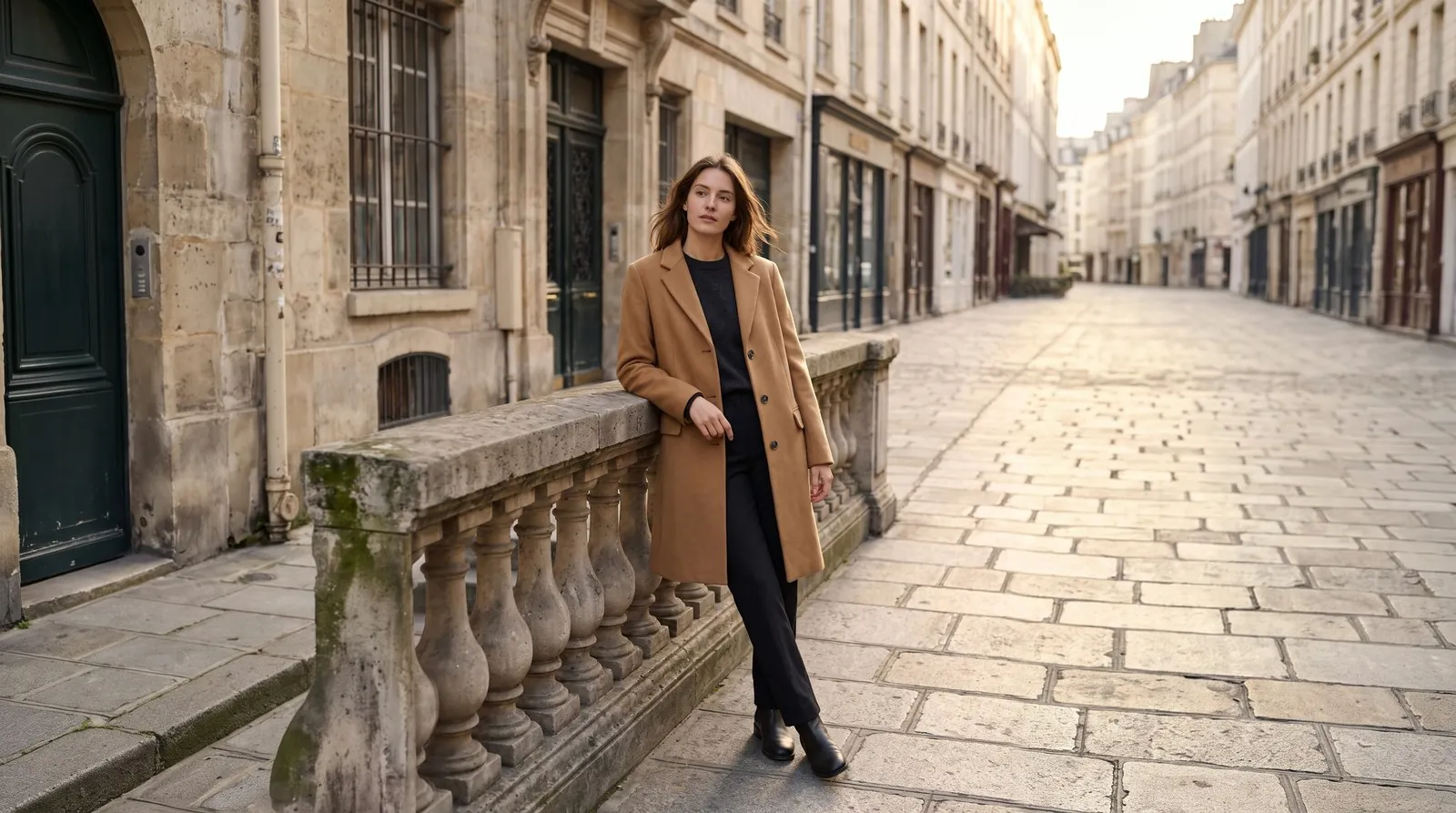
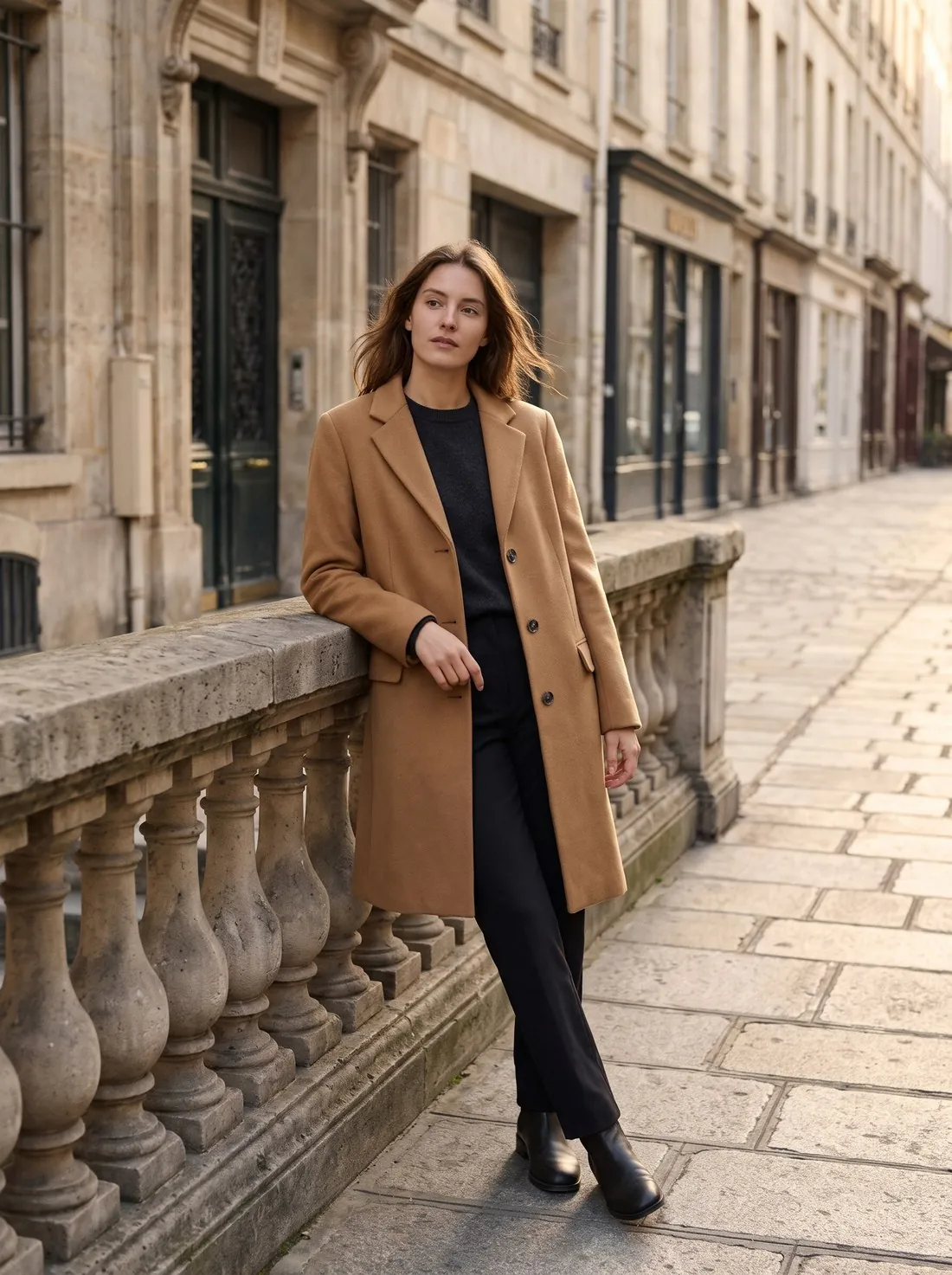
How the frame is extended and what stays in place
Extend frame places the source image in the middle of a larger canvas in the chosen format and has the empty margins filled in. The brief is to continue what is already there, the background, the floor, the walls, the surfaces, the light and the shadows, so that the result reads as one wider photograph taken with the same camera at the same moment. The image only grows outwards; nothing is cut from the source to reach the new shape.
The tool is also briefed on what to leave out. No people, products, text or other new objects are to appear in the extended area, and the subject is not to be repeated there. The formats run from a square and several portrait shapes to a vertical story, a landscape shape and a wide banner, and the result is delivered in 2K, with 4K as an option. A product photographed on a plain studio ground gives the extension little to guess; a busy street or interior asks more of it.
When to extend the frame and when another tool fits
Extend frame is the right tool when an image is already approved and only its shape is wrong for the place it has to go: a portrait on-model image that is needed as a square listing image, a vertical story or a wide banner for a shop header. Cropping would cut into the garment or the model; extending keeps both whole and adds room around them. The source can be the seller's own photo or an image Herofab delivered.
Some jobs sit with a neighbouring tool. When only the pixel size of a sales channel is needed, any delivered image can be downloaded in marketplace sizes without cropping. When the image has the right shape but is too small, Upscale is the step. When the product belongs in a different setting and not in more of the same one, Product studio places it in a new scene. An image that is still to be made can be ordered in the needed format from the start in Virtual try-on, Ghost mannequin or Product studio.
What to check in the extended image before publishing
The join is the place to look first. The original photo meets the new area along its own edges, and that line should not be visible: the tone of the backdrop, the grain of a floor, the line where floor meets wall and the direction of the shadows should all run on without a step. Patterned grounds such as tiles, planks and brickwork are the hardest to continue and deserve a look at full size.
The new area itself comes second. The brief excludes added people, products, text and objects, so anything of that kind in the margins is a reason to generate again, as is a second copy of part of the subject. Where a banner or a story will carry a headline, the added space should be calm enough to hold it. The tool has no setting for where the new room goes: the source is placed in the middle of the canvas, which matters for layouts that expect the product at one side.