One garment, any fabric.
Upload a photo of the garment — on a hanger, laid flat or on a model — and a photo of the fabric. Herofab delivers the same garment in that fabric or print and is briefed to keep everything else: the cut, the seams, the trims, the pose and the background.
How it works
- 1
Upload the garment
A photo of the garment on a hanger or laid flat, or an image of it on a model.
- 2
Add the fabric
A flat, evenly lit photo of the fabric or a swatch. Keep the pattern at the swatch's scale, or make it smaller or larger.
- 3
Receive the image
Delivered in 2K, or 4K for one extra credit — then download it in any of 20 marketplace sizes at no extra credit.
Real results, by product type.
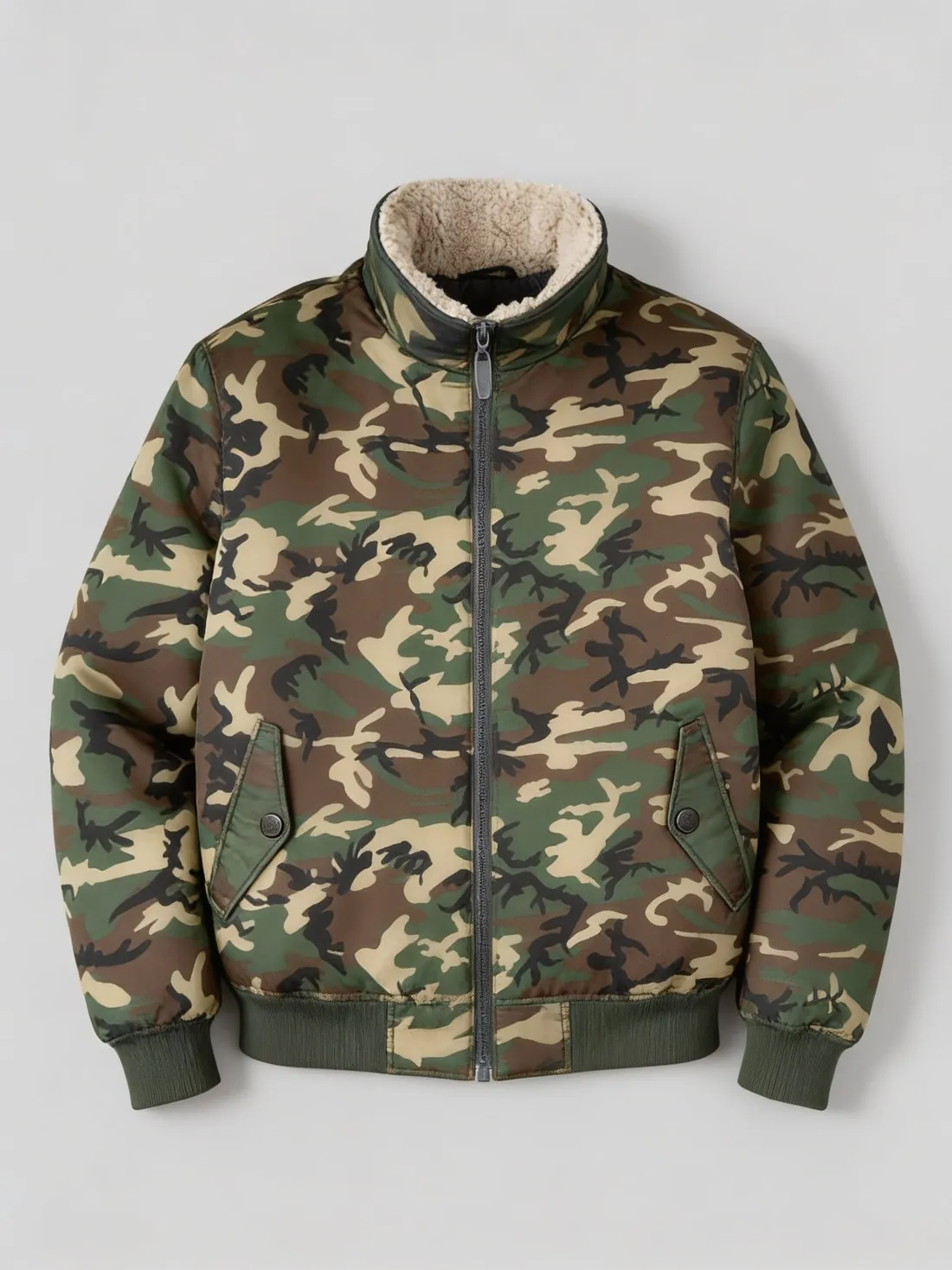
Made with this tool from the photo beside it.
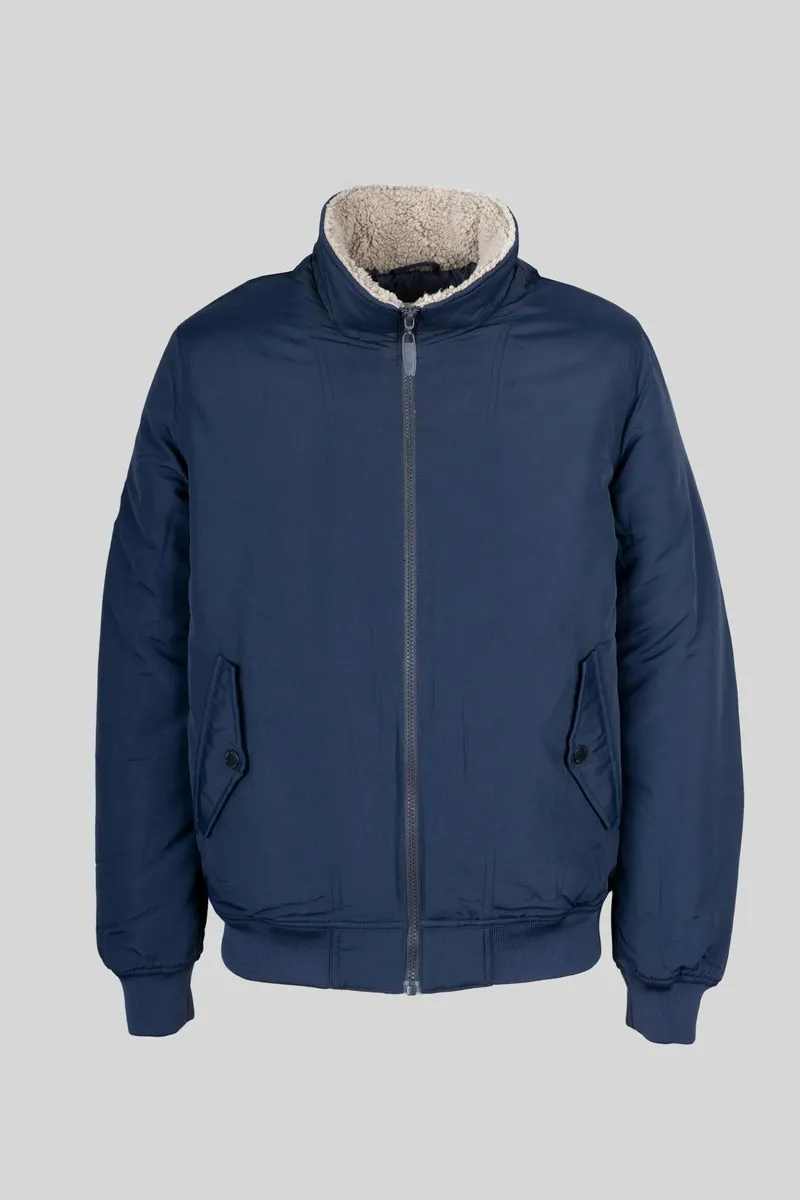
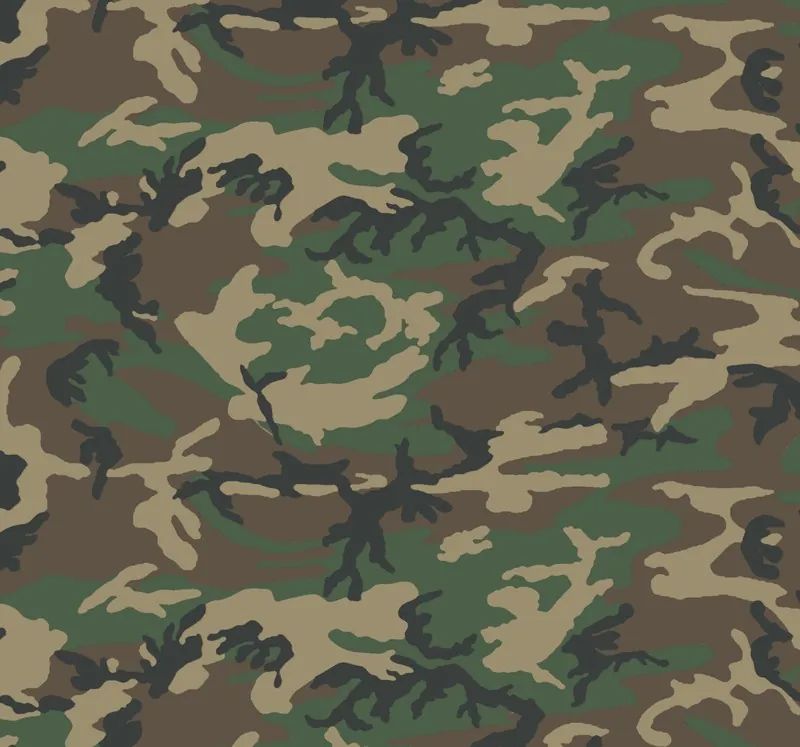
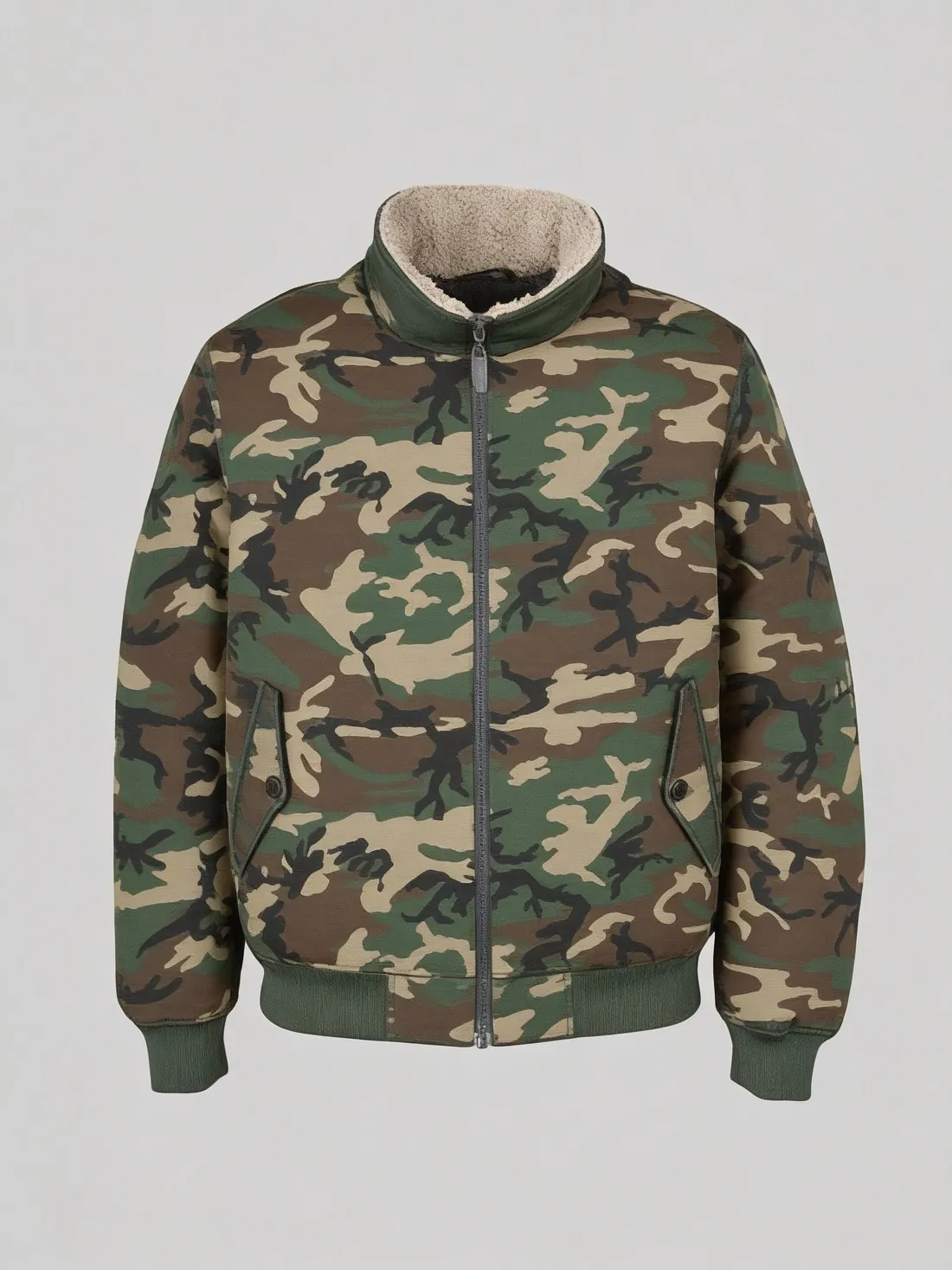
Source photos: Bulbul Ahmed (Unsplash License) · U.S. Army Engineer Research and Development Laboratory (Public domain)
.png)
What you can set.
Every option below is part of the Herofab studio.
- Inputs
- A garment photo or an on-model image, and a photo of the fabric — both required
- Garment category
- Optional — tells Herofab what the garment is, from a T-shirt to a coat
- Pattern scale
- As on the swatch, smaller or larger
- Formats
- The garment photo's own, or 1:1, 4:5, 3:4, 9:16 or 16:9 · 2K or 4K
- Marketplace sizing
- 20 marketplace sizes at download, without cropping or extra credits
Fabric studio, answered.
What kind of fabric photo works best?
A photo taken straight on, evenly lit and filling the frame, with no folds or shadows across the pattern. The pattern and the colour are read from this photo.
Does the garment keep its shape?
It is briefed to: the cut, the seams, the buttons and the trims — and on a model, the pose and the background — stay as in your garment photo, and only the fabric changes. Check where the pattern meets seams and pockets before you publish.
How close is the colour to the real fabric?
The colour follows your fabric photo. Screens, light and fabrics differ, so compare the result with the physical swatch before you publish.
How much does it cost?
5 credits per image, plus one credit for 4K. The cost is shown before you generate, and if a job fails the credits are returned. The 20 free credits at sign-up cover 4 images with this tool.
Your next collection, shot this week.
20 free credits when early access opens. No card required.