What the cut-out changes and what it leaves alone
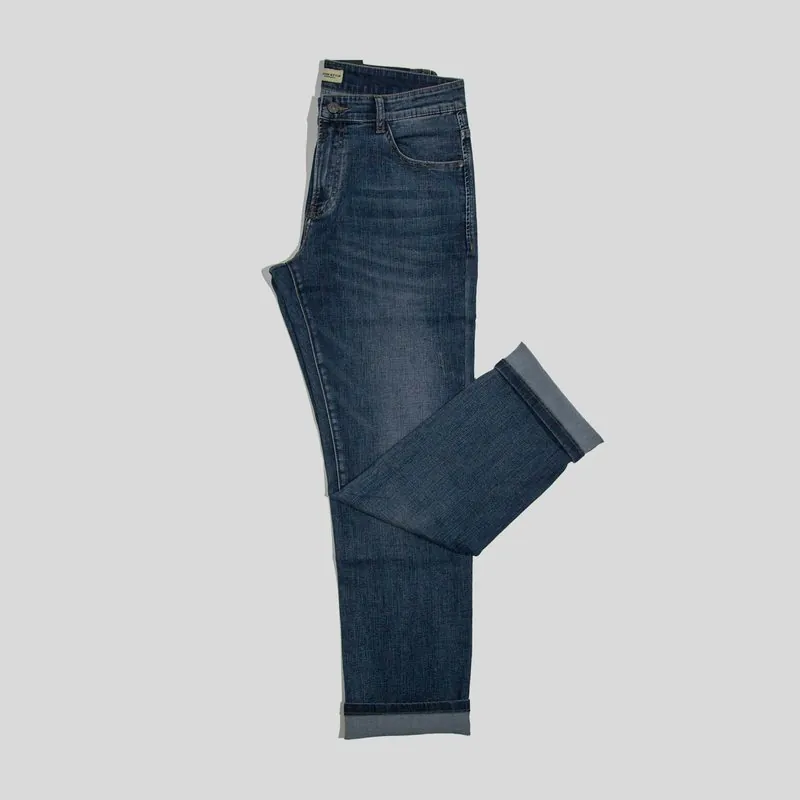
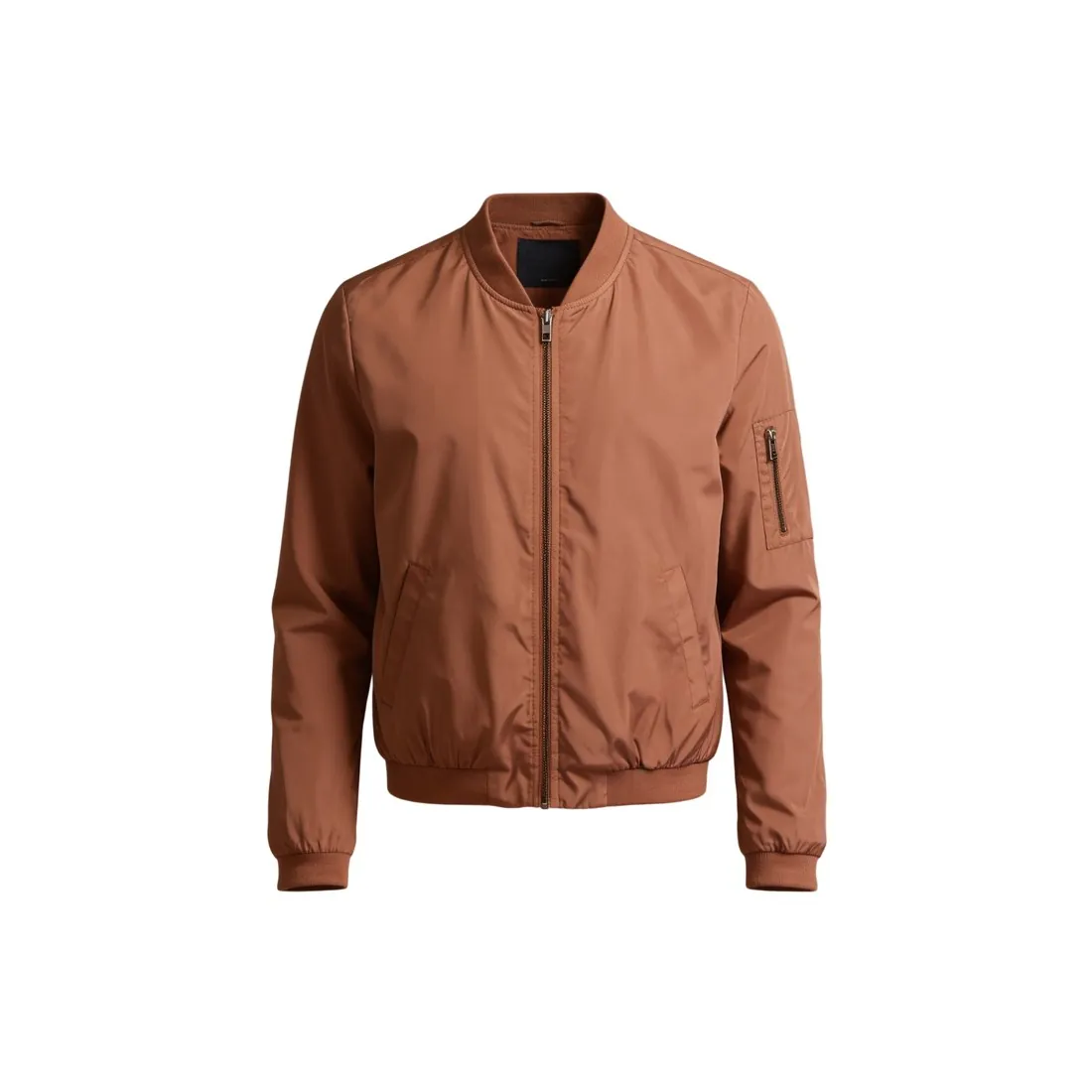
Background remover separates the main subject of a photo from everything behind it and delivers that subject on one of three grounds: fully transparent, solid white or solid light grey. The tool offers no scene, no new angle and no new light to choose. It is a cut-out, not a new rendering: the product is not redrawn, and the result setting only decides what it stands on once the old background is gone.
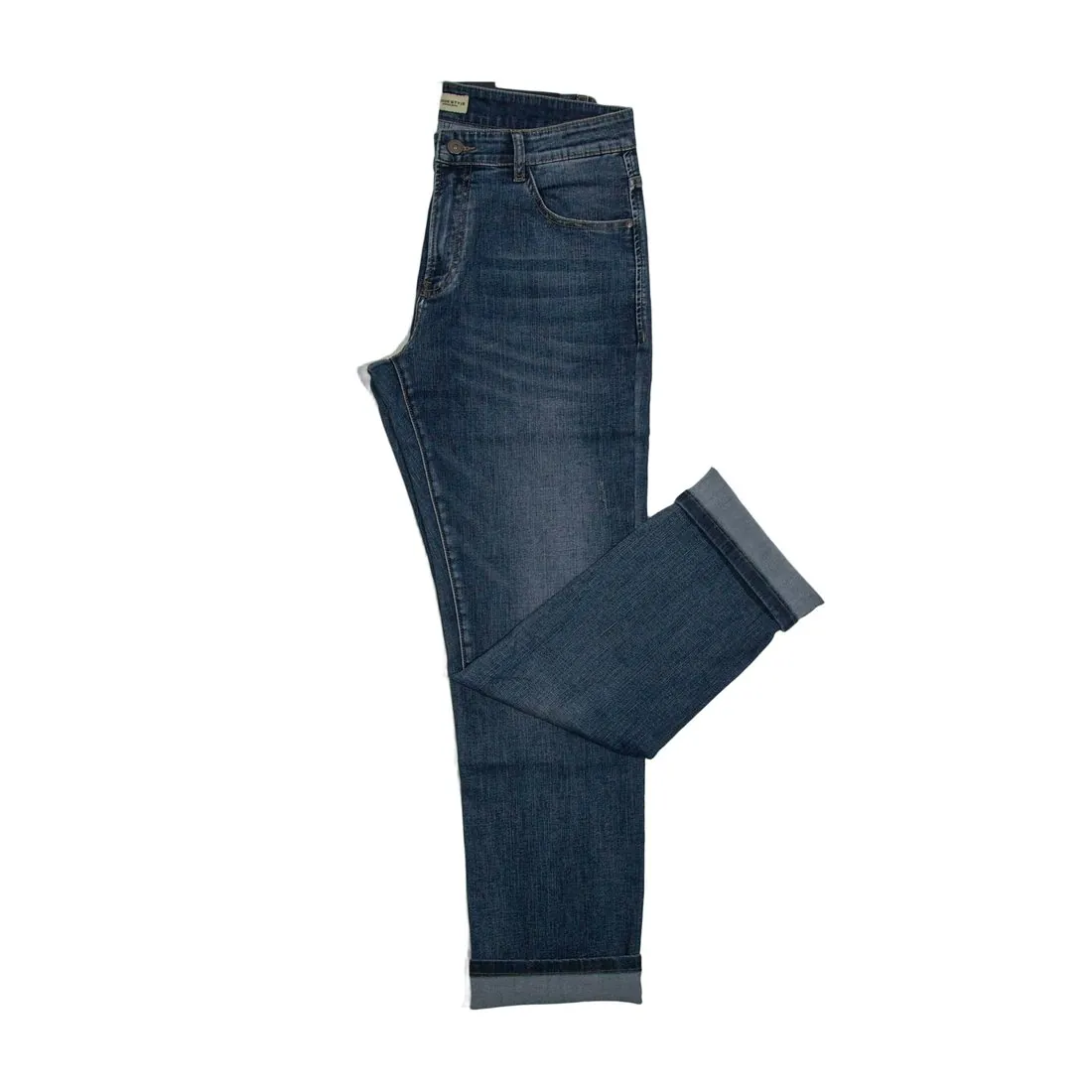
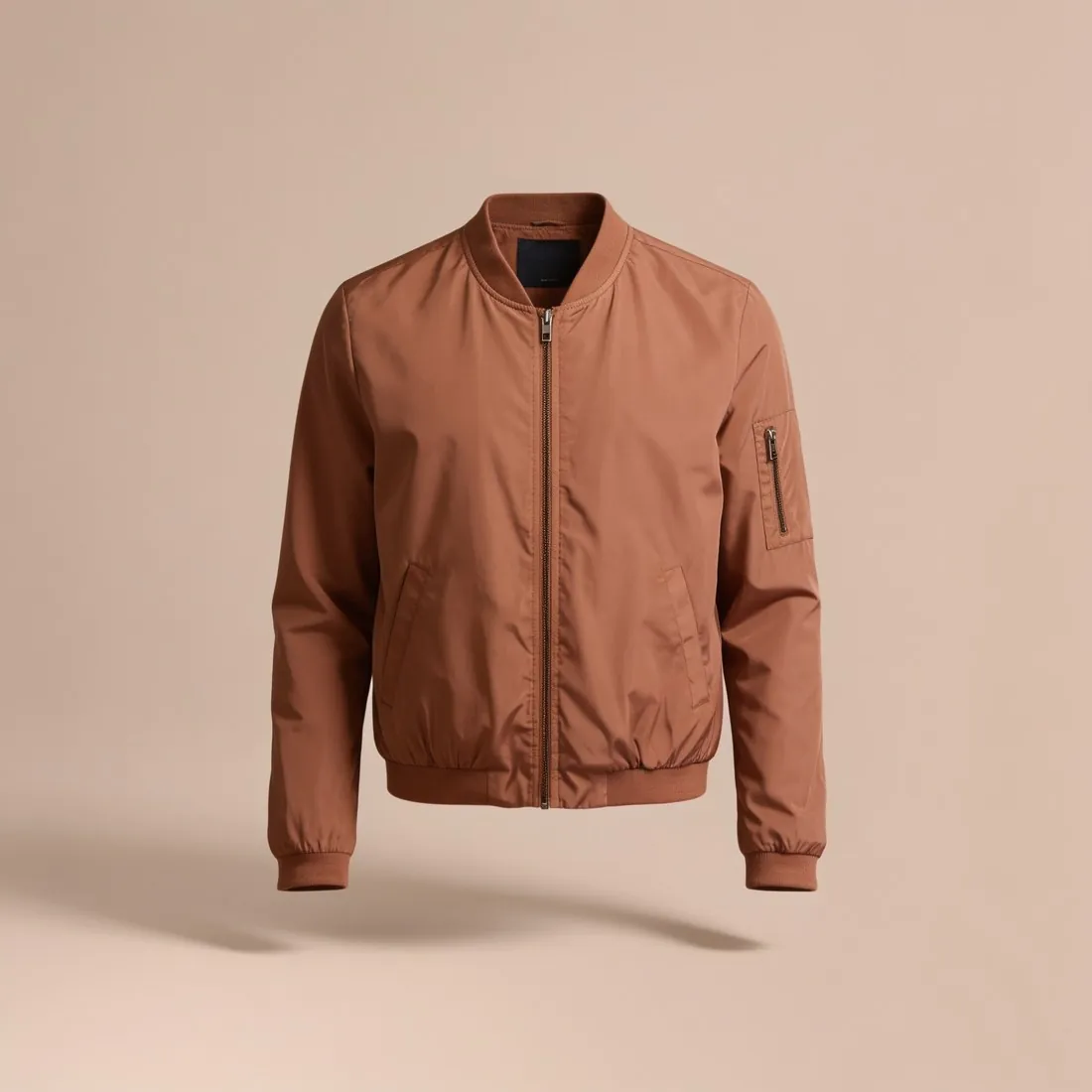
Because nothing is redrawn, the product inside the outline is the one that was photographed: its print, logos and lettering, its buttons, zips and pockets, its weave and its colours come from the source photo. The work happens at the edge, where the subject is separated from the old background. Background removal works with the product as it was photographed, so a crease, a fold or the angle of the camera comes from the source photo and remains in the delivered image.
When a cut-out is enough and when another tool fits
Background remover is the right tool when the photo itself is already good: the product is evenly lit, fully in the frame and shown from the angle the listing needs, and only the surroundings are in the way. It also suits an image that is finished in every other respect, such as an on-model image that needs a transparent version for a banner or a lookbook page. Transparent results are delivered as PNG, so the product can be placed over any colour afterwards.
When the photo needs more than a new background, a neighbouring tool fits better. Packshot studio starts from a phone photo taken on any surface and delivers the product alone on a white studio background, evenly lit; it is briefed to use only the product when a hand, a box or a price tag is in the shot. Ghost mannequin takes a garment photographed on a hanger or laid flat and delivers it with a hollow-body shape or as a clean flat lay, with the hanger removed.
What to check in the cut-out before publishing
The edge is the first thing to inspect. Placing the result on a dark and then on a light background shows whether a thin rim of the old background still follows the outline, which is easiest to miss when a pale product sits on white. Fine hair, fringes, lace and see-through fabric deserve a look at full size, as do enclosed gaps: the space inside a bag handle, between two straps or through a belt loop should show the new background, not a patch of the old one.
The product itself comes next. Small lettering, fine logos and detailed prints are worth comparing with the source photo, together with the colour of the fabric. A cut-out generally removes the shadow of the original scene together with the background, so a product on white or grey can look as if it floats; where a grounded look matters, a studio image with a soft shadow may serve the listing better. Any delivered image can be downloaded in marketplace sizes without cropping.