Jewelry on a model, from a product photo.
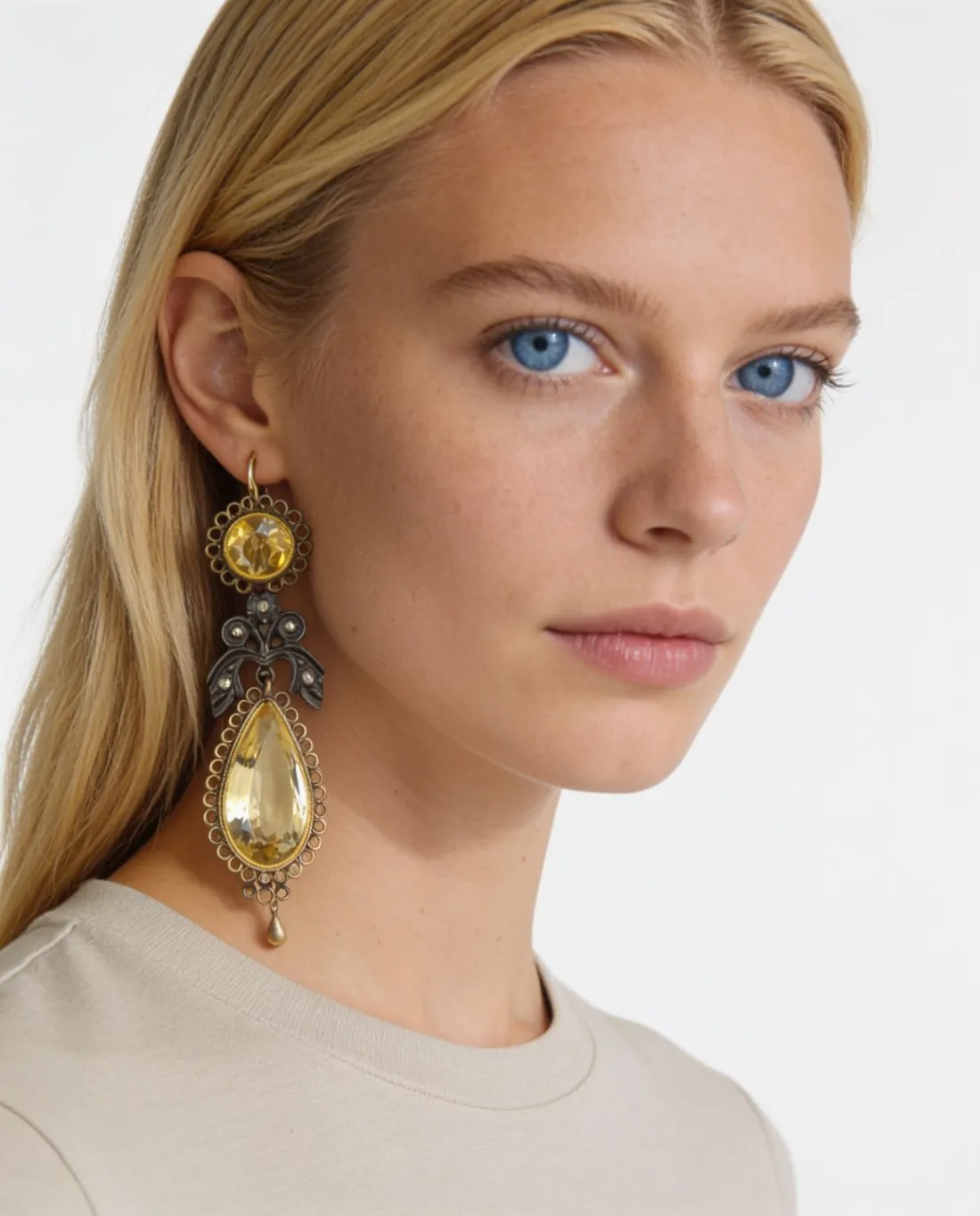
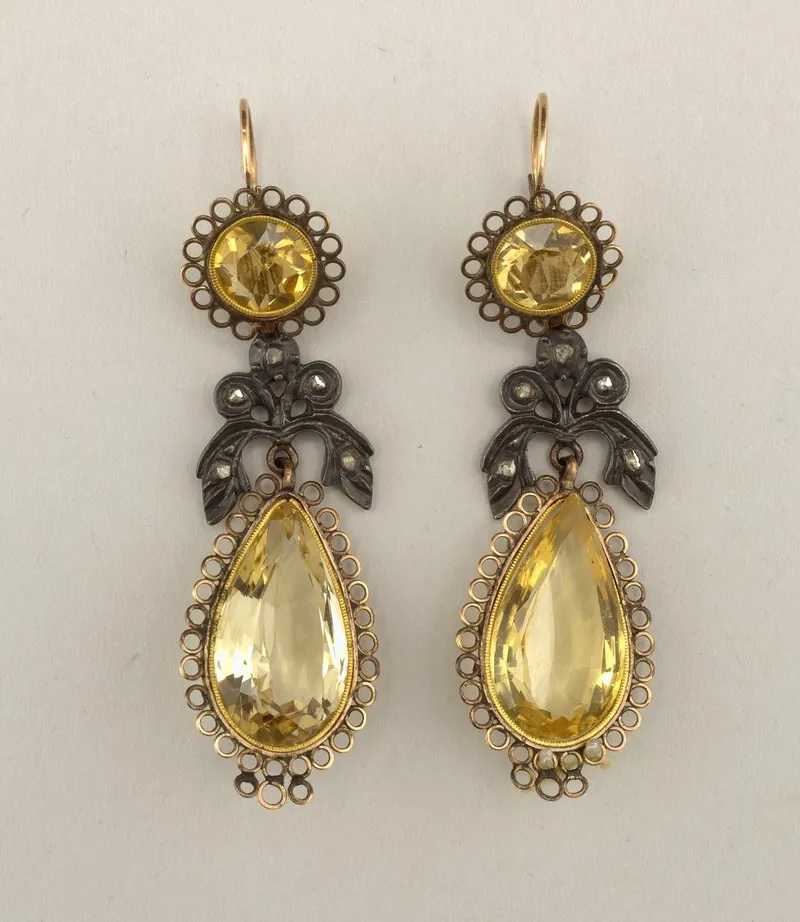
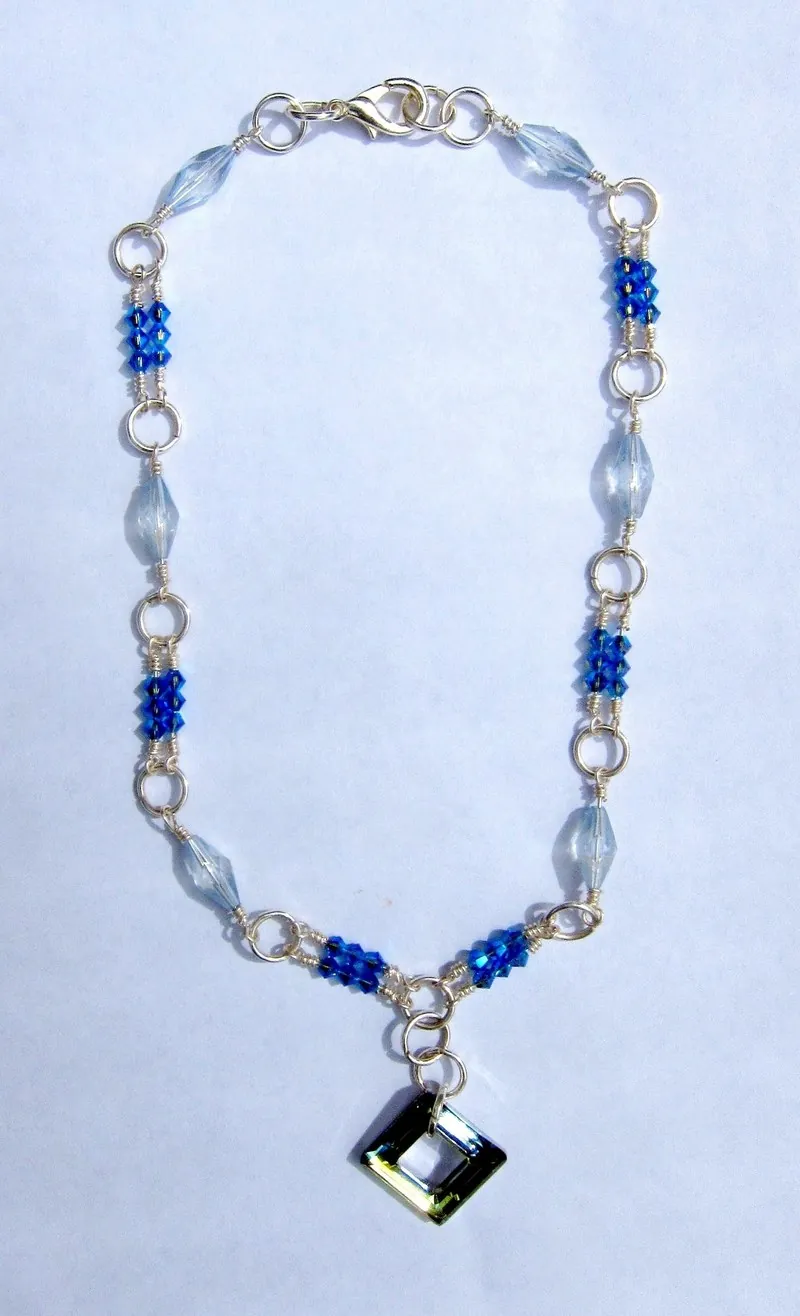
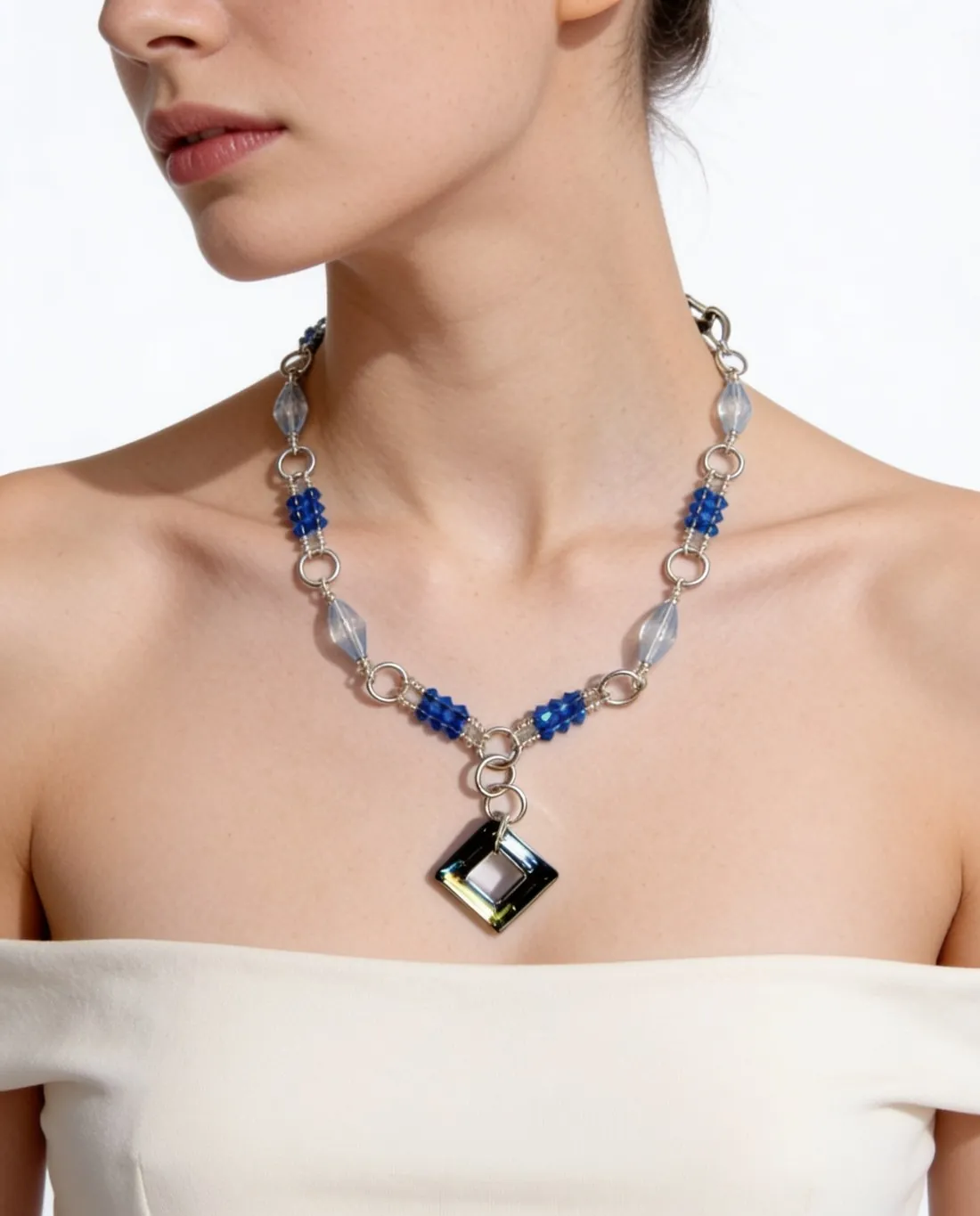
Upload earrings, a necklace or a ring as a plain product photo — on a stand, in a box or on a table. Herofab puts the piece on a model in a close frame and is briefed to keep every stone, the metal colour and the shape.
The inputs behind a real result.
A necklace photographed on its own and a white studio background: the two inputs behind this result, with the model chosen by Herofab; nothing retouched by hand.
- Upload a photoProduct photo
- Studio white1 of 10Pick a backgroundStudio white
- Result5 credits per image · 4K +1
 Herofab
Made with Virtual try-on — choose the product type, and the frame follows it.
Open the tool →Real results, by product type.
Made with this tool from the photo beside it.
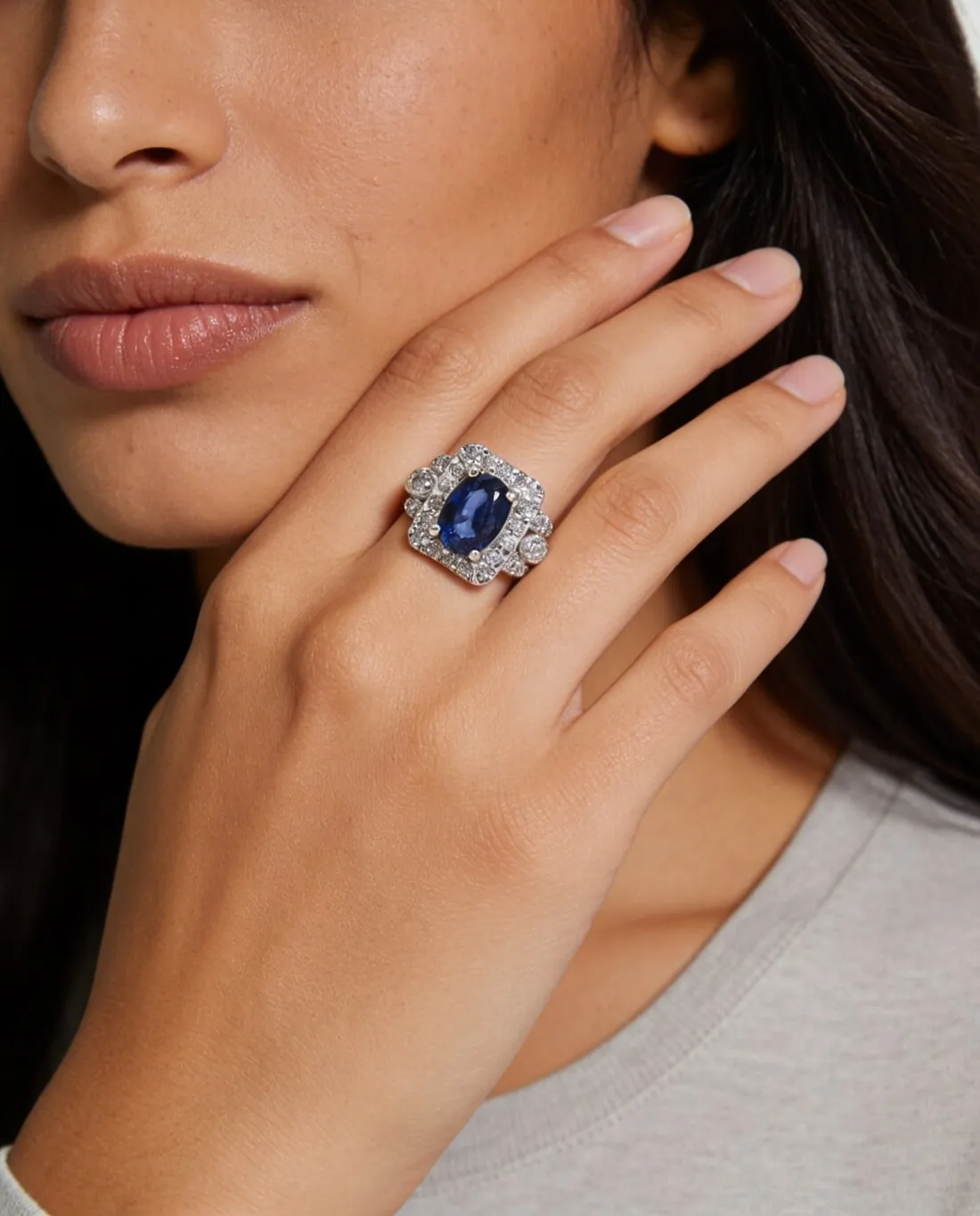
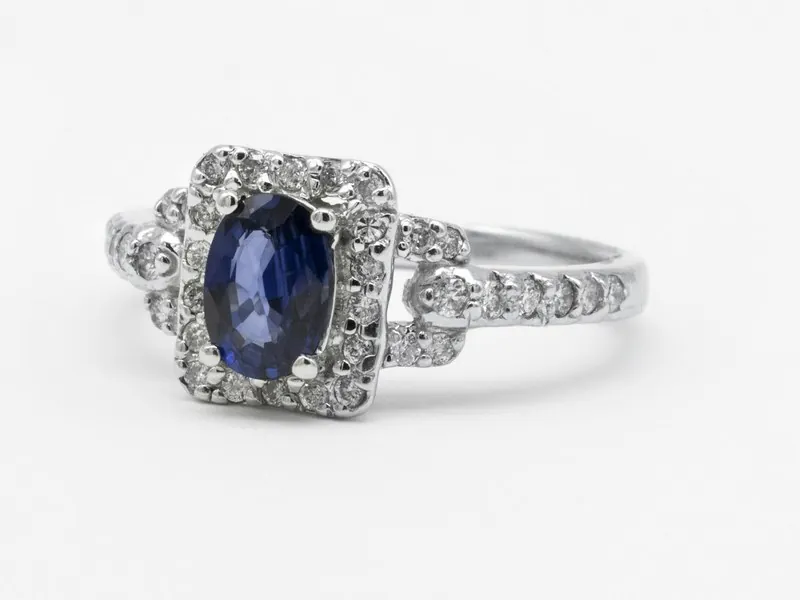
Ring 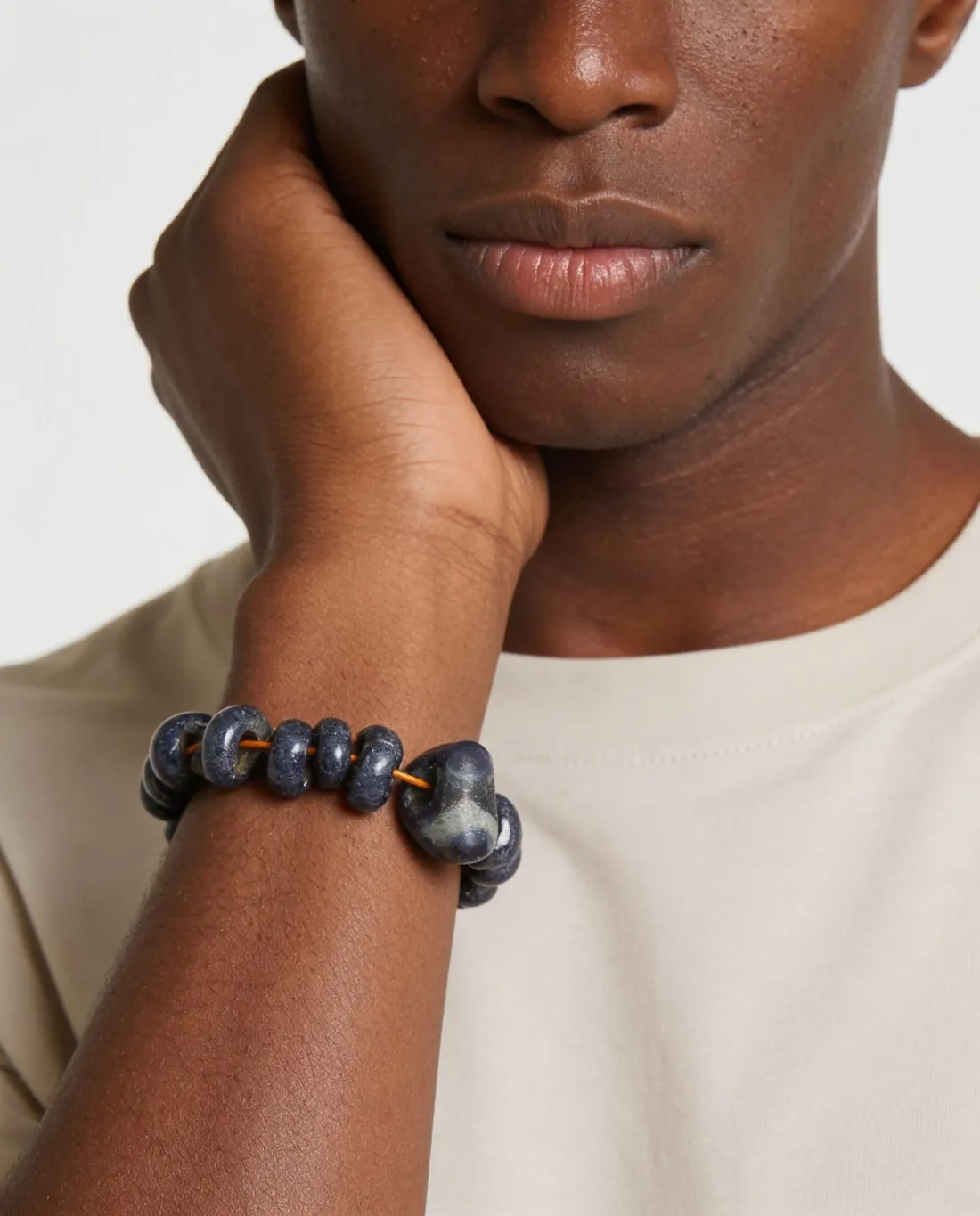
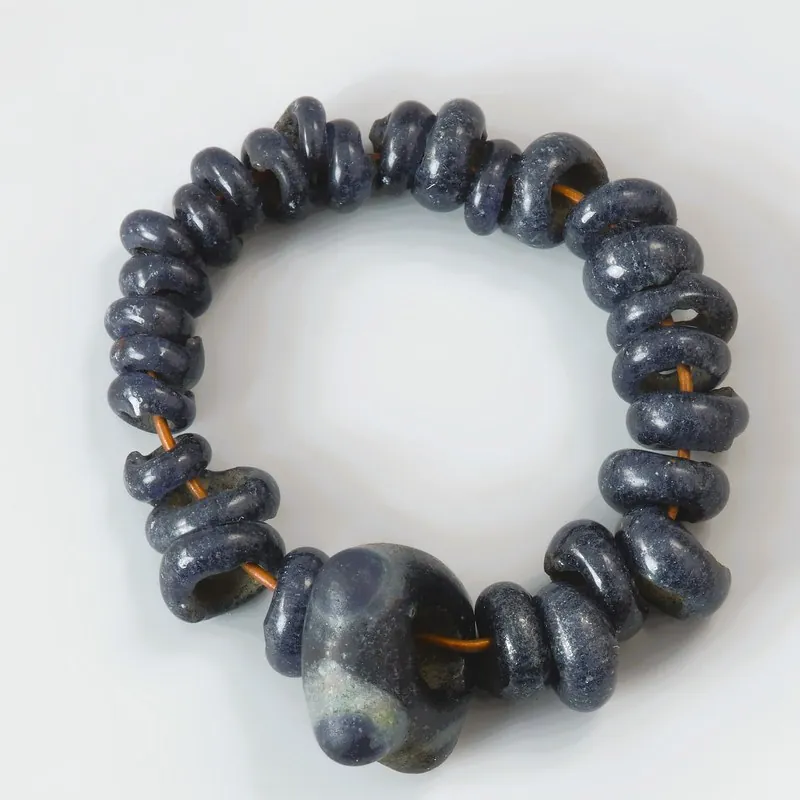
Bracelet
A frame for each piece.
A piece of jewelry disappears in a full-length photo, so each piece gets its own close frame. Pose and back view are not offered for jewelry.
- Earrings
- A close-up of the head in three-quarter profile, hair behind the ear; the earring on the ear facing the camera hangs large and centred.
- Necklaces
- From the lips to the upper chest, shoulders bare, the necklace on the skin with any pendant centred and the clasp at the back of the neck.
- Rings
- A beauty close-up: the hand rests against the cheek or jaw, the ring on the ring finger in crisp focus, the face cropped at the eyes.
- Bracelets
- A beauty close-up: the chin rests on the hand or the fingertips touch the cheek, the wrist turned so the bracelet faces the camera.
What you can set.
Every option below is part of the Herofab studio.
- Pieces
- Earrings, necklaces, rings and bracelets
- Kept
- Briefed to keep the shape, the metal colour and finish, and the number, colour, cut and placement of every stone, bead or pearl
- Models
- A ready-made model, one you created, or a model photo you have permission to use
- Backgrounds
- Studio white, studio grey, outdoor, lifestyle, a location, the model photo's own, or your own image
- Expression
- Neutral or smile
- Formats
- 1:1, 4:5, 3:4, 9:16 or 16:9 · 2K or 4K
- Marketplace sizing
- 20 marketplace sizes at download, without cropping or extra credits
Jewelry studio, answered.
What photo of the jewelry do I need?
A sharp photo of the piece with every stone and the clasp visible. A display stand, a box, a table or a ruler in the photo is not a problem: the tool is briefed to use only the piece itself.
Are earrings shown as a pair?
The model wears the pair, and the frame shows the ear facing the camera — so one earring is visible, the usual way earrings are shown worn.
Can I use my own model?
Yes. Upload a photo of the model and confirm that you have their permission, or save a created model to your library and use it across a whole collection.
Where should I look first before I publish?
At the stone count, the setting and fine chains. The piece is briefed to stay exactly as in your photo; small stones and thin links are the details worth a close look.
How much does it cost?
5 credits per image, plus one credit for 4K. The cost is shown before you generate, and if a job fails the credits are returned. The 20 free credits at sign-up cover 4 images with this tool.
Source photos: Adrian Pingstone (Public domain) · Cooper Hewitt, Smithsonian Design Museum (Public domain) · Sabrianna (Unsplash License) · Wikimedia Commons (CC0)

,_19th_century_(CH_18316861).jpg)

Your next collection, shot this week.
20 free credits when early access opens. No card required.