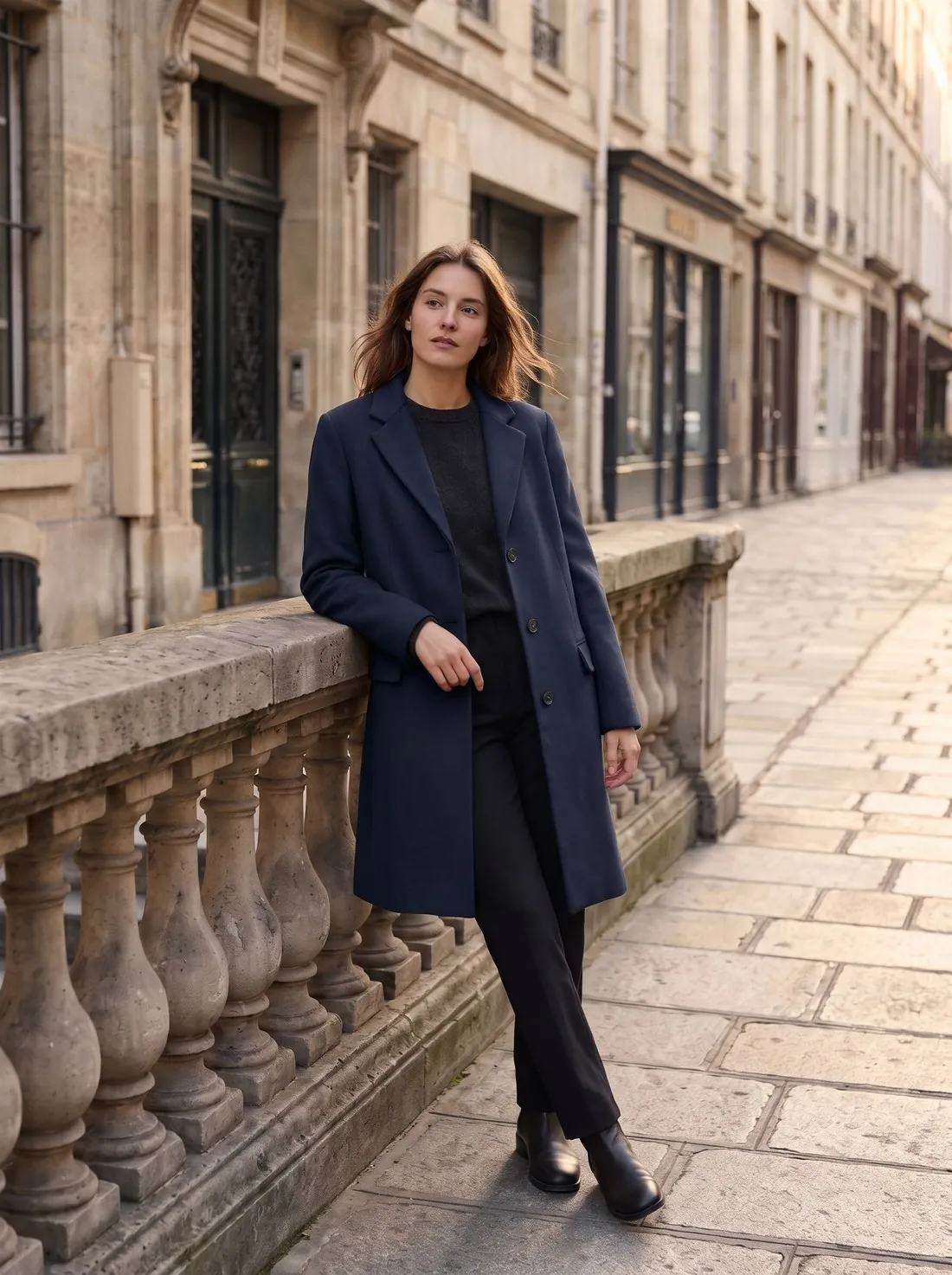
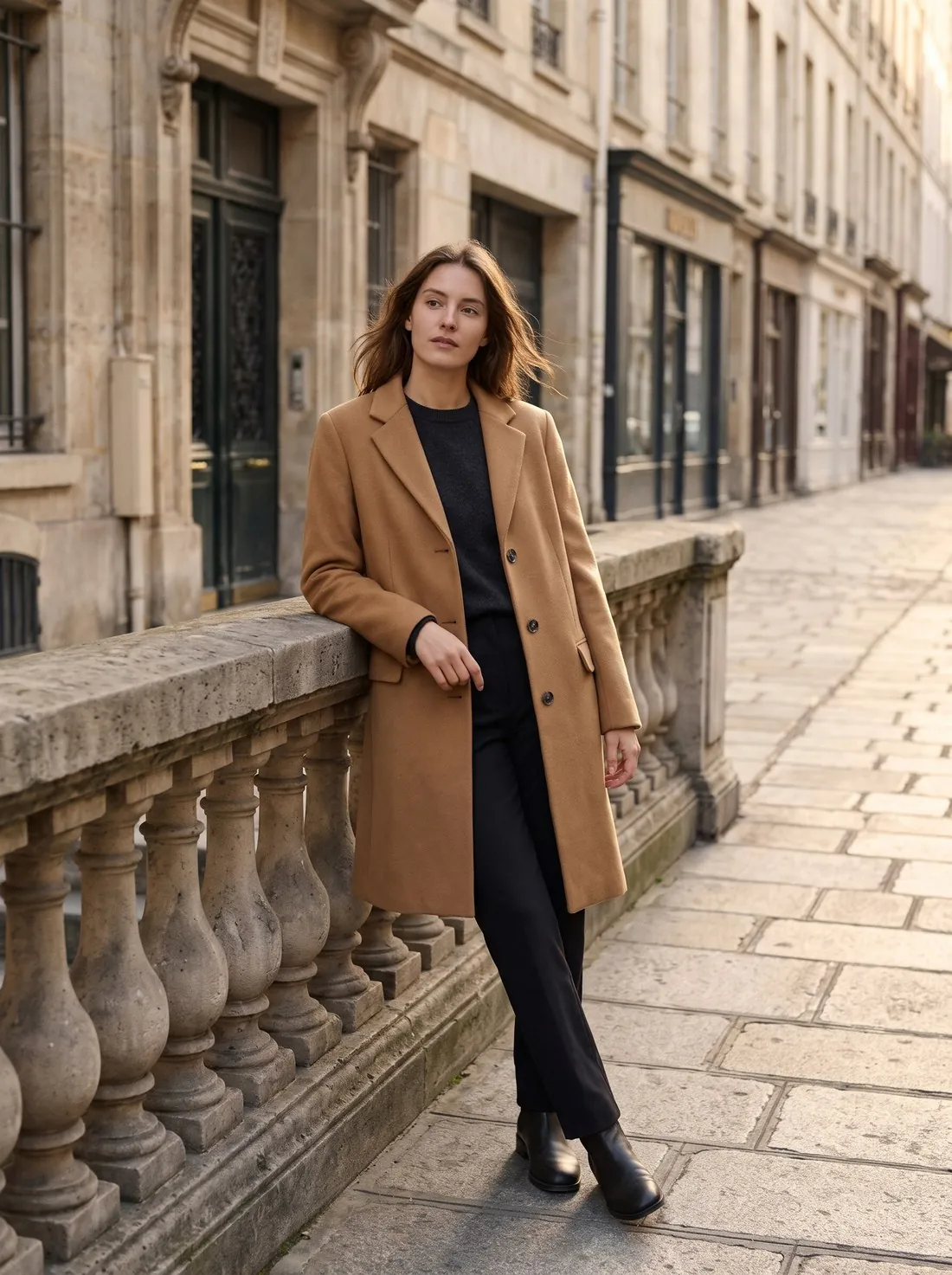
What changes in the image, and what the brief protects
Colour variants recolours the product in the image that is uploaded: the main product only, or every garment in the image when the whole outfit is selected. The brief changes the base colour of the material and nothing else. Texture, weave, stitching, folds, shading and highlights are briefed to stay as photographed, so that the new shade reads as a photograph of the product and not as paint laid over it.
The identity of the material is named in the brief as well. A smooth, shiny or technical fabric is to stay smooth, shiny and technical; a knit stays a knit and leather stays leather. Hems, cuffs and waistbands are briefed to keep their original finish, whether elasticated, gathered, ribbed or plain, and no ribbing, panels, pockets or seams are to be added or removed. A surface that looks smooth in the source is not to gain twill lines, a weave pattern, heathering or canvas grain in the new colour.
When Colour variants fits, and when another tool does
Colour variants suits a product that exists in several shades of the same material and has been photographed in one of them. The image is briefed to stay the same in every other respect: the shape, cut and details of the product, the framing and composition and, on an on-model image, the person, pose, skin, hair and background. A set of variants made from one source is therefore meant to read as one series on the product page.
When the change is the fabric itself — another material, a print or a pattern — Fabric studio is the better fit: it takes a garment photo and a photo of a fabric swatch, and the colour, material, texture and pattern come from the swatch. A colour reference photo in Colour variants passes on the colour only. When the product should keep its colour and appear in a new studio or styled scene, Product studio places it there, and when a colour has been photographed only on a hanger or laid flat, Virtual try-on dresses a studio model in it.
What to check in the variant before publishing
Start with the surface. A dark source photo hides much of a fabric's texture, and a light variant made from it has less to draw on. The brief tells the tool not to invent texture the source does not show, so look for added twill lines or grain on a fabric that is smooth in reality. Then compare the sheen: a satin, a nylon or a leather is expected to catch the light as it does in the source image.
Next, look at the parts that are not meant to change. With the print option left at its default, printed graphics, logos, text, labels and hardware are briefed to keep their original colours; compare zip pulls, buttons and small lettering with the source. Check that cuffs, hems and waistbands kept their original finish, and on an on-model image confirm that only the intended garment took the new colour while skin, hair and background stayed as they were.