Language: EN
Start free

Will your main image pass? Check the photo itself.

Choose a marketplace and drop a product photo. The checker measures the background, how much of the frame the product fills, whether it touches an edge and whether it casts a shadow, then compares each measurement with the marketplace's published rule. It runs in your browser; nothing is uploaded.

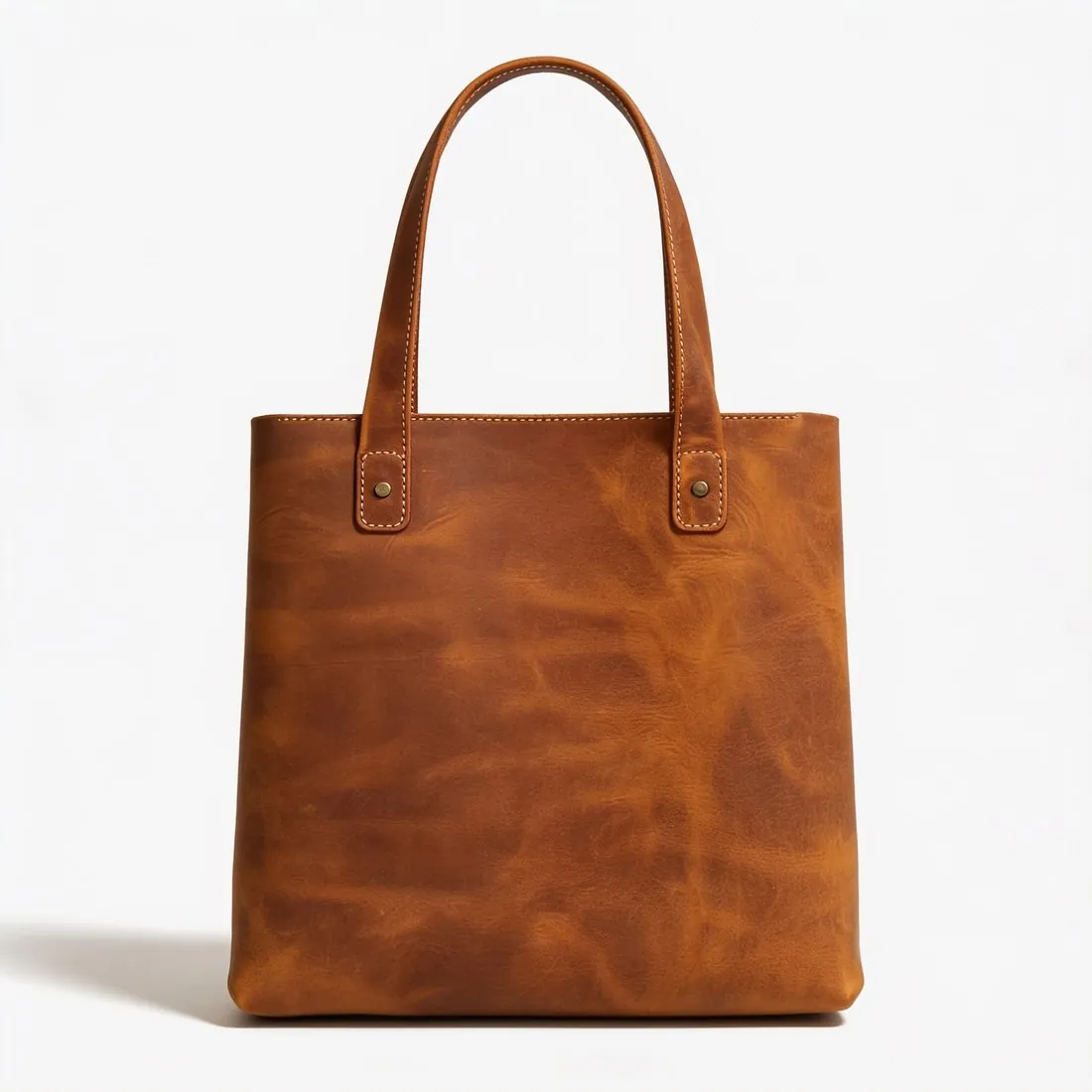
The brown leather tote alone on a white studio background, front view · Product photo checker
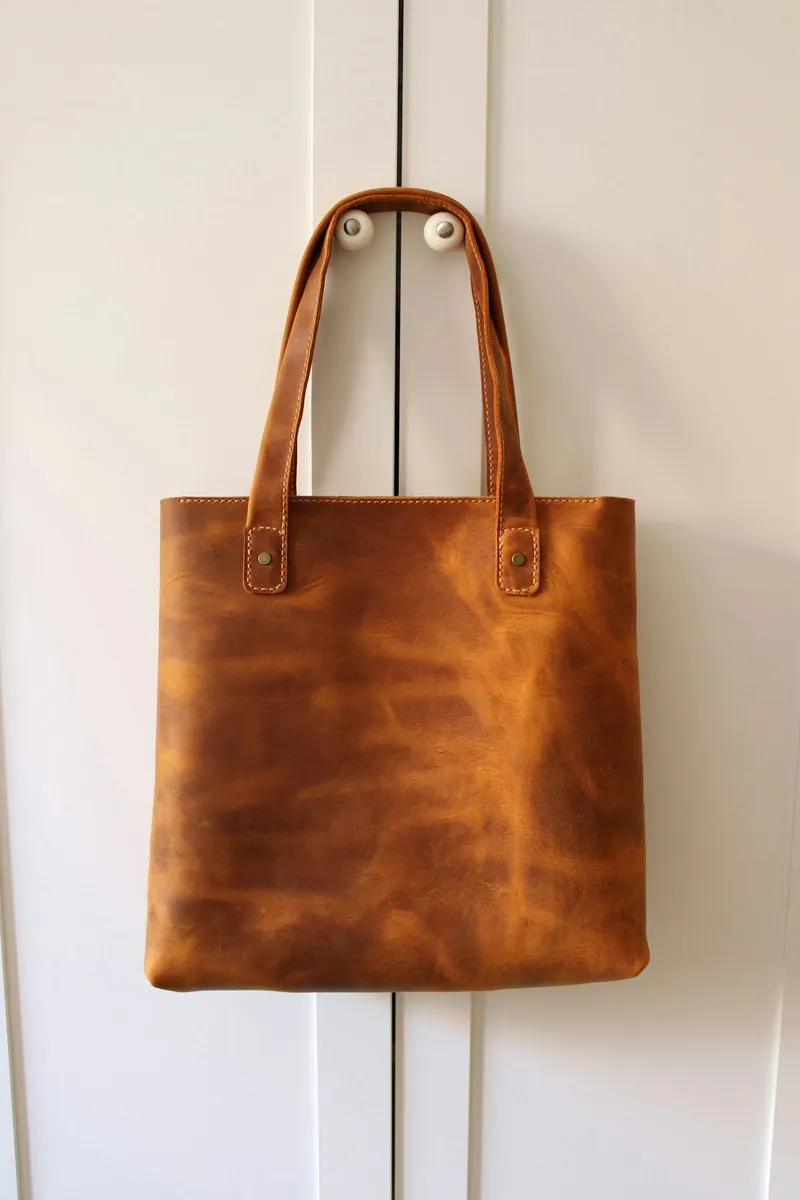
Source photo: On a door. Made with Herofab · Packshot studio
Free tool · first use without sign-up

Choose a marketplace and a photo.

Rules come from each marketplace's own help pages, summarised in the guides (checked 24 September 2026). Size, file size and format are checked as well.

Method

How each rule is measured.

Background colour
The background colour is the median of a thin band along all four edges. A pure-white rule passes only when that band is RGB 255, 255, 255 and at least 95% of the whole background is pure white too; near-white values such as 253 are reported with their exact colour.
Product fill
The product is separated from a plain background by growing the background inwards from the edges until the colour changes sharply. Fill is the product's share of the frame on its longest axis, the way Amazon's 85% and Google's 75–90% rules are read.
Cut-off edges
A product whose outline reaches the edge of the frame is reported as cut off, together with the edges it touches.
Shadows
Pixels next to the product that are darker than the background, but not part of the product, are reported as a shadow.
Square format
Width and height must match to within 2%.
Thumbnail crops
The product must fit inside centred square, 4:5 portrait and 5:4 landscape crops of the photo.
Scene photos
Room and lifestyle photos have no plain background to measure against, so fill, edges and shadow are marked as not measured rather than guessed.
Free tool · first use without sign-up

Herofab free tools continue with a free account

The first use of each tool runs without sign-up. From the second use, the tools run with a free Herofab account; files are still processed in the browser and are not uploaded. This way, every free tool remains available with no usage limit.

After sign-up, Herofab opens in the product studio, which places the product from one photo on a white studio background.

What the checker measures in the photo and how

Product photo checker opens the photo in the browser and works on a reduced copy of its pixels. It takes the colour of a thin band along the four edges as the background and, if that band is plain, grows the background inwards until the colour changes sharply. What remains is the product. A transparent PNG is read from its transparency instead. The outline gives the fill on the longest axis and the edges the product touches.

The report belongs to one marketplace at a time. Each main-image rule of that marketplace that can be measured from a photo gets a line with the rule, the measured value and a status: Pass, Fail, Note or Not measured. A further line checks pixel size, file size and format where the marketplace sets them. A preview shows the photo with the measured outline, and choosing another marketplace grades the same photos again without loading them a second time.

When to use this checker and when a neighbouring tool

This is the tool for a main image that has to meet the rules of one sales channel. Among the free tools it is the one that separates the product from the background, so it is the one that reports fill, cut-off edges and shadows. Image size checker reads no colours: it takes pixel dimensions, file size and format and lists the result for every marketplace at once.

White background checker answers a narrower question in finer detail: it reads the pixels in a band along the edges and reports the share that is exactly pure white. AI image label checker reads the markers written inside the file and never the picture. When the photo itself has to change, Remove background can deliver the cut-out product on solid white, and Packshot studio is briefed to show the product alone on a white studio background.

How to read the report and what it cannot tell

One Fail makes the whole verdict a Fail. Not measured appears when the edges show a scene or a textured surface: without a plain background there is no outline, so fill, edges and shadow are left open instead of estimated. Note marks a rule that the marketplace words as a recommendation, which is never shown as a Fail, or a transparent cut-out tested against a white background rule, which still has to be exported on white.

The outline is a single box around everything that is not background. A prop, a hand, a hanger or a second item lies inside it and is measured as product, and a pale product on a pale ground can merge with the background. Text, logos, watermarks, borders and sharpness are not what the tool measures. A Pass covers the measurable main-image rules only; it is not the approval of a marketplace, and the channel's own rule page remains the last reference.

Questions

About the checker.

Does this free tool need an account?

The first successful use of each free tool is available without an account. If prompted to continue using it, create a free Herofab account. Files are processed in your browser and are not uploaded.

Is my image uploaded?

No. The file is read and processed inside your browser; nothing is sent to a server.

Why is fill not measured on my lifestyle photo?

Fill needs a plain background to separate the product from. On a room or table scene the checker says so instead of guessing a number. Marketplaces that set a fill rule apply it to the main image, which is normally shot on a plain background.

How accurate is the measurement?

The photo is measured at 640 pixels on its longest side, so fill is accurate to about one percentage point. A white product on a white background can blend into it; the outline drawn on the preview shows what was measured.

What if my photo fails?

Herofab creates on-model, ghost-mannequin and white-background images from one product photo. Create an account to try it with 20 free credits.

Does it check every photo of a listing or only the main image?

It grades each photo against the main-image rules of the chosen marketplace; the tool has no setting for the further images of a listing. Several photos can be dropped at once, and each is graded as a main image. What a channel asks of its other images is written on its rule page.

Does a prop or a hand in the photo change the measured fill?

Yes. Everything that stands out from the plain background is placed inside one outline, so a prop, a hand or a second item enlarges the measured product and can make it touch an edge. Only specks the size of dust are ignored. The outline on the preview shows what was counted.

What does the product photo checker measure in a photo?

The background colour, how much of the frame the product fills, whether the product touches an edge and whether it casts a shadow, and, where a channel asks for it, whether the photo is square and fits centred thumbnail crops. Pixel size, file size and format are checked as well, and each result is compared with the chosen marketplace's published rule.

Does the checker judge sharpness, lighting or how good a photo looks?

No. It measures the photo against written rules: background, fill, edges, shadow, format, pixel size and file weight. Focus, exposure, colour accuracy and the appeal of the picture are not measured, so a photo that passes every rule is still worth a look at full size before it goes into a listing.

Related
More free tools
Get started

Your next collection, shot this week.

20 credits at sign-up, no card required. Images made with free credits carry a watermark. Herofab also removes the watermark from those images once credits are purchased.