Check your photo against Google Shopping's rules.
Google Shopping sets rules for the main image that can be measured from the photo: product fill. Drop a photo to see which ones it meets. It runs in your browser; nothing is uploaded.
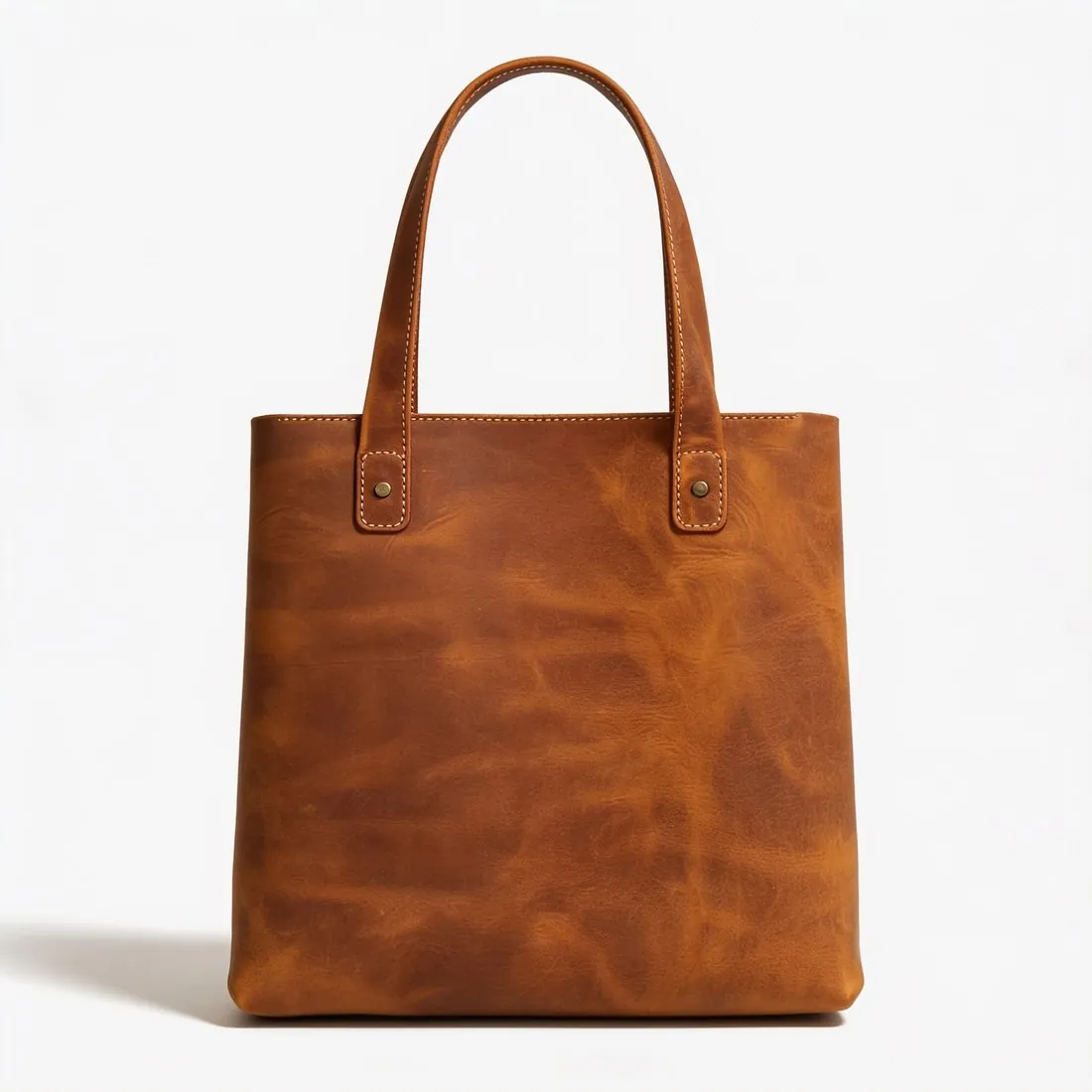
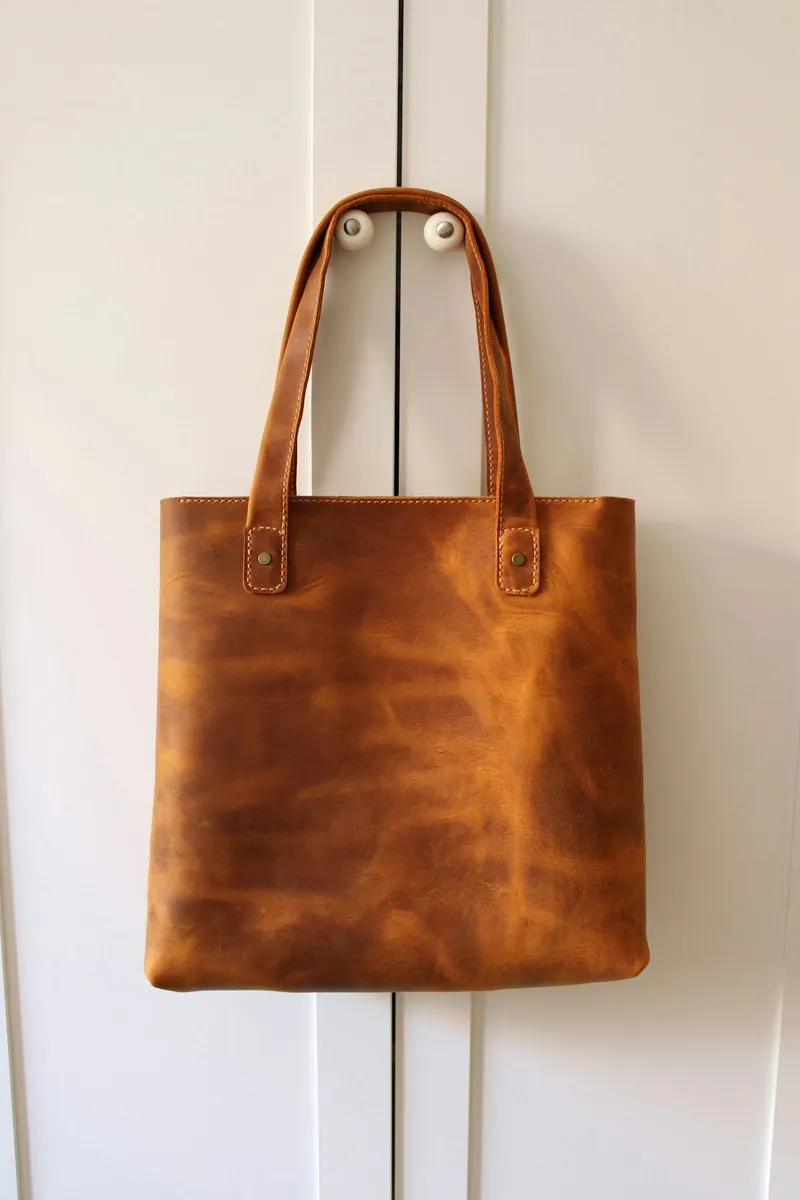
Choose a marketplace and a photo.
Rules come from each marketplace's own help pages, summarised in the guides (checked 10 October 2026). Size, file size and format are checked as well.
What Google Shopping asks for.
Source: Google Merchant Center Help — Image link [image_link] · checked 10 October 2026 · Read again · 13 October 2026
- Main image
- The product fills 75–90% of the image
- Minimum
- At least 500 × 500 pixels
- Recommended
- 1,500 × 1,500 pixels or above
- Maximum
- No file larger than 16 MB, no image larger than 64 megapixels
- Formats
- JPEG, WebP, PNG, GIF, BMP and TIFF
- Framing
- The product takes up no less than 75% and no more than 90% of the image
- Not allowed
- Watermarks, promotional text, calls to action, borders, price information
- AI images
- Images created with generative AI must carry metadata that marks them as AI-generated, such as the IPTC DigitalSourceType tag; the tag must not be removed
- Variations
- A separate image for each variant, showing only that variant in its exact colour, pattern, finish and material
- Placeholders
- Placeholders, logos, generic graphics and single-colour squares are not accepted in place of a product photo, outside a few exempt categories
- Effective date
- Google has announced the 500 × 500-pixel minimum for all products beginning 31 January 2027
- Image URL
- Must start with http:// or https://, contain ASCII characters only and be RFC 3986 compliant, 1 to 2,000 characters; it must point directly to a valid image file, with symbols and spaces replaced by URL-encoded entities
- File names
- The file extension must match the actual format; a .jpg extension on a PNG file leads to an "Unsupported image type" error
- Crawling
- The robots.txt file must allow both Googlebot and Googlebot-image to fetch the images
- Also not allowed
- Added brand, manufacturer or retailer names and logos, unless they are a physical part of the product itself; barcodes, QR codes or serial tags; added labels describing condition or compatibility, such as "New"; service or warranty claims
- Other products
- No product that is not sold together with the main product
- Packaging
- An image of a product in its original packaging must clearly show the multidimensional packaging, not just its front
- Where
- Worldwide
- Kind of rule
- Label or disclosure required
- File-size limit
- 16 MB
- Google Shopping image resizer
- 1,500 × 1,500 px — Google recommends this size or above.
- Herofab
- 1,500 × 1,500 px, the size Google Shopping recommends
Checkers by marketplace.
Google Shopping main images, answered.
How much of the image must the product fill on Google Shopping?
The product fills 75–90% of the image. The checker measures the product on its longest axis and reports the percentage.
Where do these figures come from?
From Google Merchant Center Help — Image link [image_link], read on 10 October 2026. Marketplaces update their rules; the official page is the final reference.
Is my image uploaded?
No. The file is read and processed inside your browser; nothing is sent to a server.
Your next collection, shot this week.
20 credits at sign-up, no card required. Images made with free credits carry a watermark. Herofab also removes the watermark from those images once credits are purchased.