Check your photo against Walmart's rules.
Walmart sets rules for the main image that can be measured from the photo: background colour and square format. Drop a photo to see which ones it meets. It runs in your browser; nothing is uploaded.
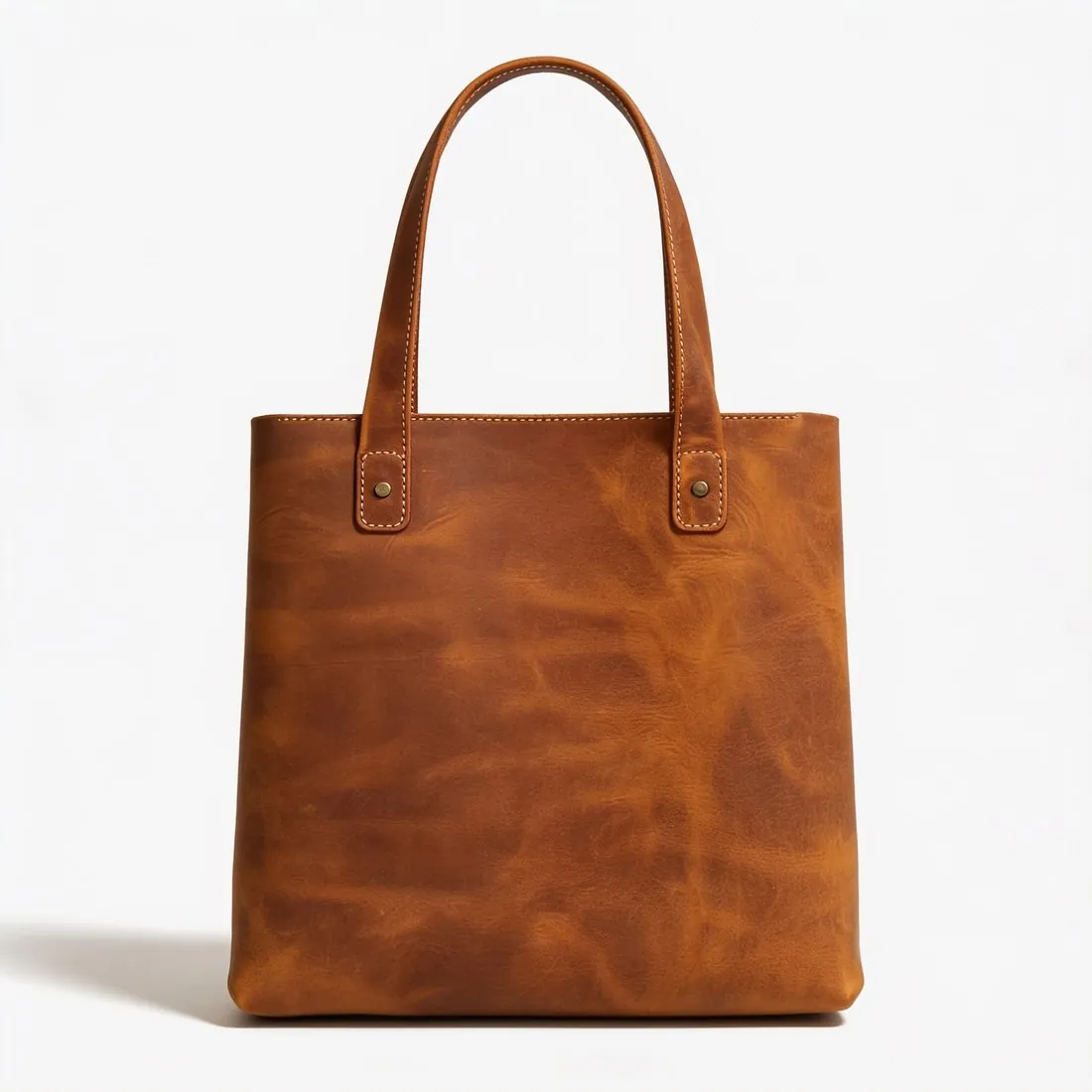
Choose a marketplace and a photo.
Rules come from each marketplace's own help pages, summarised in the guides (checked 10 October 2026). Size, file size and format are checked as well.
What Walmart asks for.
Source: Walmart Marketplace Learn — Image guidelines & requirements · checked 10 October 2026 · Read again · 10 October 2026
- Main image
- Pure white background (RGB 255, 255, 255)
Square image, width equal to height
The item on a seamless white background (RGB 255/255/255), in focus and professionally lit - Size
- 2,200 × 2,200 pixels, square (1:1)
- Zoom
- At least 1,500 × 1,500 pixels
- File
- JPEG, JPG, PNG or BMP (no GIF), 5 MB or less
- Not allowed
- Watermarks, your name or your logo on the main image
- AI images
- Images generated by artificial intelligence must be truthful, accurate and not misleading
- Number
- A minimum of four images for each listing is recommended
- Placeholders
- Only the designated placeholder image may be used; the item is not published until an actual product image replaces it
- Framing
- The item cropped as close as possible to the image frame, without excessive background space; smaller images are not to be resized to fill space
- Text and logos
- Images should not include claims or promotional language, retailer or eCommerce platform logos or names, or languages other than English
- Colour
- RGB colour format, 8 bits per pixel
- Swatch images
- 100 × 100 pixels
- Image URL
- Image URLs must end in an image file type such as .jpg or .png; the URL port must be 8080, 80, 443 or 8443
- Accessories
- The main image cannot show accessories that are not included with the item; Walmart says to avoid positioning too many props in the image
- Also not allowed
- Images indicating that a product is out of stock or sold out
- Where
- United States
- Kind of rule
- Allowed if accurate
- Walmart image resizer
- 2,200 × 2,200 px — the square size Walmart's image guidelines give.
- Herofab
- 2,200 × 2,200 px, the size Walmart recommends
Checkers by marketplace.
Walmart main images, answered.
What background does Walmart require for the main image?
Pure white background (RGB 255, 255, 255). The checker reads the background from the edges of the photo and reports its exact RGB value.
Does Walmart require square images?
Square image, width equal to height. The checker compares the width and height in pixels.
Where do these figures come from?
From Walmart Marketplace Learn — Image guidelines & requirements, read on 10 October 2026. Marketplaces update their rules; the official page is the final reference.
Is my image uploaded?
No. The file is read and processed inside your browser; nothing is sent to a server.
Your next collection, shot this week.
20 credits at sign-up, no card required. Images made with free credits carry a watermark. Herofab also removes the watermark from those images once credits are purchased.