Check your photo against TikTok Shop's rules.
TikTok Shop sets rules for the main image that can be measured from the photo: background colour and square format. Drop a photo to see which ones it meets. It runs in your browser; nothing is uploaded.
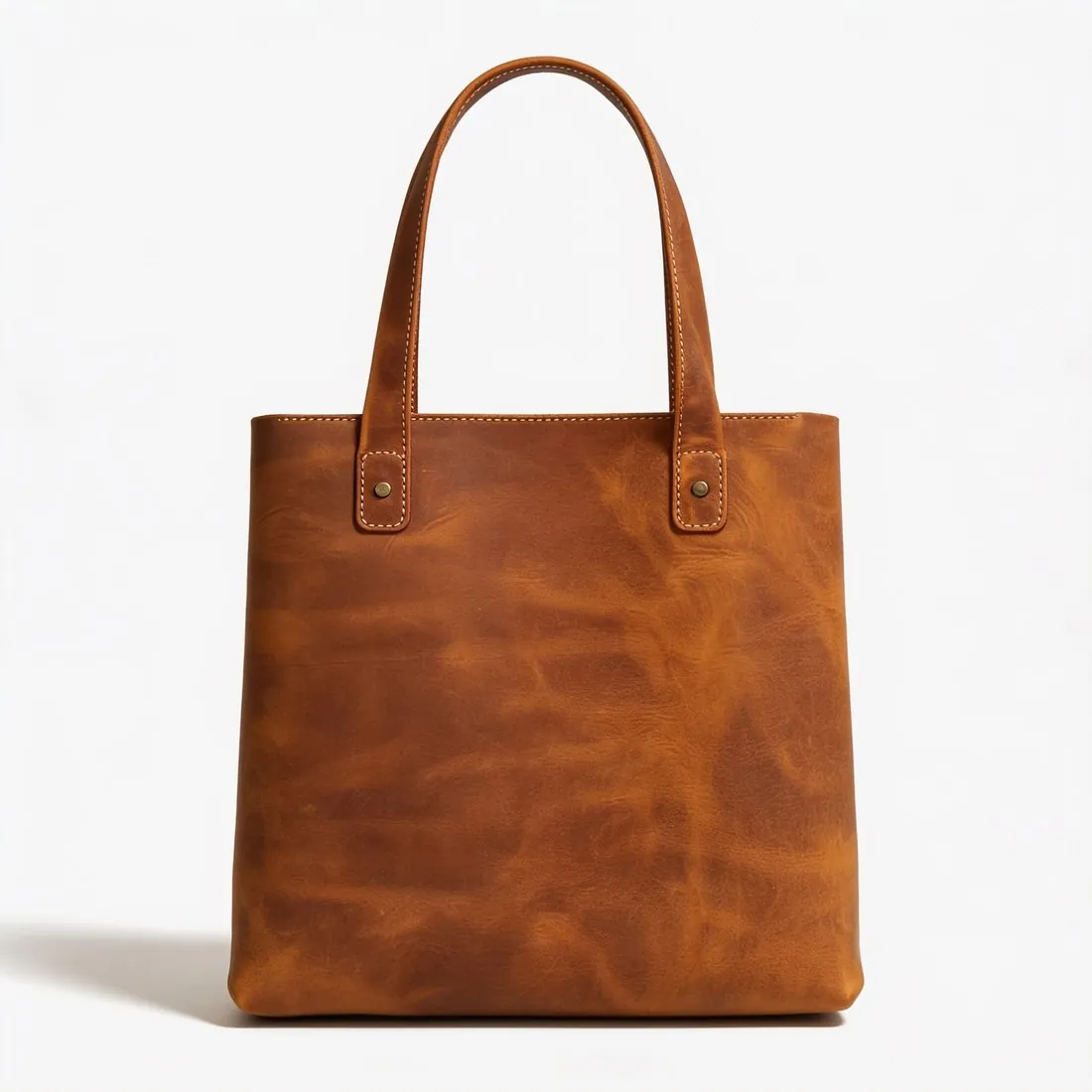
Choose a marketplace and a photo.
Rules come from each marketplace's own help pages, summarised in the guides (checked 10 October 2026). Size, file size and format are checked as well.
What TikTok Shop asks for.
Source: TikTok Shop Academy (US) — Product listing policy · checked 10 October 2026 · Read again · 13 October 2026
- Main image
- Pure white background (RGB 255, 255, 255)
Square image, width equal to height
The front of the product on a pure white background - Size
- Every product image at least 600 × 600 pixels
- Number
- Up to 9 square images, one of them the main image
- Not allowed
- Added logos, text, borders, watermarks or graphics on any product image
- Extra images
- The front, back, sides and other details, accessories included; several images of the same angle are not allowed
- Accuracy
- Only what the customer will receive; placeholders and digital renderings of the product are not allowed
- Colour
- Images in colour; black-and-white images are not accepted
- Children's form-fitting items
- Displayed flat, without child models or mannequins
- AI images
- TikTok Shop's policy on AI-generated listing images allows them when they accurately represent the real product; AI must not change the product's size, colour, shape, features or performance, its quantity or bundle contents, or show unsupported accessories
- Before and after
- Misleading "before and after" images are prohibited
- AI visuals
- AI visuals must show the product being sold, not a different main subject, and should not imply performance, effects, functions, motion or included items that the real product does not provide; flat, printed and other 2D products must not be presented as three-dimensional objects unless sold that way
- Where
- United States
- Kind of rule
- Allowed if accurate
- TikTok Shop image resizer
- 1,600 × 1,600 px — square, above TikTok Shop's 600 × 600-pixel minimum.
- Herofab
- 1,600 × 1,600 px, within the limits TikTok Shop publishes
Checkers by marketplace.
TikTok Shop main images, answered.
What background does TikTok Shop require for the main image?
Pure white background (RGB 255, 255, 255). The checker reads the background from the edges of the photo and reports its exact RGB value.
Does TikTok Shop require square images?
Square image, width equal to height. The checker compares the width and height in pixels.
Where do these figures come from?
From TikTok Shop Academy (US) — Product listing policy, read on 10 October 2026. Marketplaces update their rules; the official page is the final reference.
Is my image uploaded?
No. The file is read and processed inside your browser; nothing is sent to a server.
Your next collection, shot this week.
20 credits at sign-up, no card required. Images made with free credits carry a watermark. Herofab also removes the watermark from those images once credits are purchased.