Check your photo against Kaufland's rules.
Kaufland sets rules for the main image that can be measured from the photo: background colour and shadows. Drop a photo to see which ones it meets. It runs in your browser; nothing is uploaded.
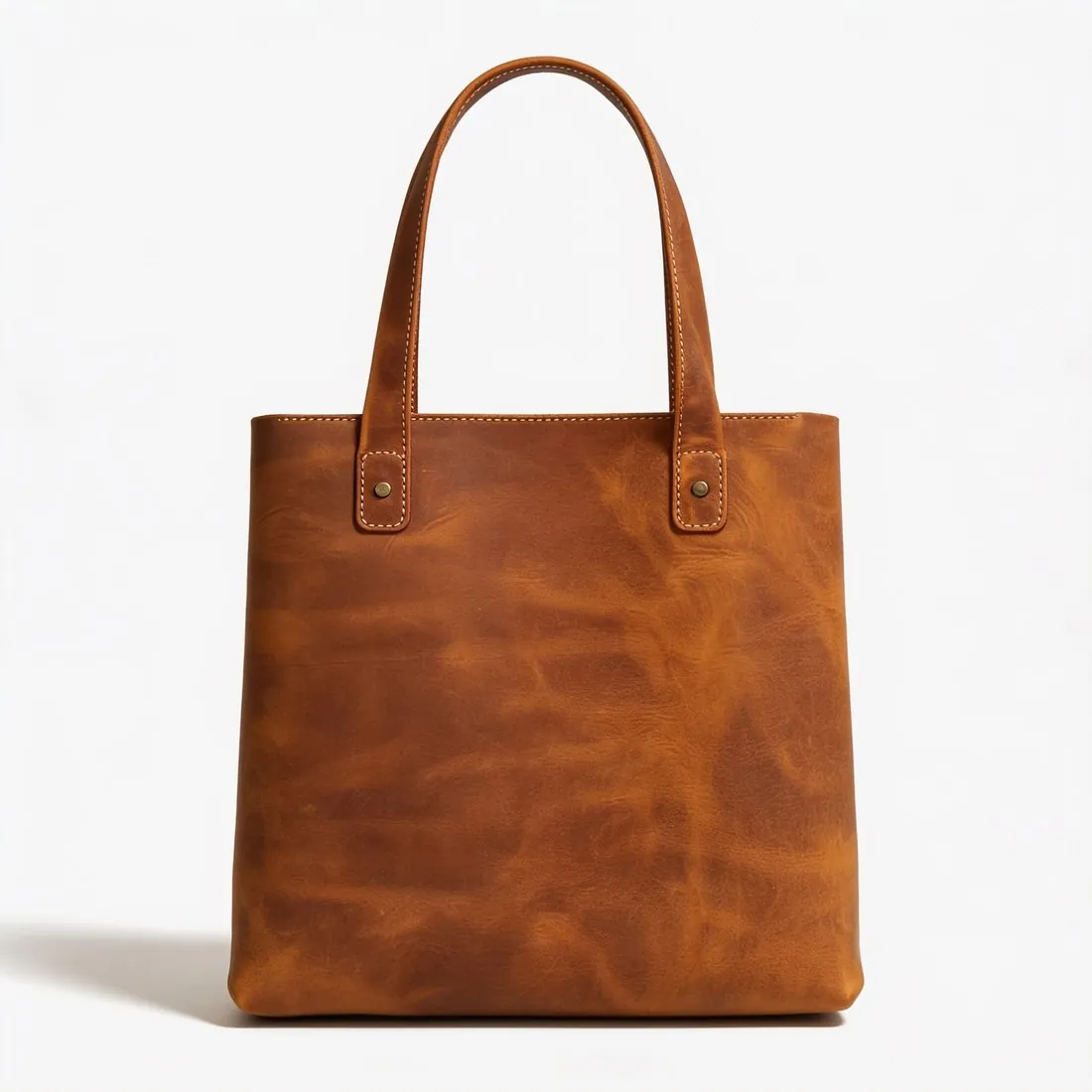
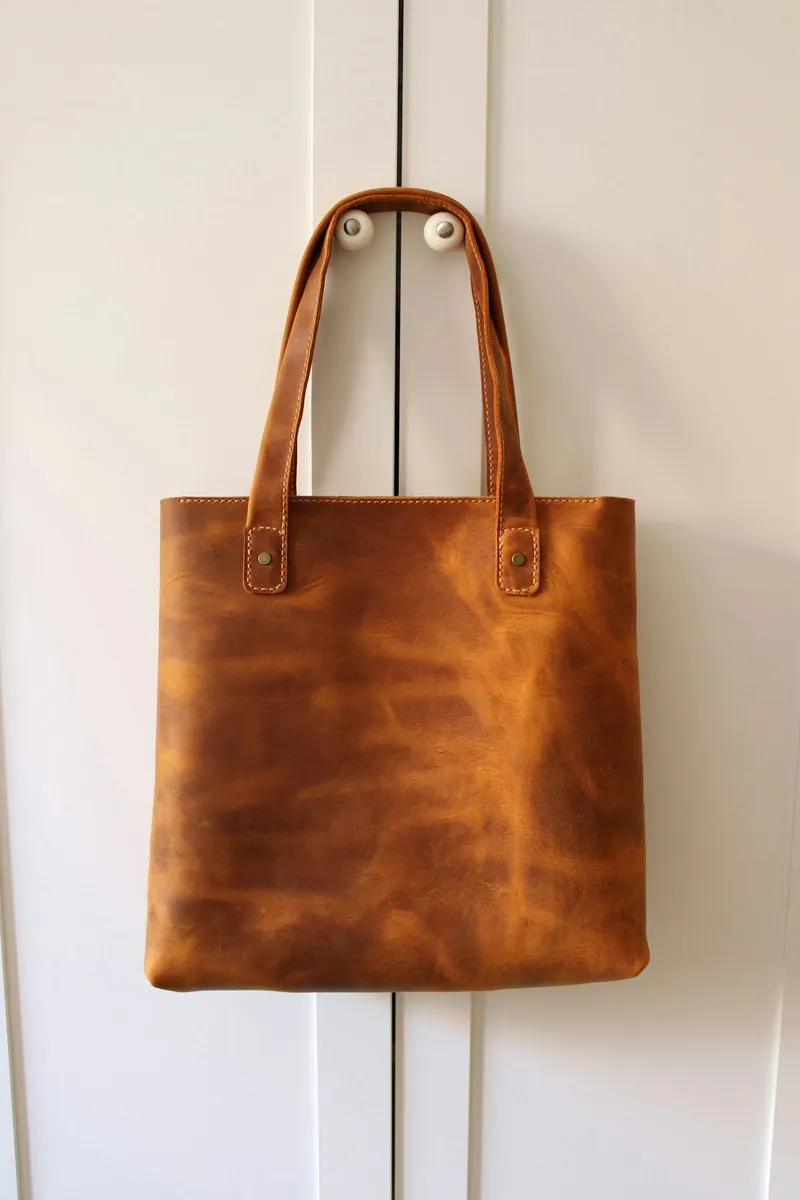
Choose a marketplace and a photo.
Rules come from each marketplace's own help pages, summarised in the guides (checked 10 October 2026). Size, file size and format are checked as well.
What Kaufland asks for.
Source: Kaufland Global Marketplace — Product data guidelines · checked 10 October 2026 · Read again · 13 October 2026
- Main image
- White background
No shadow around the product - Size
- At least 1,024 pixels in height or width
- Zoom
- At least 2,048 pixels in height or width
- File size
- Up to 10 MB
- First photo
- A clear silhouette of the product on a white background
- Not allowed
- Shadows, frames or white space; text, logos, symbols or flags; price or delivery information; official seals; collages and placeholder photos
- Number
- 5 to 10 pictures from different perspectives, detail shots included
- Formats
- PNG, JPG/JPEG, WebP, TIFF and GIF
- Alt text
- Alternative text for product images has been a legal requirement since June 2025; it is added in the Seller Portal or as a column of the product feed
- Neutral images
- Only neutral product images without promotional content, such as "Sale" lettering
- Whole product
- The product is shown in full in the first photograph, and additional images may show detailed views; no snapshot as the main image
- Accuracy
- Only products and accessories included in the scope of delivery
- Where
- Germany · Austria · Poland · Czechia · Slovakia
- Kaufland image resizer
- 2,048 × 2,048 px — the size from which Kaufland's zoom works.
- Herofab
- 2,048 × 2,048 px, within the limits Kaufland publishes
Checkers by marketplace.
Kaufland main images, answered.
What background does Kaufland require for the main image?
White background. The checker reads the background from the edges of the photo and reports its exact RGB value.
Are shadows allowed on Kaufland's first image?
No shadow around the product. The checker reports shadows next to the product that are darker than the background.
Where do these figures come from?
From Kaufland Global Marketplace — Product data guidelines, read on 10 October 2026. Marketplaces update their rules; the official page is the final reference.
Is my image uploaded?
No. The file is read and processed inside your browser; nothing is sent to a server.
Your next collection, shot this week.
20 credits at sign-up, no card required. Images made with free credits carry a watermark. Herofab also removes the watermark from those images once credits are purchased.