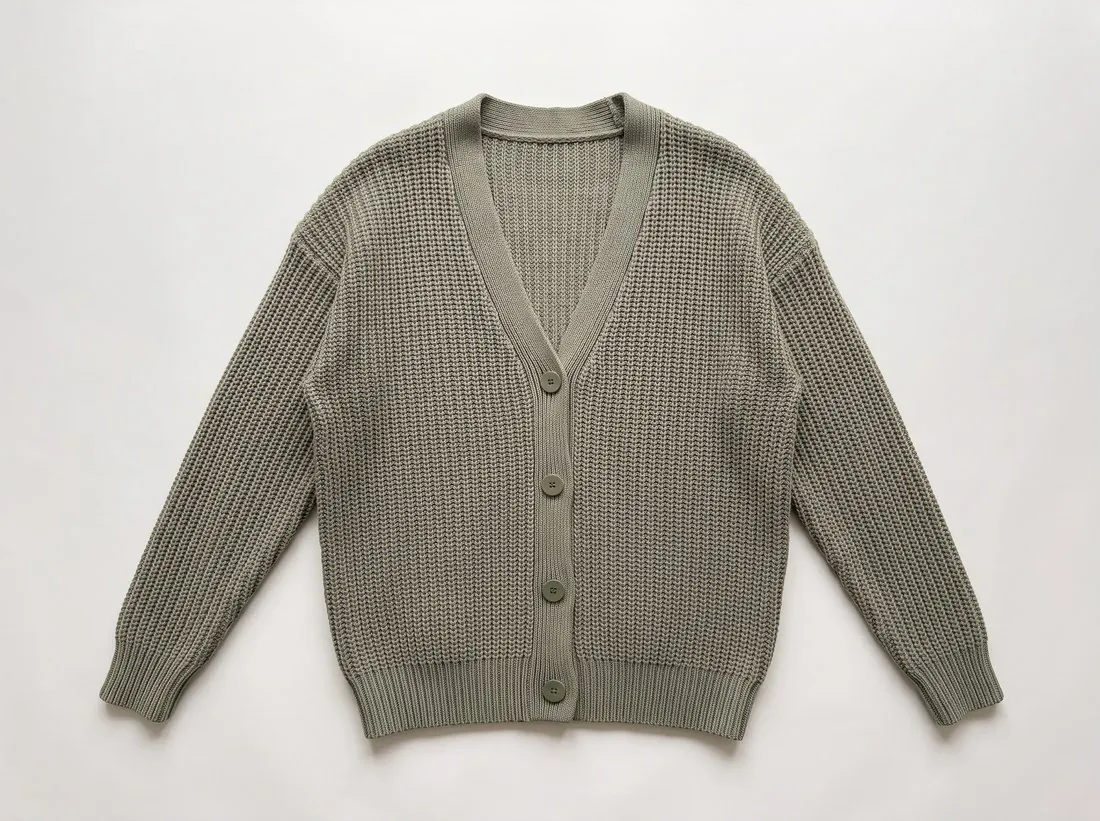
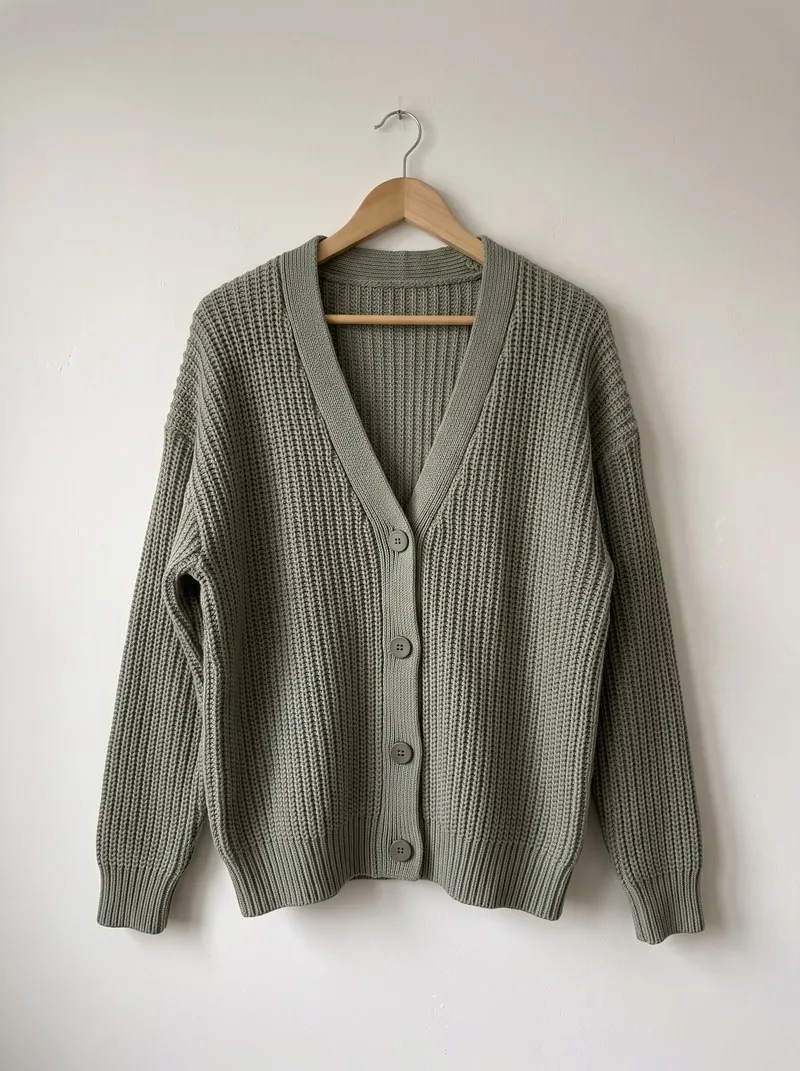
Preparing the first photo
Kaufland asks for a clear silhouette of the product on a white background as the first photo, with the whole product shown. Shadows, frames and white space are not allowed, so the image is cropped close to the product with an even margin rather than placed small in a large white field. A snapshot is not accepted as the main image.
The first photo shows only what the customer receives. Accessories outside the scope of delivery, decorative props and packaging that is not part of the product stay out of the frame. Detail views, the back and the product in use follow in the additional images, of which Kaufland asks for 5 to 10, taken from different perspectives.
Reaching the zoom size
Product images need at least 1,024 pixels in height or width, and at least 2,048 pixels for zoom. An image exported with its longer side at 2,048 pixels or more lets customers look closely at material and finish, which matters most for clothing, shoes and products with fine detail.
Files can be up to 10 MB in PNG, JPG/JPEG, WebP, TIFF or GIF. A 2,048-pixel JPG is usually far below that limit. When a large PNG or TIFF exceeds it, saving the same image as a high-quality JPG keeps the pixel size, and with it the zoom, while bringing the file under 10 MB.
Alt text and neutral images
Alternative text for product images has been a legal requirement since June 2025. It is added in the Seller Portal or as a column of the product feed, and describes what the image shows: the product type, colour, material and the view, such as front, back or detail. It is written for each image, not copied across the set.
Kaufland accepts only neutral product images. Text, logos, symbols or flags, price or delivery information, official seals and lettering such as "Sale" are not allowed on the image, and neither are collages or placeholder photos. Promotional messages belong in the listing fields, where they can be changed without new photos.