
Language: EN
Start free

Image dimensions

The width and height of an image counted in pixels. Marketplaces set a minimum, often a recommended size, and sometimes a maximum.

Also called pixel dimensions · image size in pixels · resolution

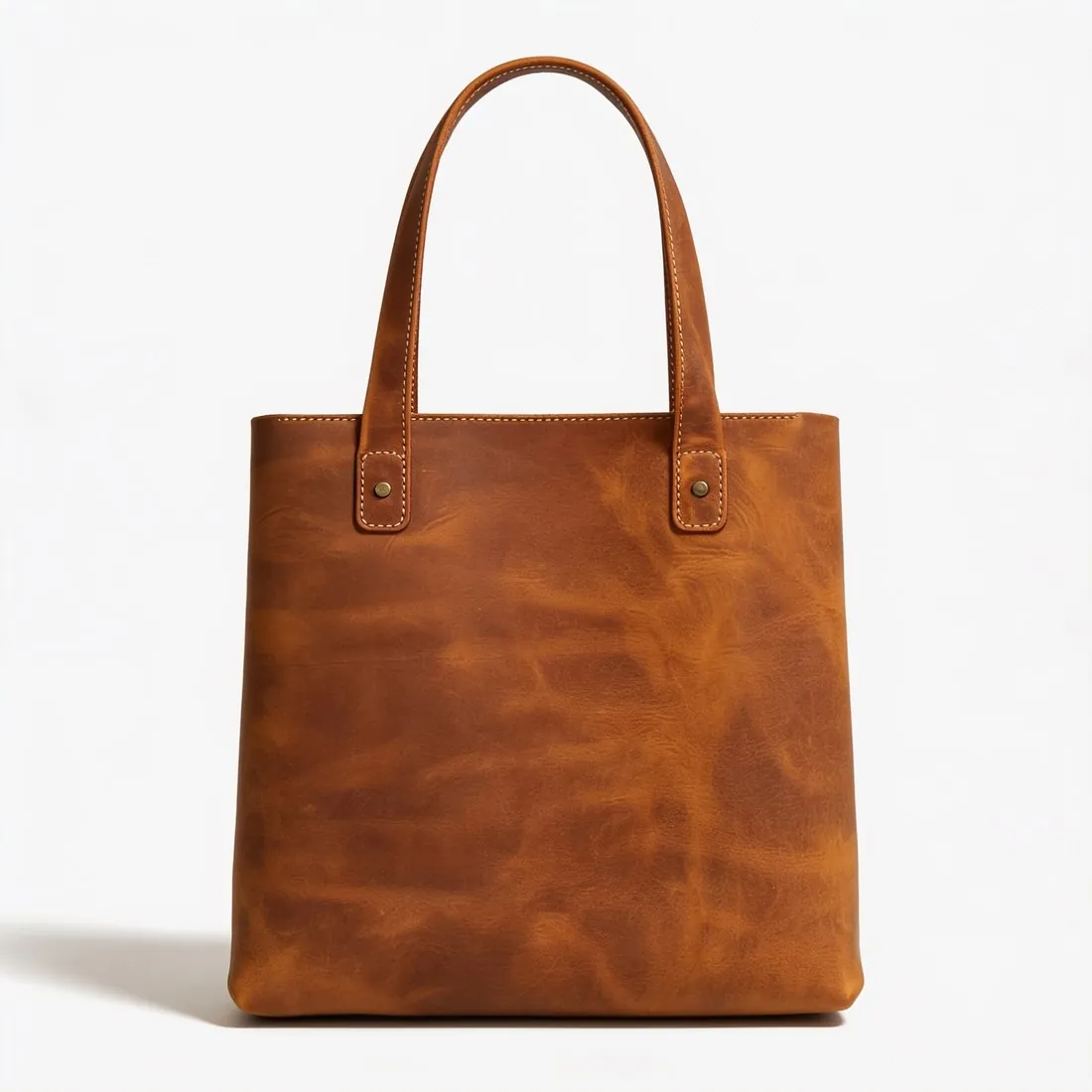
The brown leather tote alone on a white studio background, front view
Source photo: On a door. Made with Herofab · Packshot studio

Dimensions are written as width by height. They decide how much detail an image can hold and whether a shopper can zoom into it: a product page enlarges the picture only when there are more pixels than the page shows at normal size. Dimensions are separate from the aspect ratio, which is the shape of the image, and from the file size, which is its weight.

A marketplace's minimum is the size below which an image is refused or shown without zoom; its recommended size is the one its pages are built around. Exporting at the recommended size is the safe choice. An image far above it gains nothing on the page and only makes the file heavier.

An image can be made smaller without visible loss, but not larger: enlarging spreads the same detail over more pixels. Upscaling rebuilds edges and texture more convincingly than plain enlargement, yet a blurred label stays unreadable. The dependable route to a large image is a sharp, close original.

Questions

Image dimensions, answered.

Are image dimensions and resolution the same thing?

In everyday use they are: both mean the width and height of an image in pixels. In print, resolution means something else, the density at which those pixels are placed on paper, measured in dpi. A marketplace that asks for a resolution of so many pixels by so many pixels is asking for dimensions.

How do I check the pixel dimensions of a product photo?

The dimensions are listed in the file's details: the properties or information window on a computer, or the details view of the photo on a phone. They appear as two numbers, normally width first and height second. Herofab's free Image size checker reads the file in the browser and shows, for each marketplace it covers, whether its size meets the published rules.

In marketplace rules

What marketplaces say about it.

Updated 25 September 2026

Amazon
500 to 10,000 pixels on the longest side Official page
Walmart
2,200 × 2,200 pixels, square (1:1) Official page
Kaufland
At least 1,024 pixels in height or width Official page
bol
At least 500 × 500 and at most 6,000 × 6,000 pixels; white space does not count towards these limits Official page
Cdiscount
At least 500 × 500 pixels, with no maximum limit Official page
OTTO
At least 480 × 960 pixels; at most 4,500 pixels on any side Official page
Related
Get started

Your next collection, shot this week.

20 credits at sign-up, no card required. Images made with free credits carry a watermark.