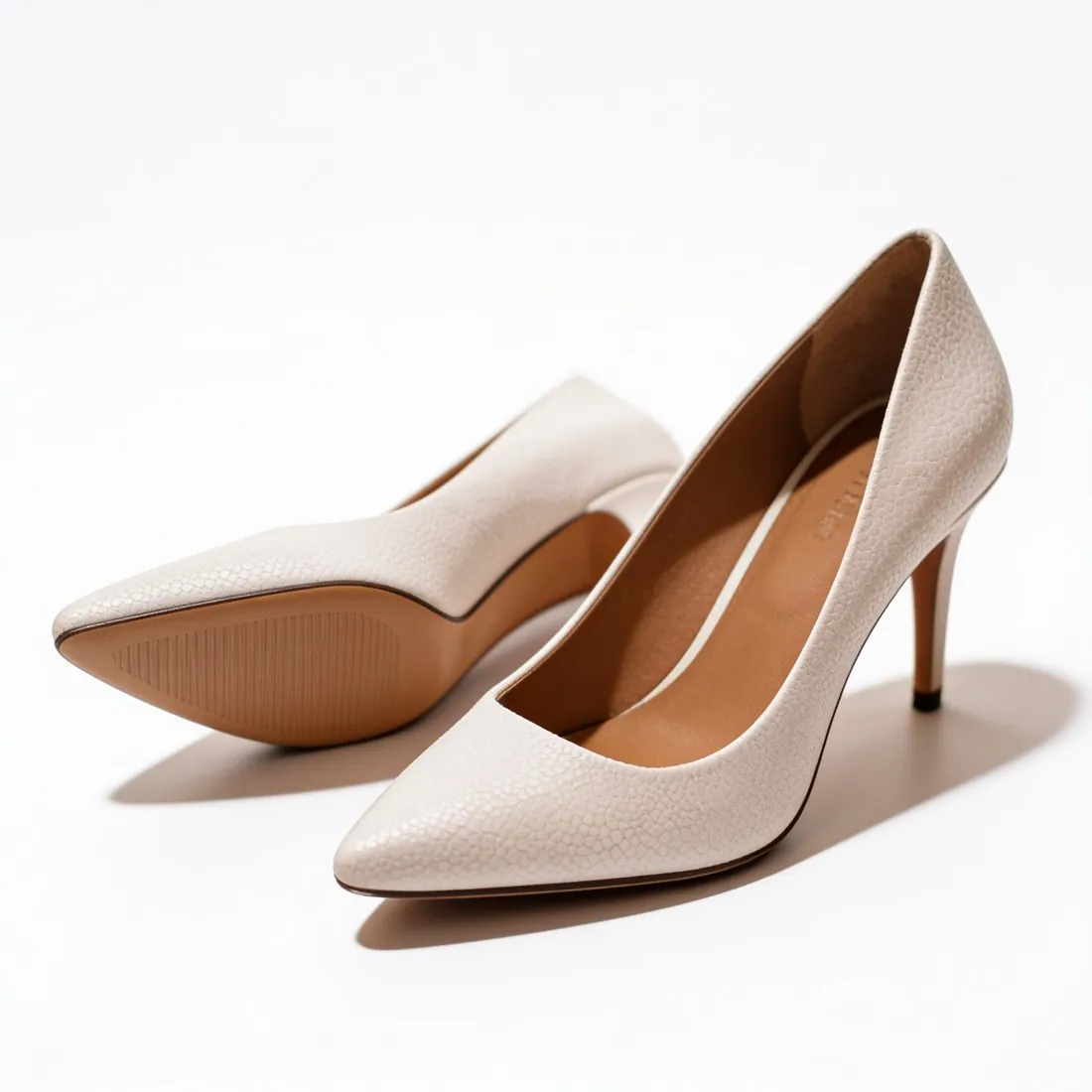
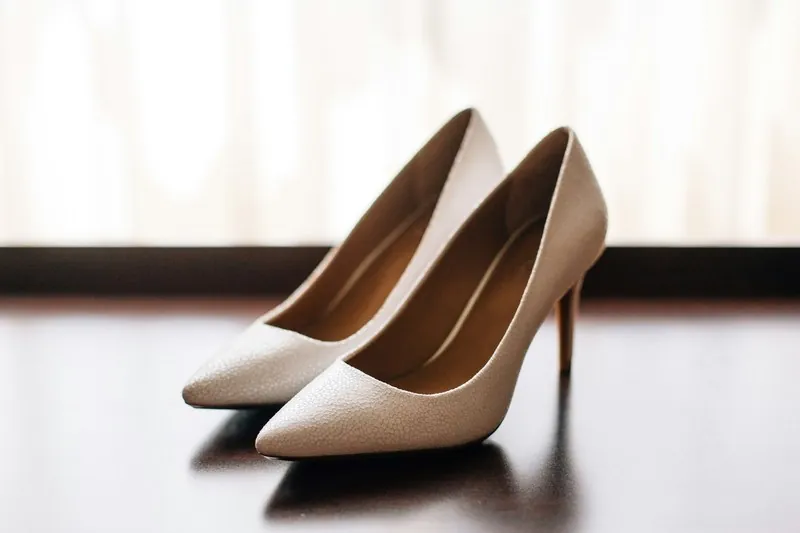
A product that is too small leaves empty background and looks minor in a results grid; one that is too large gets cut off or cropped by the marketplace. Fill rules sit between the two.
Fill can be measured on a plain background: the product photo checker finds the product's outline and reports the percentage for each marketplace.
What a fill rule is for
Fill is the one property of framing that is still visible in a thumbnail. On a phone a results tile is small, and a product that occupies half of it is hard to recognise beside neighbours that occupy most of theirs. A shared fill also makes products of one kind look comparable in a grid.
Marketplaces state the rule in different forms. Some give a minimum, some a range with an upper limit, and some say only that no empty space should remain around the product. The figures of a few marketplaces are quoted in the rule rows further down.
Shapes that make fill misleading
A long, thin product can meet a fill rule and still look lost. A belt laid straight, a necklace or a pen reaches from edge to edge on its long side while most of the frame stays empty. Placing such a product on the diagonal, or coiling a belt, shows it larger in the same frame.
Fill also hides real size. A ring and a wardrobe that both fill the frame look equally large in a grid, because the rule scales every product to the same share. Size is therefore shown elsewhere in the gallery: in an image with dimensions, or in a picture of the product worn or in use.
Setting fill at the shoot and in the edit
At the shoot it pays to leave margin on every side. Fill can be raised later by cropping, but a product framed too tightly can only be given room by adding background. Keeping the camera at one distance through a series keeps the margins alike from product to product.
In the edit the crop follows the outline of the product, with an even margin added around it. A shadow or a reflection extends that outline, and a measuring tool may include it or leave it out, so two tools can report slightly different figures for one picture.
Product fill and related terms
- Aspect ratio
- The aspect ratio is the shape of the frame. It limits the fill a product can reach: a tall bottle in a square frame meets the top and the bottom while the sides stay empty, and no crop within that ratio changes this.
 Main image
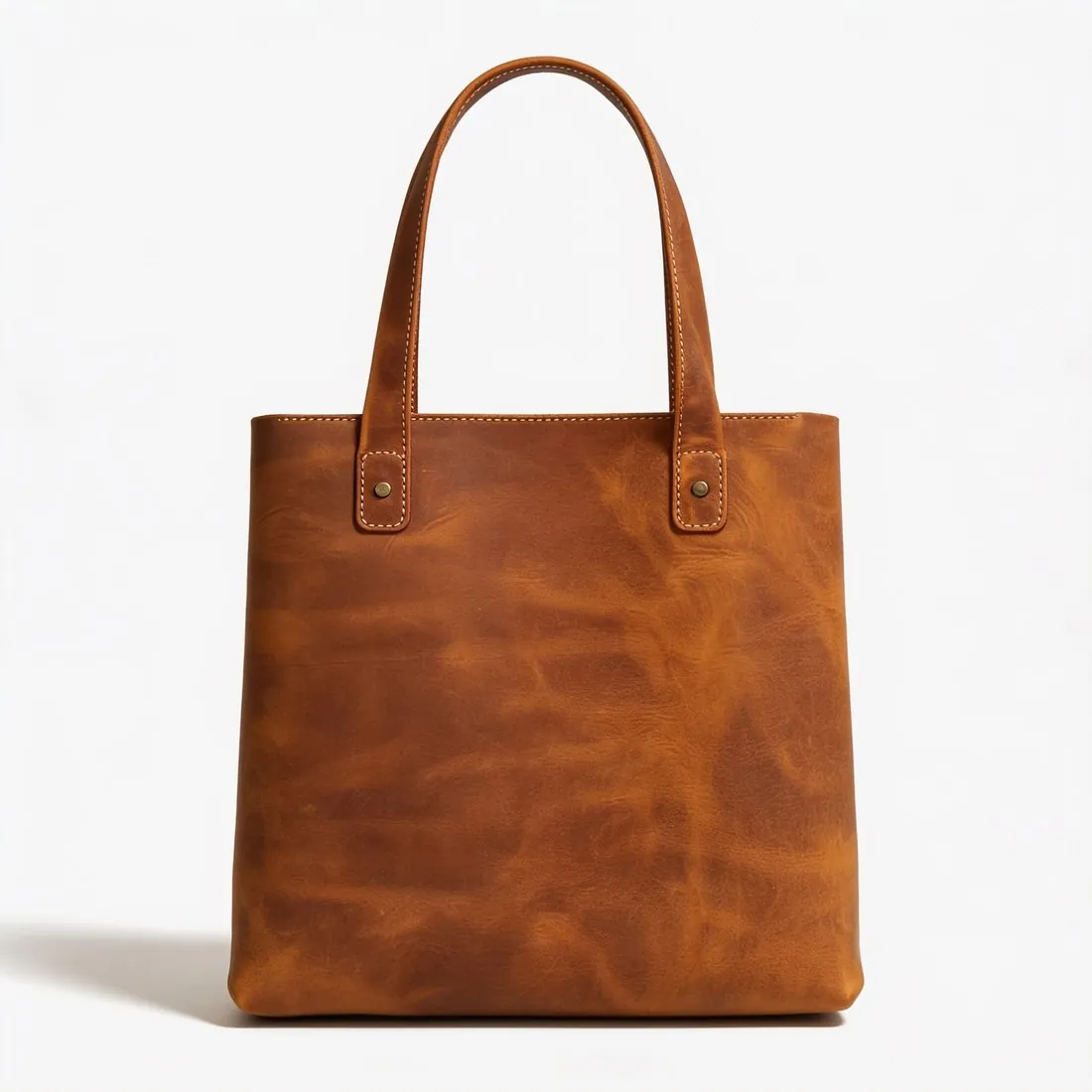
- The main image is the first picture of a listing and the one shown in search results. Fill rules are usually written for it; the further images of a gallery, such as details and lifestyle scenes, are framed more freely.
- Outpainting
- Outpainting adds generated background beyond the edges of a picture. It is one way to lower a fill that is too high in a scene photo; on a plain ground, simple padding does the same without generating anything.
- Image dimensions
- Image dimensions are the width and height in pixels. Fill is a proportion and does not depend on them, but a tight crop made to raise fill also removes pixels, so the dimensions need a second look afterwards.
A checklist for product fill before upload
- The whole product is inside the frame, and no part of it touches or crosses an edge.
- The margin is even: the same on the left and on the right, and close to the same above and below.
- The fill was measured on the exported file in its final aspect ratio, not on the uncropped original.
- All variants of a product, and the products of one category, fill the frame to a similar degree, so that tiles look alike in a grid.
- The shadow or reflection under the product is complete and was not cut by the crop.