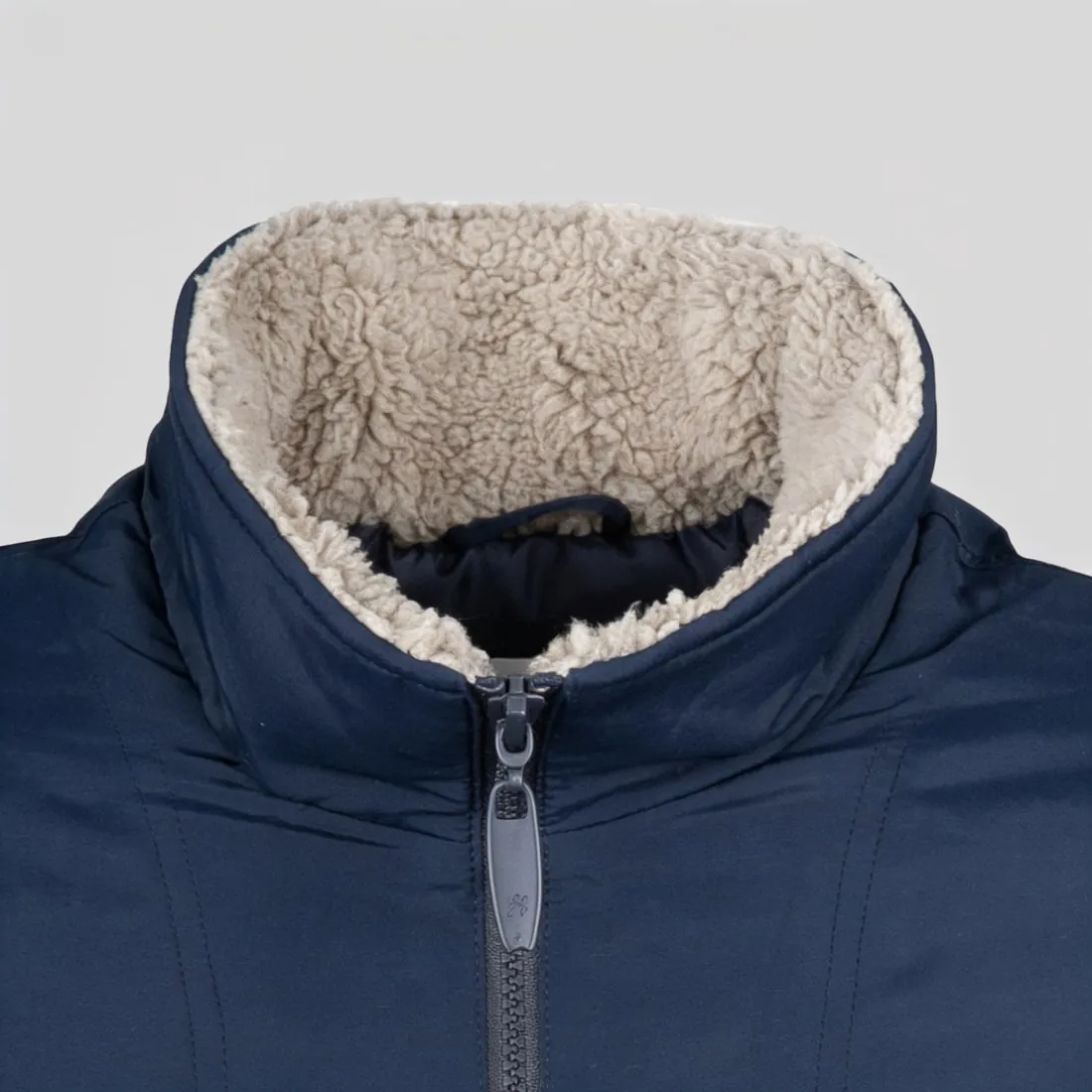
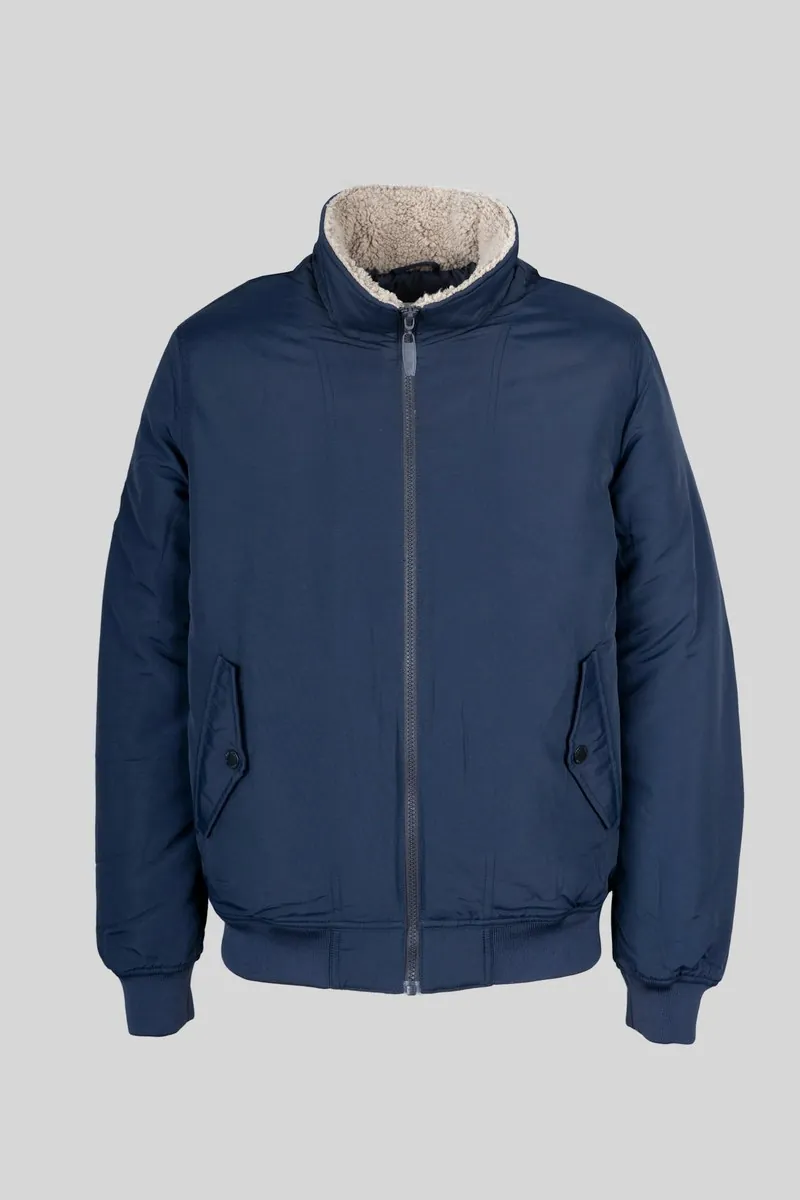
Zoom lets shoppers check fabric, stitching and details before buying. Each marketplace sets its own pixel threshold, and smaller images are shown without it.
Enlarging a small photo to pass the threshold adds pixels but not detail; an AI upscaler reconstructs fine detail instead.
How zoom works on a product page
The picture on a product page is a reduced version of the file that was uploaded. Zoom shows the shopper the larger original, or a part of it, when they hover, tap or pinch. If the uploaded file is hardly larger than the picture on the page, there is nothing more to show, and the marketplace switches the function off.
So zoom is not a setting the seller turns on. It follows from the pixel dimensions of the upload, measured on the longest side, and marketplaces that offer zoom usually publish the size from which it applies.
What shoppers look for when they zoom
Zooming is the online version of picking a product up. Shoppers check the weave of a fabric, the stitching, the finish of metal parts, the quality of a print and whether a material looks cheap or solid. In clothing, jewellery and shoes it replaces the touch that a shop offers.
That makes zoom unforgiving. Dust, loose threads, fingerprints and retouching marks that are invisible at page size become obvious, and so do details that an editing tool changed or invented.
Large enough, but not empty
A file can meet the size and still zoom badly. A soft photo, a heavily compressed file or a small picture that was simply enlarged has the pixels but not the detail. The shopper zooms in and sees blur.
The dependable source of detail is the original photo: taken in good light, in focus across the product, at the camera's full resolution, and cropped as little as possible.
Image zoom and related terms
- Image dimensions
- Image dimensions are the width and the height of a file in pixels. They are what a marketplace measures to decide whether zoom is offered.
- Megapixel
- A megapixel is a million pixels and describes how much a camera records. More megapixels leave more room to crop and still stay above the size that zoom needs.
- Image upscaling
- Image upscaling enlarges a picture beyond its original dimensions. It can lift a file above the zoom threshold; the fine detail in the result is reconstructed by the software, not recorded by the camera, so compare it with the product.
- DPI
- DPI describes print density and has no effect on a screen. A file's DPI value does not decide whether zoom works; its pixel dimensions do.
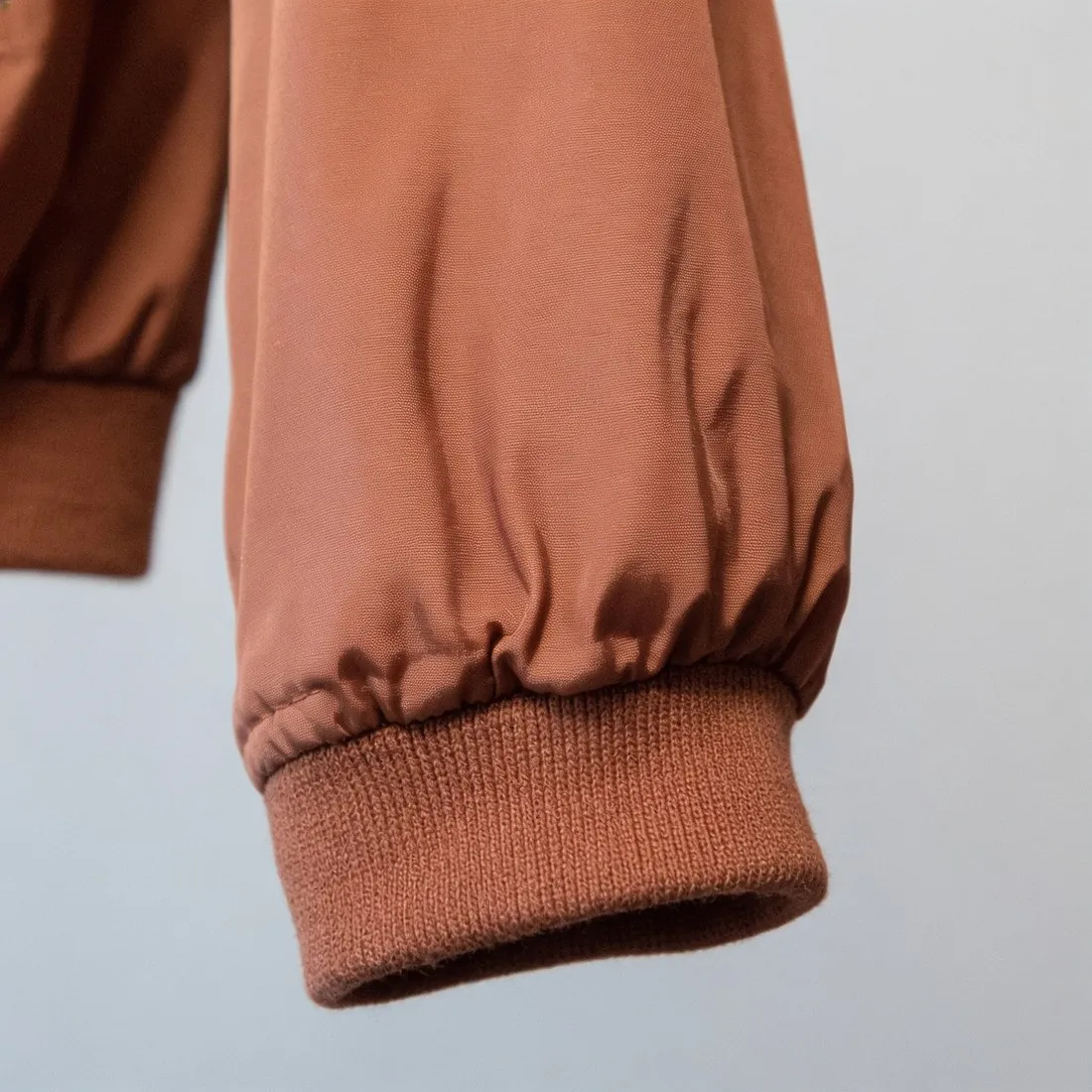 Detail shot
- A detail shot gives one part of the product the whole frame. It shows on purpose what zoom lets the shopper find, and it works where zoom is not offered.
A checklist for images that zoom well
- The longest side of the file is above the size from which the sales channel offers zoom.
- The photo is sharp at full size across the whole product, not only in the middle.
- The file was not enlarged from a small original merely to reach the size.
- At full size there is no dust, lint, fingerprint or visible retouching.
- Compression is moderate: fine patterns and edges show no blocks or halos.
- Small lettering and logos read at full size as they do on the product.