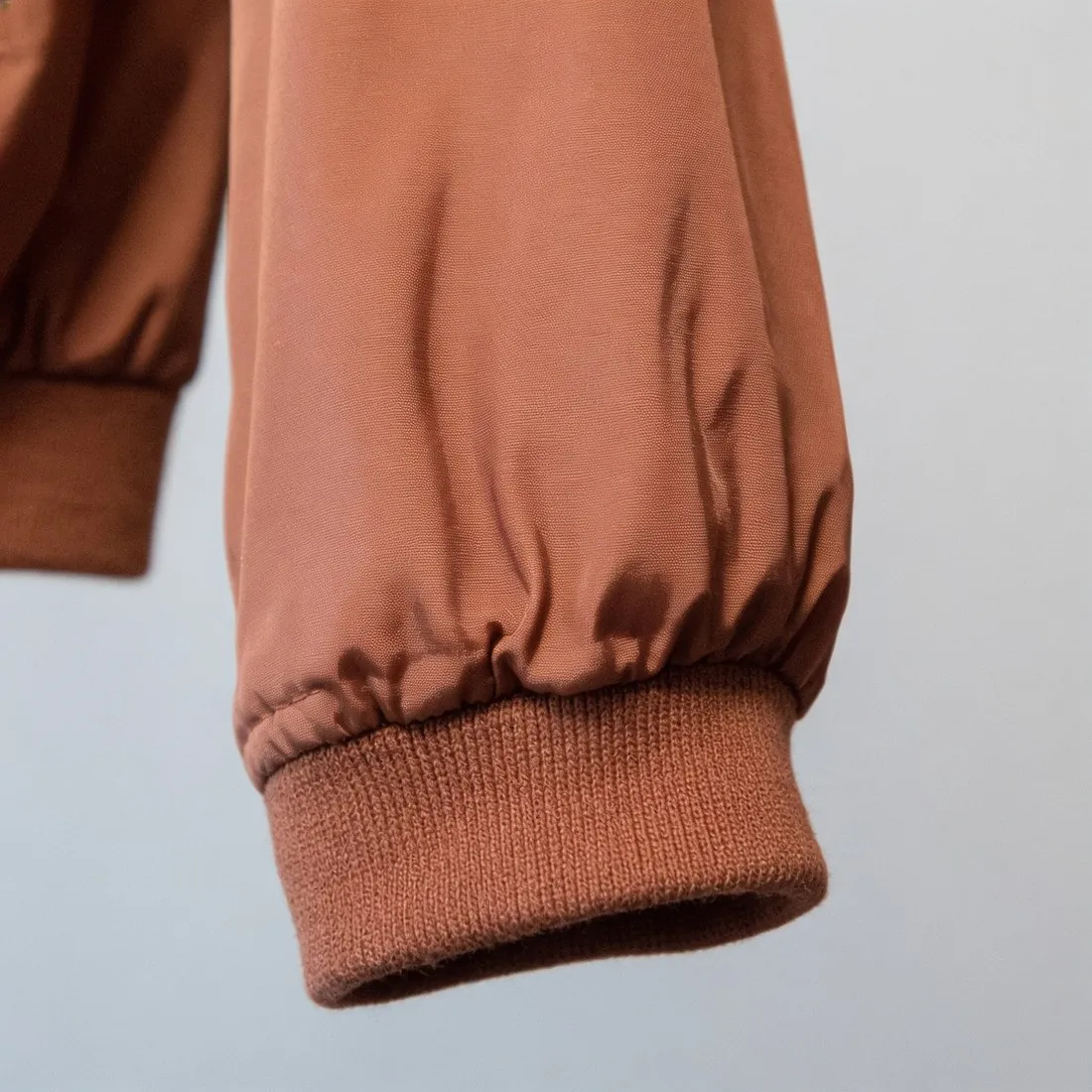
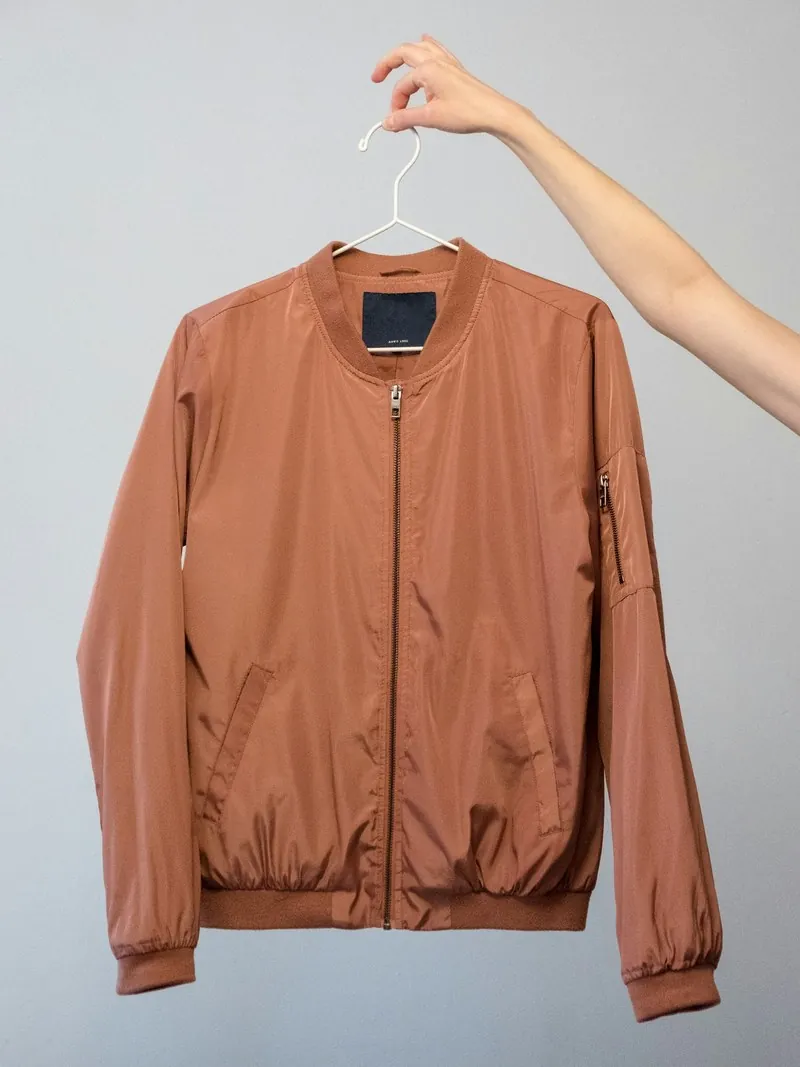
Plain enlargement spreads existing pixels over a bigger area, which makes an image soft. Upscaling estimates the detail that a larger capture would have shown, using what is in the picture: the direction of a weave, the line of a seam, the edge of a button. The result holds up when a shopper zooms.
It has a firm limit: it works from what the photo contains. Herofab's Upscale tool raises the resolution two or four times and is briefed to sharpen what the photo holds without inventing new features and without altering printed text, so a label that was blurred in the source stays unreadable.
Upscaling is the answer when an image is good but too small for a marketplace's minimum or for zoom. It is not a repair for a photo that is out of focus or badly lit, and the upscaled image should be compared with the product in the places where detail matters: text, logos and fine patterns.
Conservative and generative upscalers
Upscalers differ in how freely they add detail. A conservative one stays close to the source and mainly firms up edges and texture that are already there. A generative one redraws the picture at the larger size and can produce weave, lettering or facial features that the source did not contain. Some tools offer a strength setting between the two.
For a product image the conservative end is the appropriate one. The purpose of the picture is to show the item as it is, and an invented weave or a redrawn logo is a wrong statement about the product, however sharp it looks.
Where upscaling belongs in the workflow
The source decides the result more than the factor does. An original camera file with light compression upscales cleanly. A picture saved back from a web page has usually been reduced and compressed, and its block patterns and sharpening halos are enlarged together with the product.
Upscaling is usually one of the last steps: after cropping, so that no work goes into area that will be removed, and before the final export in the dimensions a sales channel asks for. Enlarging past the target and reducing to it afterwards does no harm. Enlarging the same picture twice in a row tends to, because the second pass works on the estimates of the first.
Where upscaling faults show first
Faults appear where the source had the least information. Small lettering turns into shapes that resemble letters; fine regular patterns such as pinstripes, mesh or herringbone come back with a changed rhythm; noise in dark areas is turned into a texture that the fabric does not have. They are found by viewing the result at full size beside the source, not by looking at the whole picture.
A marketplace's size check cannot see any of this. The rules name minimum dimensions, not the way they were reached, so an upscaled file passes like any other. Whether it helps the shopper depends on what the magnified view then shows.
Image upscaling and related terms
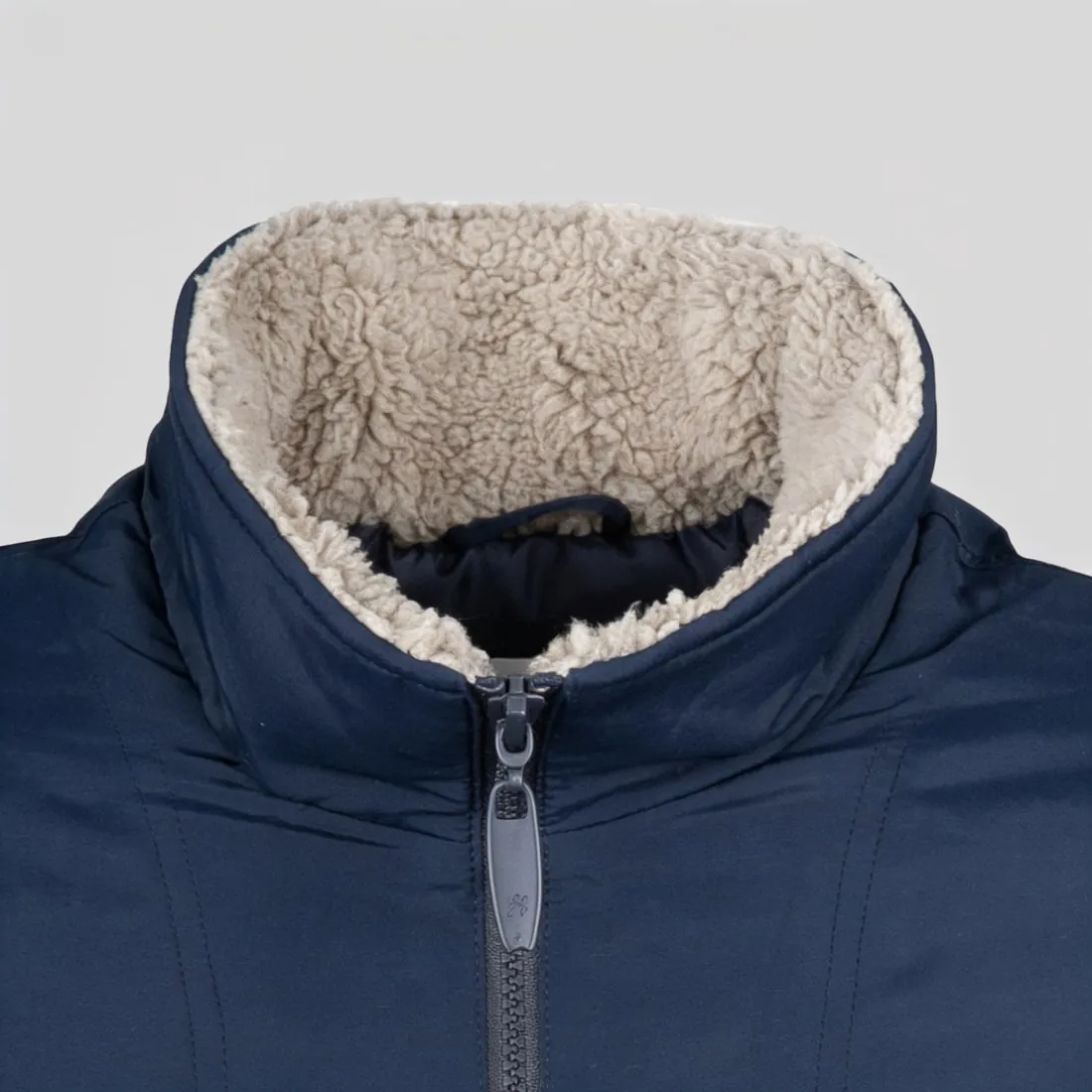 Image zoom
- Image zoom is the feature that magnifies part of a picture on a product page and switches on only above a certain image size. Upscaling can bring a small picture over that threshold; what the shopper then sees in the magnified view is the work of the upscaler.
- Megapixel
- Megapixels count the pixels of an image in millions. Upscaling raises the count much faster than the factor suggests, so a picture can move from below a lower limit to above an upper one in a single step.
- Image dimensions
- Image dimensions are the width and height in pixels, the figures a marketplace rule names. Upscaling changes exactly these figures; it does not change the aspect ratio or the framing.
- DPI
- DPI is a print setting stored in the file that says how densely the pixels would be printed. Raising it adds no pixels and no detail, so changing the DPI is not a form of upscaling, although the two are often confused.
- Image compression
- Image compression reduces the weight of a file, in its lossy form by discarding detail. Upscaling cannot restore what compression discarded; applied to a heavily compressed picture, it enlarges the compression marks as well.
A checklist for an upscaled product image
- The upscale started from the original file, not from a copy downloaded from a web page or received through a chat.
- Small lettering, logos and care labels read the same in the result as in the source, letter by letter.
- Regular patterns such as stripes, checks, mesh and knit keep their rhythm, with no ripple and no invented irregularity.
- Skin, leather and smooth fabric still show texture and have not turned waxy or plastic-looking.
- The pixel dimensions and the file weight of the export both lie inside the limits of the sales channel.