Ghost mannequin, without the mannequin.
Photograph the garment on a hanger or flat. Herofab delivers it with a 3D hollow-body shape or as a clean flat lay, on the backdrop you choose.
- 1
Upload the garment
The front is required. Add the back and a detail close-up for a more faithful result.
- 2
Choose the style
3D invisible mannequin or flat lay; front or back view; white, grey, black or beige backdrop.
- 3
Receive the image
Delivered in 2K, or 4K for one extra credit — sized for your marketplace if you choose one.
From the source photo to the result.
Made with this tool from the photo beside it.
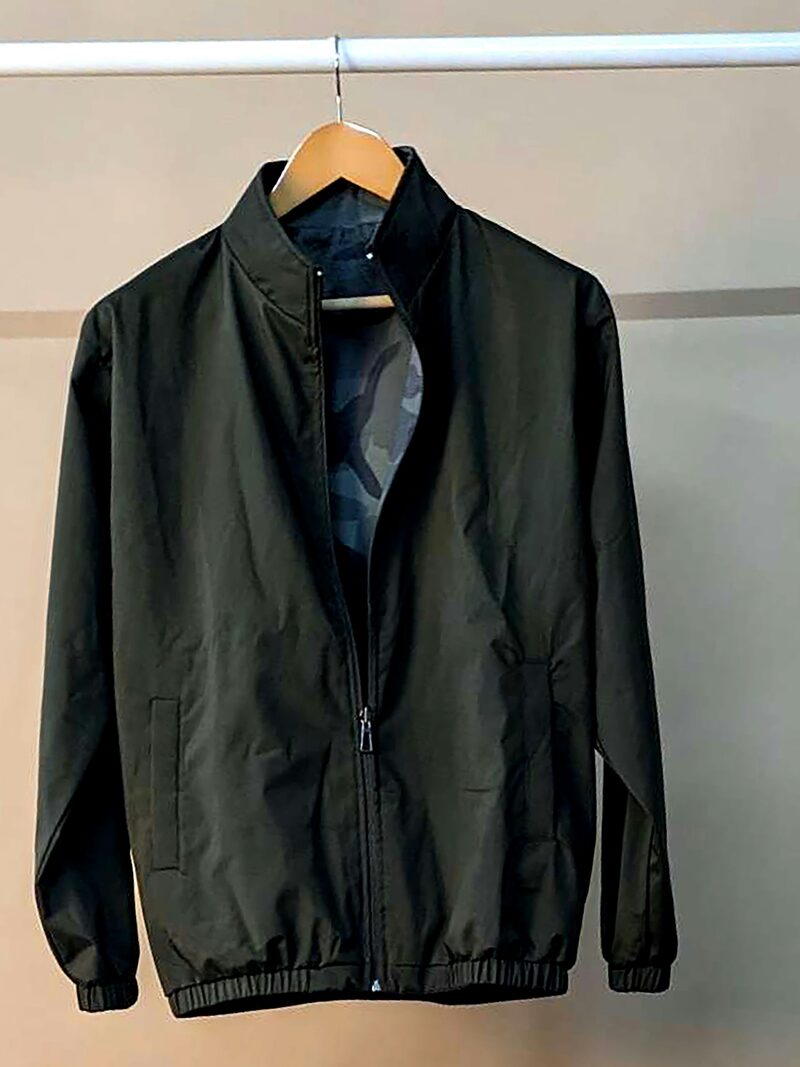
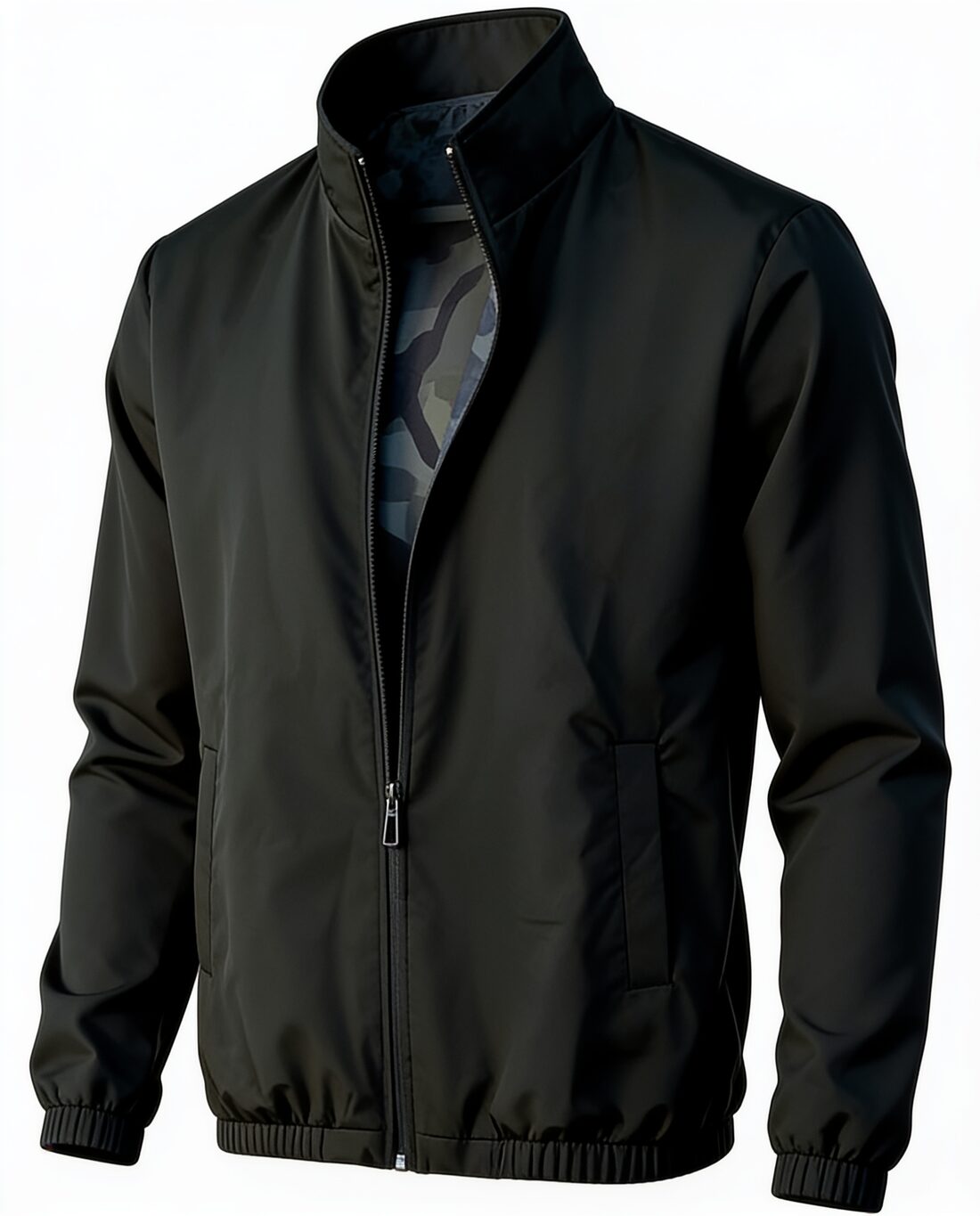
Source photos: Unsplash and Wikimedia Commons (CC0 and public domain). Results as delivered by Herofab, resized for the web.
What you can set.
Every option below is part of the Herofab studio.
- Garments
- T-shirts, shirts, blouses, knitwear, hoodies, jackets, coats, blazers, suits, dresses, jumpsuits, trousers, jeans, shorts, skirts, sportswear, swimwear and more
- Styles
- 3D invisible mannequin or flat lay
- Views
- Front or back
- Backdrops
- White, grey, black or beige
- Formats
- 1:1, 4:5, 3:4, 9:16 or 16:9 · 2K or 4K
- Marketplace sizing
- 6 built-in marketplace sizes, without cropping
Ghost mannequin, answered.
Do I need a mannequin to shoot on?
No. A hanger or a flat surface is enough; the mannequin effect is produced from your photo.
Can I get the back of the garment?
Yes. Choose the back view and upload a photo of the back of the garment.
How much does it cost?
4 credits per image, plus one credit for 4K. The cost is shown before you generate, and if a job fails the credits are returned. The 20 free credits at sign-up cover 5 images with this tool.
Your next collection, shot this week.
20 free credits when early access opens. No card required.