An abaya shown whole, with no model and no form.
An abaya is a full-length outer garment with a generous cut, and on a hanger its sleeves and its width fold into the body. Working from a photo of it hung or laid flat, Herofab returns the abaya as a 3D hollow-body image or a tidy flat lay, so the length, the sleeves and the front edge are shown without a model.
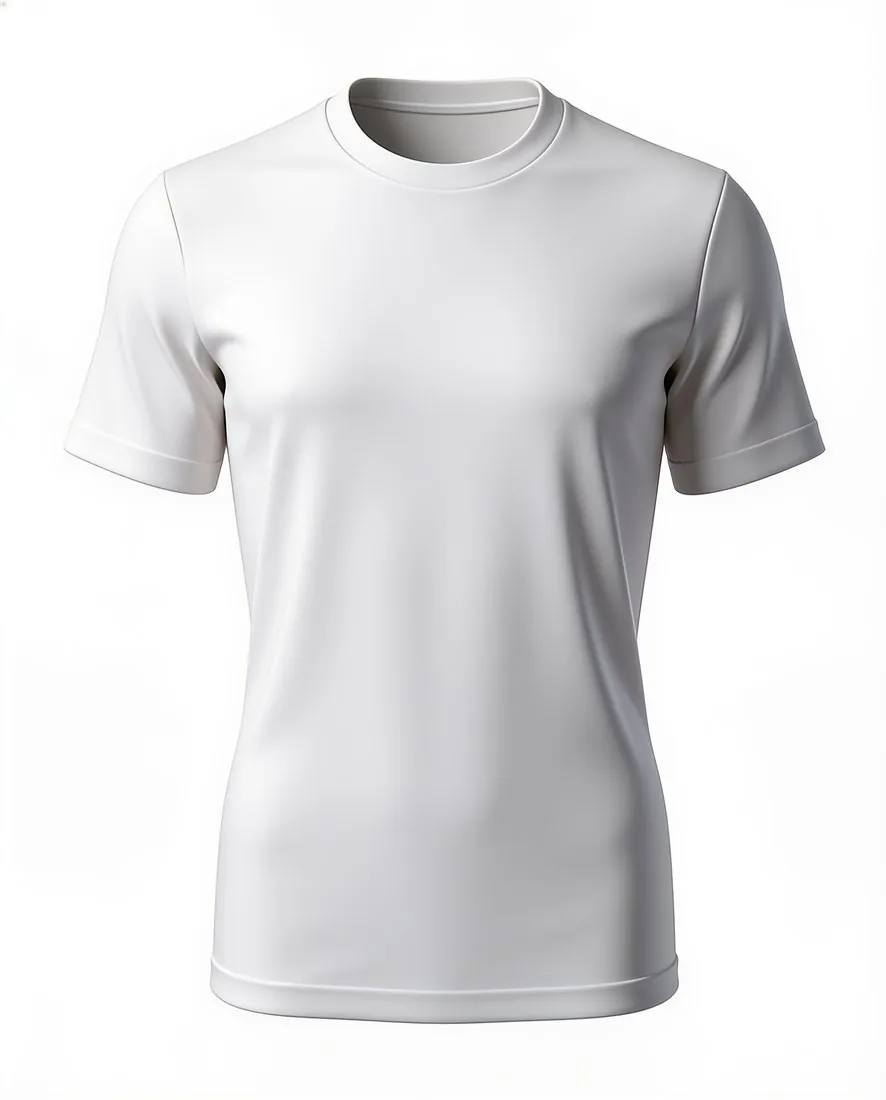
What an abaya image has to show.
- 1
Length and width
The shoulders and the hem both have to be inside the frame, with the body at its real width between them. Herofab is briefed to keep the shape it is shown. Compare the result with the garment: the hem should end where it does on the real piece, and the body should stay loose instead of being drawn in at the waist.
- 2
Wide sleeves
Sleeves set one abaya apart from another: straight, flared, bell or cut in one with the body. In the 3D style they hang with volume at each side; in a flat lay they can be spread to their full width. Check that both sleeves agree in length and width, and that the cuff opening is as wide as the real one.
- 3
Front edge, cuffs and trim
An open abaya has two front edges that meet or overlap; a closed one has a placket, a zip or a plain front. Embroidery, beading, piping or lace usually follows the front edge and the cuffs. Look along each trimmed edge at full size, and count the snaps or buttons where the front fastens.
Photographing an abaya for a hollow or flat image.
- Use a wide hanger and a high hook so the full length hangs free of the floor, and step back until the shoulders, both sleeve ends and the hem are in the frame.
- For a flat lay, spread the abaya on a plain sheet with the sleeves opened out to the sides, and photograph it from directly above.
- Photograph dark cloth in soft daylight against a light surface; black on a dark floor leaves no edge for the outline or the trim.
Ghost mannequin for abayas, answered.
Which backdrop shows a black abaya?
White, grey and beige each give black cloth a clear outline, and the black backdrop is the one to leave aside for dark colours. Grey keeps tone-on-tone embroidery and beading readable without the hard contrast of white, and beige sits warmly behind black, navy and brown. Cream or stone abayas separate well on grey or black.
What appears inside an open front in the hollow image?
With the body hollow, an open front shows the inside of the garment between its two edges. Where the photo does not record that inner area, the tool renders it. To keep the image to what was photographed, fasten the front or let the two edges meet, and show a lining or an inner tie in a separate close-up.
Can a matching scarf or belt be included in the image?
The source should hold one garment with nothing lying over it. A belt that belongs to the abaya and is tied or threaded at the waist is part of the garment as photographed. A scarf sold with it is left out of this photo, so it does not cover the neckline or the shoulders, and is named in the listing text.
How much does it cost?
4 credits per image, plus one credit for 4K. The cost is shown before you generate, and if a job fails the credits are returned. The 20 free credits at sign-up cover 5 images with this tool.
Your next collection, shot this week.
20 credits at sign-up, no card required. Images made with free credits carry a watermark.