Clothing photos, marketplace by marketplace.
Marketplaces set their most detailed image rules for clothing: who wears it, which background, which format. This page brings the published clothing rules of six marketplaces together, each with its official source.
With Herofab Virtual try-on
01Amazon
Source: Amazon Seller Central — Image guidelines for clothing · checked 25 September 2026
- Main image
- Adult clothing on a standing model, on pure white (RGB 255, 255, 255)
- Framing
- A frontal view, nothing clipped, close to 3:4 with 85% of the image area occupied
- Not allowed
- Visible mannequins, hangers, folded products and multiple views in the main image
02Google Shopping
Source: Google Merchant Center Help — Best practices for advertising clothing and accessories · checked 25 September 2026
- Clothing
- Products worn by people; in a full-body image, the model's head and feet are not cropped
- Single item
- When one article is sold, such as a top, it is the focus of the image
- Background
- Solid white or transparent
03Zalando
Source: Zalando Partner University — Image guidelines · checked 25 September 2026
- First image
- A front crop on a model or a primary packshot
- Backgrounds
- Any background colour or setting for model views; a packshot submitted on white gets a light grey background automatically
- Format
- 1:1.44 upright, at least 762 × 1,100 pixels, JPG only
04ABOUT YOU
Source: ABOUT YOU Seller Center — Product image requirements · checked 25 September 2026
- Required views
- A front bust view on a plain white or transparent background, and a model view
- Model images
- Plain light grey (#F4F4F5), alternatively white or transparent
- Format
- 3:4 upright, at least 1,125 × 1,500 pixels
05Faire
Source: Faire Help Center — Image size requirements · checked 25 September 2026
- Apparel
- 3:4 portrait recommended; optimal size 1,800 × 2,400 pixels
- Other products
- Square, at least 500 × 500 pixels
06eBay
Source: eBay Seller Center — Selling clothes · checked 25 September 2026
- Background
- A solid colour: white or light for dark clothes, black or dark for light clothes
- Angles
- Front, back, labels and close-ups of details such as embroidery
Images that follow these rules.
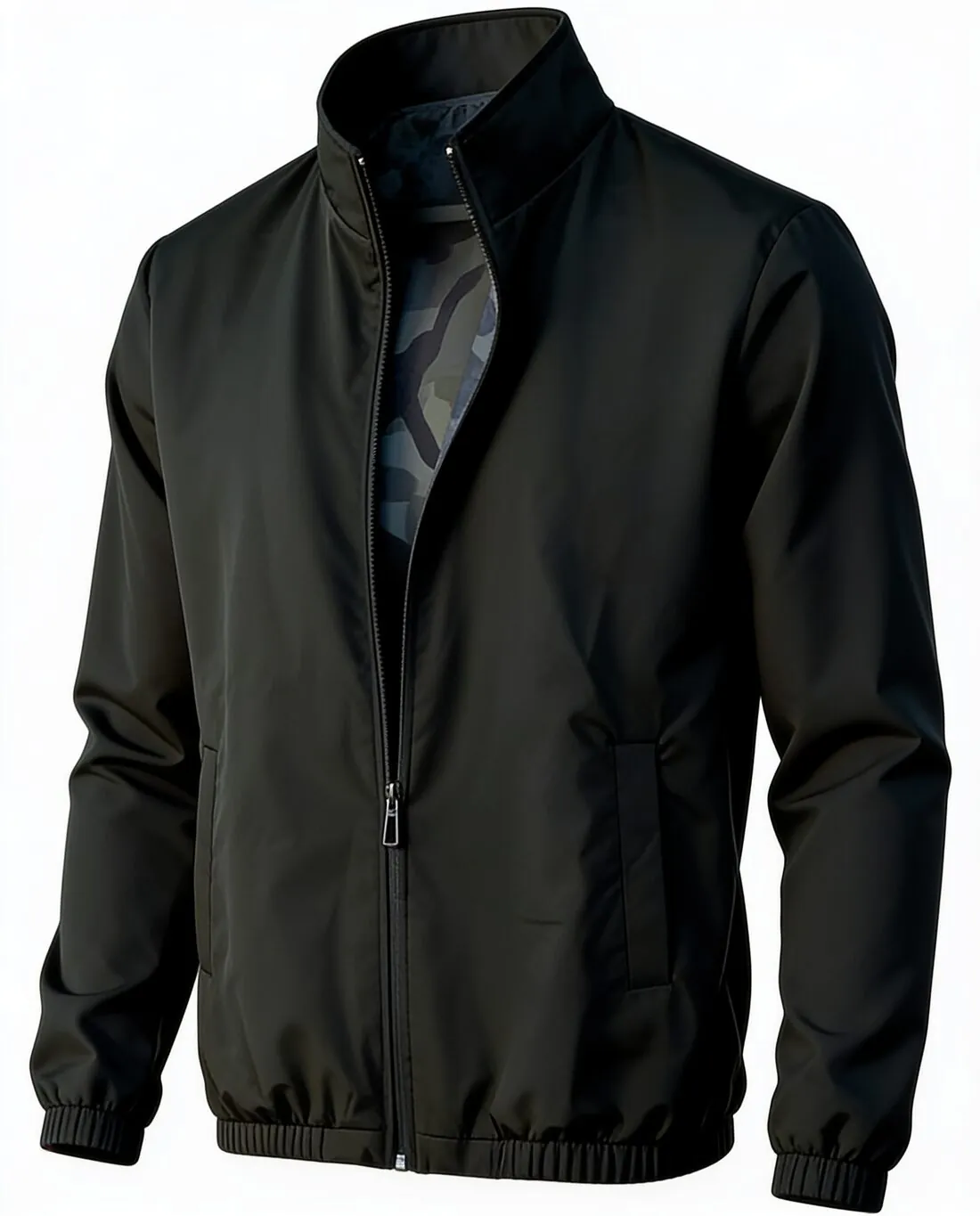
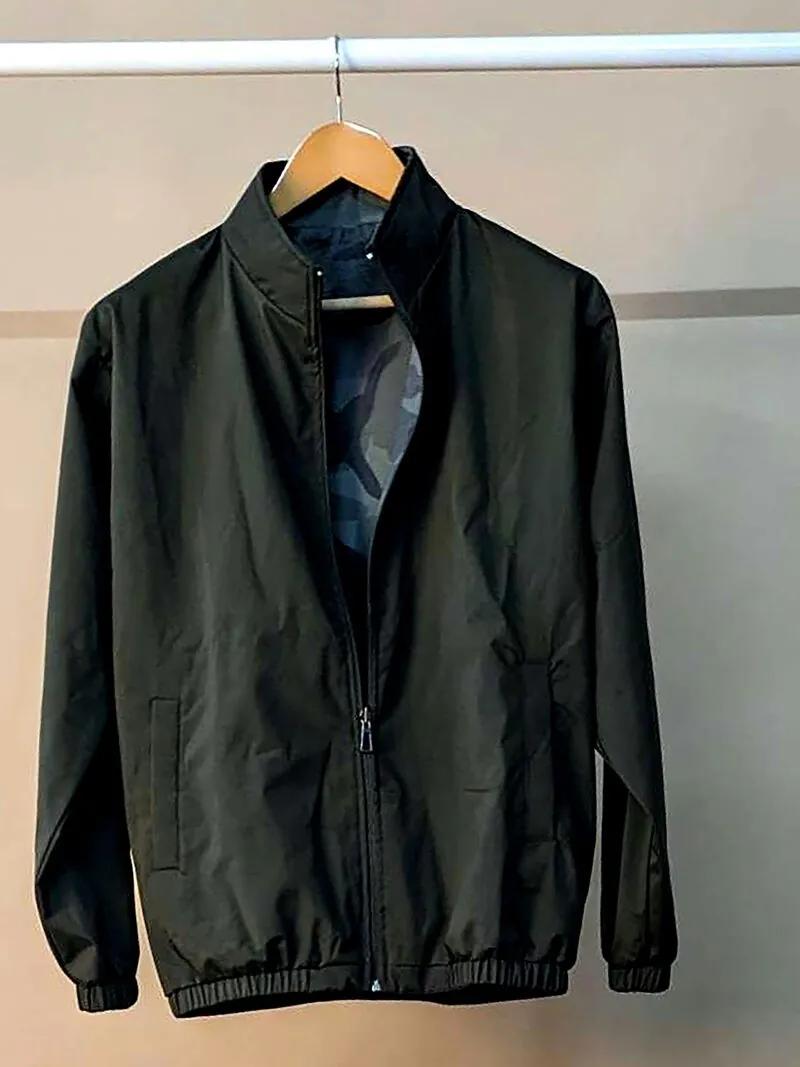
Herofab turns one photo of a garment, on a hanger or laid flat, into on-model images, ghost-mannequin images and white-background images.
Clothing, answered.
Which marketplaces require clothing on a model?
Amazon requires adult clothing main images on a model, and Google Shopping asks for clothing to be shown worn by people. Zalando and ABOUT YOU publish separate rules for model views and product-only images.
Which background should clothing photos use?
Pure white (RGB 255, 255, 255) for Amazon main images and light grey #F4F4F5 for ABOUT YOU model images. Zalando accepts any background colour or setting for model views and applies a light grey background to primary packshots submitted on white.
Which aspect ratio suits clothing?
Upright formats: close to 3:4 on Amazon, 3:4 on ABOUT YOU and for Faire apparel, and 1:1.44 on Zalando.
Where do these figures come from?
From Amazon Seller Central — Image guidelines for clothing, read on 25 September 2026. Marketplaces update their rules; the official page is the final reference.
Your next collection, shot this week.
20 credits at sign-up, no card required. Images made with free credits carry a watermark. Herofab also removes the watermark from those images once credits are purchased.