Zalando product image requirements
Zalando image guidelines: images are upright at an aspect ratio of 1:1.44, recommended at 1,801 × 2,600 pixels and at least 762 × 1,100 pixels. Files are JPG only, up to 20 MB, in sRGB; apparel, accessories and shoes need at least 3 compliant images.
At a glance
- Size
- Best practice 1,801 × 2,600 pixels; minimum 762 × 1,100 (designer brands 1,800 × 2,600)
- Aspect ratio
- 1:1.44 (width × height), upright format
- Format
- JPG/JPEG only, up to 20 MB, sRGB colour mode
- Number
- At least 3 compliant images for apparel (kids included), accessories and shoes; 2 for home; 1 for hosiery, equipment, beauty, toys and electronics
| Size | Best practice 1,801 × 2,600 pixels; minimum 762 × 1,100 (designer brands 1,800 × 2,600) |
|---|---|
| Aspect ratio | 1:1.44 (width × height), upright format Zalando's system rounds the ratio: 1.445 or 1.446 becomes 1.45 and is marked as an incorrect aspect ratio Zalando may position packshots on its view grids, crop images to the required resolution and aspect ratio and modify backgrounds to its required colour range; it does not make edits that change how the article looks |
| Background | Plain, lifestyle or ambient settings; a primary packshot submitted on a white background gets a light grey background applied automatically; back views and model views can use any background colour, setting or location Zalando may position packshots on its view grids, crop images to the required resolution and aspect ratio and modify backgrounds to its required colour range; it does not make edits that change how the article looks |
| Formats | JPG/JPEG only, up to 20 MB, sRGB colour mode |
| File size | JPG/JPEG only, up to 20 MB, sRGB colour mode |
| Source | Zalando Partner University — Image guidelines |
| Checked | 10 October 2026 |
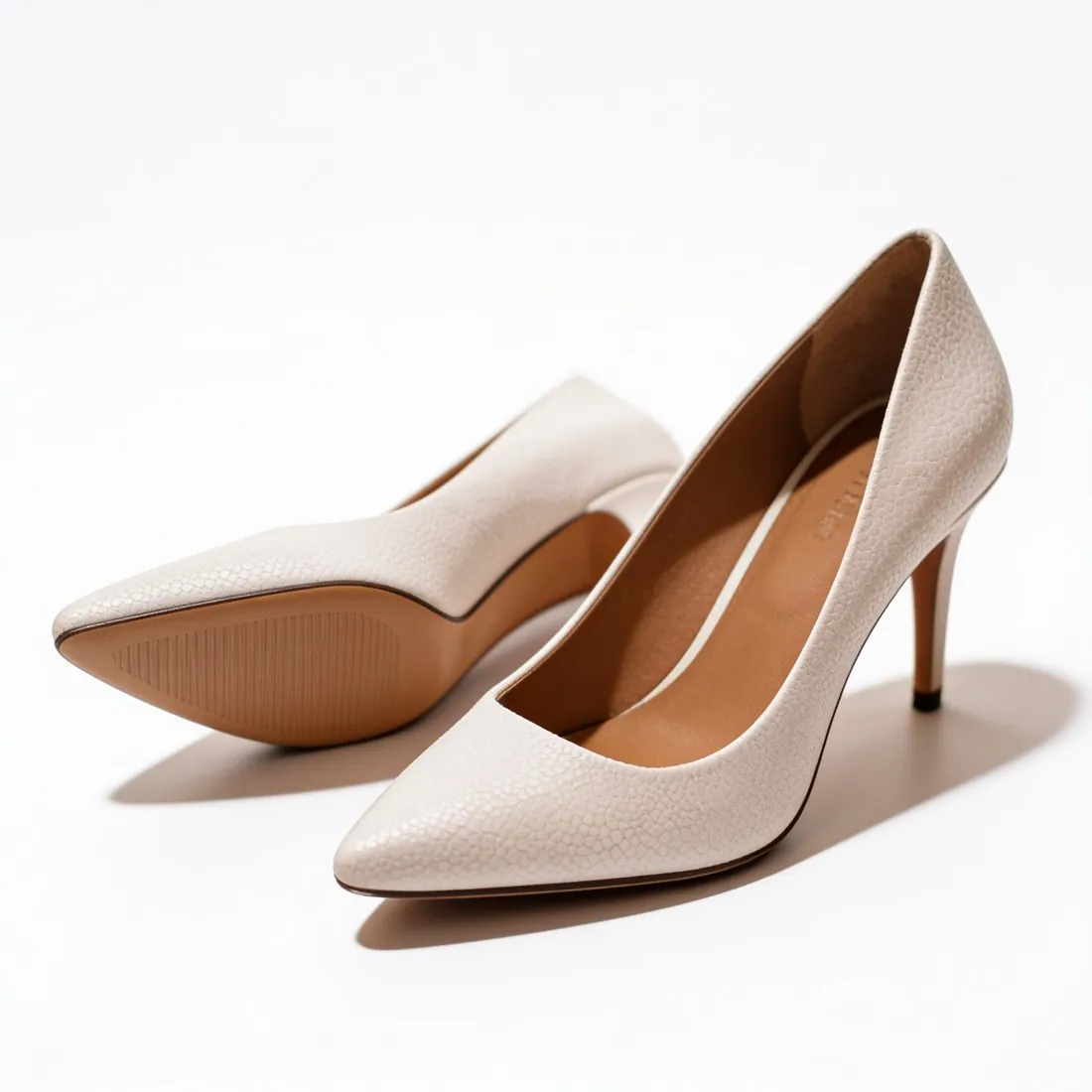
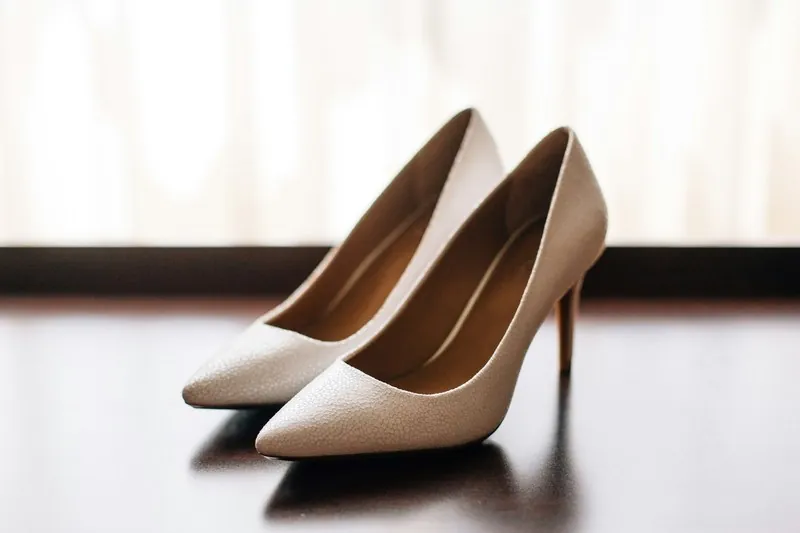
All Zalando image requirements
Source: Zalando Partner University — Image guidelines. Checked 10 October 2026. Read again · 10 October 2026
- Aspect ratio
- 1:1.44 (width × height), upright format
- Rounding
- Zalando's system rounds the ratio: 1.445 or 1.446 becomes 1.45 and is marked as an incorrect aspect ratio
- Size
- Best practice 1,801 × 2,600 pixels; minimum 762 × 1,100 (designer brands 1,800 × 2,600)
- Format
- JPG/JPEG only, up to 20 MB, sRGB colour mode
- Quality
- High resolution at any image size; an image with the correct file size that is blurry is rejected
- Number
- At least 3 compliant images for apparel (kids included), accessories and shoes; 2 for home; 1 for hosiery, equipment, beauty, toys and electronics
- Main image
- The catalogue view, the first image shown in the shop: a model front crop or a primary packshot for apparel, accessories, shoes and hosiery; a primary packshot for home, equipment, beauty, toys and electronics
- Framing
- Catalogue views show the full product from the front or at a subtle angle; footwear shows the full side profile; maternity clothing is shown at a 45° angle with the belly facing left
- Backgrounds
- Plain, lifestyle or ambient settings; a primary packshot submitted on a white background gets a light grey background applied automatically; back views and model views can use any background colour, setting or location
- Product fill
- On apparel and shoe packshots the article covers approximately 80% of the frame, centred horizontally and vertically; bags and accessories have their own grid template
- Packshots
- Straps and inner back views are not removed on apparel; packaging is accepted only for accessories, jewellery, electronics and beauty
- Model views
- Several models can appear in one image if they wear the same article; models can be barefoot or wear shoes
- Cropping
- In compliant views an article can be cropped, partially covered or folded as long as the product remains clearly recognisable
- Not allowed
- Duplicate images; low-quality or unnatural AI-generated images; non-English text on primary views; visible mannequins in mandatory packshots and model views; unrelated products in the frame; content that violates ethical or community guidelines
- Multipacks
- A primary packshot shows all items in the pack; reversible and 2-in-1 articles need views that clearly show every style option and function
- CE label
- Electronics and toys need one image that shows the CE label on the device or its packaging
- Extra images
- Additional views, such as a product collection, do not count toward the required number; English text, logos and black-and-white images are permitted in them
- Retouching
- Zalando may position packshots on its view grids, crop images to the required resolution and aspect ratio and modify backgrounds to its required colour range; it does not make edits that change how the article looks
- AI images
- Visible on-image labels are not allowed; invisible marking of AI-generated content is strongly recommended and required by December 2026
- AI quality
- AI-generated content must meet Zalando's editorial and technical criteria; Zalando reserves the right to reject assets that break believability, feature irregularities or fail to represent the product accurately
- AI distortions
- Not acceptable: an inaccurate representation of the article, such as distorted text, mispositioned buttons or brand logos merged with another brand; an implausible setting, such as wrong shadow angles or proportion errors; an inconsistent model appearance across an image set
- Bags
- On all bag packshot views the bag is centred vertically in the lower third of the image
- AI labelling
- Content that requires visible labelling under applicable laws must not be provided; Zalando names deepfakes and public interest text
- AI marking
- Identifying data must be embedded in the metadata or as an invisible watermark in the file code; the metadata must be permanent so that it is not stripped during upload
Main image
- Product fill
- The product fills about 80% of the image (apparel and shoe packshots)
Source: Zalando Partner University — Image guidelines · checked 10 October 2026
What Zalando asks for, covered.
Herofab embeds the invisible IPTC marker for AI-generated media in every image; images made on a plan or with a credit pack carry no visible label.
Zalando's size, JPG
Download at 1,801 × 2,600 pixels as JPG, Zalando's best-practice size, at no extra credit.
Invisible AI marking
Every image carries an invisible IPTC AI marker and no visible label.
Ghost mannequin packshots
Garments shown without a model, on white.
Zalando, answered.
What size should Zalando product images be?
Aspect ratio 1:1.44, best practice 1,801 × 2,600 pixels, minimum 762 × 1,100; JPG only, up to 20 MB, sRGB.
How many images per product on Zalando?
At least 3 compliant images for apparel (kids included), accessories and shoes; 2 for home; 1 for hosiery, equipment, beauty, toys and electronics. Source: Zalando Partner University — Image guidelines, checked 10 October 2026.
What should the main image look like on Zalando?
The catalogue view, the first image shown in the shop: a model front crop or a primary packshot for apparel, accessories, shoes and hosiery; a primary packshot for home, equipment, beauty, toys and electronics. Source: Zalando Partner University — Image guidelines, checked 10 October 2026.
What is not allowed in product images on Zalando?
Duplicate images; low-quality or unnatural AI-generated images; non-English text on primary views; visible mannequins in mandatory packshots and model views; unrelated products in the frame; content that violates ethical or community guidelines. Source: Zalando Partner University — Image guidelines, checked 10 October 2026.
What does Zalando say about AI-generated product images?
Visible on-image labels are not allowed; invisible marking of AI-generated content is strongly recommended and required by December 2026. Source: Zalando Partner University — Image guidelines, checked 10 October 2026.
What aspect ratio does Zalando require for product images?
1:1.44 (width × height), upright format. Source: Zalando Partner University — Image guidelines, checked 10 October 2026.
Which backgrounds does Zalando accept?
Plain, lifestyle or ambient settings; a primary packshot submitted on a white background gets a light grey background applied automatically; back views and model views can use any background colour, setting or location. Source: Zalando Partner University — Image guidelines, checked 10 October 2026.
How much of the frame should the article fill on Zalando?
On apparel and shoe packshots the article covers approximately 80% of the frame, centred horizontally and vertically; bags and accessories have their own grid template. Source: Zalando Partner University — Image guidelines, checked 10 October 2026.
What size does Herofab download for Zalando?
1,801 × 2,600 px, the size Zalando recommends. After delivery, choose Zalando under “For a marketplace”: the file is made from your delivered image, without cropping and at no extra credit.
Can I check my images before uploading?
Yes. The free image size checker reads each file in your browser and tests it against these rules; the image is not uploaded.
Where do these figures come from?
From Zalando Partner University — Image guidelines, read on 10 October 2026. Marketplaces update their rules; the official page is the final reference.
Your next collection, shot this week.
20 credits at sign-up, no card required. Images made with free credits carry a watermark. Herofab also removes the watermark from those images once credits are purchased.