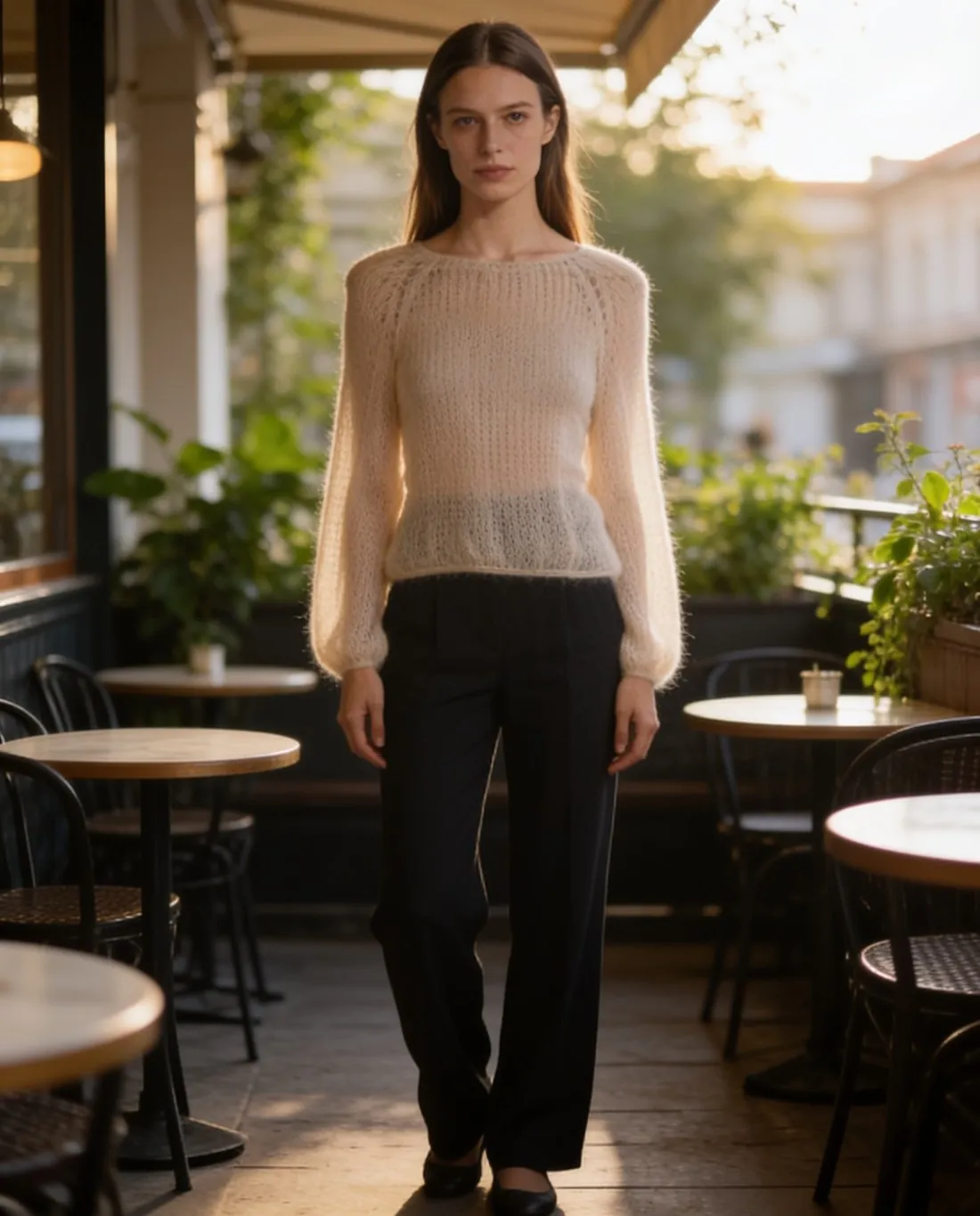
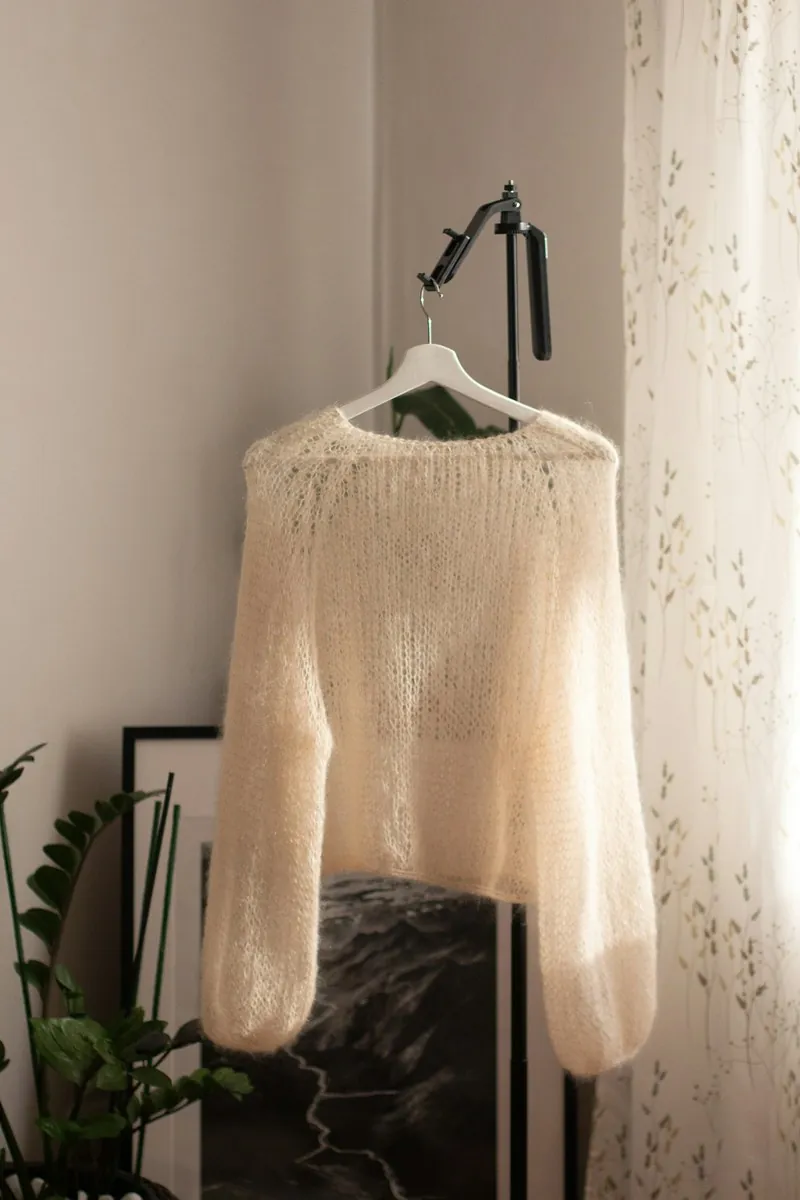
There are two kinds. Shopper-facing try-on puts clothes on the shopper's own photo or camera image. Seller-side try-on, as in Herofab, dresses a model in the garment from a product photo, to produce listing images.
Because the person in the image is generated, disclosure rules apply: the EU AI Act requires synthetic images to be marked in a machine-readable way, and Herofab embeds that marker in every image.
Where seller-side try-on is used
Seller-side try-on is used where an on-model view is wanted and a shoot is not practical: a small range, a product added between two shoots, a colour that arrived after the model had left. One photo of the garment is the starting point, so the on-model view does not have to wait for the next shoot.
It is less suited to pictures that have to prove something about the material. How thick a knit is, how sheer a fabric is in daylight and how a waistband sits are properties of the real garment on a real body, and a generated wearer shows an estimate of them. For such points a photographed close-up or a written measurement remains the reliable source.
What the software reads and what it estimates
The garment in a try-on image is a redrawing, not a pasted copy of the product photo. Large shapes and areas of colour transfer reliably. Small repeating patterns, fine lettering and exact counts, such as the number of buttons or stripes, are where a redrawing drifts from the original.
A photo of a garment on a hanger carries no scale. Whether a hem ends at the hip or at the thigh, and how loosely a sleeve hangs, is worked out by the software from the proportions of the garment. Length on the body is therefore the first thing to compare with the measurements given in the listing.
Try-on images and marketplace rules
Marketplaces do not treat generated on-model images alike. At least one large marketplace asks that the main image of adult clothing show the garment on a model, and at least one recommends an AI marker inside the file while not allowing a visible AI label on the picture. The rule rows further down give the published wording of a few marketplaces.
The wearer needs the same attention as the garment. A try-on can start from a generated model or from a photograph of a real person, and in the second case that person's permission for this use belongs to the preparation, as it would for a shoot. A generated wearer raises a different question: some marketplaces and ad platforms ask for a label on pictures of people who were never photographed.
Virtual try-on and related terms
 On-model image
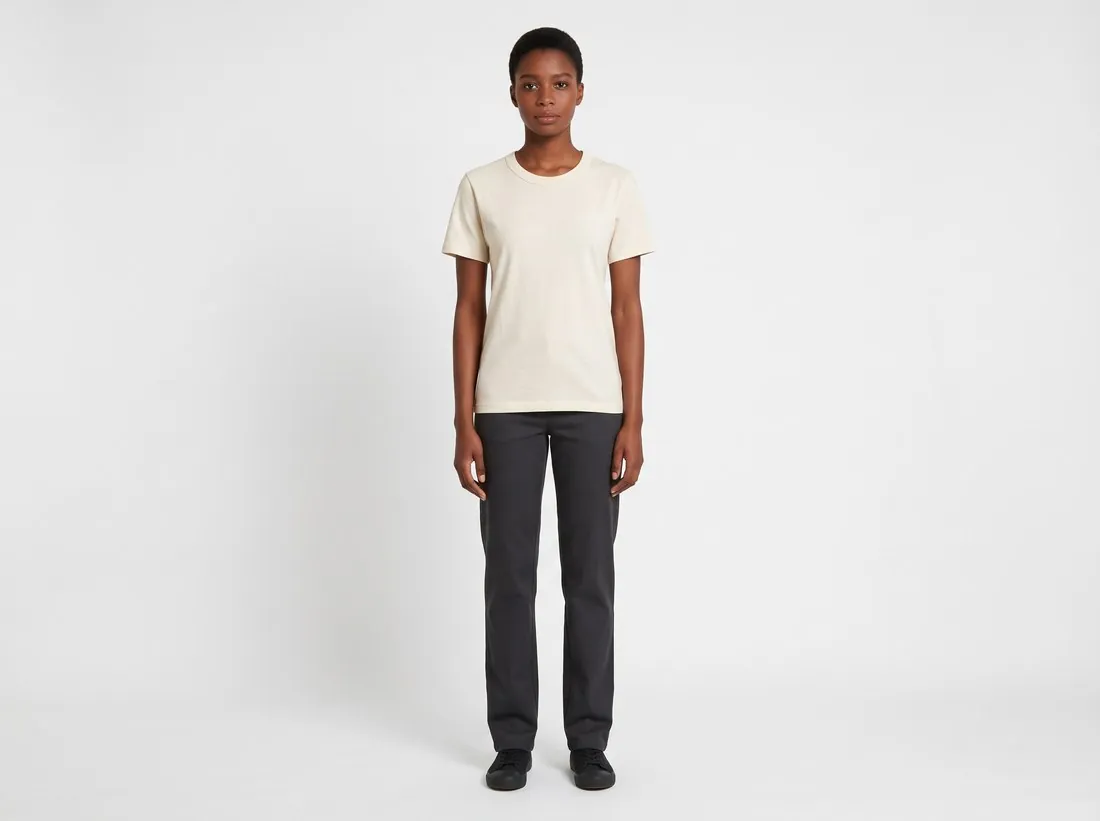
- An on-model image is any product picture in which a person wears the item. Virtual try-on is one way to produce it and a photo shoot is the other; the term itself does not say which was used.
 Synthetic model
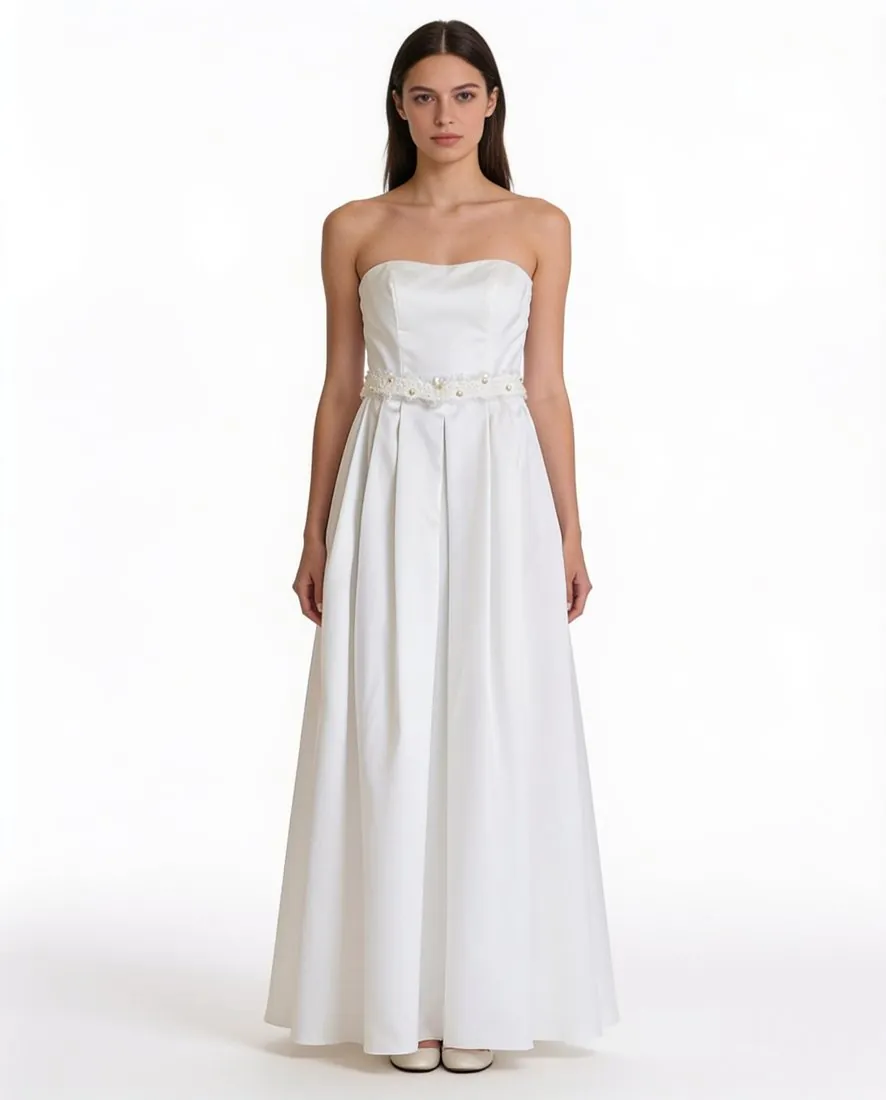
- A synthetic model is a generated wearer that can be saved and used again. In a try-on it is one of the two inputs, next to the garment photo, and the try-on is the step that brings them together.
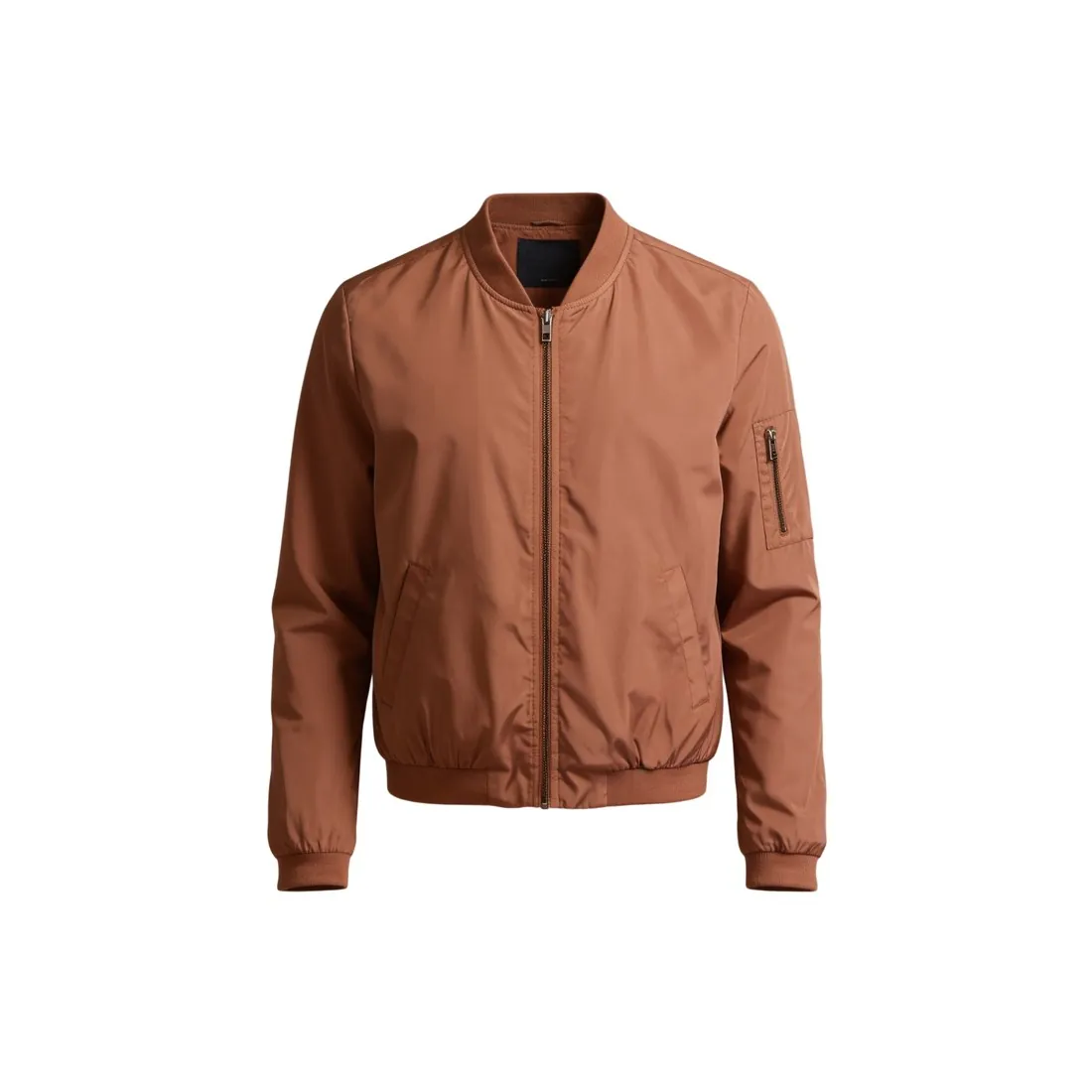 Ghost mannequin
- A ghost mannequin image gives the garment the volume of a body and shows no person. It answers the question of shape without a wearer, and so without the questions of face, skin and pose that a try-on image raises.
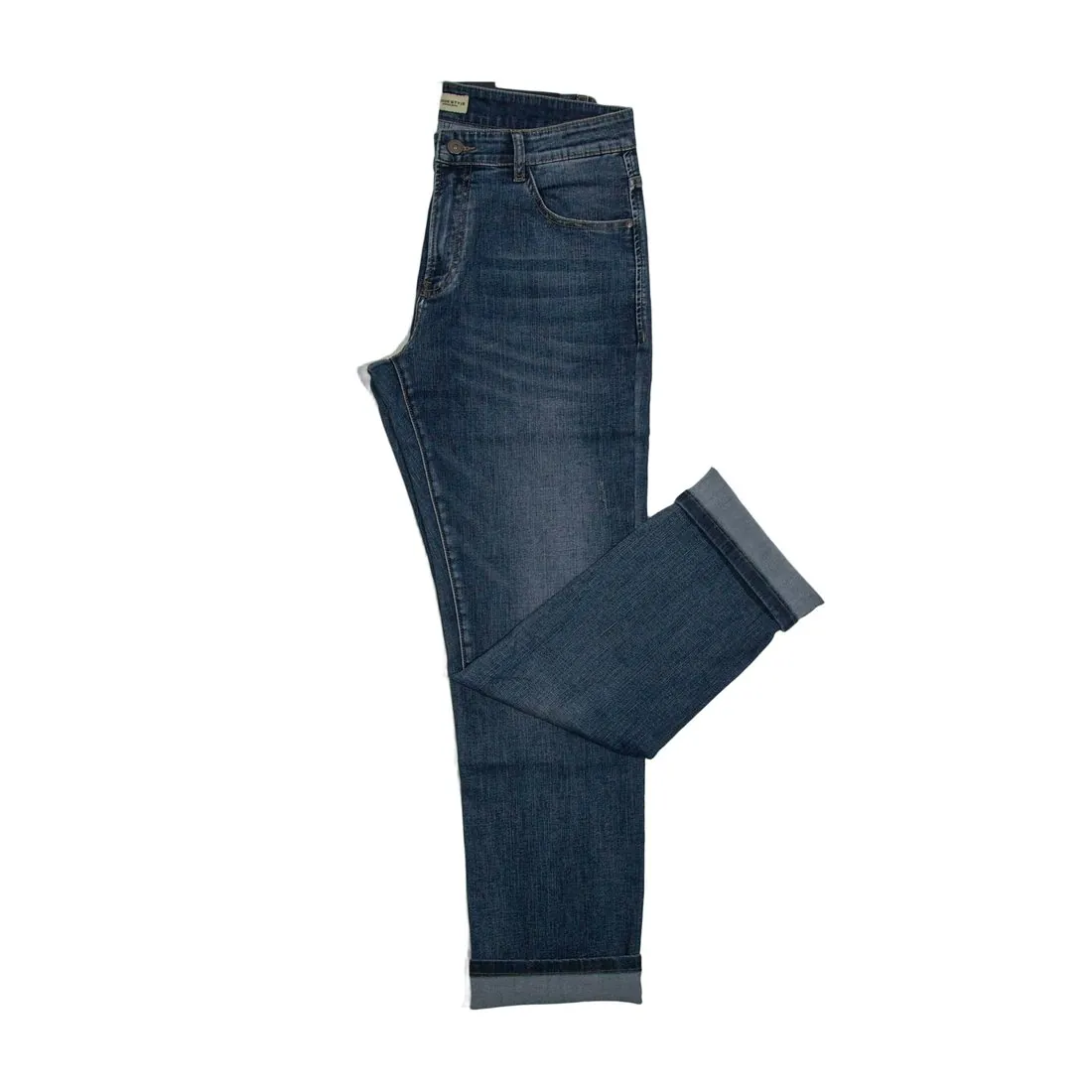 Flat lay
- A flat lay shows the garment lying flat, photographed from above. It is often the source photo for a try-on, and it stays useful beside the result, since it is a direct photograph of the product.
A checklist before publishing a try-on image
- Print, logo and lettering match the source photo in position, size and spelling when the two are viewed side by side.
- The number of buttons, pockets, stripes and seams is the same as on the real garment, and no collar, belt or trim was added.
- The colour of the garment matches the product itself, judged next to the real item and not only next to the source photo.
- Sleeve length and hem length on the body agree with the measurements stated in the listing.
- Hands, fingers and the line where fabric meets skin look natural when the image is viewed at full size.