Zalando accessories: caps, hats and multipacks.
Zalando's accessories image guide, updated 2 October 2026, sets rules for headwear, tech accessories, sets and multipacks, and for model images. Bags and jewellery have their own pages; these are the rules for the rest of the assortment.
01 · ZalandoHeadwear and tech accessories
Source: Zalando Partner University — Accessories image guide · checked 14 October 2026
- Primary packshot
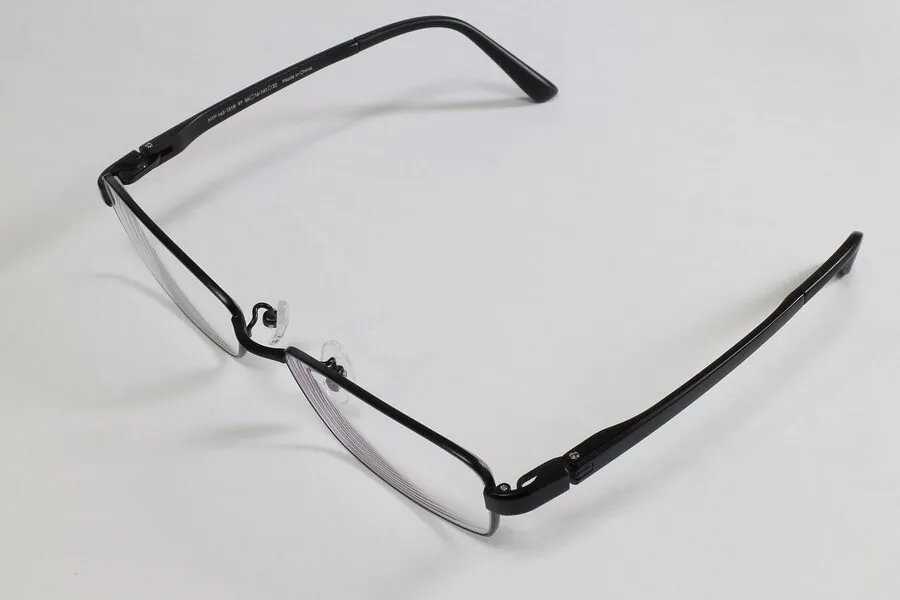
- The article centred vertically and positioned in the lower third of the image grid
- Caps
- Shot at an angle to highlight the visor
- Beanies and hats
- Shot straight on from the front
- Tech accessories
- When functional items such as phone cases are shown with third-party devices, state "decoration not included"
02 · ZalandoSets and multipacks
Source: Zalando Partner University — Accessories image guide · checked 14 October 2026
- Sets
- The catalogue view shows all included pieces together in one image
- Multipacks
- The catalogue view is a primary packshot showing all items and colours in the pack
03 · ZalandoModel images
Source: Zalando Partner University — Accessories image guide · checked 14 October 2026
- Proportions
- The full length and size of the article shown in model views, to convey true proportions
- Crop
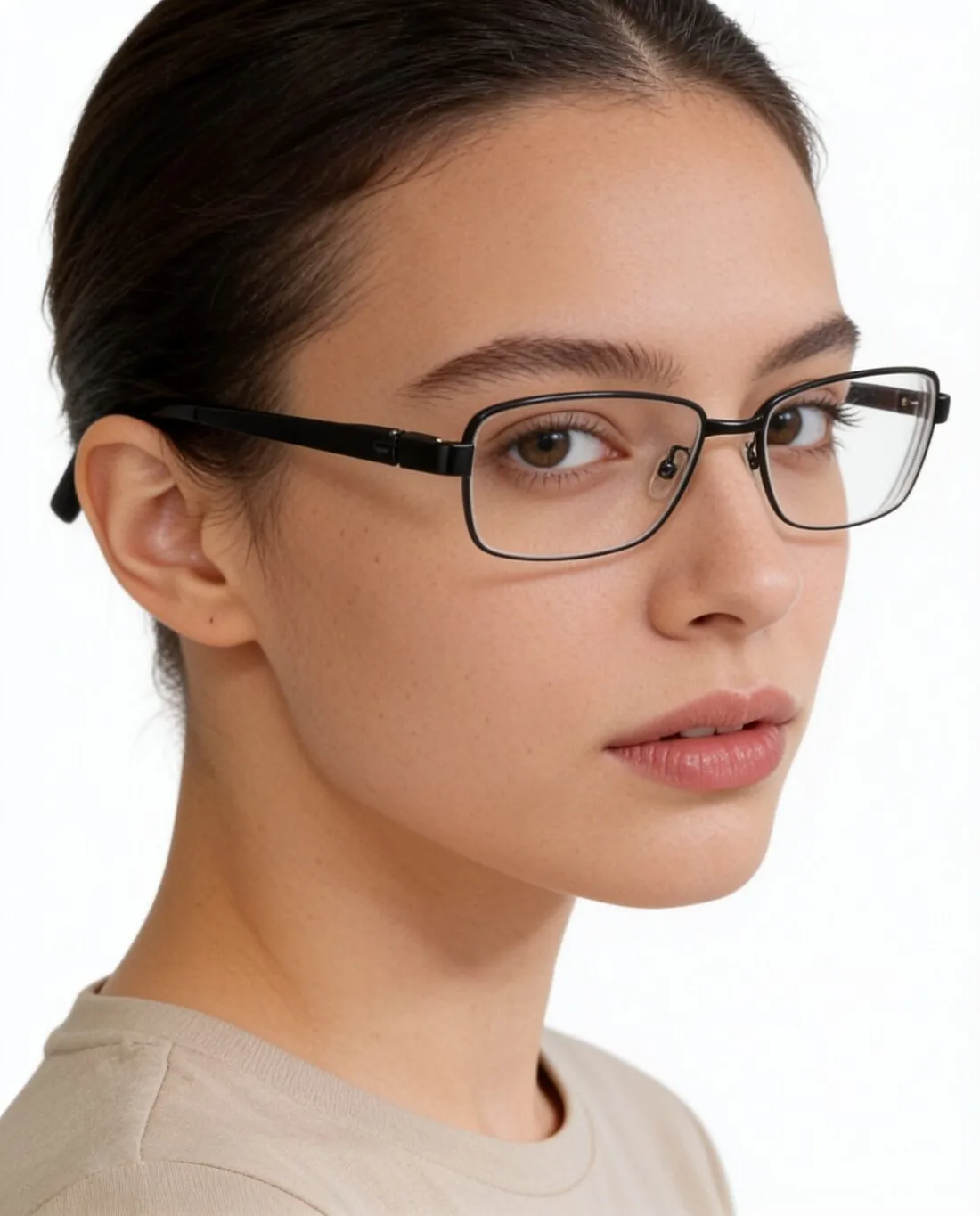
- The model's body can be cropped, but the article must stay recognisable
- Poses
- Poses that show the fit, versatility and design details
- Detail shots
- Fabric and material textures clear
- Outfit
- Model images show how the article complements an entire outfit
Images that follow these rules.
Herofab's product studio places headwear on a studio background and is briefed to keep the brim, the crown shape and any embroidery; the view is chosen from front, three-quarter, side or top-down. The virtual try-on is briefed to frame headwear from the waist up, large and fully visible, for model images.
Zalando accessories, answered.
How should caps and hats be photographed for Zalando?
Caps are shot at an angle to highlight the visor; beanies and hats are shot straight on from the front. In the primary packshot, the article is centred vertically and positioned in the lower third of the image grid.
What must a multipack's first image show on Zalando?
A primary packshot showing all items and colours in the pack. For sets, the catalogue view shows all included pieces together in one image.
Can the model's body be cropped in accessory images?
Yes, as long as the article stays recognisable. Model views should still show the full length and size of the article to convey its true proportions.
Where do these figures come from?
From Zalando Partner University — Accessories image guide, read on 14 October 2026. Marketplaces update their rules; the official page is the final reference.
Your next collection, shot this week.
20 credits at sign-up, no card required. Images made with free credits carry a watermark.