Google Shopping clothing: models, ratios and variants.
Google publishes separate image best practices for clothing and accessories, on top of its general product image rules: who wears the product, which ratio suits vertical images and how variants are shown.
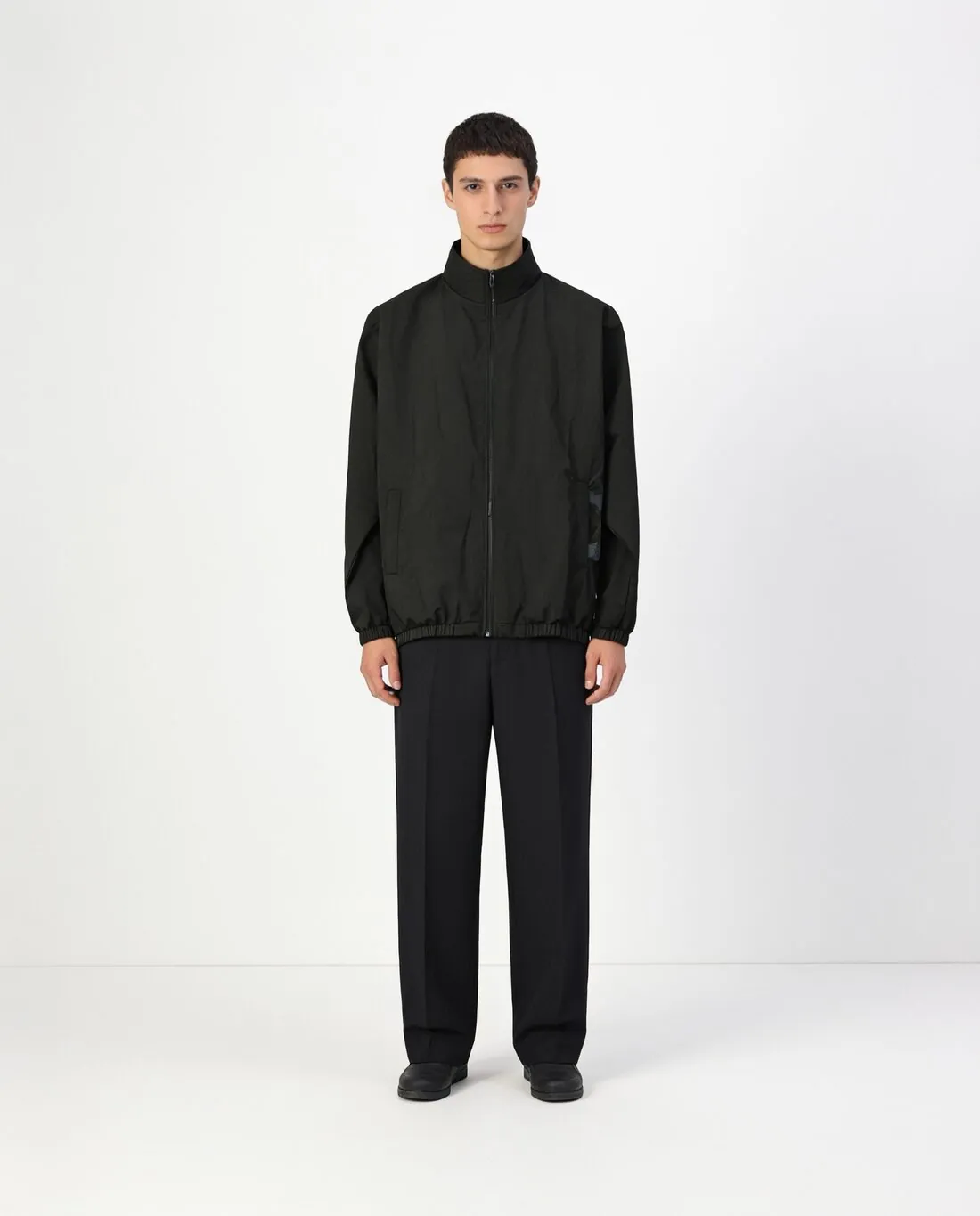
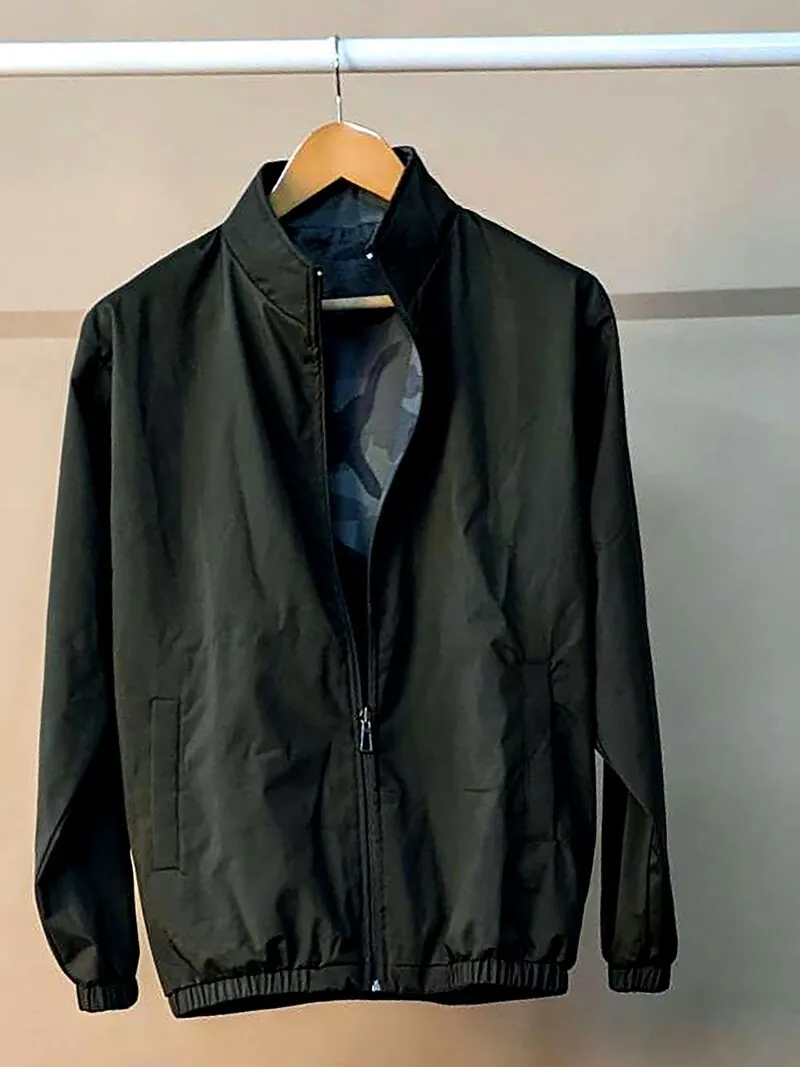
01 · Google ShoppingImages for clothing and accessories
Source: Google Merchant Center Help — Best practices for advertising clothing and accessories · checked 14 October 2026
- Clothing
- Shown on models, so that shoppers see how the product looks on a real person
- Full-body images
- The model's head and feet not cropped
- Single items
- When one article is sold, such as a top, the product is the focus of the image
- Shoes, handbags, accessories
- Shown alone in the main images and on a model in additional images
- Background
- Solid white or transparent
- Additional images
- Multiple angles and close-ups; more detailed photos, product staging or different backgrounds can also be included
02 · Google ShoppingSize and format
Source: Google Merchant Center Help — Best practices for advertising clothing and accessories · checked 14 October 2026
- Resolution
- At least 512 × 512 pixels, ideally 1,024 or higher; a minimum image width of 1,500 pixels is best
- Aspect ratio
- 9:11 (width to height) for vertical images and 4:3 for horizontal images
- Image URLs
- No resizing UTM parameters in the image URL
03 · Google ShoppingVariants
Source: Google Merchant Center Help — Best practices for advertising clothing and accessories · checked 14 October 2026
- Each variant
- Each colour, size, material and pattern submitted as a unique product, grouped under one item group ID
- Variant images
- The image_link image matches the product variant, and additional_image_link images show the same variant
- Landing page
- The ad or listing links to a landing page with the correct variant already selected
Images that follow these rules.
Herofab's virtual try-on puts a garment photographed on a hanger or laid flat on a studio model. For the main images of shoes, handbags and accessories, the background remover delivers the product alone on white or transparent, and the product studio on a studio background with no people, hands or mannequins. 4K output clears Google's 1,500-pixel recommendation, and every Herofab image carries the IPTC marker for AI-generated media.
Google Shopping clothing, answered.
Does Google Shopping ask for clothing on a model?
Google's best practices for clothing and accessories recommend showing clothing on models, without cropping the model's head or feet in a full-body image. Shoes, handbags and accessories are shown alone in the main images and on a model in additional images.
Which aspect ratio does Google recommend for clothing images?
9:11 (width to height) for vertical images and 4:3 for horizontal images, with a resolution of at least 512 × 512 pixels, ideally 1,024 or higher, and a minimum width of 1,500 pixels as the best choice.
Should each colour have its own image on Google Shopping?
Yes. Each colour, size, material and pattern is submitted as a unique product, the image_link image matches that variant, additional images show the same variant, and the landing page opens with that variant already selected.
Where do these figures come from?
From Google Merchant Center Help — Best practices for advertising clothing and accessories, read on 14 October 2026. Marketplaces update their rules; the official page is the final reference.
Your next collection, shot this week.
20 credits at sign-up, no card required. Images made with free credits carry a watermark.