Trade Me product image requirements
Trade Me listing photos: at least 500 pixels on one side, up to 5 MB, PNG, JPG, BMP or GIF, up to 20 photos, no logos, borders or marketing text.
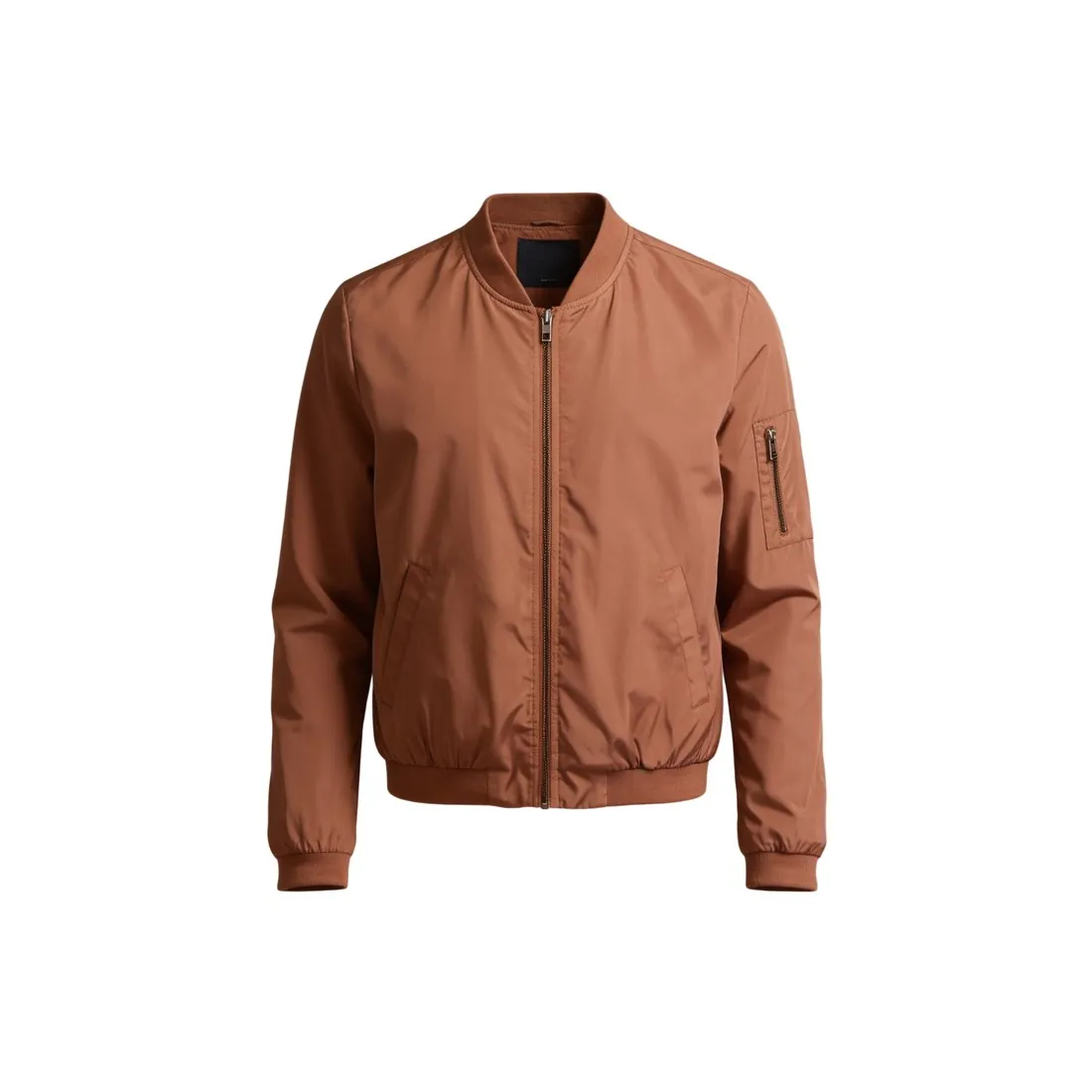
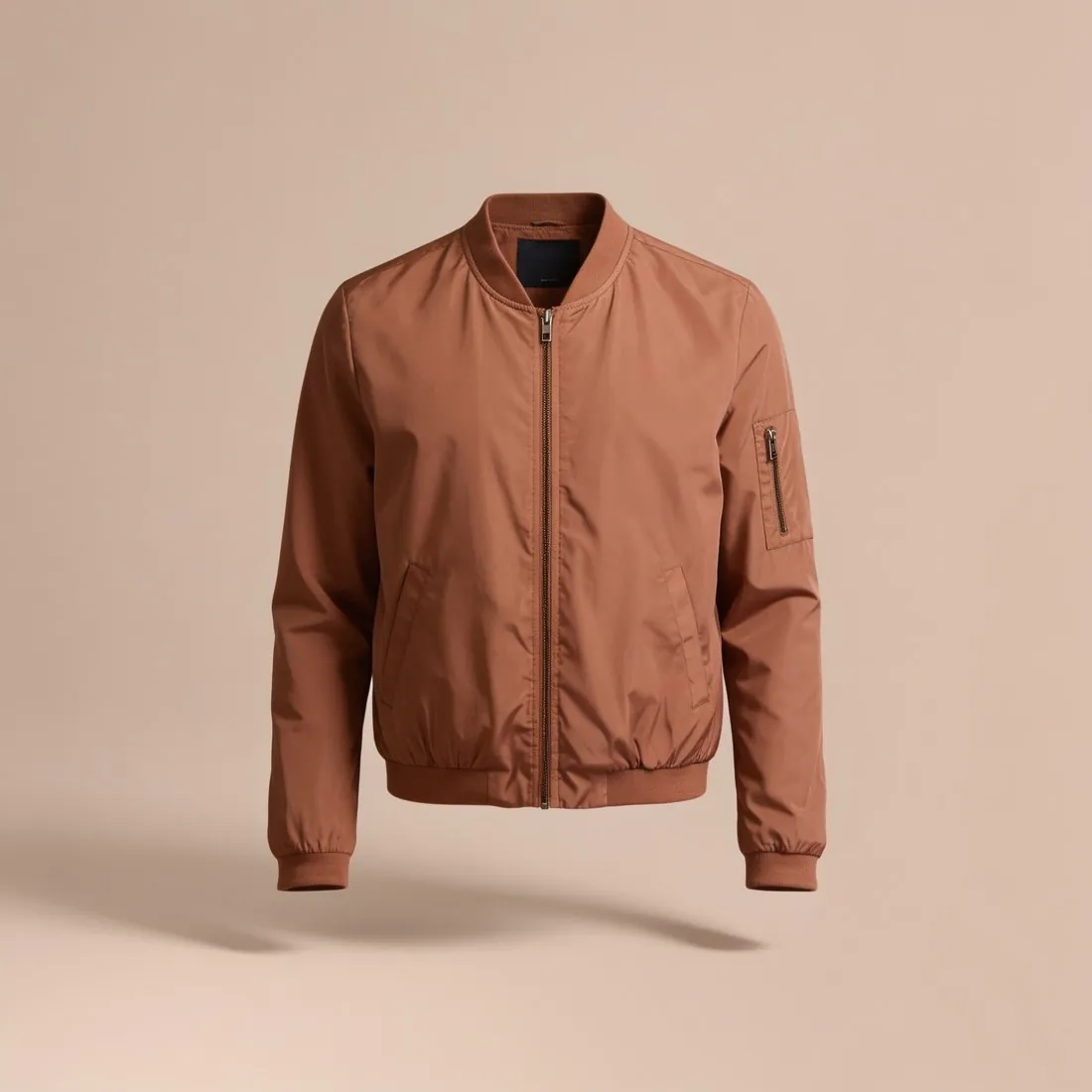
All Trade Me image requirements
Source: Trade Me Help — Marketplace photo and video guidelines; Trouble adding photos or videos to your listing; Editing a live listing; Listing policies. Checked 12 October 2026. Read again · 12 October 2026
- Minimum
- At least 500 pixels on any one side
- File size
- Up to 5 MB
- Formats
- PNG, JPG, BMP or GIF
- Number
- A listing can include up to 20 photos
- Main image
- The main photo, the one that displays in search results and first on the listing, must contain the item being sold
- Watermarks
- Small, transparent watermarks for ownership or attribution only, up to 5% of the image area and with at least 50% transparency
- Not allowed
- Watermarks, logos, artwork, photo borders or text conveying messages such as low stock or other marketing; contact details, website addresses or other branded marketing; images that breach intellectual property rights, such as images found online
- Flaws and props
- Photos clearly show any product flaws or defects, and other items in the photo are only there to help the buyer
- Enforcement
- If the guidelines are not followed, Trade Me may remove the photos or hide the listing from search results until the images comply
- Who it applies to
- The policy is written specifically for in-trade sellers and is described as a good guide for casual sellers too
What Trade Me asks for, covered.
Trade Me asks that the main photo contains the item being sold and allows no logos, borders or marketing text on photos. Herofab's packshot studio delivers the product alone on a white studio background, and images made on a plan or with a credit pack carry no watermark or added text. Square 2K output is 2,048 pixels per side, above the 500-pixel minimum. A 2K PNG can weigh more than the 5 MB limit, so the JPG download is the safer file. Trade Me also asks that photos show any flaws or defects clearly, so a used item is shown in the seller's own photos.
Above 500 pixels
Square 2K output is 2,048 pixels per side, above Trade Me's minimum of 500 pixels on one side.
JPG under 5 MB
Herofab images can be downloaded as PNG or JPG; a 2K PNG can exceed the 5 MB limit.
No watermark or added text
Images made on a plan or with a credit pack carry no watermark or added text.
Trade Me, answered.
What size should Trade Me product images be?
Trade Me listing photos: at least 500 pixels on one side, up to 5 MB, PNG, JPG, BMP or GIF, up to 20 photos, no logos, borders or marketing text.
How large can a product image file be on Trade Me?
Up to 5 MB. Source: Trade Me Help — Marketplace photo and video guidelines; Trouble adding photos or videos to your listing; Editing a live listing; Listing policies, checked 12 October 2026.
Which file formats does Trade Me accept for product images?
PNG, JPG, BMP or GIF. Source: Trade Me Help — Marketplace photo and video guidelines; Trouble adding photos or videos to your listing; Editing a live listing; Listing policies, checked 12 October 2026.
How many images per product on Trade Me?
A listing can include up to 20 photos. Source: Trade Me Help — Marketplace photo and video guidelines; Trouble adding photos or videos to your listing; Editing a live listing; Listing policies, checked 12 October 2026.
What should the main image look like on Trade Me?
The main photo, the one that displays in search results and first on the listing, must contain the item being sold. Source: Trade Me Help — Marketplace photo and video guidelines; Trouble adding photos or videos to your listing; Editing a live listing; Listing policies, checked 12 October 2026.
What is not allowed in product images on Trade Me?
Watermarks, logos, artwork, photo borders or text conveying messages such as low stock or other marketing; contact details, website addresses or other branded marketing; images that breach intellectual property rights, such as images found online. Source: Trade Me Help — Marketplace photo and video guidelines; Trouble adding photos or videos to your listing; Editing a live listing; Listing policies, checked 12 October 2026.
Can I check my images before uploading?
Yes. The free image size checker reads each file in your browser and tests it against these rules; the image is not uploaded.
Where do these figures come from?
From Trade Me Help — Marketplace photo and video guidelines; Trouble adding photos or videos to your listing; Editing a live listing; Listing policies, read on 12 October 2026. Marketplaces update their rules; the official page is the final reference.
Your next collection, shot this week.
20 credits at sign-up, no card required. Images made with free credits carry a watermark.