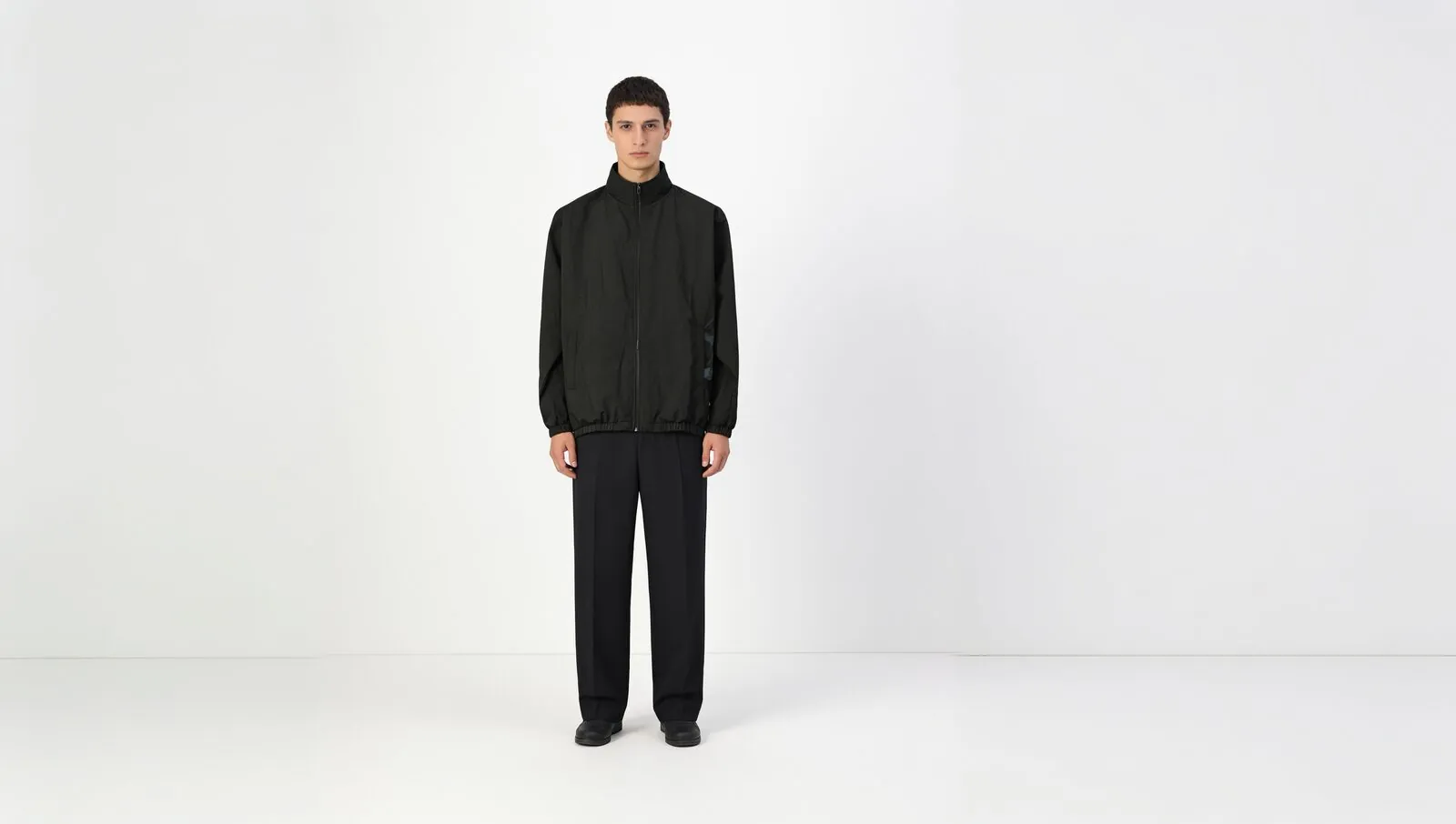
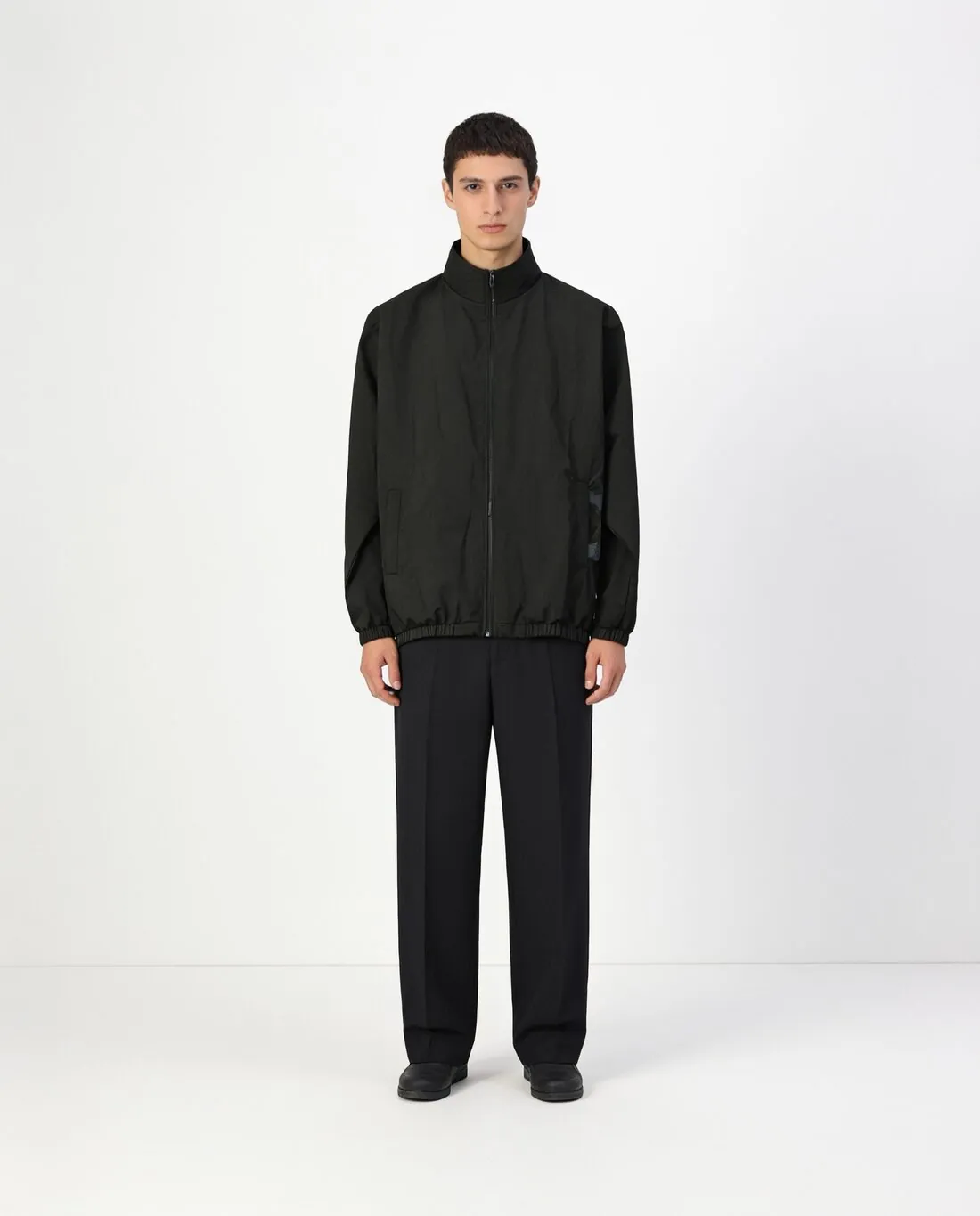
Outpainting adds picture where there was none. A portrait product shot that has to become a square, a story or a wide banner needs more background at its sides or above and below; the new area continues the floor, the wall or the scene so that the join does not show. Inpainting is the reverse case, where an area inside the image is replaced.
For product images the important question is what happens to the original. In Herofab's Extend image tool only the new area is generated and the original pixels are placed back on top, so the product stays as it was. The scene around it is new and deserves a look for repeated patterns or a horizon that does not line up.
Outpainting changes the format, not the product's share of the frame in the way a crop does: the product becomes smaller relative to the whole picture. Where a marketplace asks that the product fill most of the image, an extended version suits banners and social formats better than the main image.