Check your photo against CDON's rules.
CDON sets rules for the main image that can be measured from the photo: background colour, product fill, and cut-off edges. Drop a photo to see which ones it meets. It runs in your browser; nothing is uploaded.
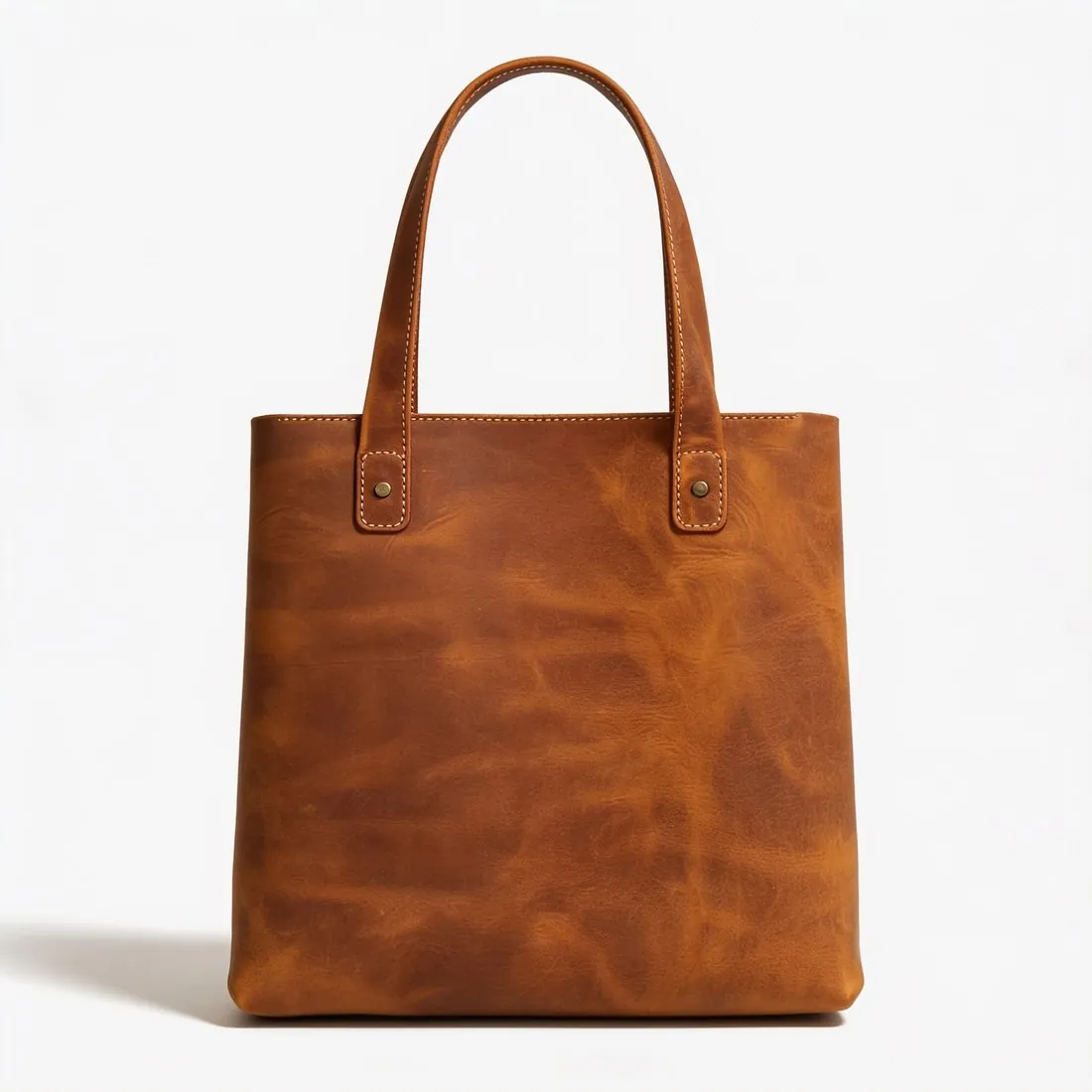
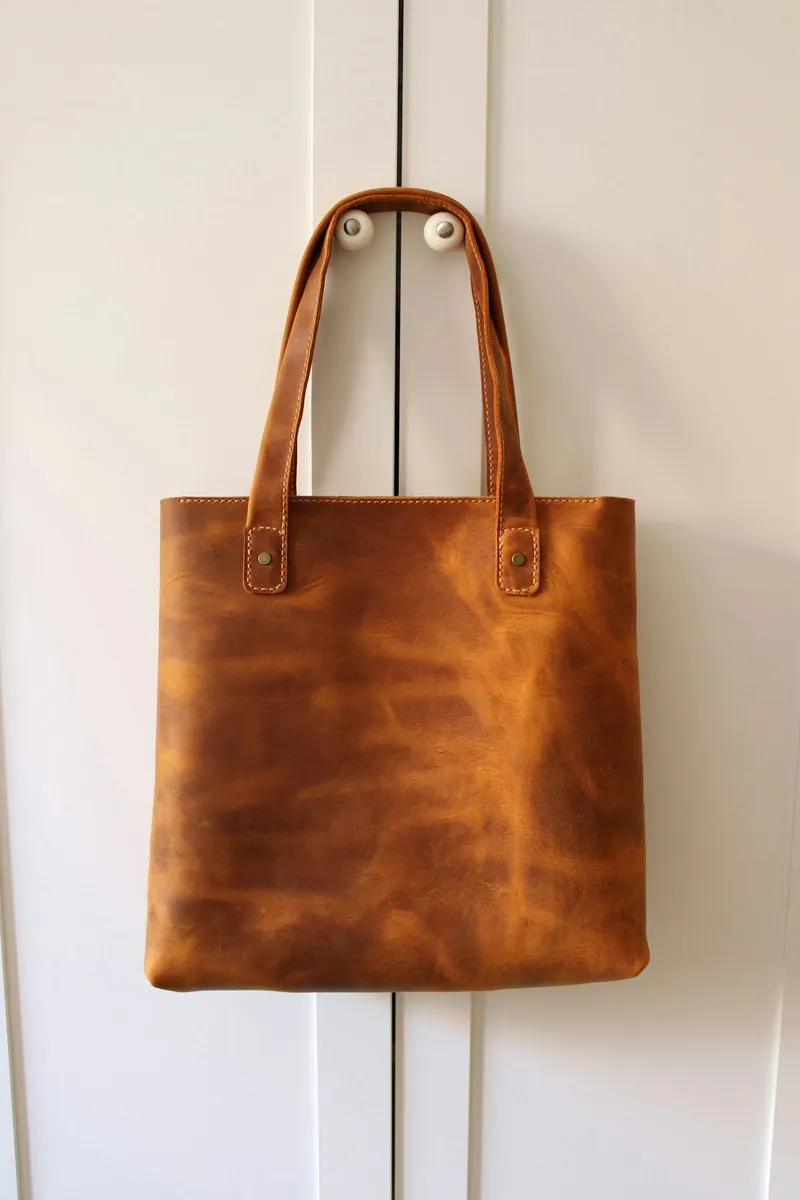
Choose a marketplace and a photo.
Rules come from each marketplace's own help pages, summarised in the guides (checked 27 September 2026). Size, file size and format are checked as well.
What CDON asks for.
Source: support.cdon.com, CDON — Product Image Guidelines · checked 27 September 2026 · Read again · 10 October 2026
- Main image
- White background
The product fills 75–90% of the image
The whole product in frame, nothing cut off - Minimum
- 600 × 600 pixels; images below this resolution are rejected automatically
- File
- PNG and JPEG only
- Background
- White or transparent, on all product images
- Framing
- The product clearly displayed and fully visible, occupying 75–90% of the image frame
- First image
- CDON's product page guidelines ask for at least five high-quality images per product, the first showing the product clearly, front facing, on a white background, and no text or watermarks on the main image
- AI images
- May be used, but must not misrepresent the product being sold. The primary product image must show the actual product; AI may enhance backgrounds or create inspirational settings, but must not alter the product or add features, accessories or details the customer will not receive
- Not allowed
- Watermarks, logos, URLs, borders or any kind of text; variations in colour, pattern or material; generic images, graphics or illustrations outside the Hardware and Vehicles and Parts categories
- Bundles
- Items sold together as a package must all be visible in the image; a multi-pack of identical items should show a single unit
- Copyright
- The merchant must own the copyright to the images used or have explicit rights to use them for commercial purposes
- Image quality
- Photos should be clear, well lit and professional; CDON says to avoid blurry images, poor lighting (overexposure, underexposure or flash reflections) and amateur photography
- Packaging
- If relevant, an image of the product outside its packaging should also be included
- Where
- Sweden · Denmark · Norway · Finland
- Kind of rule
- Allowed if accurate
Checkers by marketplace.
CDON main images, answered.
What background does CDON require for the main image?
White background. The checker reads the background from the edges of the photo and reports its exact RGB value.
How much of the image must the product fill on CDON?
The product fills 75–90% of the image. The checker measures the product on its longest axis and reports the percentage.
Can the product touch the edge of the frame on CDON?
The whole product in frame, nothing cut off. A photo in which the product reaches the edge is reported as cut off.
Where do these figures come from?
From CDON — Product Image Guidelines, read on 27 September 2026. Marketplaces update their rules; the official page is the final reference.
Is my image uploaded?
No. The file is read and processed inside your browser; nothing is sent to a server.
Your next collection, shot this week.
20 credits at sign-up, no card required. Images made with free credits carry a watermark. Herofab also removes the watermark from those images once credits are purchased.