Product photos ready for CDON.
CDON's primary image must show the actual product, so background removal places your own product photo on white or transparent, the background CDON requires on every product image. Virtual try-on on a white studio background and ghost mannequin views can then serve as additional images, with generation briefed to keep the product's shape, colour, material, logos and details.
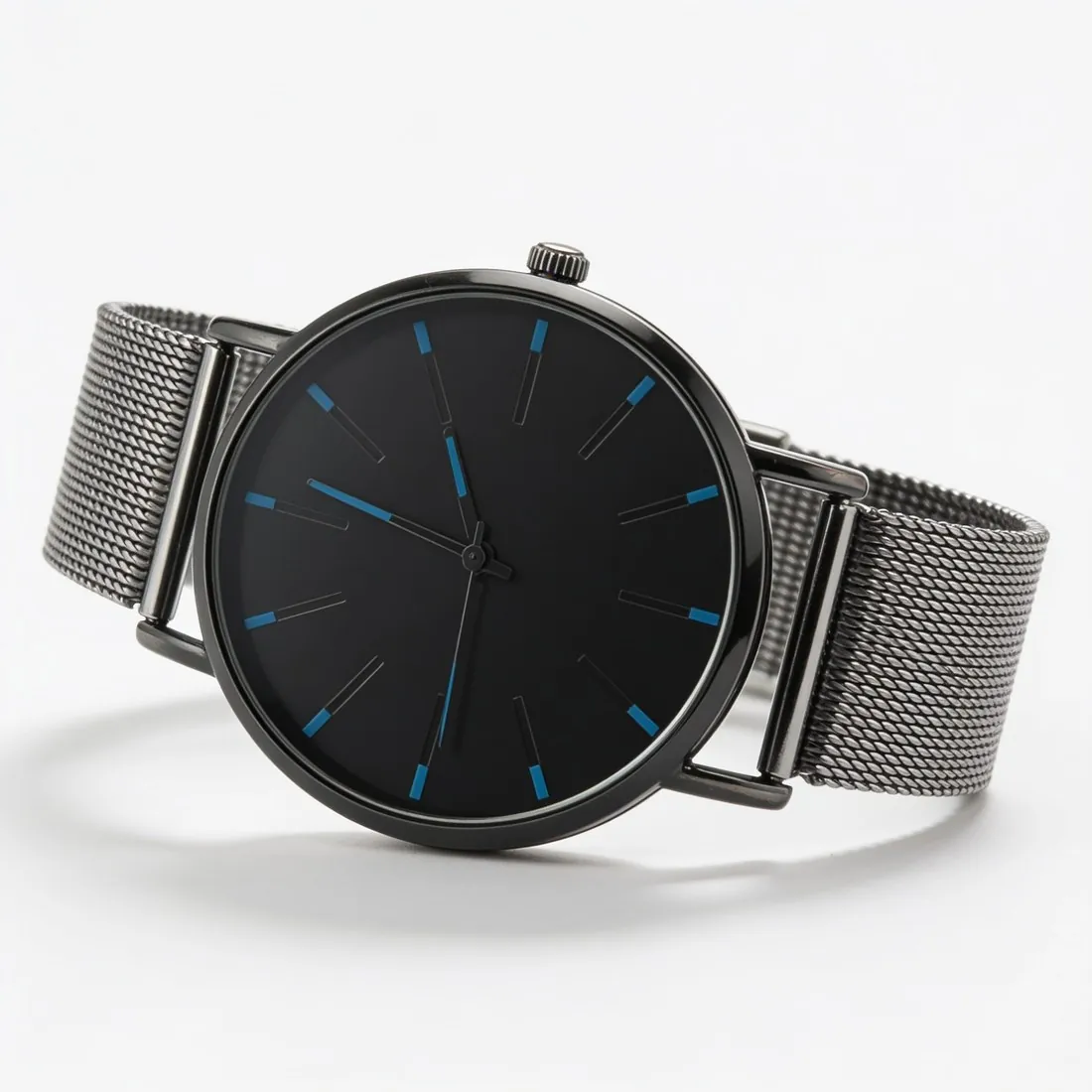
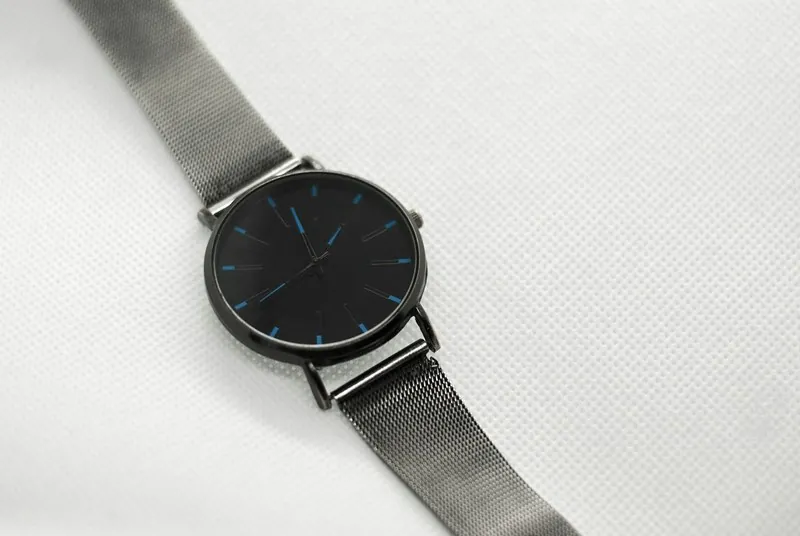
What CDON asks for, covered.
The actual product first
Background removal puts your own photo of the product on white or transparent for the primary image.
Extra views on white
On-model images on a white studio background and ghost mannequin views for the additional images.
No watermarks or text
Images made on a plan or with a credit pack carry nothing added on top.
Main image
- Background colour
- White background
- Product fill
- The product fills 75–90% of the image
- Cut-off edges
- The whole product in frame, nothing cut off
Source: CDON — Product Image Guidelines · checked 27 September 2026
All CDON image requirements
Source: CDON — Product Image Guidelines. Checked 27 September 2026.
- Minimum
- 600 × 600 pixels; images below this resolution are rejected automatically
- File
- PNG and JPEG only
- Background
- White or transparent, on all product images
- Framing
- The product clearly displayed and fully visible, occupying 75–90% of the image frame
- First image
- CDON's product page guidelines ask for at least five high-quality images per product, the first showing the product clearly, front facing, on a white background, and no text or watermarks on the main image
- AI images
- May be used, but must not misrepresent the product being sold. The primary product image must show the actual product; AI may enhance backgrounds or create inspirational settings, but must not alter the product or add features, accessories or details the customer will not receive
- Not allowed
- Watermarks, logos, URLs, borders or any kind of text; variations in colour, pattern or material; generic images, graphics or illustrations outside the Hardware and Vehicles and Parts categories
CDON, answered.
What size should CDON product images be?
CDON images: at least 600 × 600 pixels, PNG or JPEG, white or transparent background, product at 75–90% of the frame; AI allowed if accurate.
Can I check my images before uploading?
Yes. The free image size checker reads each file in your browser and tests it against these rules; the image is not uploaded.
Where do these figures come from?
From CDON — Product Image Guidelines, read on 27 September 2026. Marketplaces update their rules; the official page is the final reference.
Your next collection, shot this week.
20 free credits when early access opens. No card required.