Bags and shoes in every colour, one photo taken.
Accessories are often produced in a long list of colours and photographed in one. From a single product shot of a bag or a pair of shoes, Herofab delivers the same image with the product in another colour, picked from a palette or matched to a photo of the real material.
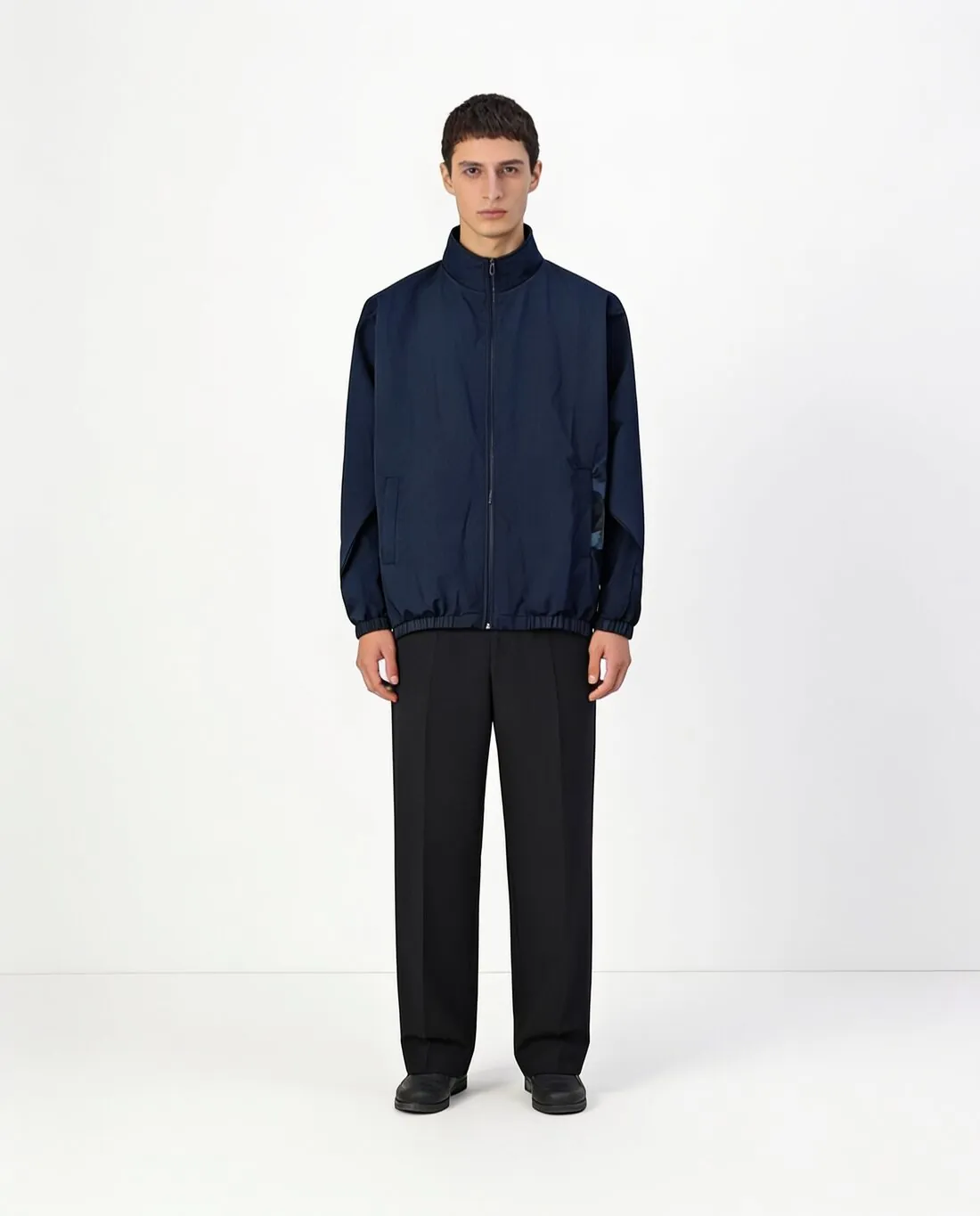
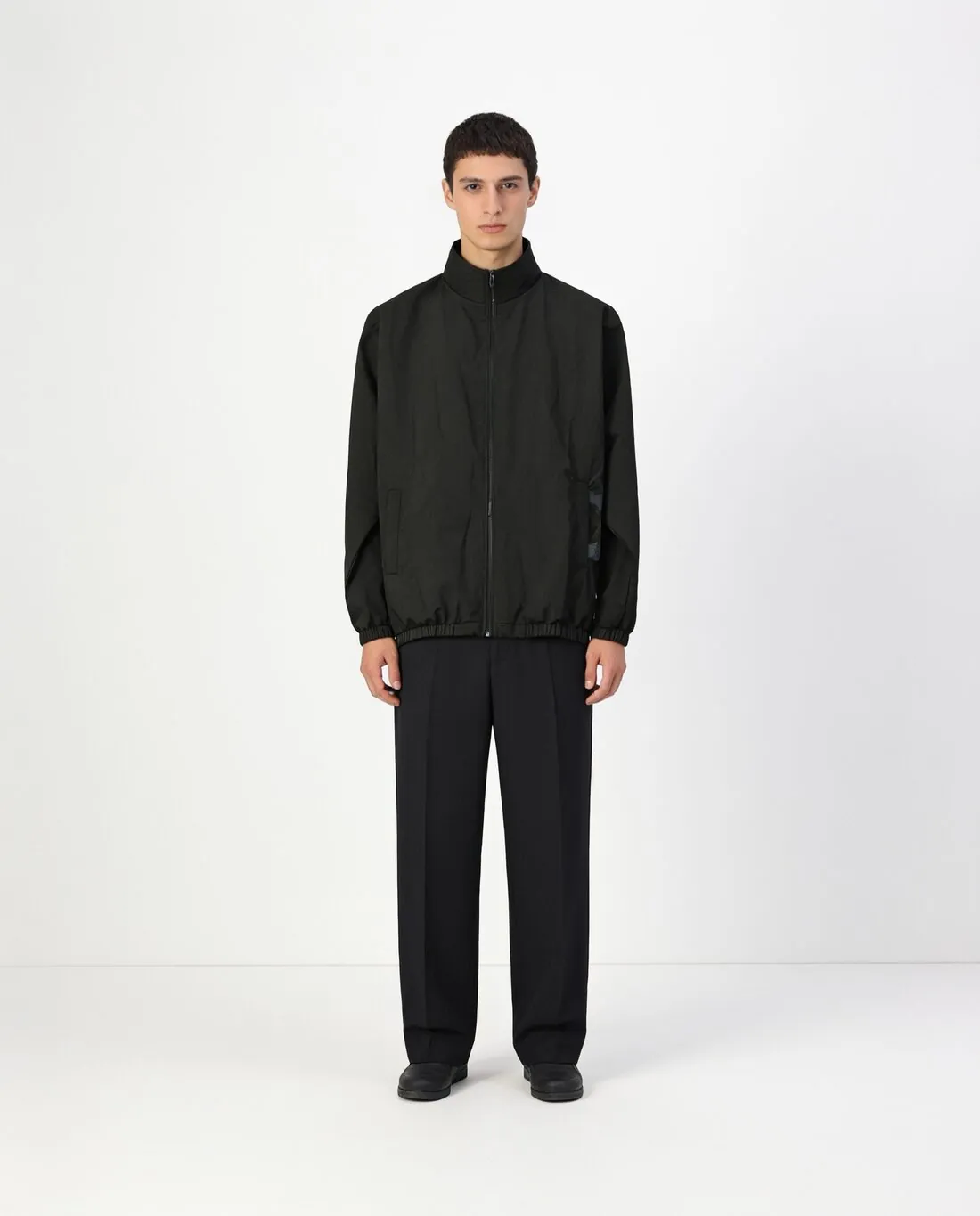
What changes colour, and what should not.
- 1
Hardware and soles
On most bags the buckles, rings and zip stay gold or silver whatever the leather colour, and on most shoes the sole, the eyelets and the lining keep their own tone. After recolouring, look at each of these parts and see that it kept the colour it has on the real product.
- 2
Material, not only colour
Leather, suede, canvas and patent finishes take colour differently: suede looks softer and lighter, patent looks deeper. The variant follows the image it starts from, so a suede colourway is better made from a photo of a suede piece than from a smooth one.
- 3
Stitching, edges and logos
Contrast stitching, painted edges and an embossed or printed logo are part of an accessory's look. Some ranges keep them constant and some match them to each colour. Compare the variant with the real product of that colour, down to the thread.
The source photo for accessory colour variants.
- Use a clean product shot of one colour, the whole bag or both shoes in the frame, on a plain background and without glare.
- Pick a colour of the range in which seams and panels are easy to see; in a black original they can disappear, and every variant inherits that.
- Photograph a real swatch of each special colour in daylight to use as a reference when the palette has no close match.
Colour variants for bags and shoes, answered.
Will a two-tone bag or shoe keep both of its colours?
Look closely at the result. The tool recolours the main product, and a design with two body colours may need its second colour confirmed against the real item. Where a colourway changes only one panel, a reference photo of that colourway is the clearer instruction.
Can I recolour a bag in an on-model image?
Yes. The source can be a product shot or an on-model image. Choose the main product only, so that the model's clothes stay as they are and the bag or the shoes are the only thing that changes between the variants.
How close is the recoloured leather to the real one?
The variant shows the range, and each shade needs checking against the product. Screens and materials differ, and leather varies from hide to hide. Compare each variant with the real item or a swatch, and adjust with a reference photo where the shade is off.
How much does it cost?
3 credits per image, plus one credit for 4K. The cost is shown before you generate, and if a job fails the credits are returned. The 20 free credits at sign-up cover 6 images with this tool.
Your next collection, shot this week.
20 credits at sign-up, no card required. Images made with free credits carry a watermark.