How do I get photos of my bracelet on a wrist from a product photo?
Upload a plain photo of the bracelet to Herofab's Jewelry studio, select bracelet and choose a model. Herofab shows it on the wrist of a forearm crossing the body, the hand on the upper chest and the bracelet turned to the camera, briefed to keep the links, beads, stones and metal colour.
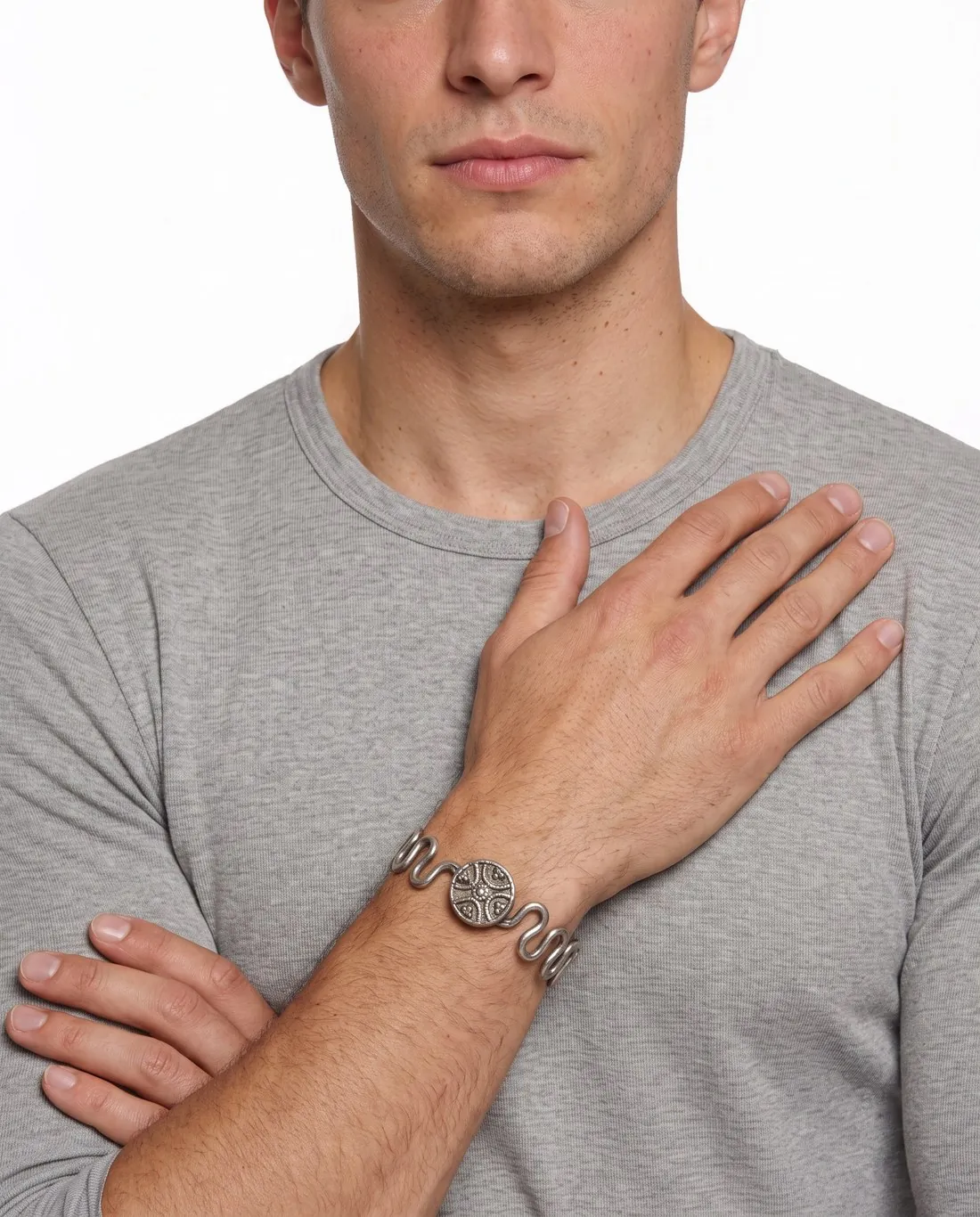
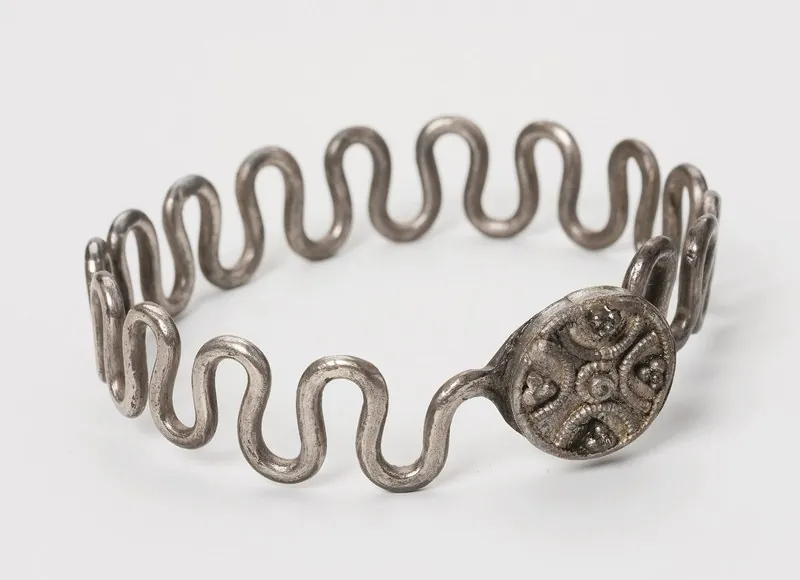
How the bracelet gets onto a wrist.
- 1
Upload the bracelet on its own
Photograph the whole bracelet sharp, with the clasp and every charm, bead or stone in view, and upload it to Jewelry studio. Shoot a bangle or a cuff square to the camera, because a steep angle bends round shapes.
- 2
Select bracelet, model and setting
Choosing the type of piece is required before the job starts, as it sets the frame. Then pick a ready-made model, a model you created or a photo of a model you have permission to use, and a background from studio white to your own image.
- 3
Wrist turned to the camera
The frame runs from the top of the head to the upper chest. The forearm crosses the body, the hand rests just below the collarbone and the wrist turns so the bracelet faces the camera, with as many bracelets as your photo shows.
The bracelet photo a wrist image needs.
- Lay the bracelet alone on a plain, matte surface, with the whole band and the clasp in the photo and a margin on every side.
- Photograph a stack together only if it is sold as a set: the model wears as many bracelets or bangles as the photo shows.
- If one element differs from the rest, such as a charm or a larger bead, keep it sharp in the photo; it is placed on top of the wrist, facing the camera.
Bracelet on wrist photos, answered.
Can a stack of bracelets be shown together?
Yes, when they are photographed together: the model wears exactly as many bracelets or bangles as your photo shows, on the same wrist. For a single bracelet, photograph it alone, so the image shows only the piece on sale.
Where does a charm end up on the wrist?
On top of the wrist, facing the camera. When the band repeats one pattern and one element differs, such as a charm, a larger stone or bead or a decorated plate, that element is placed where the buyer sees it.
Which backgrounds can a bracelet image have?
Studio white or studio grey, outdoor, lifestyle, a location, the background of the model photo you uploaded, or your own image. The image comes in 2K or 4K and downloads in the offered marketplace sizes without cropping.
How much does it cost?
5 credits per image, plus one credit for 4K. In US dollars that is $0.20 to $0.60 per image before tax, from the largest plan to the smallest credit pack. The cost is shown before you generate, and if a job fails the credits are returned. The 20 free credits at sign-up cover 4 images with this tool.
Your next collection, shot this week.
20 credits at sign-up, no card required. Images made with free credits carry a watermark.