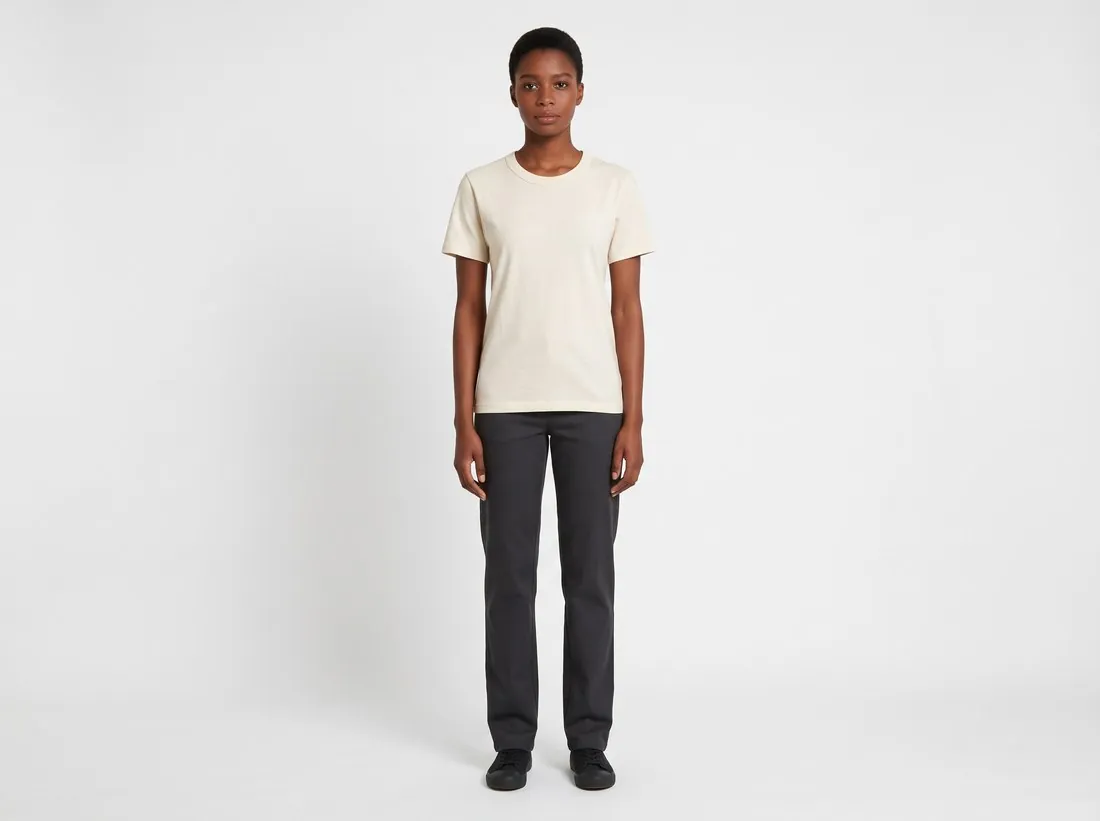
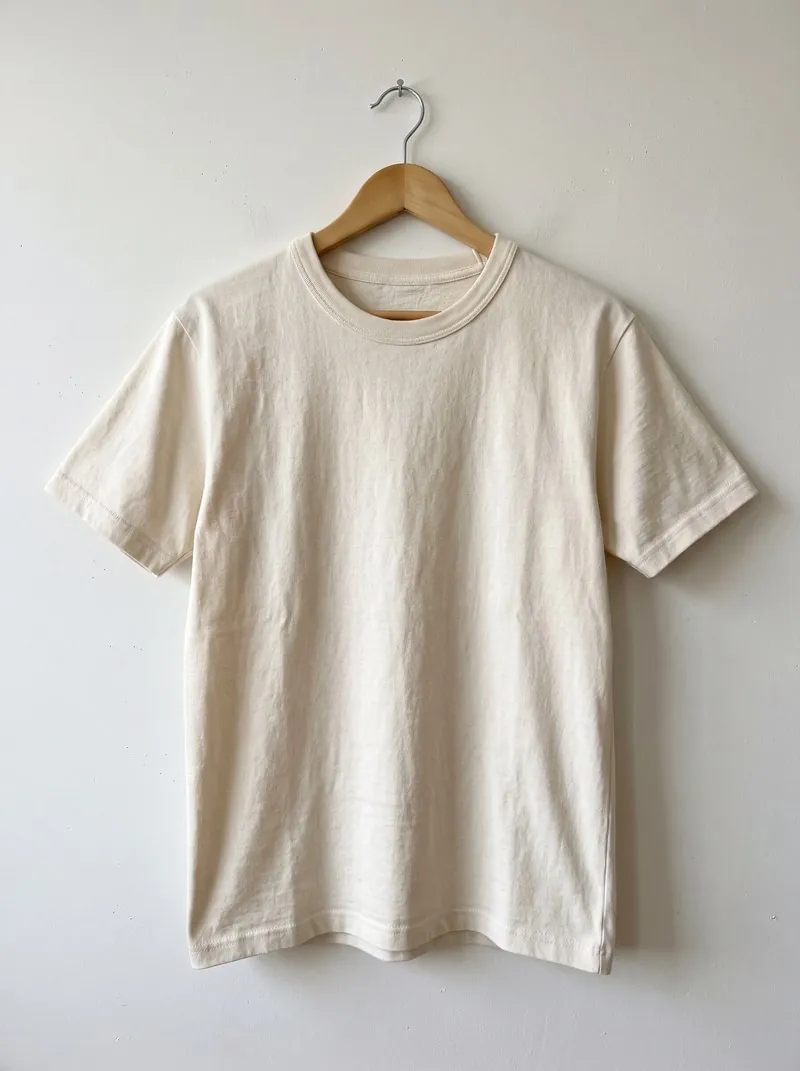
Where the garment comes from and who wears it
Virtual try-on reads the garment from one required photo of its front; a photo of the back and a close-up of a detail can be added. The brief is to dress the model in that garment and to keep it as photographed: prints, logos and lettering, the number and position of buttons, zips and pockets, the colours, and the cut with its sleeve length, hem length and collar.
The person is the second input, and it is optional. A ready-made model or a model created in the app needs no confirmation, because Herofab generated that image. A photo of a real person is accepted as the model only when the seller confirms permission to use it, and a model from the library and a model photo cannot be combined in one request. With either chosen, the person comes from that image and the woman or man setting is not used. With neither, a model is drawn for the image.
Four different jobs that are called changing clothes
Changing clothes can mean four different jobs, and each has its own tool. Putting a photographed garment on a model is Virtual try-on, the tool on this page. Showing the same garment in another colour is Colour variants: it recolours the product in an existing image, from a fixed palette or from a colour reference photo, and is briefed to change the base colour only, so that the texture, the stitching and the folds stay.
Showing the same garment in another cloth is Fabric studio. It needs two photos, the garment and a fabric swatch; the colour, material, texture and pattern come from the swatch, while the cut, the seams, the buttons and the pockets are briefed to stay. Giving the model another stance is Change pose, which starts from an on-model image and is briefed to keep the same person, garment, background and light.
What to compare with the garment before publishing
The garment in the image is a new rendering, so the piece itself is the reference. Read prints and lettering at full size, count the buttons and pockets, and compare the collar, the sleeve length and the hem. A brand, size or care label sewn inside the neck is briefed to stay inside; one that shows on the outside is a reason to generate again. The size setting, from XS to XXL, steers how the fit is drawn and measures nothing.
A model photo of the seller's own adds checks. The tool has no setting for keeping the clothes worn in that photo: the brief completes the look around the product with plain, neutral pieces, such as dark trousers under a top, or with outfit photos the seller uploads. Compare the face, the build and the hands with the model photo and, where that photo's own background was selected, the setting behind the person.