From a flat lay to a garment worn by a model.
A flat lay is the simplest product photo to take: a garment smoothed out on a bed or a table and shot from above. Herofab uses it as the source for an on-model image, dressing a studio model in the piece.
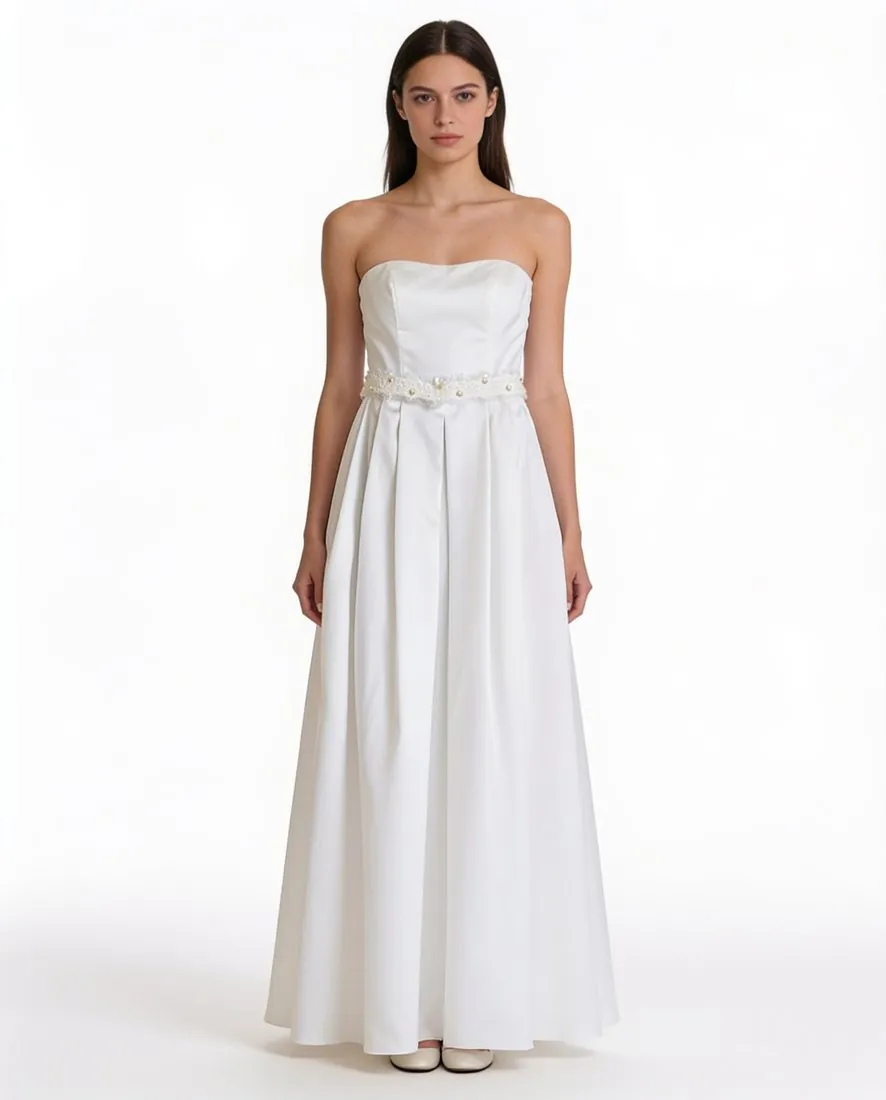
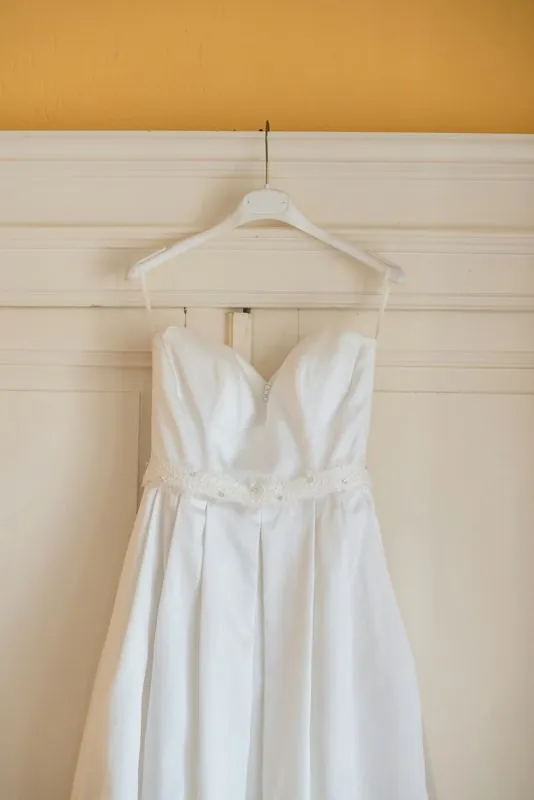
What a flat lay shows, and what it hides.
- 1
The front, in full
Laid flat, a garment shows its whole outline at once: neckline, shoulder seams, sleeves, hem, print placement. That is what Herofab is briefed to keep, and why the front has to be complete, unfolded and inside the frame.
- 2
The back and the inside
A flat lay shows one side. A back print, a rear zip or a yoke exists for the tool only if a back photo is uploaded as well; back prints then stay on the back, and labels sewn inside the neck stay inside instead of appearing on the outside.
- 3
Drape and volume
Flat fabric has no body in it, so how a pleated skirt swings or a heavy knit hangs is the tool's reading of the garment. Compare the length, the fullness of the sleeves and the fall of the hem with the piece worn or held up before publishing.
How to lay a garment flat for the camera.
- Spread the garment on a bed, a table or a clean floor that contrasts with its colour, front side up, and smooth out creases by hand.
- Place the sleeves slightly away from the body and straighten the collar, the hem and any drawstrings, so that no part lies over another.
- Hold the phone directly above the centre of the garment, level with the floor, and leave a margin on all sides; a tilted phone makes the hem look narrower than the shoulders.
Flat lay to model, answered.
Is a flat lay as good a source as a hanger photo?
Both are accepted, along with a mannequin or a worn photo. A flat lay keeps sleeves and hems under control and avoids the sag of a hanger; a hanger shows how the fabric falls. Whichever is used, the garment has to be whole, unfolded and shot straight on.
Can a folded or stacked flat lay be used?
Styled flat lays with folded sleeves, a stack of garments or props across the fabric suit social posts, not this job. Folded, cropped or overlapping items are to be avoided, because a part hidden in a fold cannot be added back faithfully.
What else can a flat-lay photo become?
The same photo can go to the ghost mannequin tool, which returns a 3D hollow-body shape or a clean flat lay on a white, grey, black or beige backdrop. An on-model image, once delivered, can be sent on to a new pose or a new format.
How much does it cost?
5 credits per image, plus one credit for 4K. The cost is shown before you generate, and if a job fails the credits are returned. The 20 free credits at sign-up cover 4 images with this tool.
Your next collection, shot this week.
20 credits at sign-up, no card required. Images made with free credits carry a watermark.