Menswear on a model, one face for the whole range.
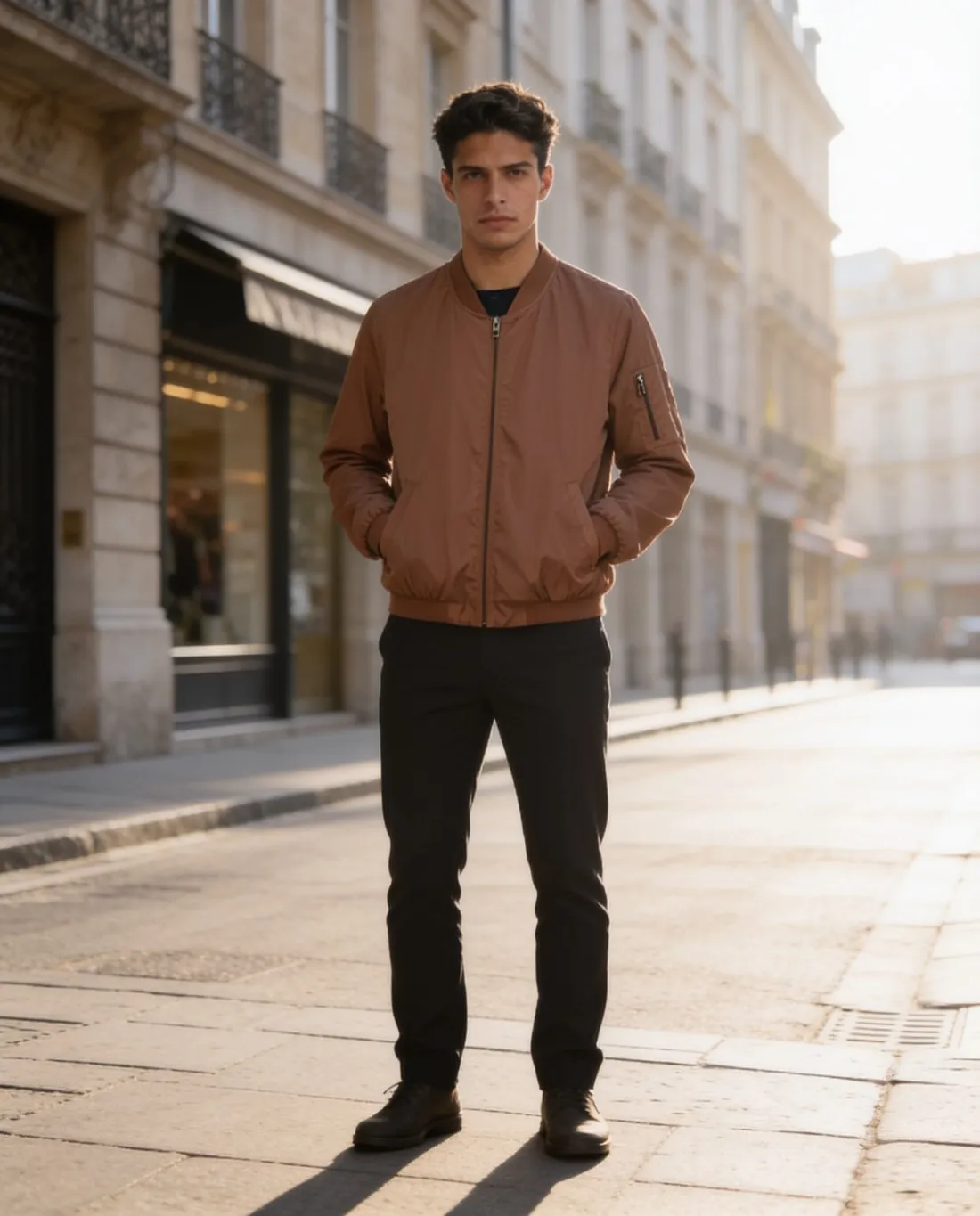
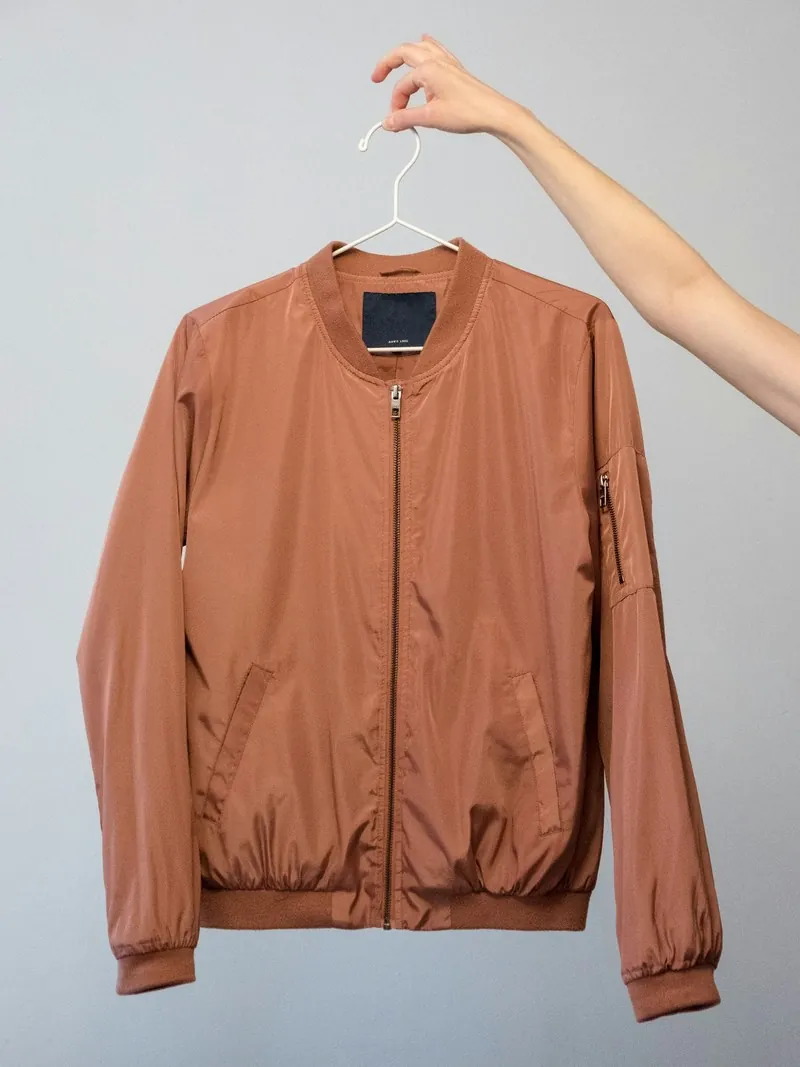
A menswear range reads as a collection when every shirt, jacket and pair of trousers appears on the same man. Herofab dresses a ready-made male model, or one created to the brand's brief, in each garment from a hanger or flat-lay photo.
What menswear images have to carry.
- 1
The same model across the collection
Choose a ready-made male model, or create one by age range, ethnicity, body type and hair, and save it to the library. Dressed in every piece of a drop, a single model makes the category page look like one shoot instead of a patchwork.
- 2
Collars, plackets and pockets
Men's garments are built from repeated hard details: a collar stand, a button placket, chest and welt pockets, cuffs, belt loops. Herofab is briefed to keep buttons and pockets as photographed; count the buttons, and check the pockets on poses that turn the body.
- 3
Size and build
Sizes run from XS to XXL, and the body type can be slim, average, curvy or plus. The fit on the model follows the size chosen and is not a measurement of how the garment fits a real body, so the size chart stays in the listing.
Photographing menswear for the upload.
- Hang a shirt or jacket on a hanger with every button done up and the collar set, or lay trousers flat with the waistband and both hems inside the frame.
- Photograph each piece on its own, straight on; a jacket shot over a shirt gives two overlapping garments and hides the placket of one.
- Add a back photo for a yoke print or a vented jacket back, and a close-up for a chest logo or a woven label on the hem.
Virtual try-on for menswear, answered.
Can I create a male model that fits my brand?
Yes. A model is described by gender, age range, ethnicity, body type and hair, then saved to the library and selected in any try-on. Ready-made male models are also available for sellers who prefer not to create one.
How are suits and two-piece outfits handled?
Tops, bottoms and one-piece garments are separate product types, and the source photo should show one item. A jacket and its trousers are therefore two uploads; choosing the same model, pose and background for both gives the listing a matching pair of images.
Which poses suit shirts, jackets and trousers?
Standing and three-quarter show the cut of a jacket; hands in pockets shows how trousers sit at the hip; walking adds movement to outerwear. Several poses of the same model can be ordered together, which gives a product page more than one view.
How much does it cost?
5 credits per image, plus one credit for 4K. The cost is shown before you generate, and if a job fails the credits are returned. The 20 free credits at sign-up cover 4 images with this tool.
Your next collection, shot this week.
20 credits at sign-up, no card required. Images made with free credits carry a watermark.