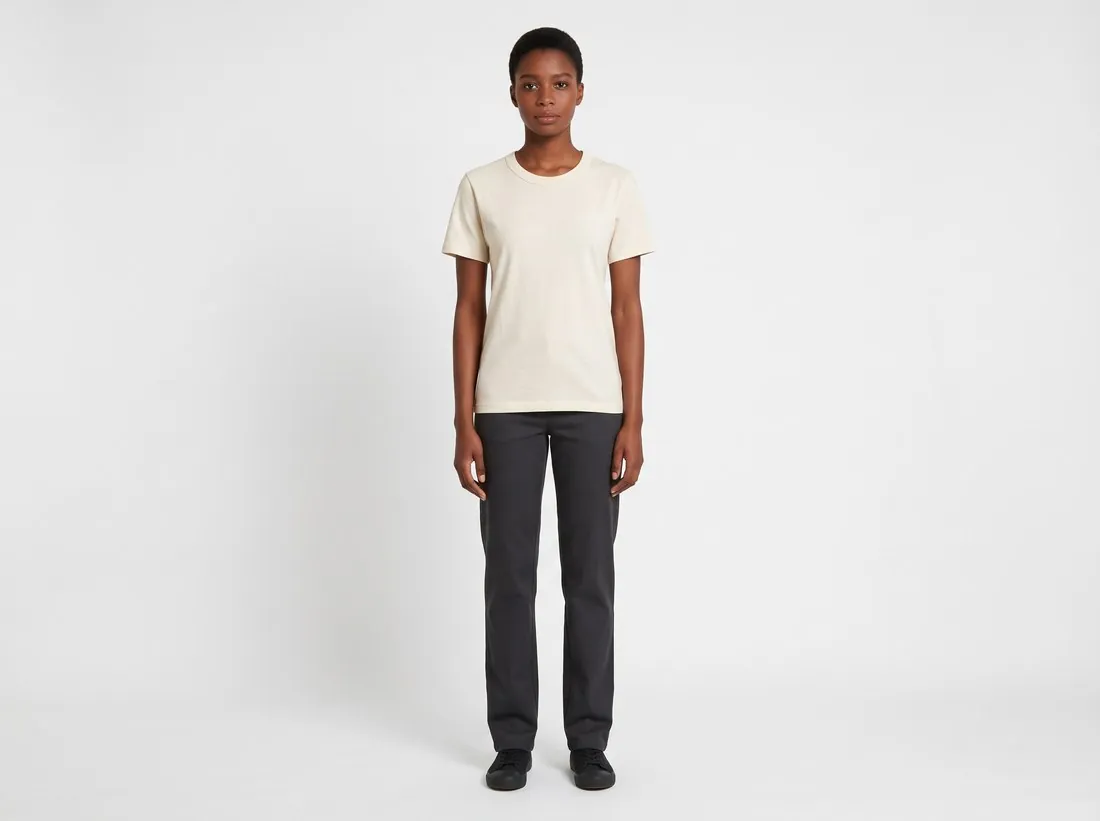
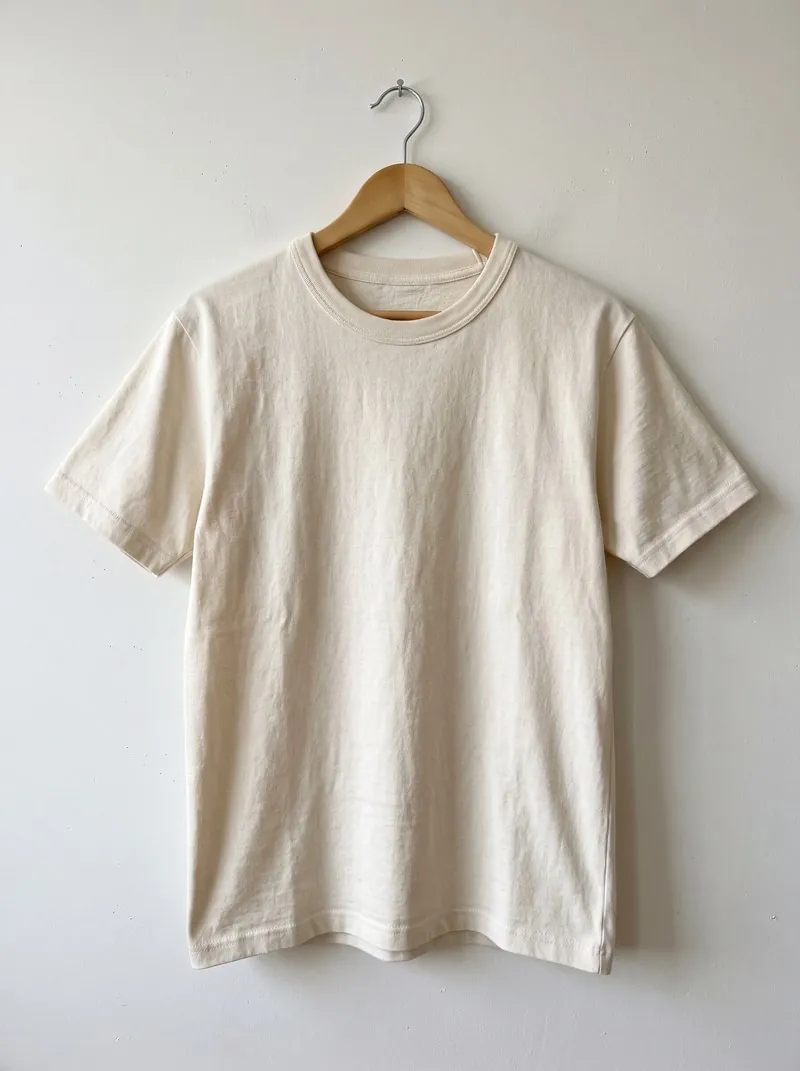
On-model images show fit, length and drape, which a product-only photo cannot. They are costly to produce: a model, a studio and a photographer for every collection.
Marketplace rules differ on where they belong: Amazon wants them first for adult clothing, while Google Shopping shows shoes and accessories alone first and on a model in additional images.
What an on-model image tells a shopper
It answers the questions a product-only photo leaves open. Where does the hem end? How wide is the sleeve? Does the fabric cling or fall? How large is the bag against a body, how long the necklace on a neck? A person in the picture is a ruler that everyone can read.
It also shows how a piece is meant to be worn: tucked in or loose, with what kind of trousers, for what kind of occasion. That is information about style, and it is often what turns interest into a decision.
Kinds of on-model image
The catalogue kind shows the model standing in front of a plain studio background, from the front, the back and sometimes the side. It is neutral, comparable across a range and the form marketplaces usually mean.
The editorial kind places the model in a location, in movement or in a mood, and belongs to campaigns, lookbooks and social feeds. Between them are cropped views: a close frame on a collar, a wrist or a pair of shoes, where the body gives scale but the face is not shown.
What it takes to produce
A classic shoot needs a model, a photographer, a studio or a location, styling and a day on which all of them are free, for every collection and every colour. That cost is why many small sellers show clothing flat or on a mannequin.
Generated on-model images change the cost but not the duty of care. A picture in which a model wears the product still has to show the product truthfully: the right colour, the right cut, the right number of buttons. Several marketplaces also have rules on pictures of generated people, and those have to be read first.
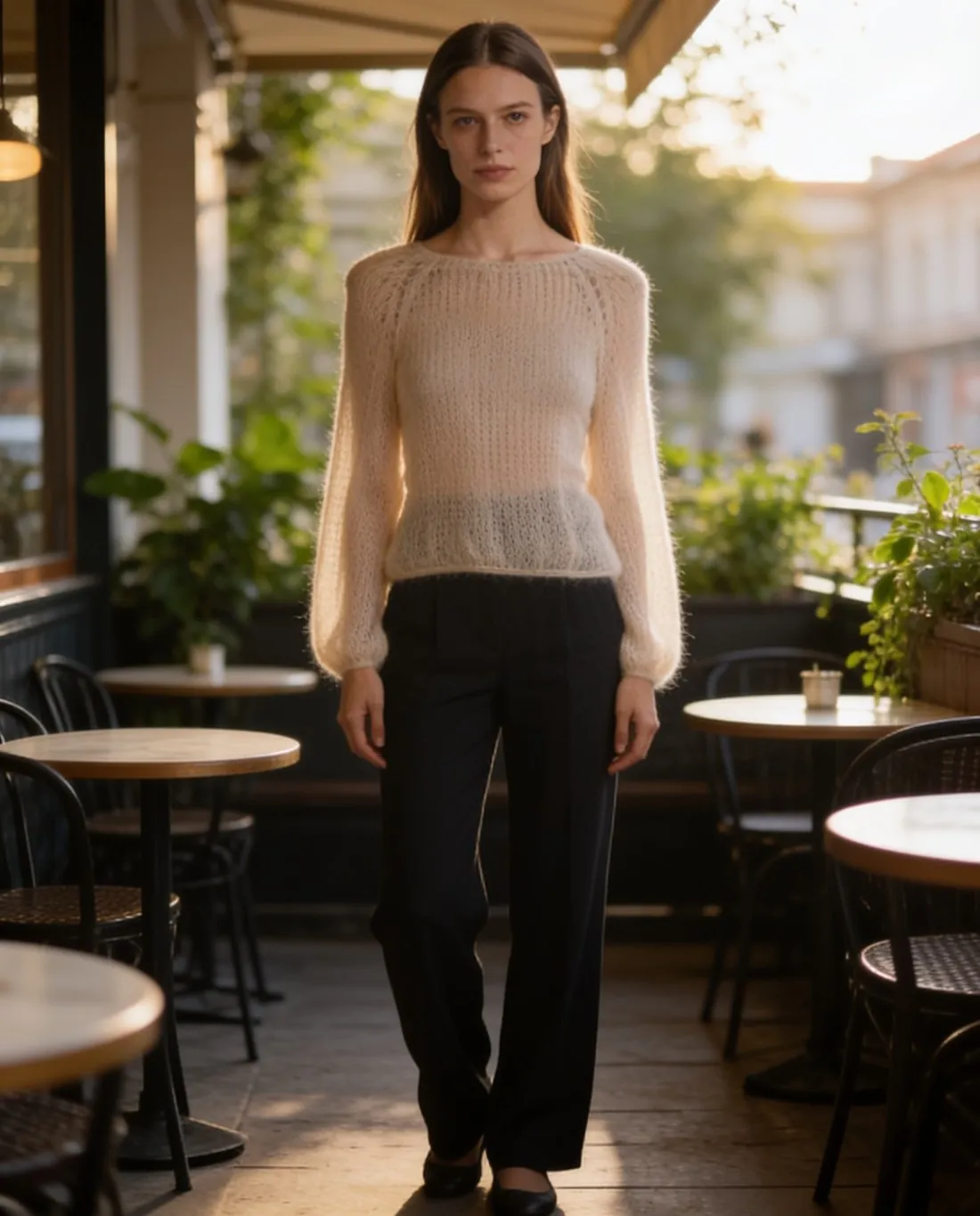
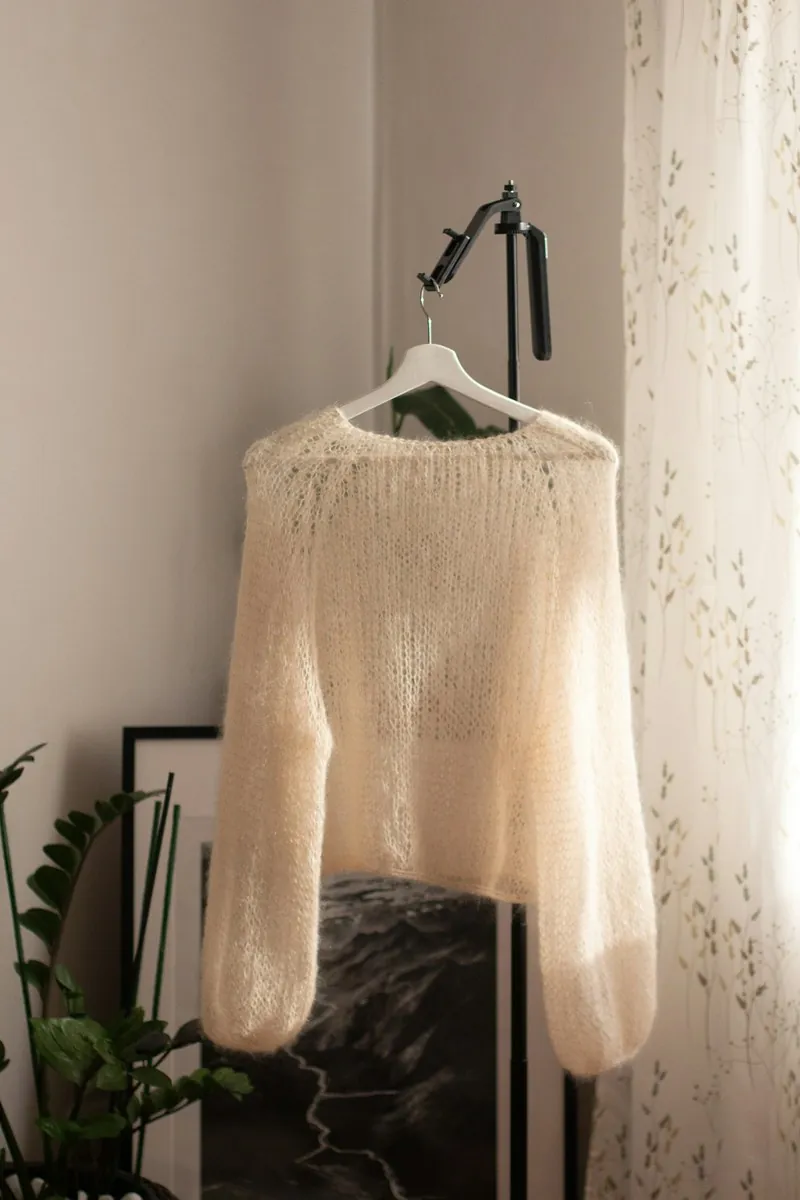
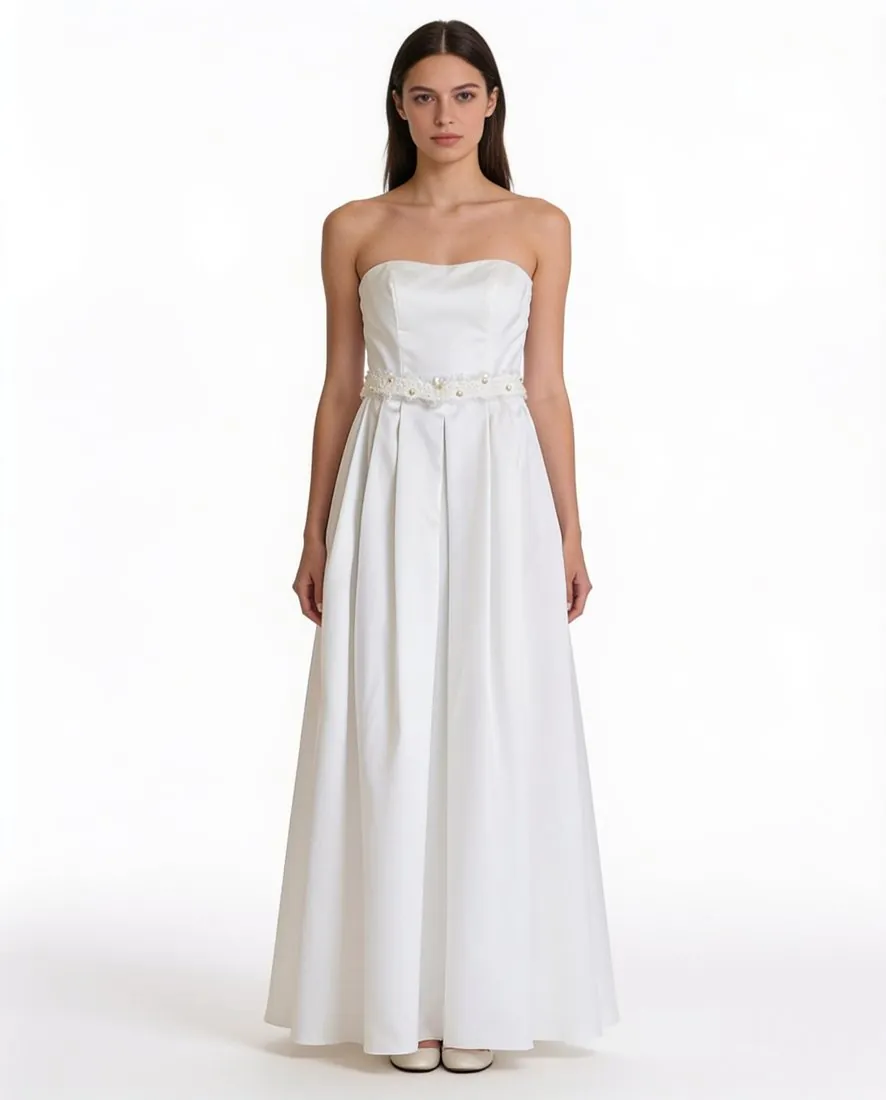
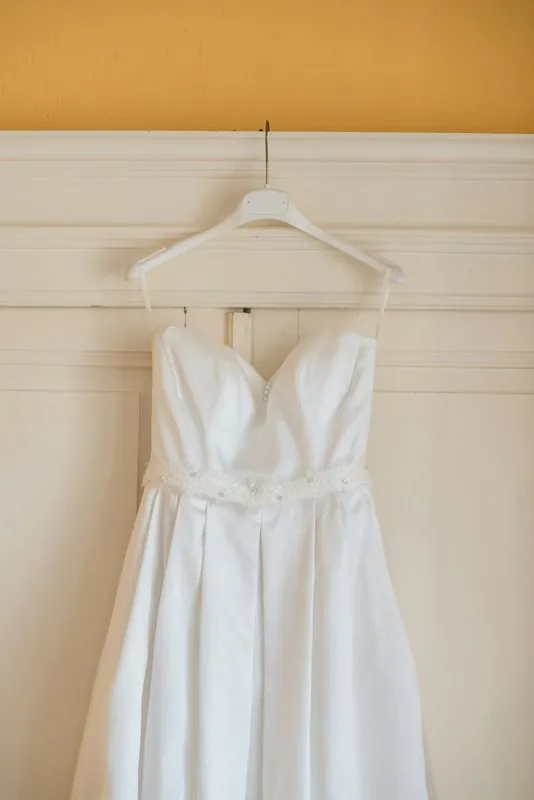
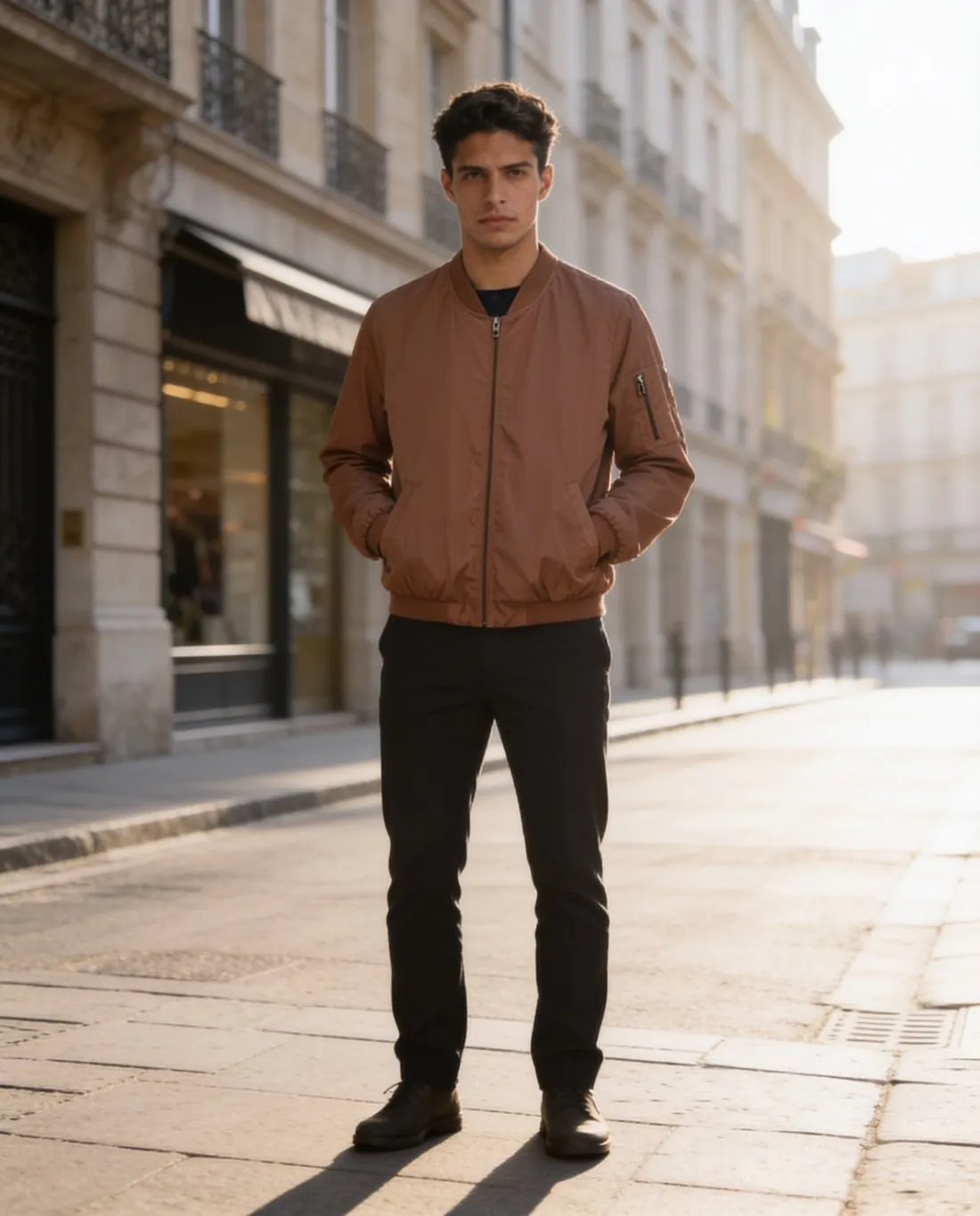
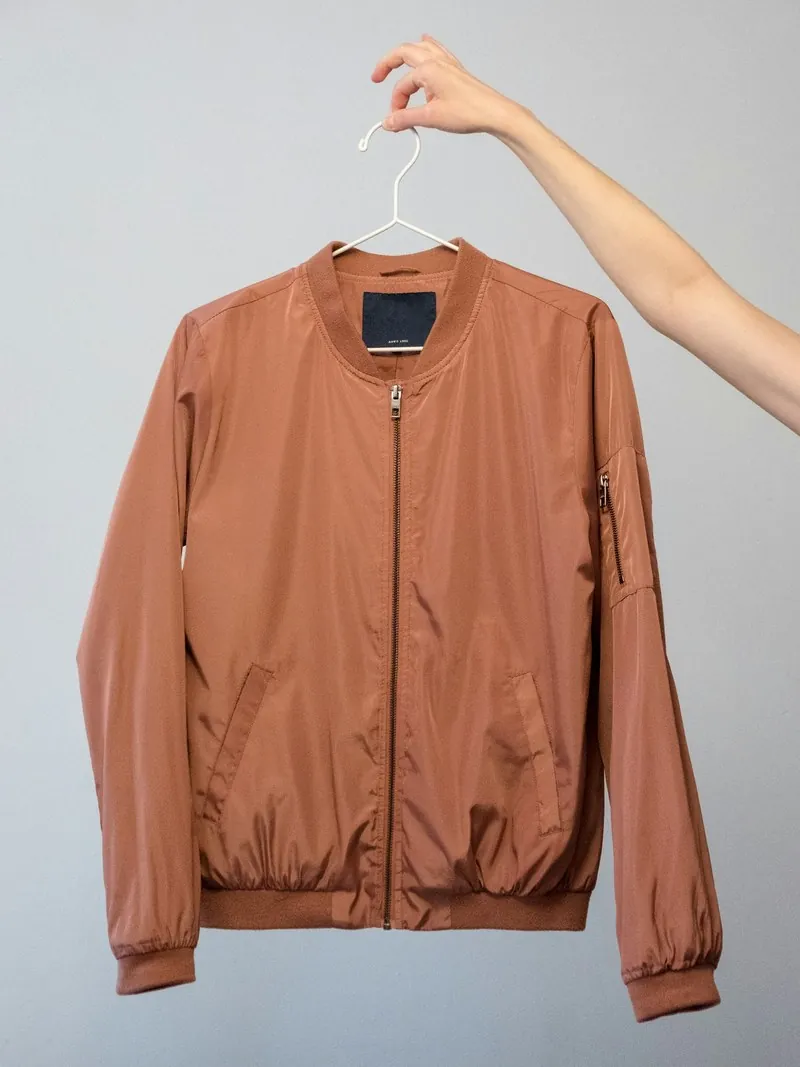
Three on-model images, each made from one photo of the garment: a mohair jumper, a strapless dress and a bomber jacket. Made with Herofab · Virtual try-on
On-model image and other kinds of product photo
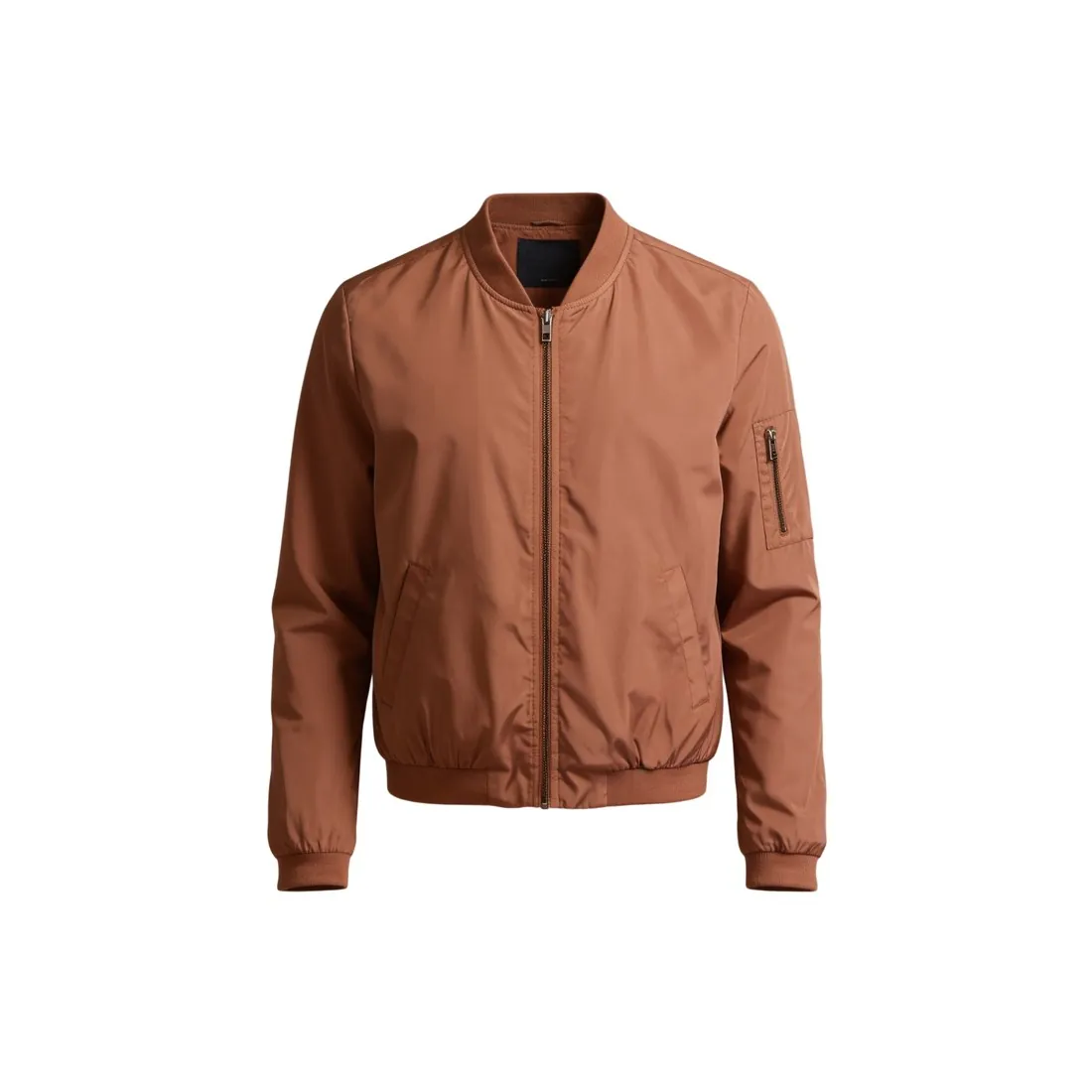 Ghost mannequin
- A ghost mannequin image shows the garment in a worn shape with nobody in it. It keeps the attention on the product and leaves out what a person adds: scale, style and movement.
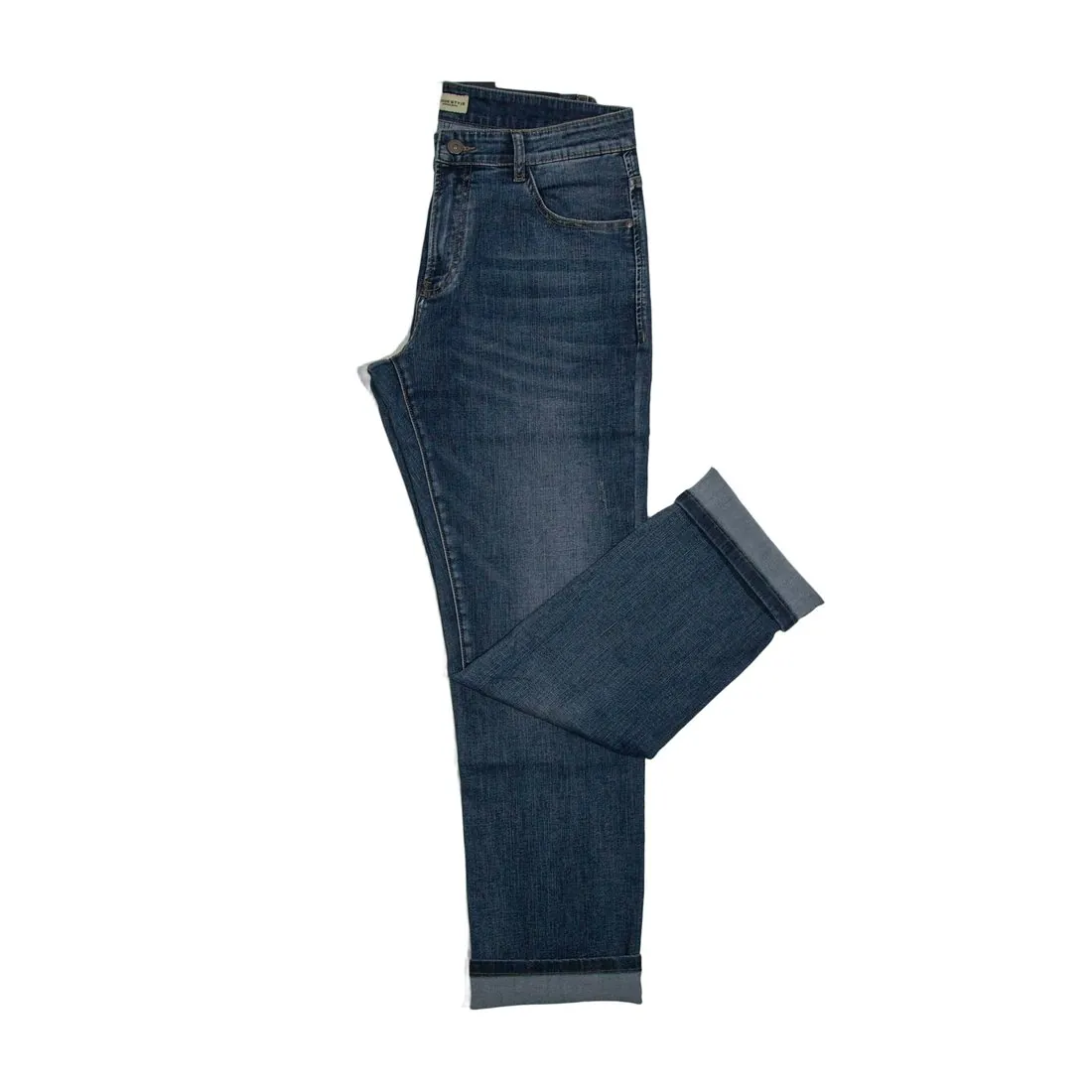 Flat lay
- A flat lay shows the product lying flat, seen from above. It is the simplest product photo and tells nothing about fit, which is what the on-model image is for.
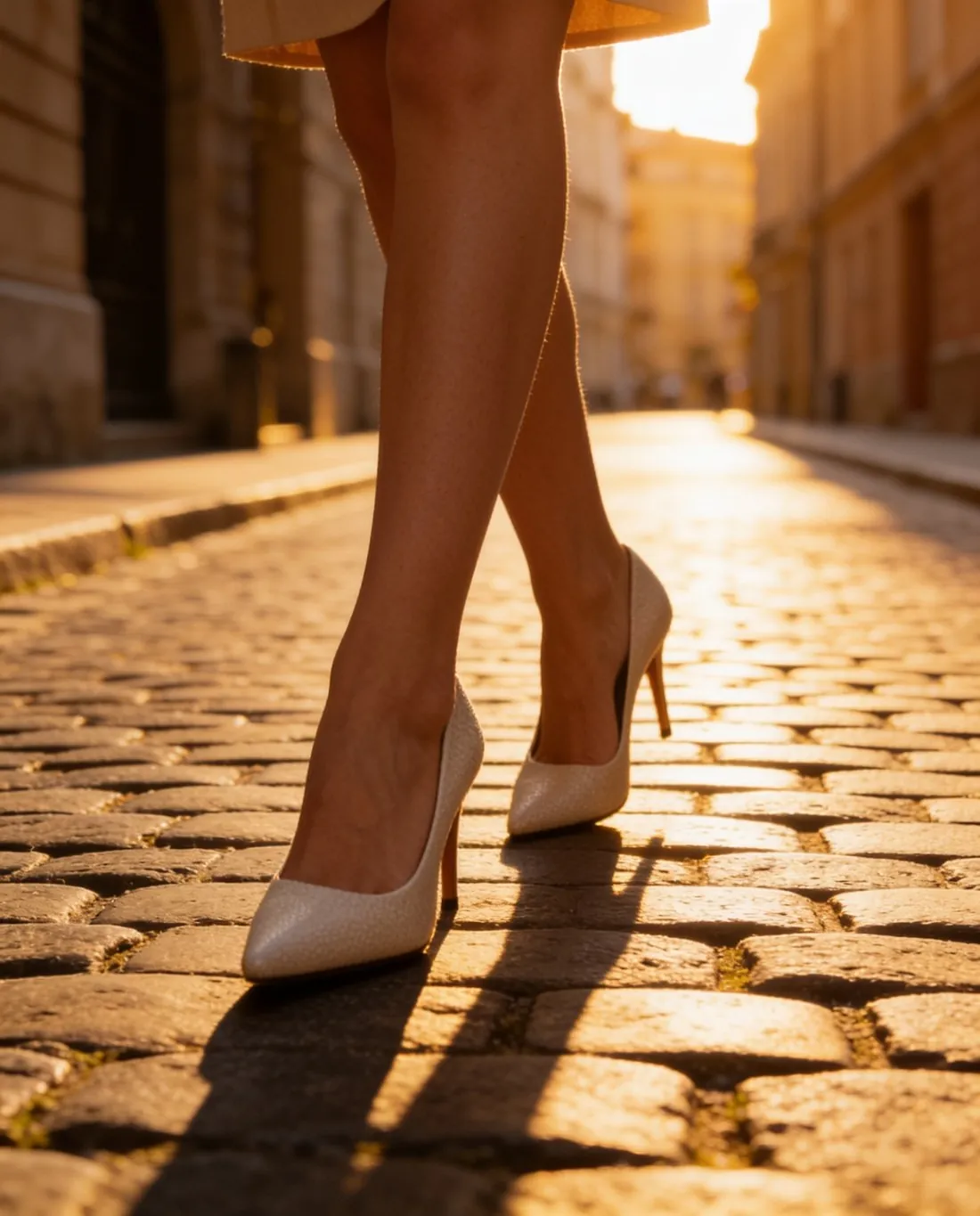 Lifestyle image
- A lifestyle image shows a product in a setting or in use. An on-model image taken on location is both at once.
- Synthetic model
- A synthetic model is a generated person who does not exist. An on-model image can show a real model or a synthetic one, and marketplace rules sometimes treat the two differently.
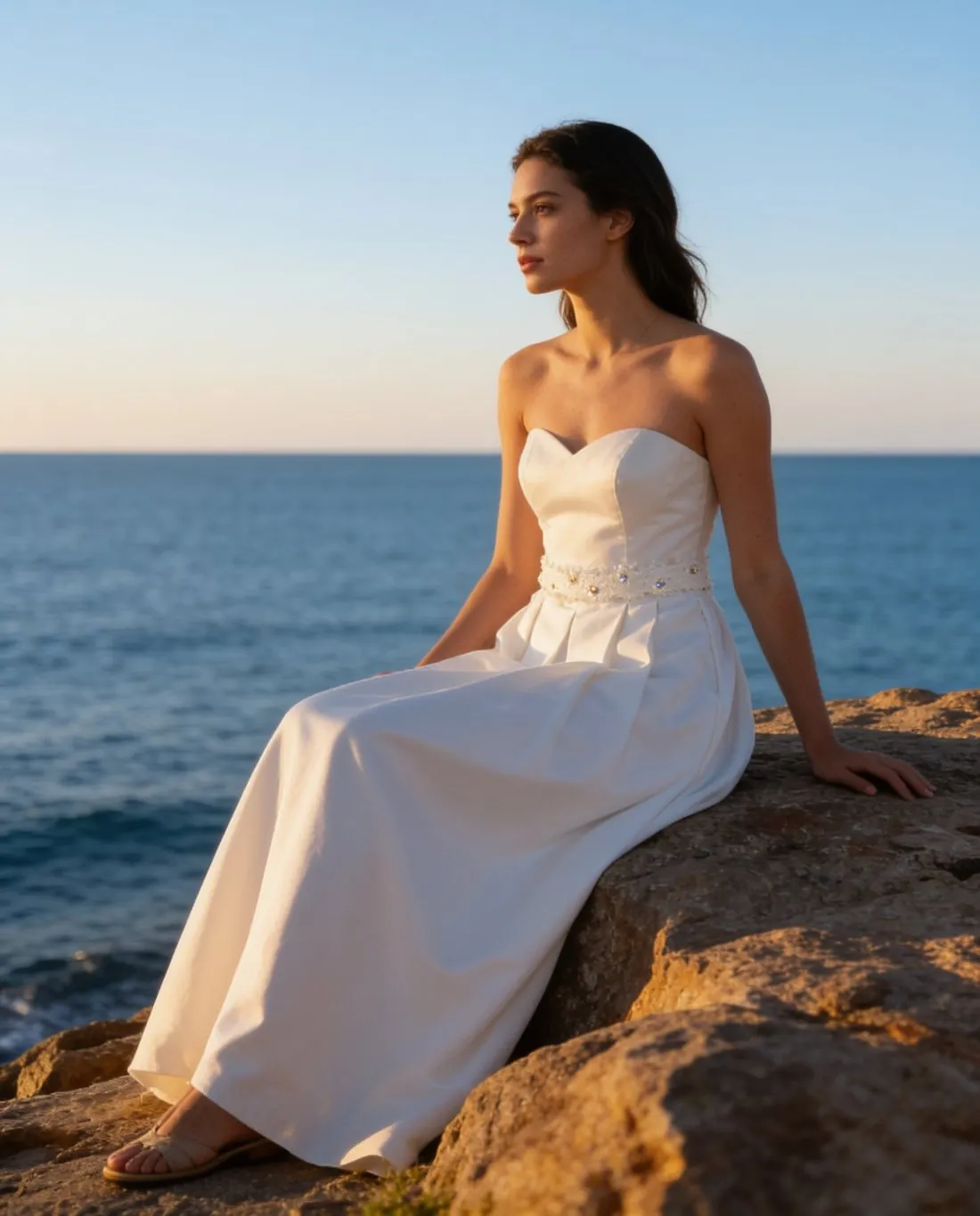 Lookbook
- A lookbook presents a collection as a series of outfits. It consists mostly of on-model images in one consistent style.
A checklist for an on-model image
- The product is fully visible and not hidden by hair, hands, a bag or another garment.
- Colour, cut, length and details match the product itself, checked side by side.
- The size worn by the model is stated in the listing, with the model's height where the channel expects it.
- The pose shows the garment: a standing, front-facing view exists, whatever else is added.
- The background and the crop follow the sales channel's rule for pictures with people.
- For a generated model, the channel's rule on AI-made people was read and the required marking is in place.