Alt text stands in for the image wherever the image cannot be seen: for a shopper using a screen reader, on a slow connection where pictures fail to load, and for a search engine indexing the page. In a webshop it is a field of its own beside each product image.
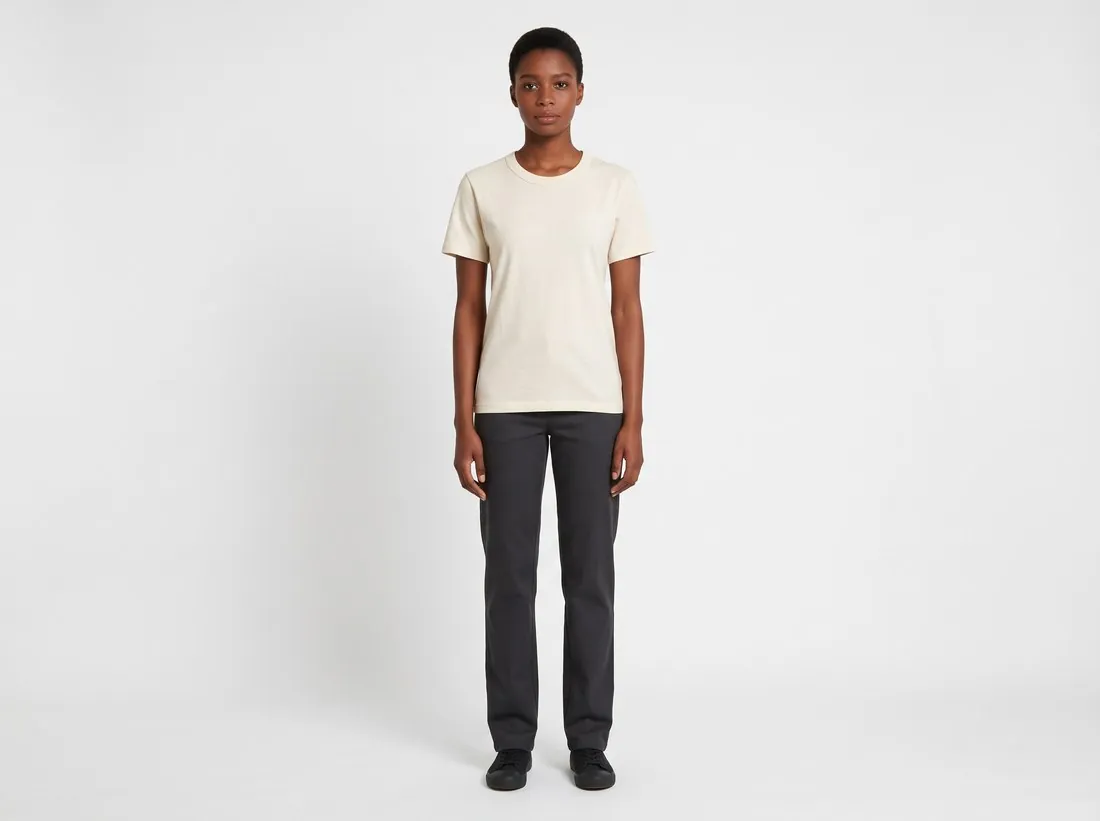
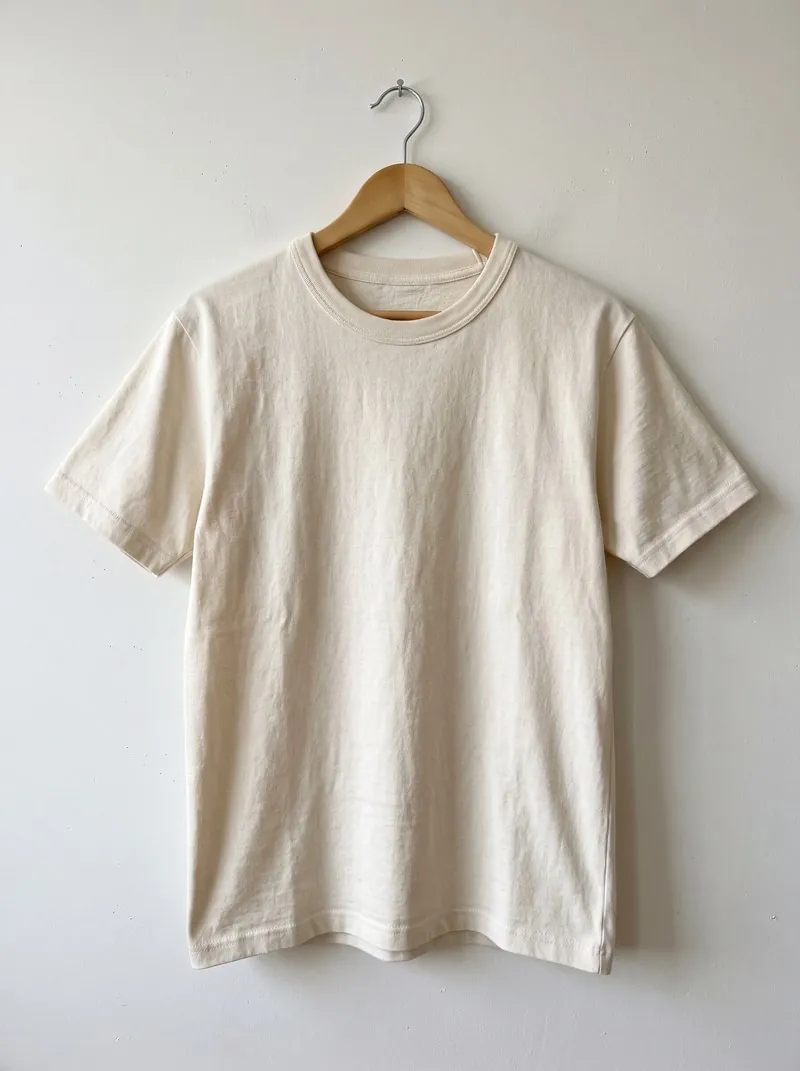
Useful alt text says what the picture shows, in a plain sentence: the product, its colour and material, and the view, such as a navy wool coat seen from the front on a model. It does not repeat the product title word for word, and it is not a list of keywords.
Each image of a gallery deserves a description of its own, because the front view, the back view and the detail of a cuff show different things. On marketplaces the field is often missing, and the title and attributes do this work; in a seller's own shop the alt text is the seller's to write.
Where alt text is stored
Alt text is an attribute of the image element in the HTML of a page, not a part of the image file. A shop system shows it as a field beside each picture in the product editor or the media library. Because it belongs to the page, it does not travel with the file when the picture is downloaded, sent to a marketplace or used on another site.
What happens when the field is empty depends on the system. Some shop themes insert the product title; others leave the attribute out, and a screen reader may then read the file name aloud. Neither tells a shopper what this particular picture shows.
What to write for each kind of image
The view decides the wording. For an on-model image the text says how the product is worn and where it ends on the body, and leaves the model's appearance aside unless it matters for the product. For a detail shot it names the detail, such as the brass zip on the cuff. For a colour variant it names that colour, since colour is exactly what a shopper who cannot see the picture has to be told.
Images that contain words need more than alt text. A size table or a care instruction saved as a picture cannot be read by a screen reader, and a long table read out as one sentence helps nobody. Such content belongs on the page as real text, with a short alt text that says what the image is.
Common mistakes and how to find them
The frequent mistakes are mechanical. Every image of a gallery carries the same text; the text is a file name left over from the camera; a picture was replaced and the old description stayed; the shop was translated and the alt texts were not.
Alt text is not shown on the page, so it has to be looked for. The screen reader built into a phone or a computer reads it aloud, and the developer view of a browser shows the attribute. The small label that appears when the pointer rests on a picture is a different field, the title attribute, and says nothing about the alt text.
Alt text and related terms
- Product feed
- A product feed sends product data to marketplaces and comparison sites, with each image given as a web address. Alt text is part of the shop's page and a feed usually has no field for it; there the title and the attributes describe the product.
- Text on product images
- Text on product images is lettering inside the picture itself, which a screen reader cannot read. Alt text sits outside the picture and can be read aloud, which makes it, and the page around it, the place for words that matter.
- IPTC metadata
- IPTC metadata is stored inside the image file and moves with it, while alt text is stored in the page. The IPTC standard has a field for an accessibility description, but a web page uses it only if the shop system copies it into the alt attribute.
- Thumbnail
- A thumbnail is the small version of an image in lists and carts. Where the thumbnail is itself the link to the product, its alt text is what a screen reader announces as that link, so an empty one leaves the link without a name.
A checklist for product image alt text
- Every product image on the page has an alt text, and none of them shows a file name or the shop system's default.
- The images of one gallery carry different texts, each naming its own view or detail.
- The text names the colour of the variant shown, not the colour of another variant.
- Words that appear inside an image, such as a size table, are also given as real text on the page.
- The alt text is in the language of the page, including on the translated versions of the shop.