Language: EN
Start free

Image-to-image

Generating a new picture from an existing image plus written instructions. The source photo guides what the result contains: the product, its shape and its colour.

Also called image to image · image-guided generation

With Herofab Canvas

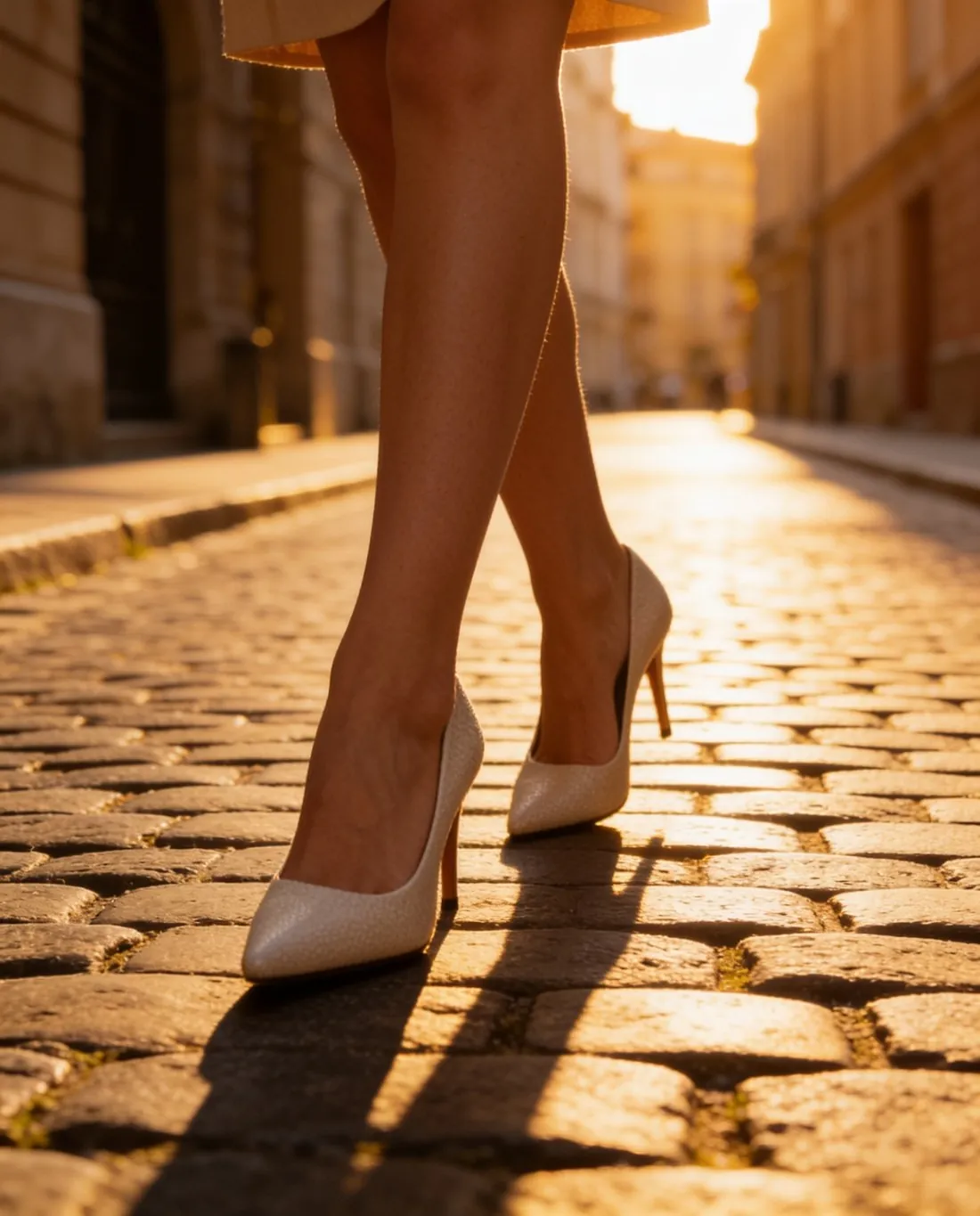
The white pumps worn on a cobblestone street at golden hour, framed from the knees down
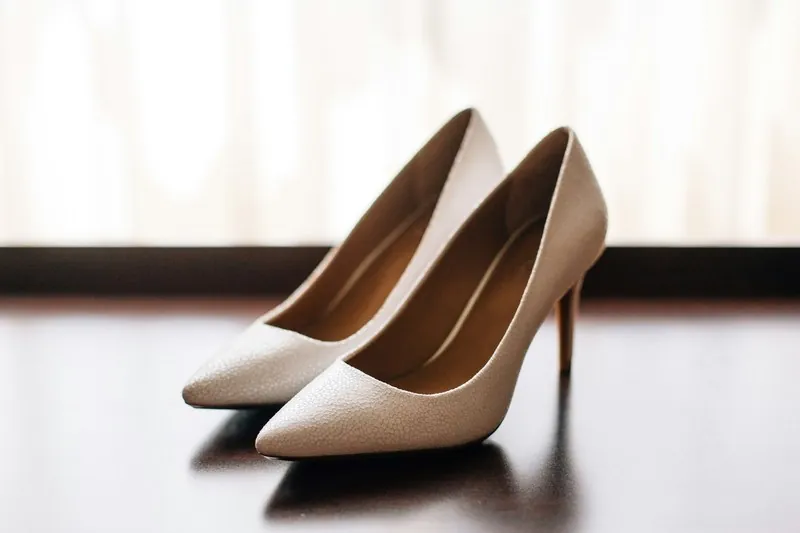
Source photo: Plain product photo. Made with Herofab · Canvas

In image-to-image work the model receives a picture as well as a prompt. Depending on the method, the source fixes the composition, the subject or only the style, and a strength setting decides how far the result may move away from it. For sellers the useful form is the one where the product photo is the anchor: the garment, bag or shoe stays the subject while the setting, the model or the light change.

The source carries the information the result depends on. A blurry phone photo, a crumpled garment or a colour cast is either passed on or guessed around; a sharp, evenly lit photo of the whole product, taken straight on, leaves the model the least to invent. Parts the source does not show, such as the back of a jacket or the inside of a bag, have to be made up, and that is where errors appear.

Even from a good source, the output is a new drawing of the product, not the original pixels. The higher the strength setting, the more freely the model redraws: the scene goes first, then colour and texture drift, then construction such as stitching lines, pocket shapes and print placement. A low strength stays close to the source but keeps its flaws too, so the setting is found by comparing a few results with the real item. Marketplaces that accept AI images ask that they show the product accurately, and marking rules differ between them.

Questions

Image-to-image, answered.

Will AI keep my product exactly as it looks in my photo?

Not exactly, because the result is a new drawing guided by the photo, not a copy of its pixels. Shape and colour usually carry over well; small lettering, fine prints and the count of buttons or pockets are where changes appear. Herofab's Virtual try-on is briefed to keep such details, as an instruction to the image model and not a promise of an identical copy.

What makes a good source photo for AI image editing?

A sharp photo of the whole product, straight on, in even light and without a colour cast. Everything the photo does not show, such as a hidden side, a fold or the inside of a bag, has to be invented, and those are the areas where errors appear. A plain background, the product unfolded and no hands or tags covering it leave the least to guess.

In marketplace rules

What marketplaces say about it.

Updated 25 September 2026

Fyndiq
Allowed as long as they give no misleading picture of the product sold, with a fair and correct view of its appearance, colour, material, function and contents. The main product image shows the real product; AI may improve backgrounds or create inspiring environments, not change the product or add features, accessories or details the buyer will not get Official page
CDON
May be used, but must not misrepresent the product being sold. The primary product image must show the actual product; AI may enhance backgrounds or create inspirational settings, but must not alter the product or add features, accessories or details the customer will not receive Official page
TikTok Shop
TikTok Shop's policy on AI-generated listing images allows them when they accurately represent the real product; AI must not change the product's size, colour, shape, features or performance, its quantity or bundle contents, or show unsupported accessories Official page
Tokopedia
AI-generated images must accurately represent the actual product, including its SKU, material, quantity, features, functions, effects, endorsements and delivery condition, and must not alter or exaggerate the product Official page
Related
Free tools
Get started

Your next collection, shot this week.

20 credits at sign-up, no card required. Images made with free credits carry a watermark.