What a photo of jeans on white has to carry
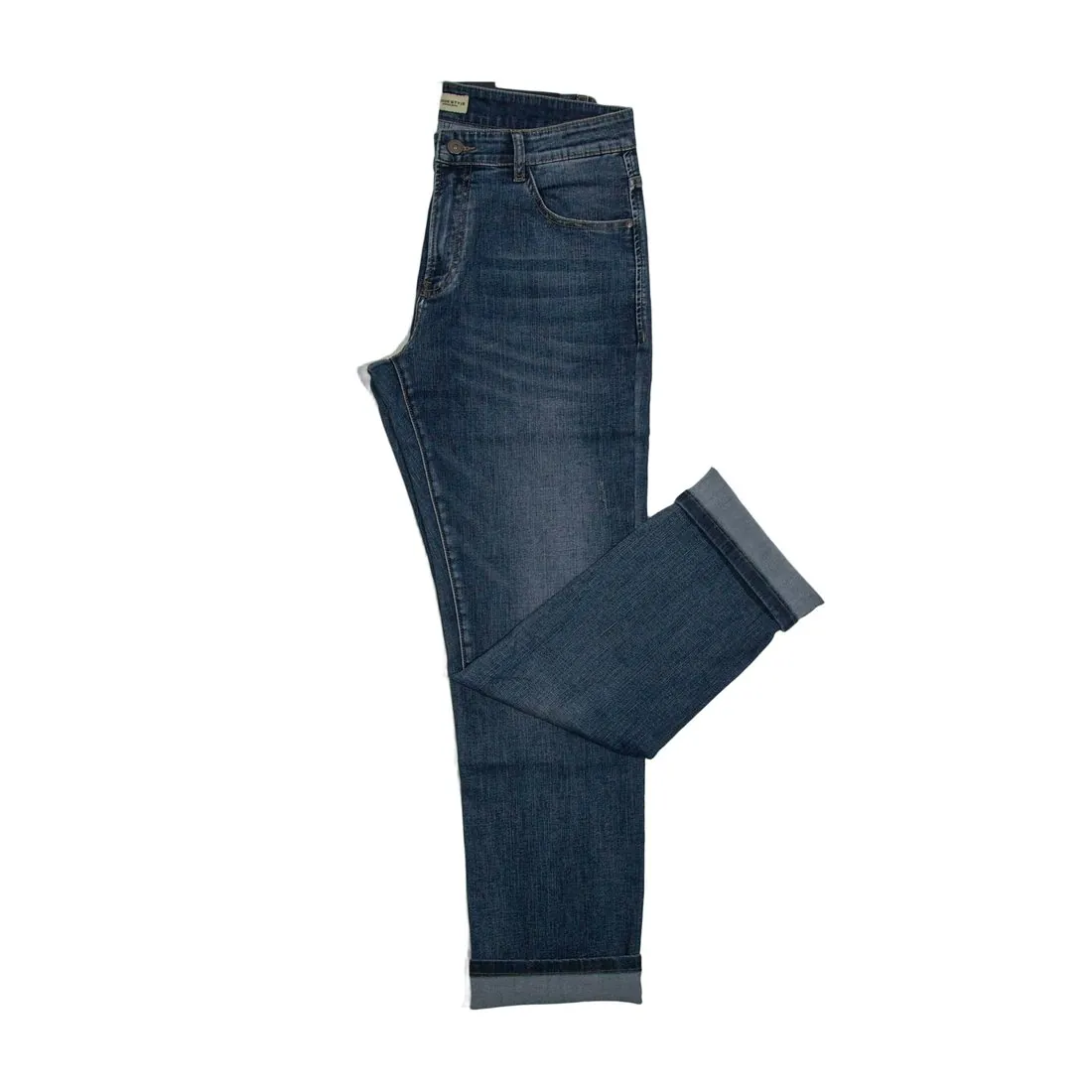
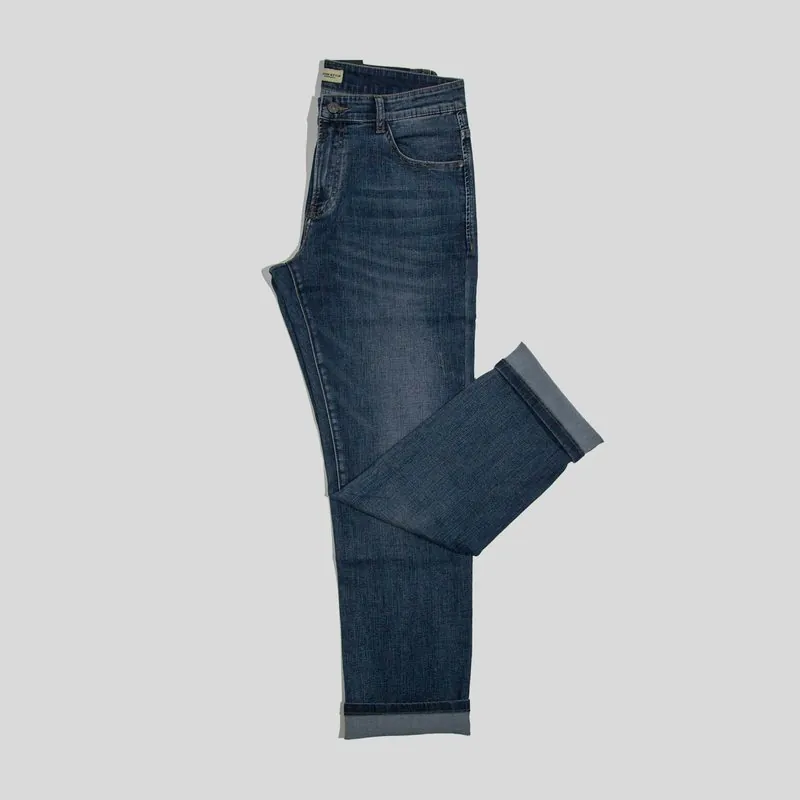
On a white background nothing competes with the garment, so the construction of the jeans does the selling. The rise and the waistband show where the pair sits; the fly shows whether it closes with a zip or with buttons; the front pockets, the coin pocket and the rivets at their corners show how the pair is built. Buyers read the leg from hip to hem, and the hem itself, whether plain, turned up, raw or chain-stitched, tells them how the leg ends.
Colour carries as much as shape. The wash, with its fading at the thighs and its darker seams, sets one pair apart from the next, and contrast topstitching in gold or orange thread is part of the design. Background removal cuts the pair out and does not redraw it, so the wash, the thread colour and the hardware in the delivered image are those of the source photo. Before publishing, the rivets, the stitch colour and the depth of the wash are the details to compare with the pair itself.
Photographing jeans as the source photo
Background removal works with the jeans as they were photographed: the lay of the legs, every crease and the angle of the camera come from the source photo. For a full view, the pair is laid flat and unfolded, the waistband straight at the top, the fly closed, the legs parallel and the hems level, and photographed straight on from above. A part outside the frame or hidden in a fold cannot be added back faithfully, so the whole length from waistband to hem belongs in the shot.
The surface should be plain and should differ clearly in tone from the denim: a mid-grey or light floor for dark indigo, a darker ground for bleached, ecru or white jeans. Even daylight from a window keeps the wash true and avoids hard shadows across the legs. Pocket bags are smoothed flat so that they do not show through, belt loops lie down and the top button is fastened. A phone photo is enough, with one pair in the frame and nothing overlapping it.
What can be made next from the same upload
The delivered image can be downloaded in marketplace sizes without cropping, and it can be sent straight to the next tool. Detail shot frames a close-up of the stitching, the hem, the fabric texture or the closure and its hardware, which on a pair of jeans means the topstitching, the rivets and the fly. Extend frame turns the image into a square, a story or a banner without cropping, and Upscale raises the resolution so that buyers can zoom into the denim.
Where the upload shows the pair flat and unfolded, the same photo opens further routes. Ghost mannequin lists jeans among its garments and delivers them with a 3D hollow-body shape or as a clean flat lay, in front or back view, briefed to present the fabric smooth and free of storage creases. Virtual try-on dresses a studio model in the jeans as a bottom. Both tools need the whole garment in view, so a folded source is better kept for background removal.