The white background removed, the product left as it is.
A supplier image, an old listing photo or a packshot often arrives on white, and a white box does not sit well on a coloured banner or a tinted page. Remove background takes the white away and delivers the product as a transparent PNG; the product itself is not redrawn.
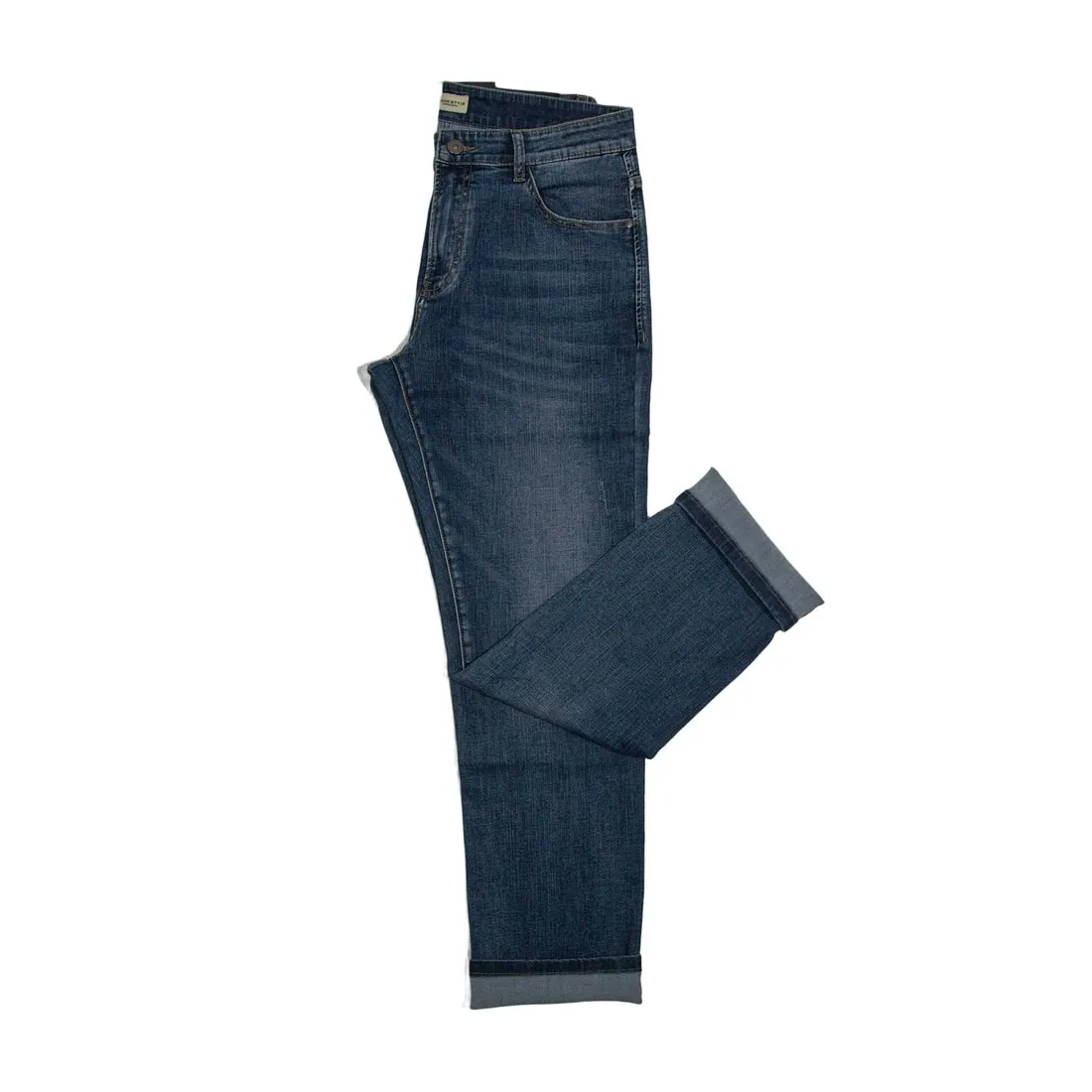
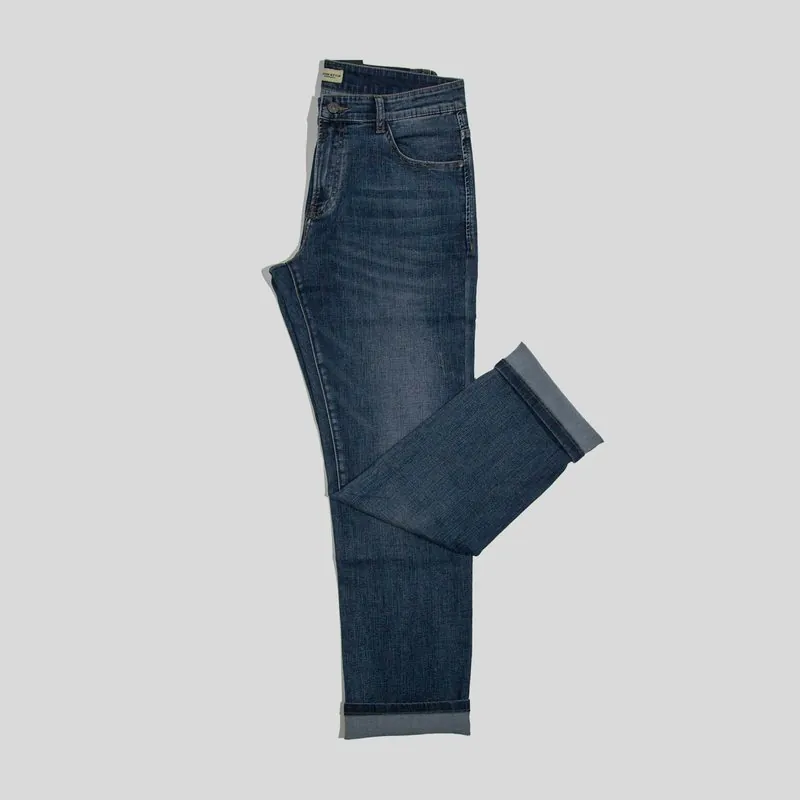
Where white on white goes wrong.
- 1
White products on white
A white shirt, a pale sole or a porcelain cup has an outline that almost matches the ground behind it. That is the hardest case for any cut-out, because the edge has to be found from a faint shadow or a seam. Place the PNG on a dark colour and follow the whole outline once.
- 2
Enclosed white areas
The space inside a bag handle, between the links of a chain or under the arch of a heel is background too. A cut-out can leave those islands white while the area around the product is clear. They are invisible on a white page and obvious on any other colour, so check them on a dark ground.
- 3
Glass, glossy and see-through parts
A glass bottle, a clear phone case, a lens or a sheer sleeve shows the white behind it through the product. Removing the background cannot say how much of that white belonged to the material. Expect such parts to need a close look, and consider the white result for products that are mostly transparent.
Choosing the source image for a clean result.
- Start from the largest version of the image available; a small thumbnail saved from a listing has soft edges that no cut-out can sharpen.
- Prefer a file without a logo, a badge or a caption on the white area, since anything that is not background is treated as part of the picture.
- Where the product can be photographed again, a mid-grey or dark ground behind a white product gives the outline the contrast that white on white lacks.
Remove a white background, answered.
Why is the white still there after I save the image as a JPEG?
JPEG cannot store transparency, so the empty area is filled with a solid colour when the file is saved, usually white. Keep the result as the PNG it is delivered in. Many image viewers also show transparency as white or as a grey chequer pattern, which is only a display habit.
Is the soft shadow under the product removed as well?
A shadow that lies on the white ground belongs to the background and goes with it. Shading on the product itself, such as a fold or the shade under a collar, stays. Decide in the layout whether the product needs a new shadow under it.
Can the white be replaced with another plain colour instead?
The tool delivers three results: transparent, white or light grey. For any other colour, take the transparent PNG and place it on that colour in a layout or design program. Any result can be downloaded in marketplace sizes without cropping.
How much does it cost?
1 credit per image. The cost is shown before you generate, and if a job fails the credits are returned. The 20 free credits at sign-up cover 20 images with this tool.
Your next collection, shot this week.
20 credits at sign-up, no card required. Images made with free credits carry a watermark.