Language: EN
Start free

Cut-out image

A product image with the background removed, delivered on transparency or placed on a new plain background.

Also called cutout · background-removed image

With Herofab Remove background

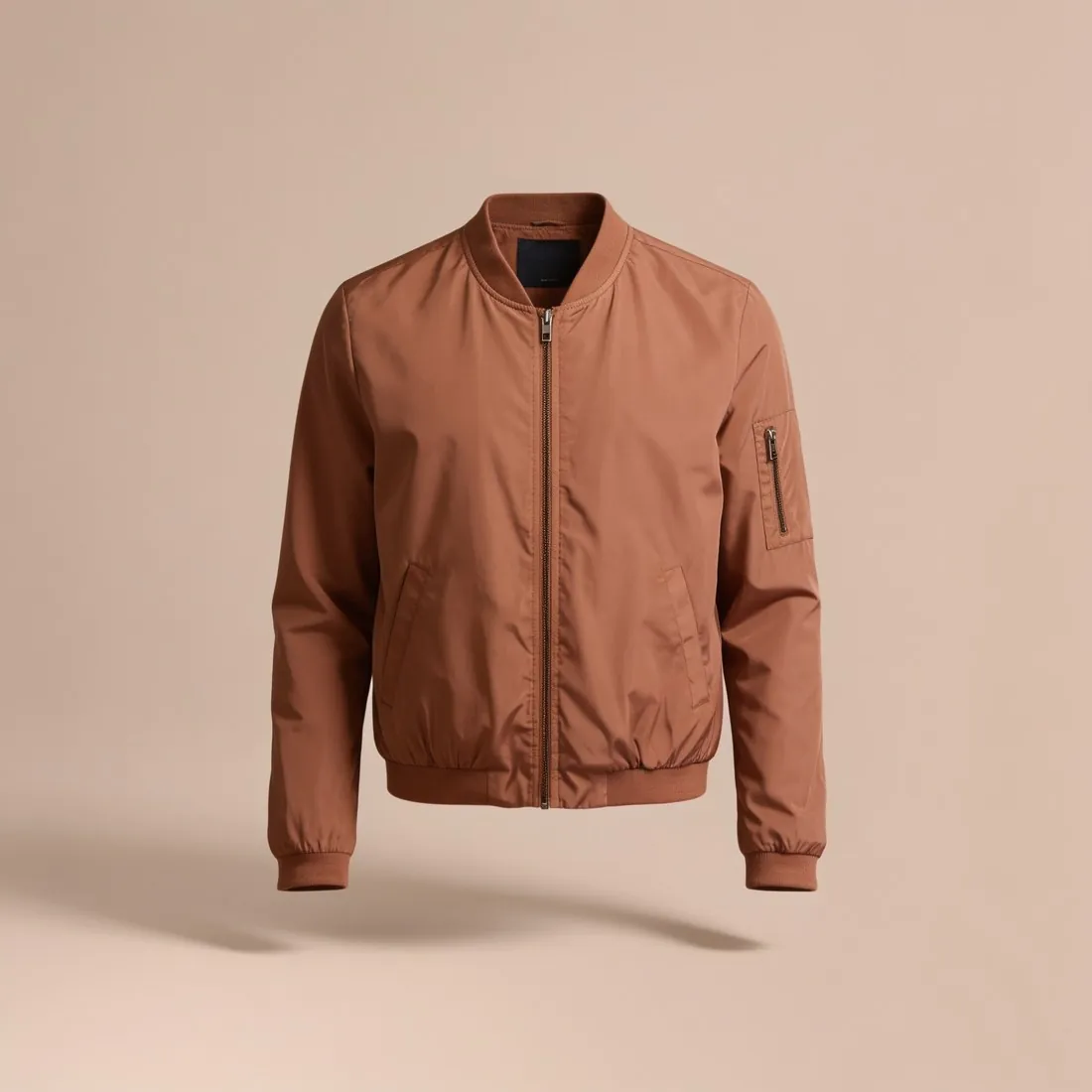
The terracotta bomber jacket as a ghost mannequin, cut out on pure white
Source photo: Herofab ghost mannequin. Made with Herofab · Remove background

Cutting out the product lets one photo serve several marketplaces: pure white for one, light grey for another, transparent for a third.

Edges are where cut-outs fail: hair, fur, sheer fabric and soft shadows need careful masks, and a hard edge looks pasted on.

What a cut-out is used for

A cut-out is the raw material of a product catalogue. Once the product is separated from its background, the same picture can be placed on white for a marketplace, on a brand colour for a shop, on a photo for a banner, or on nothing at all for a designer to use.

It also makes a mixed set of photos uniform. Products photographed on different days, tables and walls look like one series when they all stand on the same plain ground.

How a product is cut out

The older method is drawing: an editor traces the outline of the product by hand with a path, which gives a precise, hard edge and suits objects with clear contours. The newer method is automatic: software recognises the product and builds a mask, including soft transitions that a drawn path cannot follow.

Both produce the same thing in the end, a mask that says for every pixel whether it belongs to the product, to the background or partly to both. The partly matters; it is what makes hair, fur and fine fabric look natural.

Where cut-outs go wrong

The hard cases are always the same: fine edges such as hair, fringe, fur and lace; transparent or reflective materials such as glass, mesh and polished metal; and products whose colour is close to the background, such as a white shirt on a white wall.

Typical faults are a thin halo of the old background around the edge, missing parts where a strap or a handle was taken for background, and openings that were not cleared, such as the space inside a handle. Each of them is easy to miss on white and obvious on a dark colour.

Cut-out and related terms
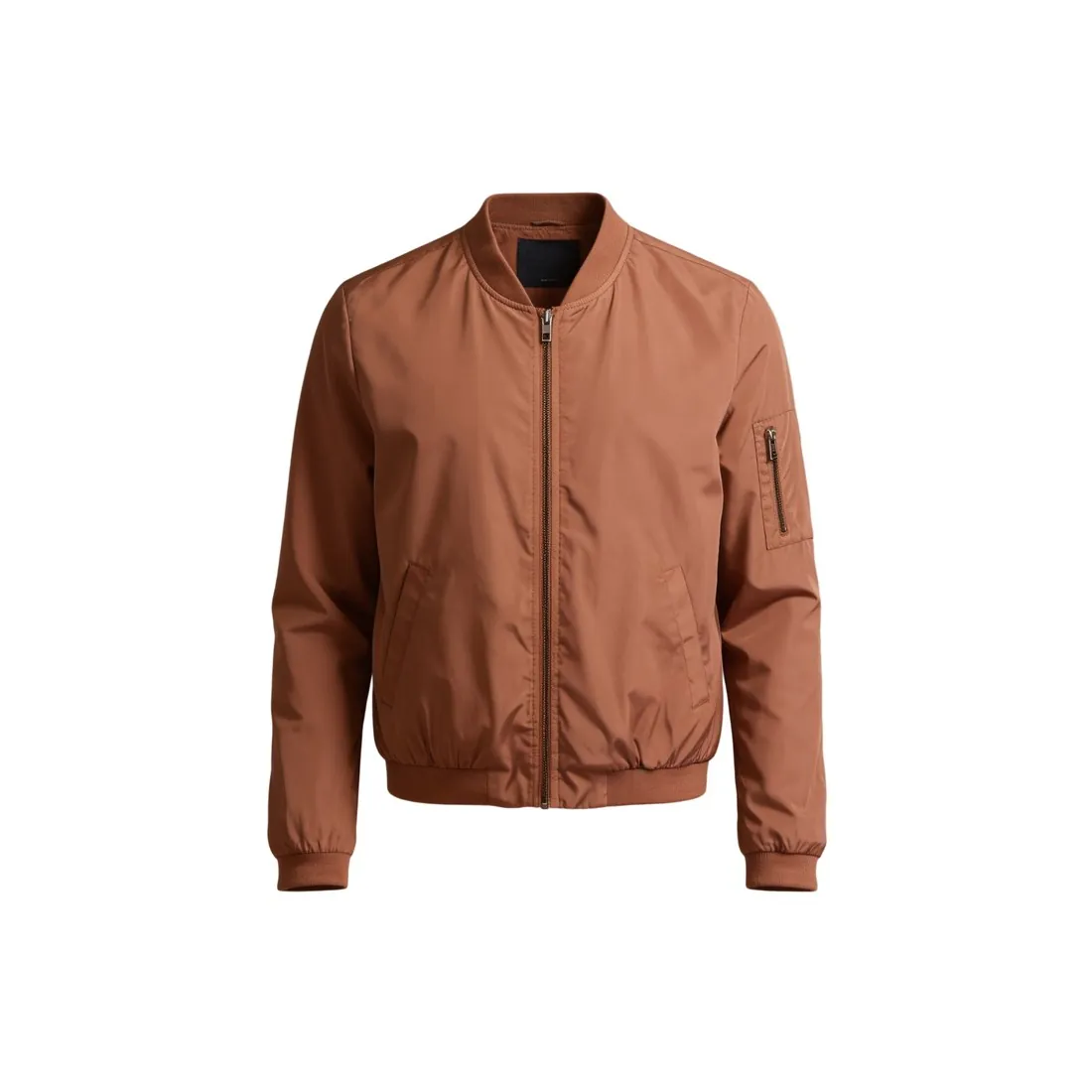
The terracotta bomber jacket as a ghost mannequin, cut out on pure whiteTransparent background
A transparent background is what remains when the background is removed and nothing is put in its place. It is one way to deliver a cut-out, in a format that can store transparency.
Clipping path
A clipping path is the drawn outline used to cut a product out by hand. The path is a method; the cut-out is the result.
The terracotta bomber jacket as a ghost mannequin, cut out on pure whitePure white background
On a pure white background the cut-out sits on white of the highest value. It is the most common destination for a cut-out on marketplaces.
The terracotta bomber jacket as a ghost mannequin, cut out on pure whiteSilhouette image
A silhouette image is a product alone against a plain ground, with its outline easy to read. Most silhouette images are made from cut-outs.
Drop shadow
A drop shadow is the soft shadow added under a cut-out so that the product seems to stand on a surface. Removing the background usually removes the real shadow with it.

A checklist for a clean cut-out

  • The whole product is there: straps, handles, laces, cables and thin parts were not removed with the background.
  • The edge shows no halo of the old background colour, on a light ground and on a dark one.
  • Openings are open: the space inside a handle, between chain links or behind a pierced pattern shows the new background.
  • Soft edges stayed soft. Hair, fur and fringe do not end in a hard line.
  • The product still has contact with the ground, through a soft shadow where the sales channel allows one.
  • The file was saved in a format that keeps transparency, if a transparent background is what is needed.
Questions

Cut-out image, answered.

Why does my cut-out product image look pasted on?

Usually because the edge is too hard or the product has lost its contact shadow. A real object has slightly soft edges and meets the ground with a shadow; a cut-out with a razor-sharp outline, a fringe of the old background colour or no shadow at all seems to float. View the cut-out on both a light and a dark background, and the fringe and any missing pieces show up.

How do I get a clean cut-out from a phone photo?

Photograph the product against a background that contrasts with it, in even light. Contrast gives the tool a clear edge to follow, whereas a white shirt on a white sheet or a dark shoe on a dark floor leaves it guessing; keep the whole product in the frame and in focus. Herofab's Remove background takes a product photo and returns it transparent, on white or on grey.

What file format should a cut-out image be saved in?

It depends on the background. A cut-out with a transparent background needs a format that stores transparency, usually PNG or WebP; a JPEG would fill the empty area with a solid colour. A cut-out placed on white or another plain colour can be saved as a JPEG, which gives a smaller file. Herofab's Remove background delivers a product photo transparent, on white or on grey.

Is a cut-out the same as a transparent PNG?

Not quite. The cut-out is the picture of the product without its background; the transparent PNG is one file in which it can be delivered. The same cut-out can also be placed on white, on grey or on a photo, and then the file is no longer transparent, although the product in it is still a cut-out.

Which products are hard to cut out?

Products with fine or see-through edges and products that resemble their background. Fur, hair, fringe, lace and mesh have no clear outline; glass and polished metal show the background through or on their surface; and a pale product on a pale wall gives the software little to separate. A contrasting, evenly lit background at the shoot makes all of them easier.

In marketplace rules

What marketplaces say about it.

Updated 25 September 2026

Galaxus
The first image shows the product cut out; Galaxus gives every cut-out image the same background colour Official page
OTTO
The main image is cut out, or on a light, neutral background Official page
Google Shopping
Solid white or transparent backgrounds; light-coloured products should not use transparency, as they may show on black Official page
ABOUT YOU
PNG up to 4 MB for transparent backgrounds Official page
Related
Free tools
Get started

Your next collection, shot this week.

20 credits at sign-up, no card required. Images made with free credits carry a watermark. Herofab also removes the watermark from those images once credits are purchased.