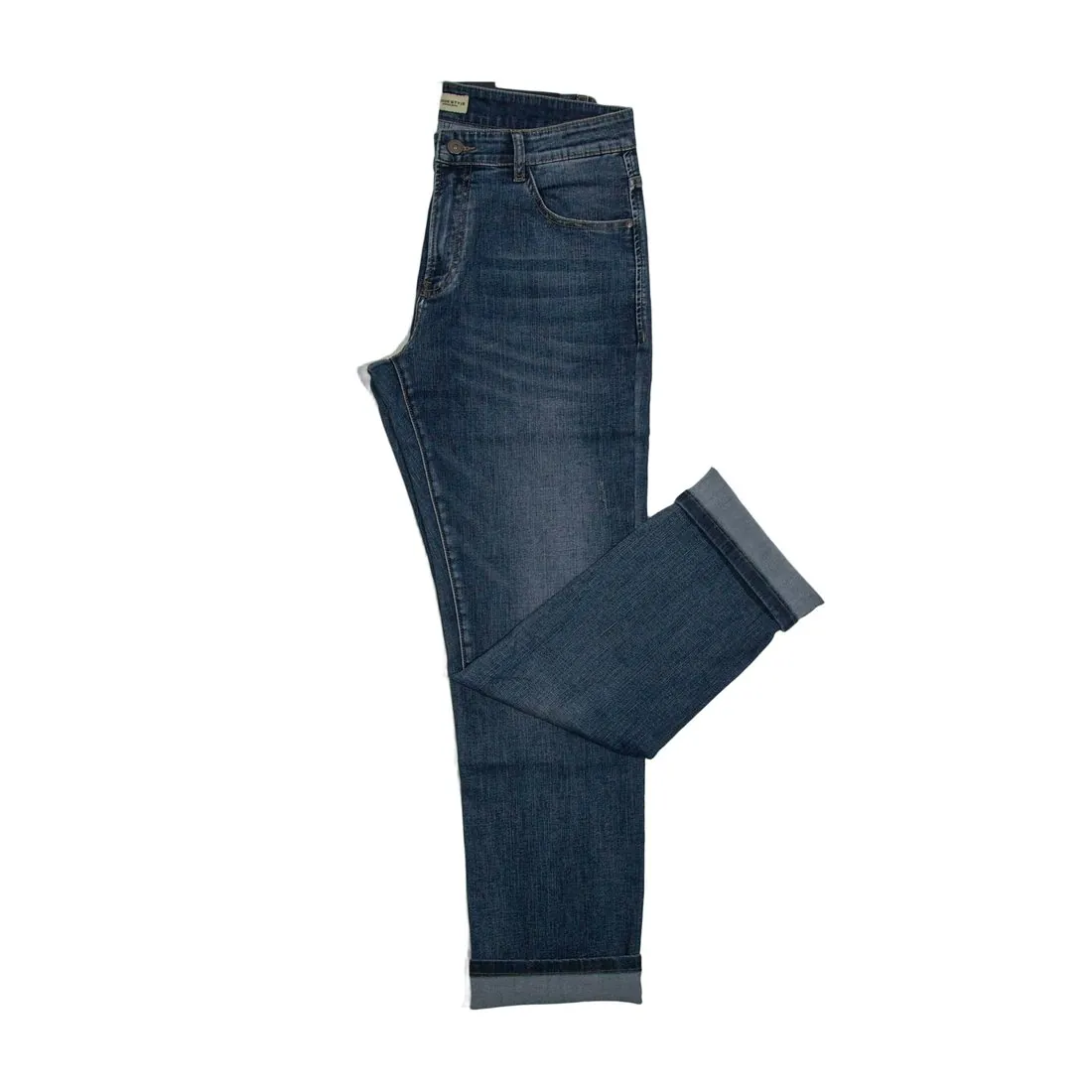
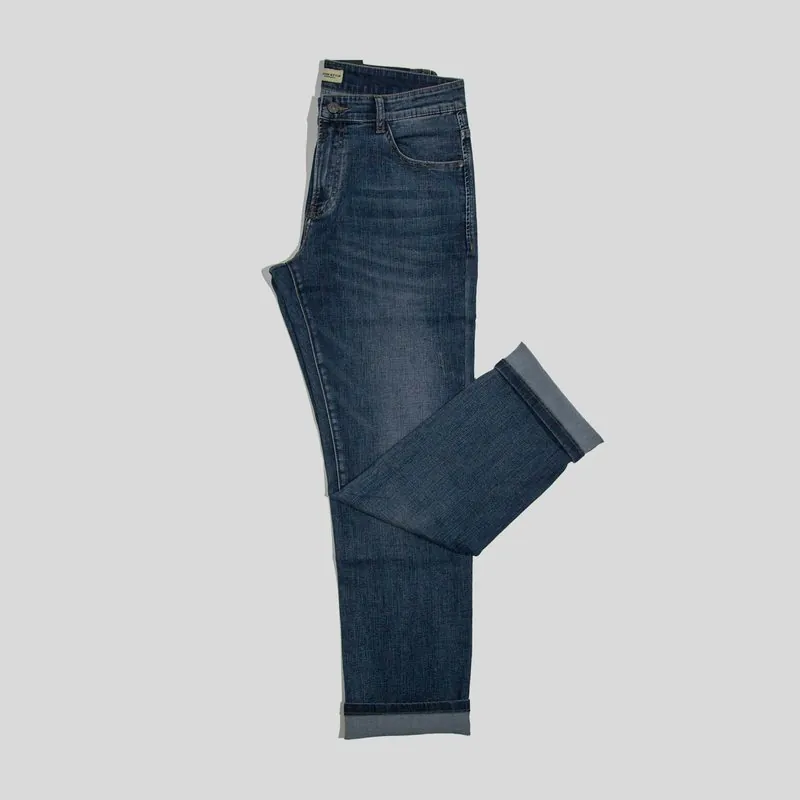
A clipping path is a vector outline, traditionally drawn by hand with a pen tool along the edge of the product. Saved in the file, it tells layout and editing software which part of the picture to show. It gives a crisp edge, which suits hard-edged products such as bottles, boxes, shoes and furniture.
A path has no soft edges, so hair, fur, fringe, lace and see-through fabric are handled with a mask instead, which can be partly transparent. Automatic background removal produces such a mask directly and has replaced hand-drawn paths for most product photos. Either method ends in a cut-out: the product alone, ready for a white or a transparent background.
Where clipping paths are still used
Clipping paths belong to print and layout work. A designer who builds a catalogue page, a leaflet or a packaging design places the product photo in a layout program, and the path tells that program where the product ends. The product can then stand on a coloured page, overlap a headline or have text run round its shape.
The second use is retouching. A file can hold more than one path: one for the whole product and further ones for single parts, such as a sole, a strap or a label. Each part can then be selected on its own and recoloured or corrected, which is how one photograph is turned into several colour versions by hand.
How a path is drawn, and what makes one good
A path consists of anchor points joined by straight lines and curves. The retoucher works at high magnification and sets a point wherever the edge changes direction. Few points with long curves give a smooth line; many points set close together give a line that wobbles when the product is shown large.
A careful path runs slightly inside the edge of the product, not on it. The outermost row of pixels is a blend of product and background, and leaving it outside keeps a line of the old background from appearing on a new one. Every opening, such as the inside of a handle, needs a path of its own, or the old background stays visible there.
What happens to a path inside the file
A path is saved as extra data beside the pixels, and the pixels themselves are not changed. Formats used in print production, such as TIFF, keep it, and a JPEG can carry one too. Opened in an ordinary viewer or a browser, such a file still shows the whole photograph with its background, because only layout and editing software acts on the path.
This is why a file with a path is not a finished web image. Tools that re-save a picture for the web usually write the pixels only, and the path is dropped on the way. For an online listing the path has to be applied first: the area outside it is filled or made transparent, and the result is exported as a flat image.
Clipping path and related terms
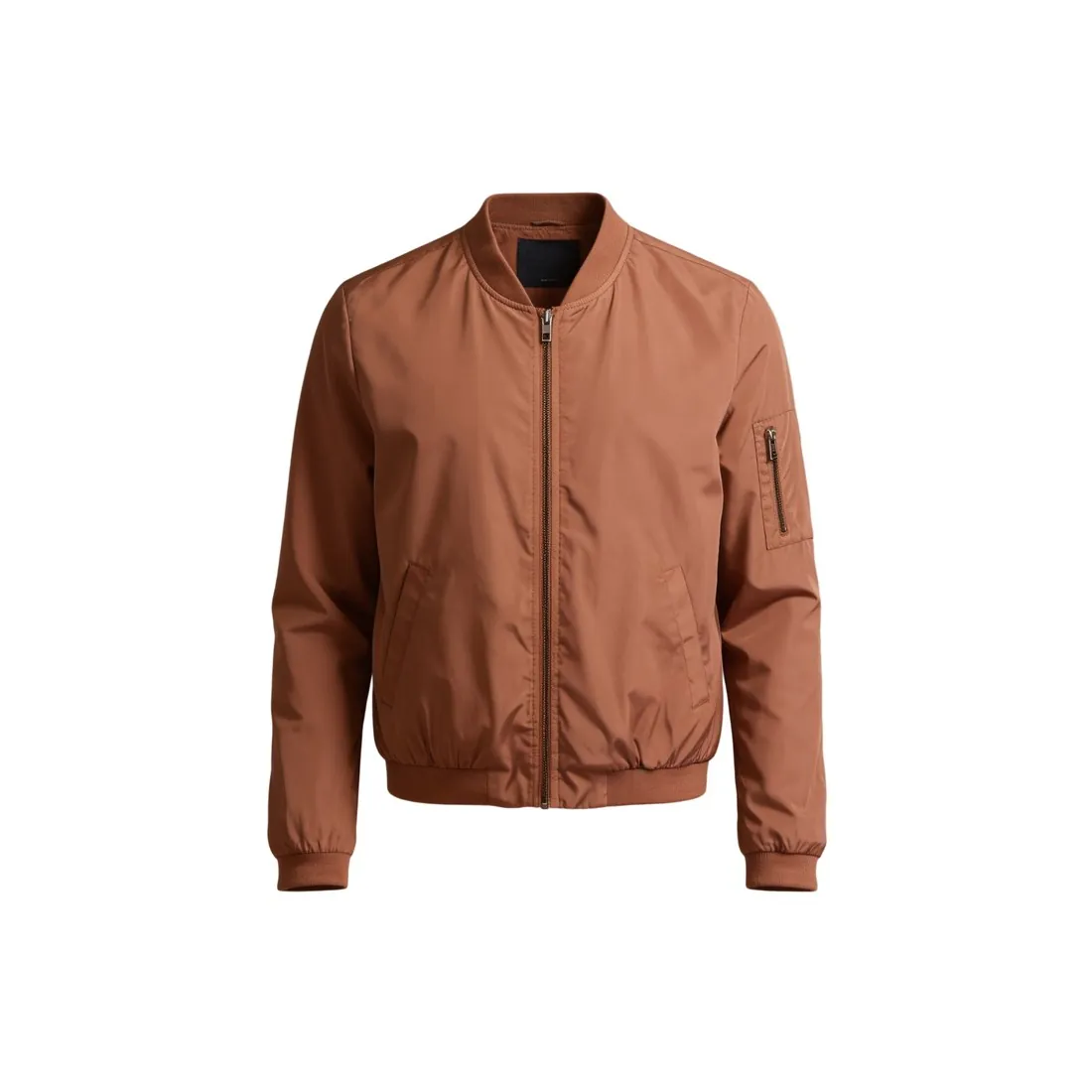 Cut-out image
- A cut-out image is the finished picture of a product without its background. A clipping path can lead to one, but until the path is applied the file still holds the whole photograph, background included.
- Transparent background
- A transparent background keeps the empty area in the pixels themselves, through an alpha channel, and its edge can fade gradually. A clipping path keeps an outline beside the pixels and knows only inside and outside.
- Silhouette image
- A silhouette image is a kind of picture: one product on a plain ground with an outline that is easy to read. A clipping path is a technical outline in a file, and a product with a clear silhouette is the easiest one to draw it around.
- Pure white background
- A pure white background is the ground many marketplaces want behind the product, made of white pixels of the highest value. A path does not produce it: the area outside the path has to be filled with white and the picture exported as a flat image.
A checklist for a file with a clipping path
- The path is closed and encloses the whole product, including straps, handles, cables and other thin parts.
- The path runs just inside the edge of the product, so that no line of the old background appears when the product is placed on a colour.
- Every opening, such as the inside of a handle or the gap between chair legs, has a path of its own and shows the page behind it.
- Seen at high magnification, the curves are smooth where the product is round, without corners or flat stretches.
- The file is saved in a format that keeps the path, and the product appears without its background when the file is placed in the layout program.